OneRound
-
Posts
14 -
Joined
-
Last visited
-
Days Won
1
OneRound's Achievements





-
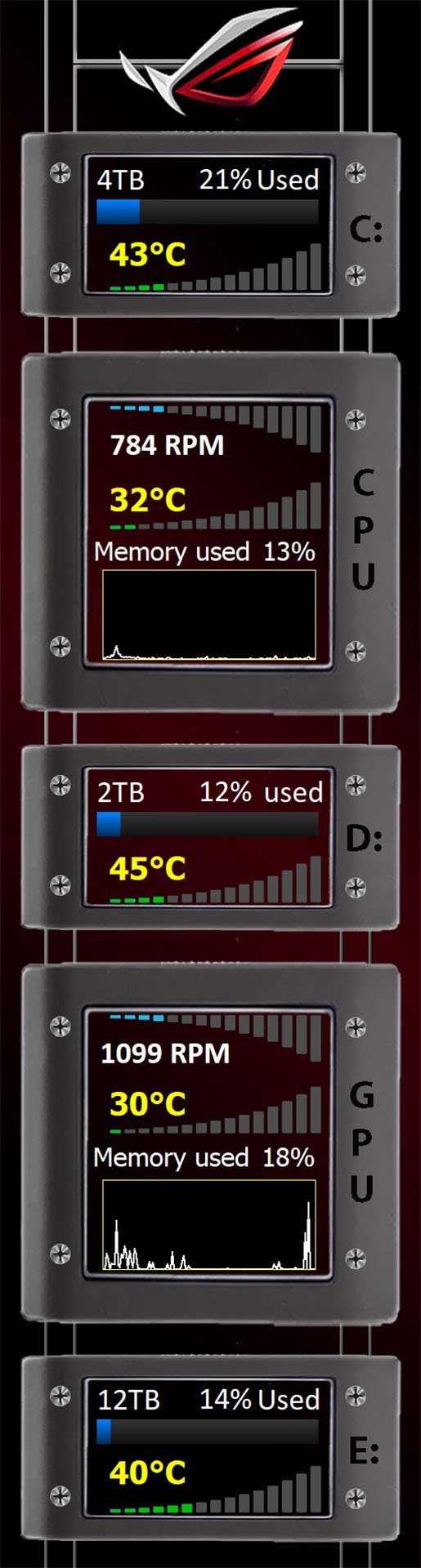
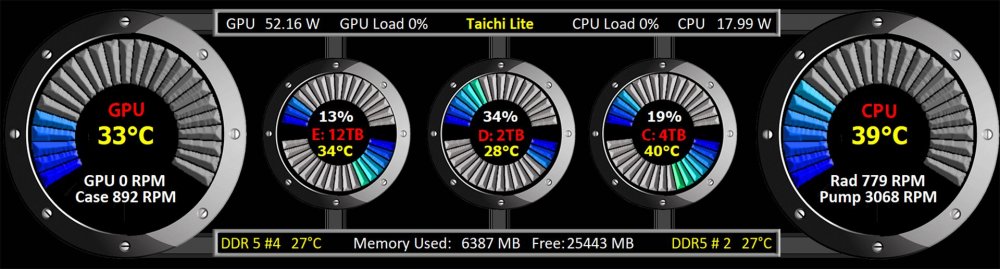
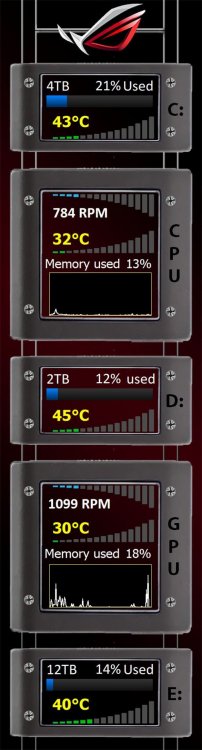
I reworked this to be hopefully more cohesive, e.g. temps are all in yellow Loads and fan speeds all in white, etc. Also each bar in the graphs are individually tied to changes. Those are temp for CPU & GPU (26 states each), %space used (top) and temp (bottom)for drives (the usual 16 states each). I think it makes the graphs visually match better to the numerical value. And finally the bars color change from one bar to the next in an RGB sense running from pure blue to pure red. The screen snip only shows blue moving into green territory. 3H for Taichi.spzip
-
Issue with custom gauge display -- "n-States"
OneRound replied to OneRound's topic in Hardware monitoring
Never mind, I deleted all the entries and reentered them, and it now seems to work OK. -
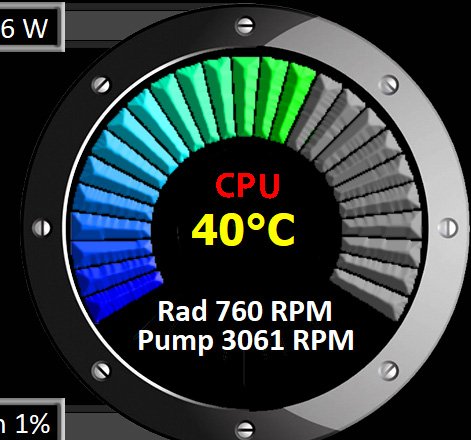
I created a "n-state" gauge with 26 steps from 0 to 25. The gauge is attached to CPU temperature. I also have a simple sensor set to CPU temperature and that temp reads the same as my motherboard is reporting, so Aida does read the value correctly. I set the min-max values of the gauge to 20 and 95. 20 being room temp and 95 as hot as I want to see until I understand my new system. As I understood it, 95-20 means a 75 degrees range. And with 25 steps in the 75 degree range each 3 degrees change should move the gauge one more step on the display. So, with a temp of 40 degrees, I assumed I would get either 6 or 7 steps out of the 25 displayed on the gauge. But I'm getting about 14. I will include a screen snip below. Hopefully someone can give me some insight into this issue.
-
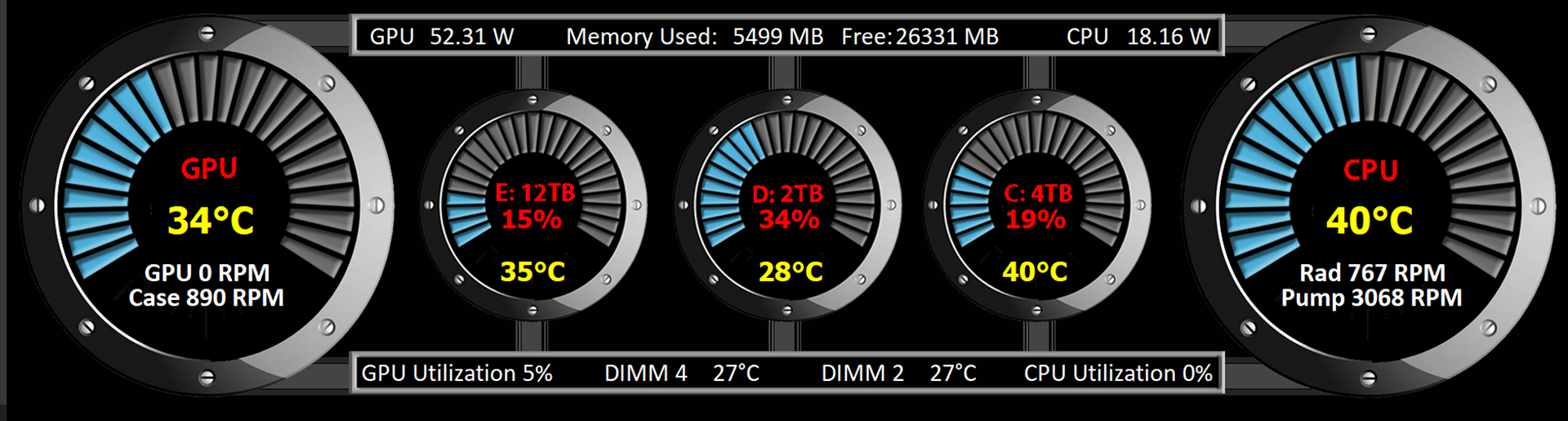
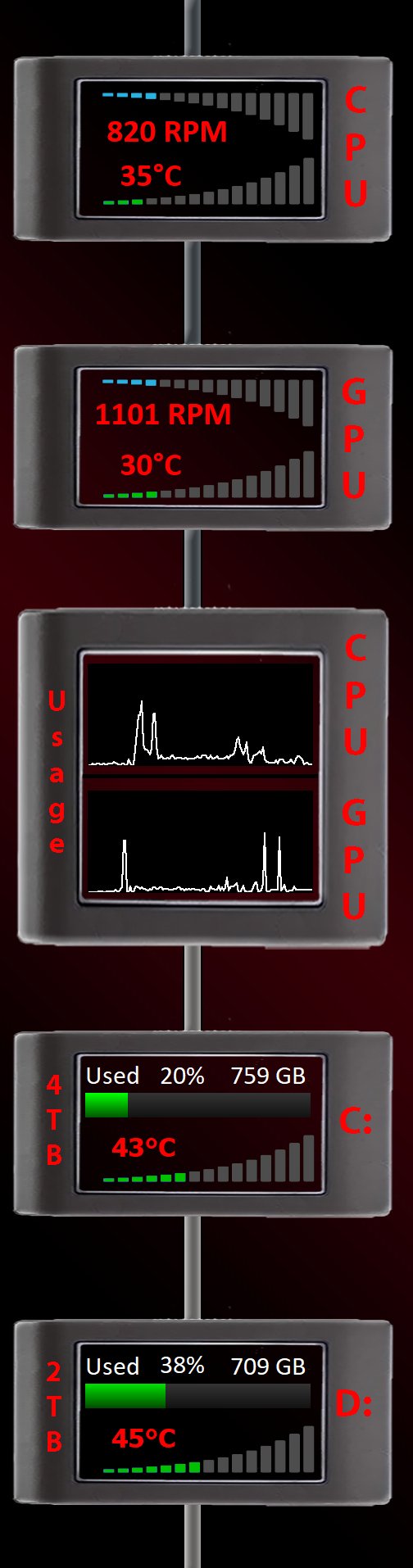
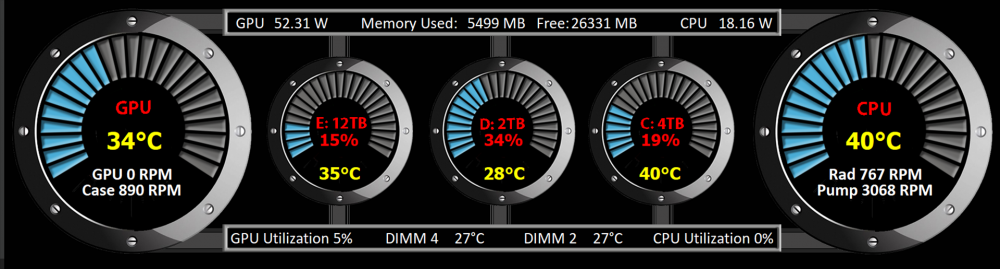
I have submitted a couple of panels, all in a vertical 515X1920 format as the panel was in a Hyte Y60. That machine started having problems. So I started a new build and demoted the Hyte machine to a multi-media PC (way too big for that, but...). I didn't see the need for the panel in the Hyte case anymore so I wanted to see if it world work in the new system which is based on a Lian Li 217 case. It does work but in practical terms it has to be on it's side. Since I'm using it in a horizontal position vs vertical, I took my last posted screen and made it work horizontally. Then I added a few more sensor items just so I could keep track on a mostly new build. System at idle when I took the screen shot. Hope it gives others an idea or two. And of course I'm always open to suggestions. 3H for Taichi.spzip
-
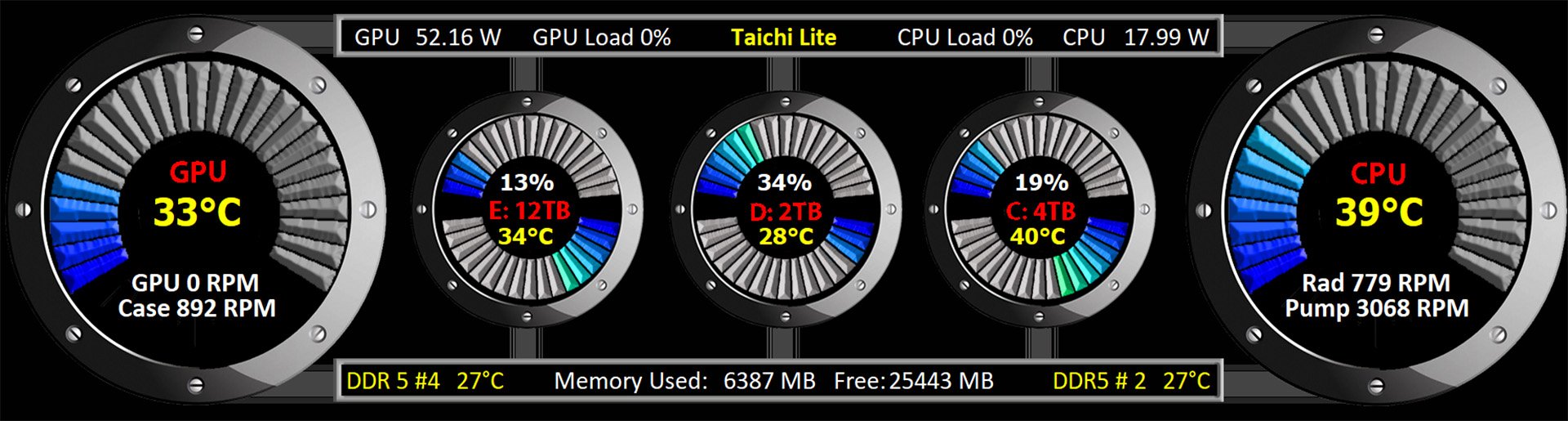
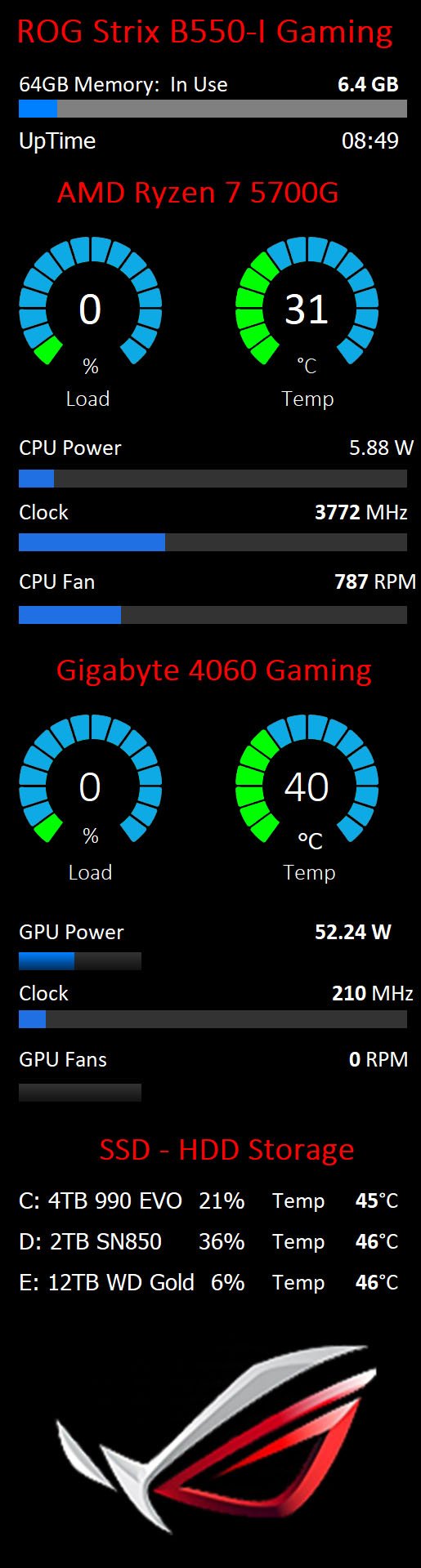
I have the hardest time trying to decide on a good design based on the 5 panels I did so far. So, I asked my wife which one she preferred. This is the one she picked. Not as busy as some others, but since my prime concern is really overheating something, this one does all I really need. If the logo at the top is unfamiliar this panel goes on a "Taichi Lite" based unit. trial 5.spzip

-
I keep messing around with a rectangular look to gauges. Think I'm done and ready to move to the next idea. Anyway, always welcome critiques and improvement ideas. 4.spzip
-
EDIT: I posted in the wrong place. Don't know how to delete
-
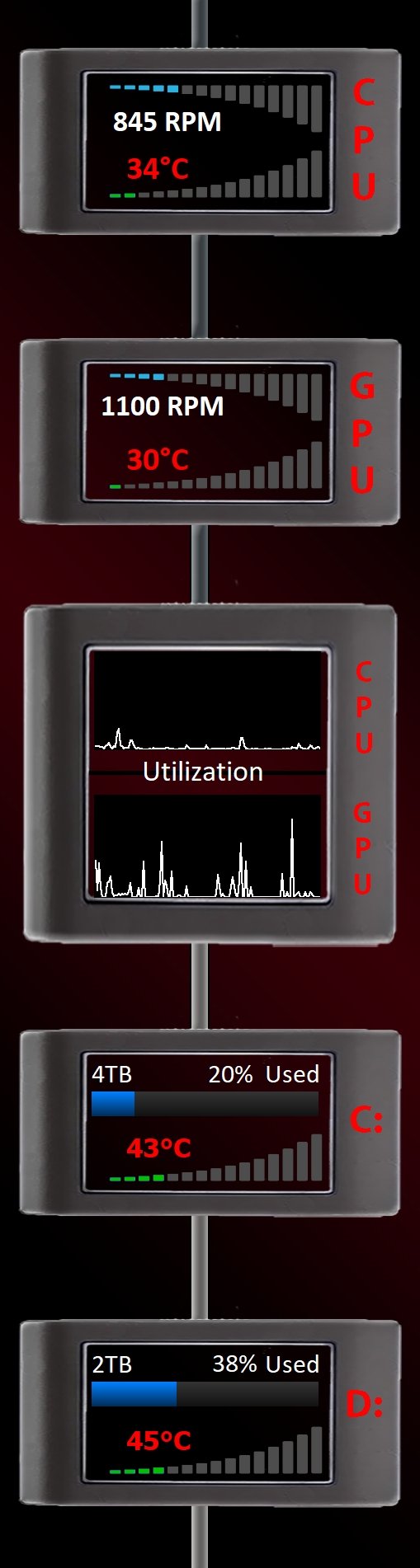
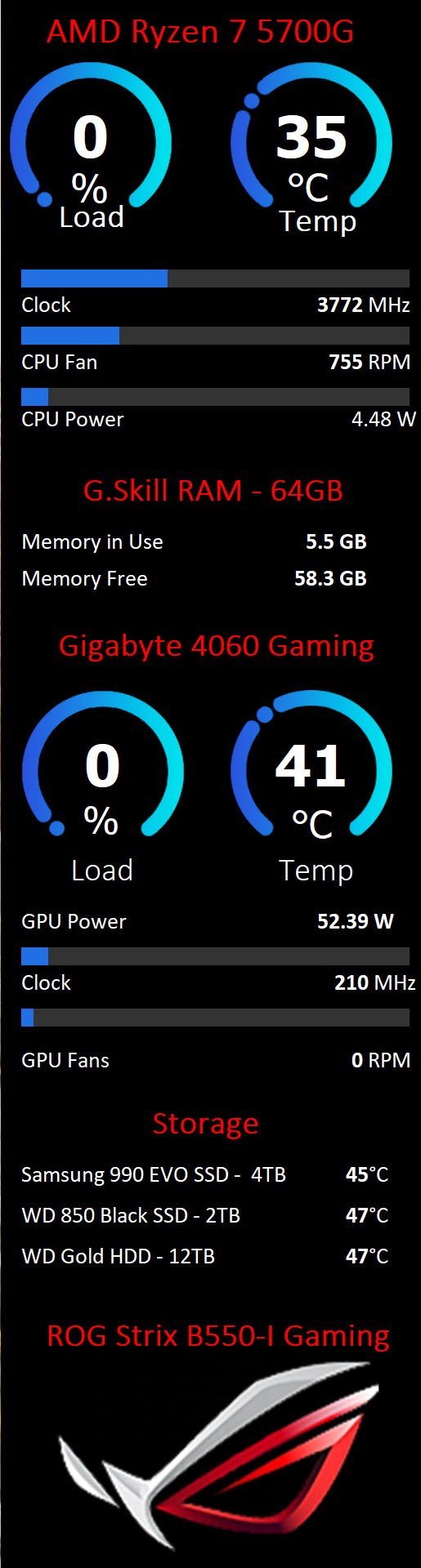
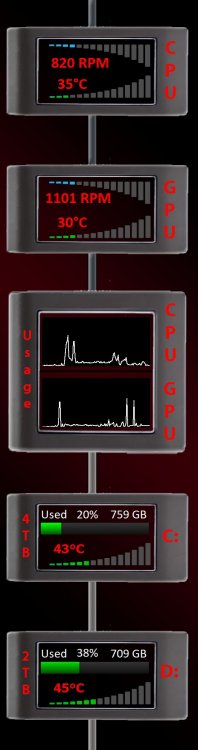
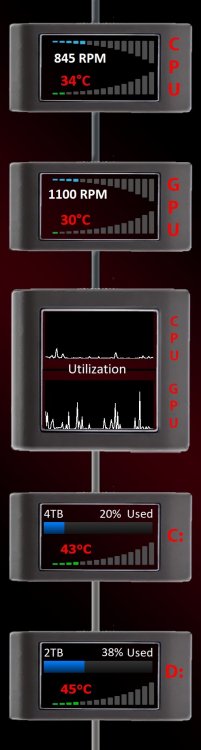
I cleaned it up a bit, mostly based on what my wife said it needed. So, that's pretty much it for this design. Starting to think of where to go next. BTW, my graphics aren't incredible originals, still, if anyone ever wants any of the graphics I use just ask. !4.sensorpanel
-
Another trial run, trying to find the look I want.
-
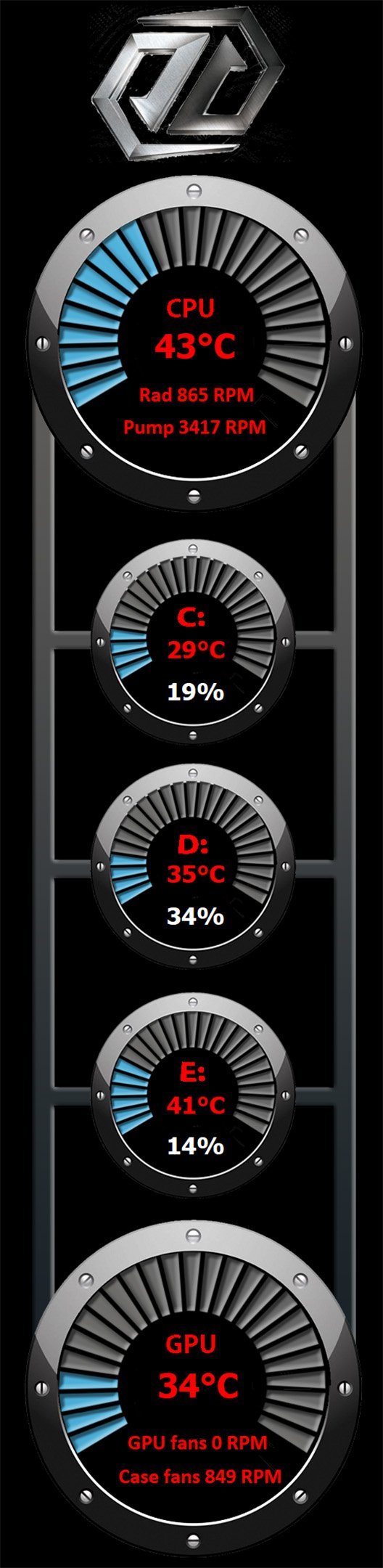
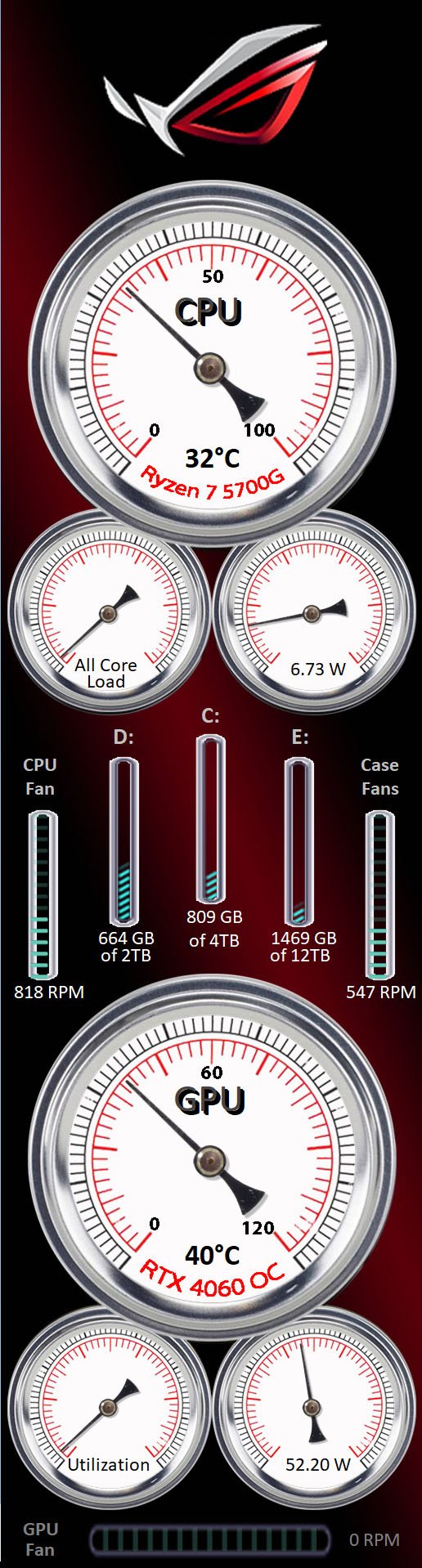
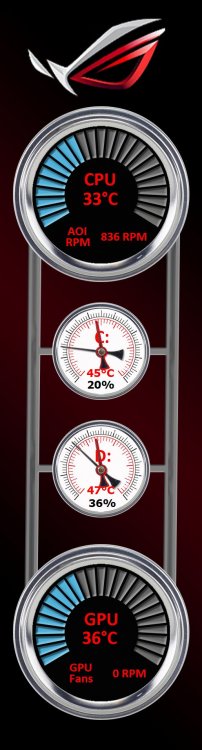
Started working on this one yesterday, changing something I first started with. Really no new ground being broken. Open to suggestions on where to take this idea. 515X1920 in a Hyte Y60 case. Values show system at idle just after I saved the files. 3.sensorpanel
-
Thanks - much appreciated.
-
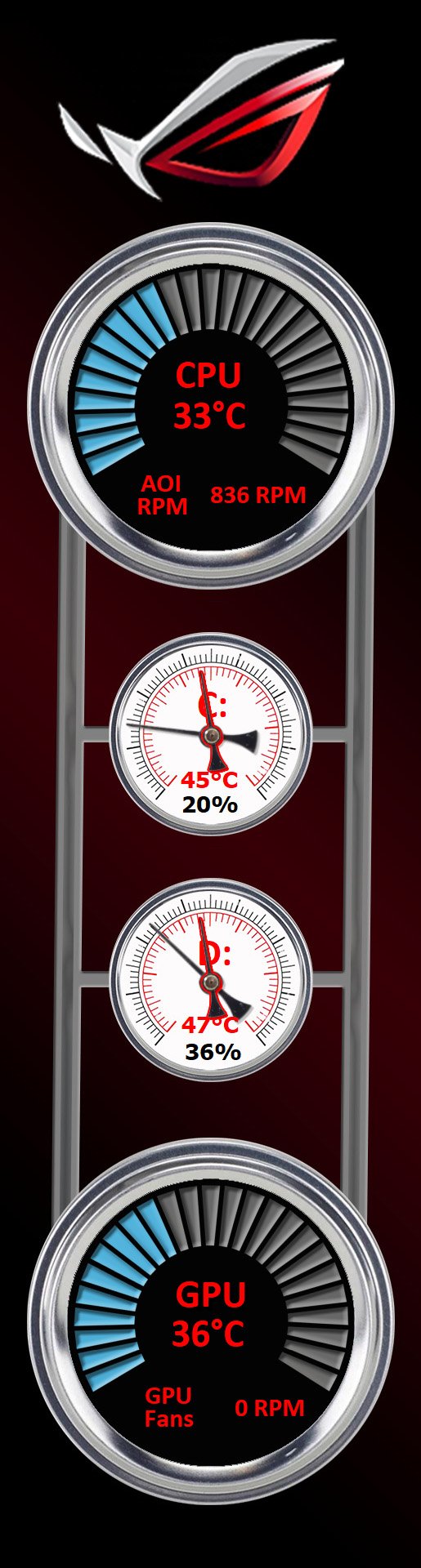
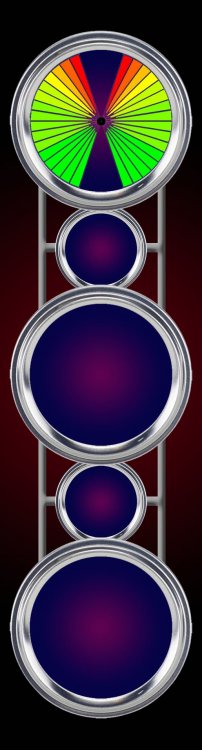
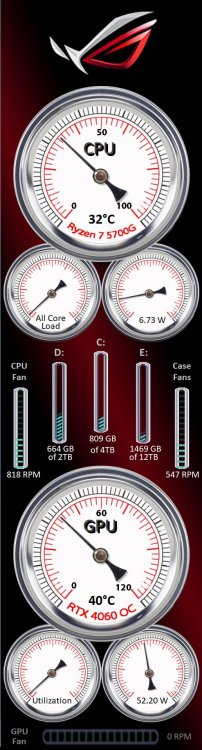
Been working on some ideas, one being stacked gauges, the other is using two "sweeps" inside a gauge. The top gauge face shows what it would look like with each gauge at the max limit. Can't decide if I like this look or not. I'm still learning graphics design and this is a slow process for me. So, soliciting thoughts before I keep at this one. Couldn't make the one above work for me, so I went a somewhat different direction
-
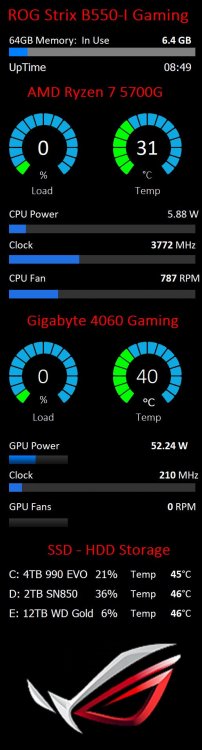
I wanted to use my own gauge instead of flat out borrowing someone else's idea. So after a bit of struggling, today I changed the gauge faces and cleaned up some font differences and added a few bits. I am calling this "Part B" since there is really little new. Part B.sensorpanel
-
I made my first panel. But have to admit I used the custom gauges from XYZ CAM (hope that's the right way to give credit where credit is due). Just got my 515X1920 panel for the Hyte Y60 case installed 2 days ago. Critiques are always welcomed. 1st Attempt.sensorpanel