Toddel
-
Posts
16 -
Joined
-
Last visited
-
Days Won
1
Toddel's Achievements






-
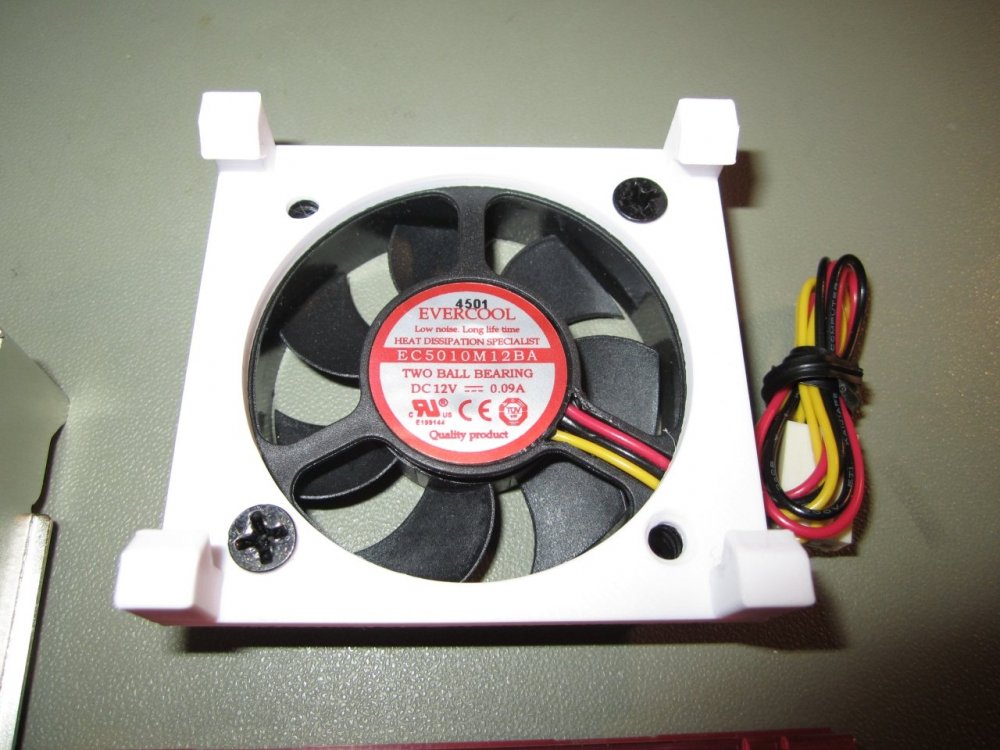
The noctua fan is for sure good quality but this Evercool fan is completely silent so I don't bother changing it. I might however do this copper sheet trick too see if the difference is measurable.
-
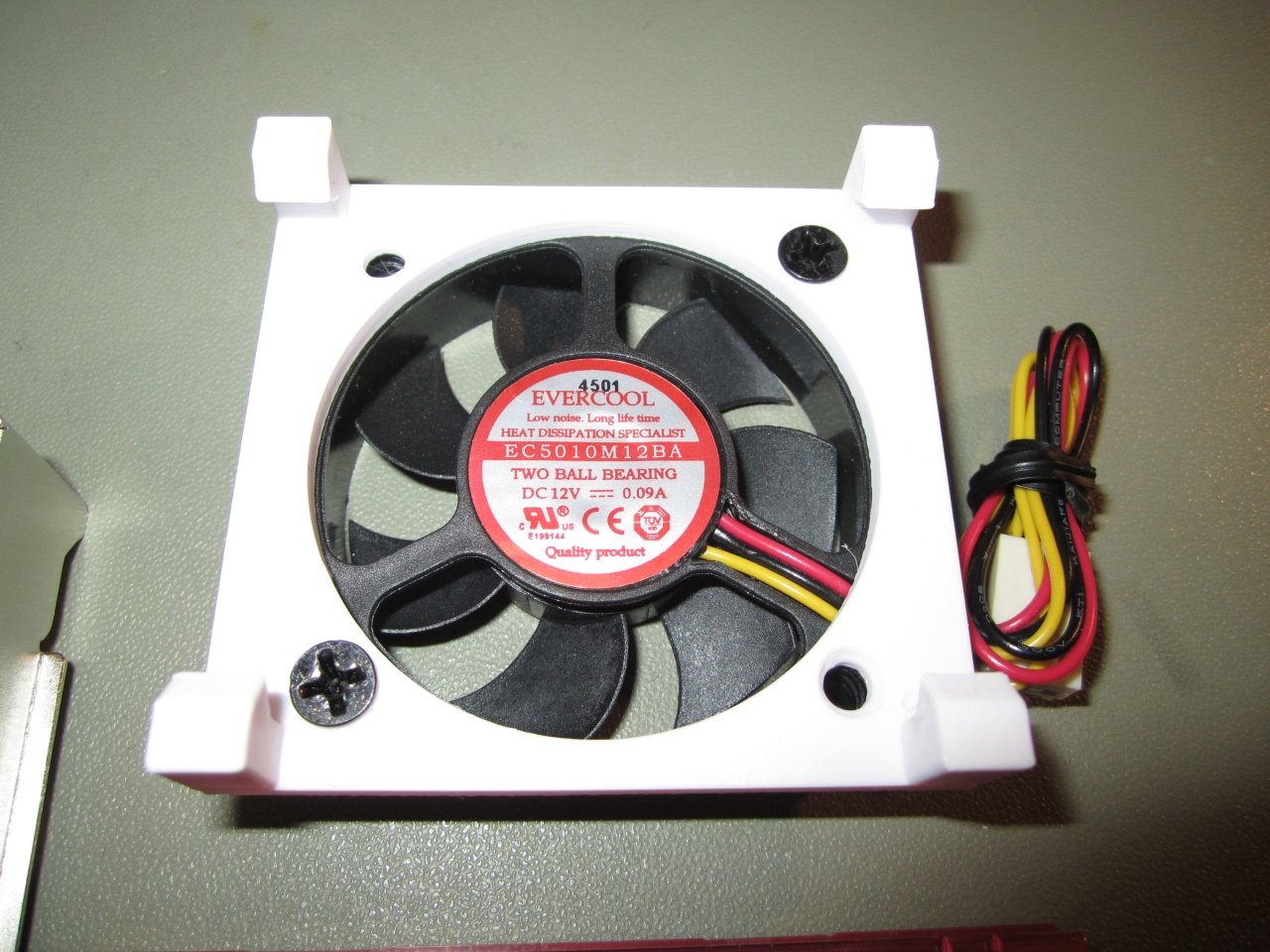
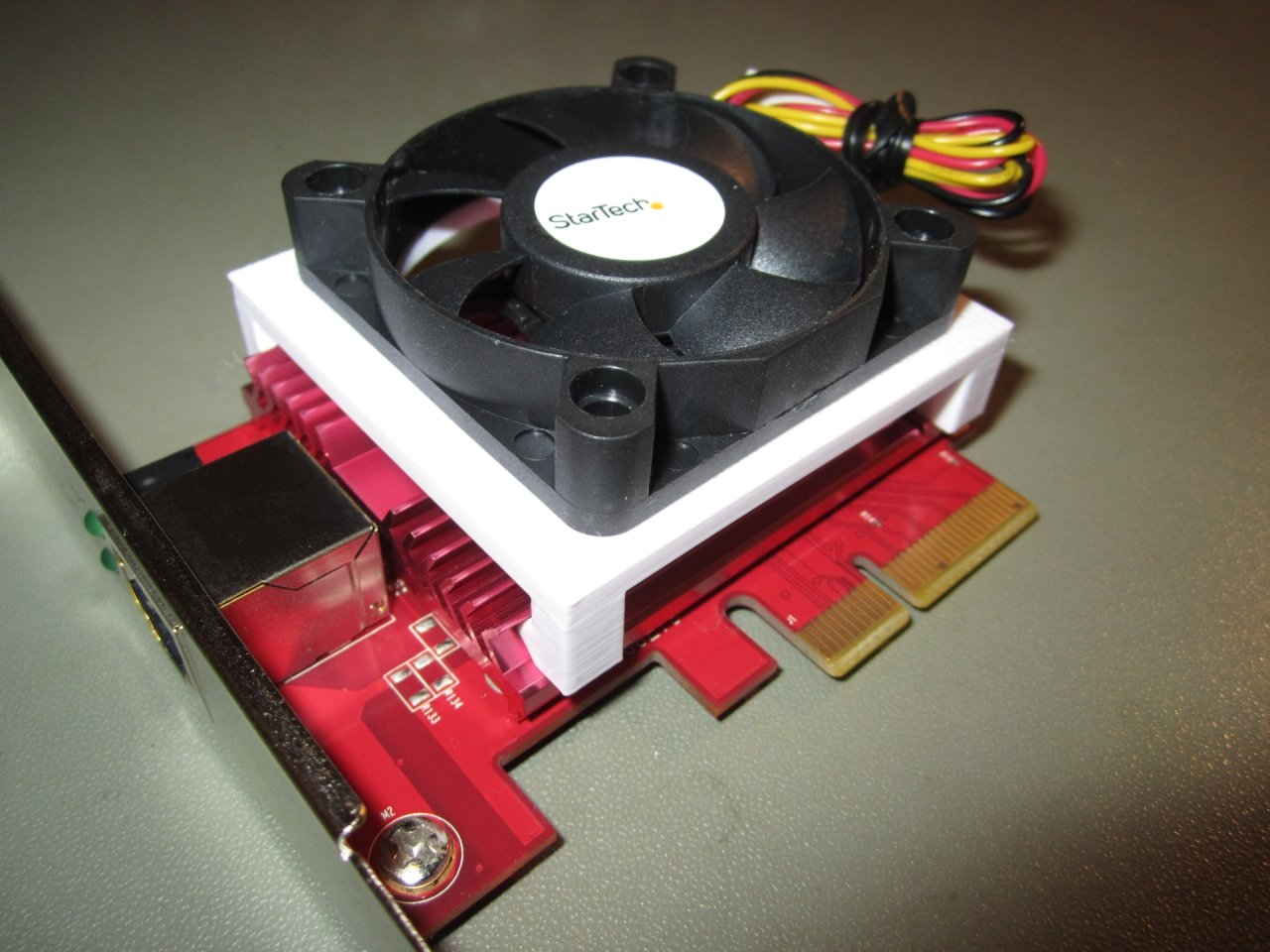
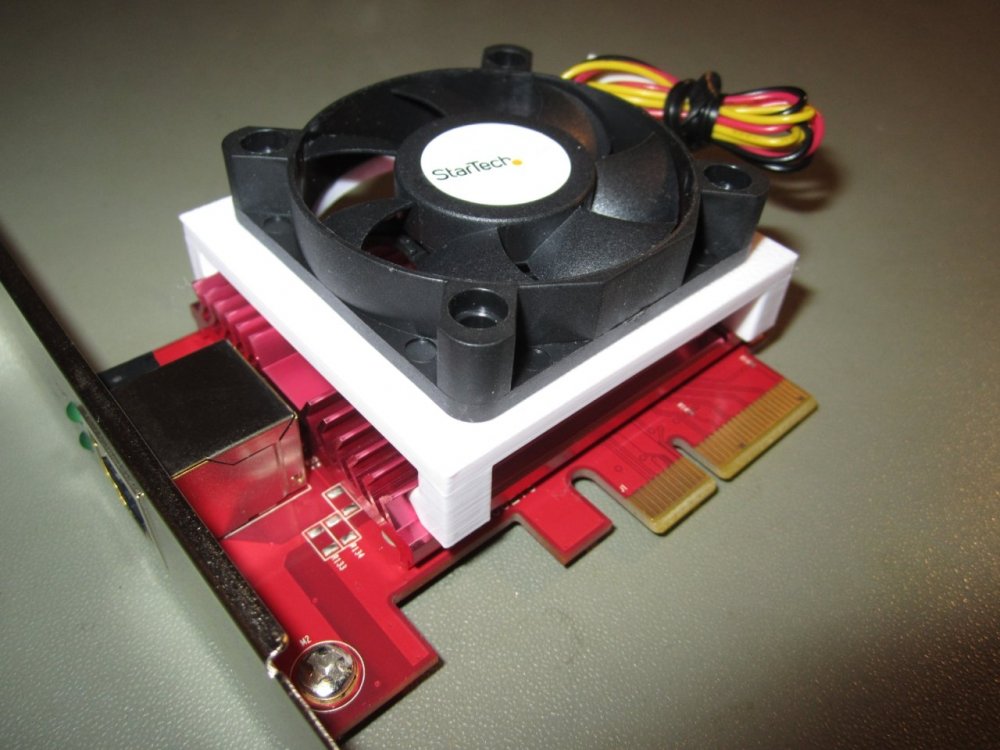
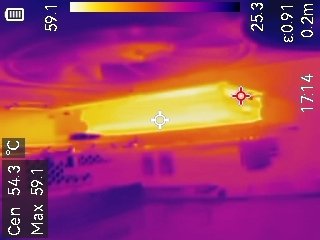
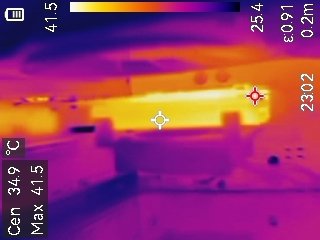
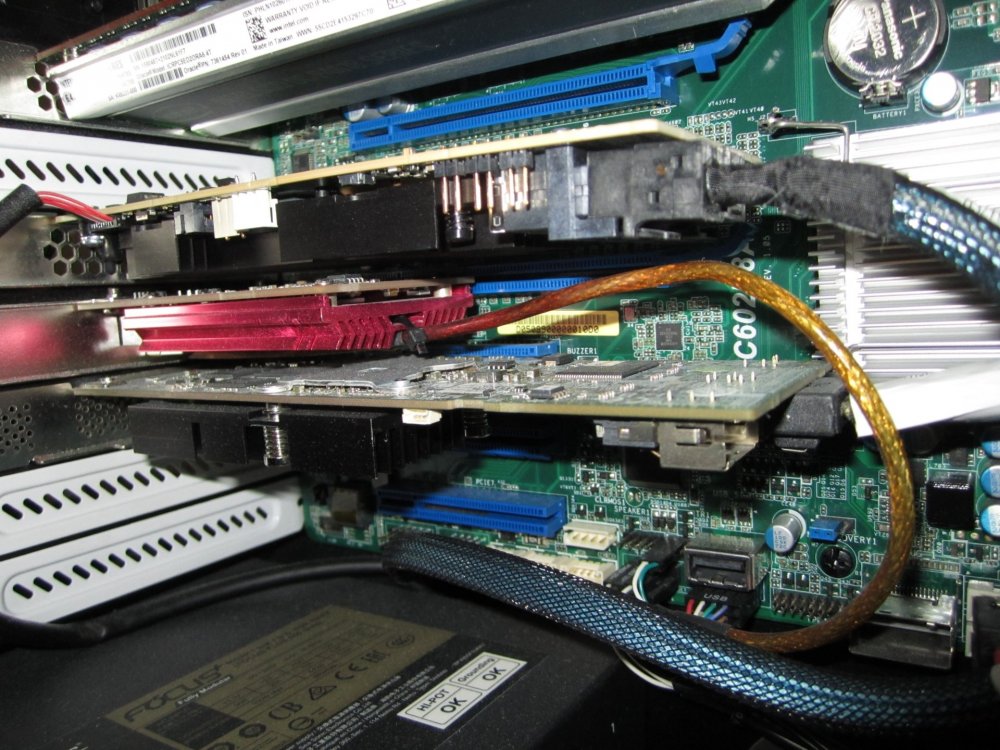
You really got a nice low temp in your case. I fitted the fan on mine and that lowered the temperature a lot - I bought a StarTech ballbearing fan that came packed with a Evercool fan in box. I fitted a Noctua 150ohm low noise adapter and I can't hear it at all - works really nice. Without fan: With fan:
-
I don't have one but I do have the same worries as you do hehe - I just pay someone else to print something If I should need something which don't happen often.
-
I'm also considering extra fan, 3D printing this mount for sure will lower temperature.
-
In another pc with only one case fan in front my other card is a litte bit hotter at around 59-60C.
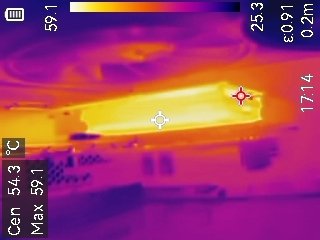
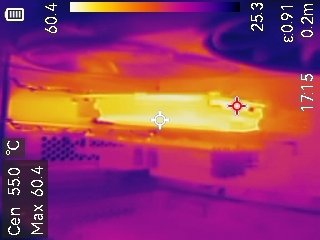
-
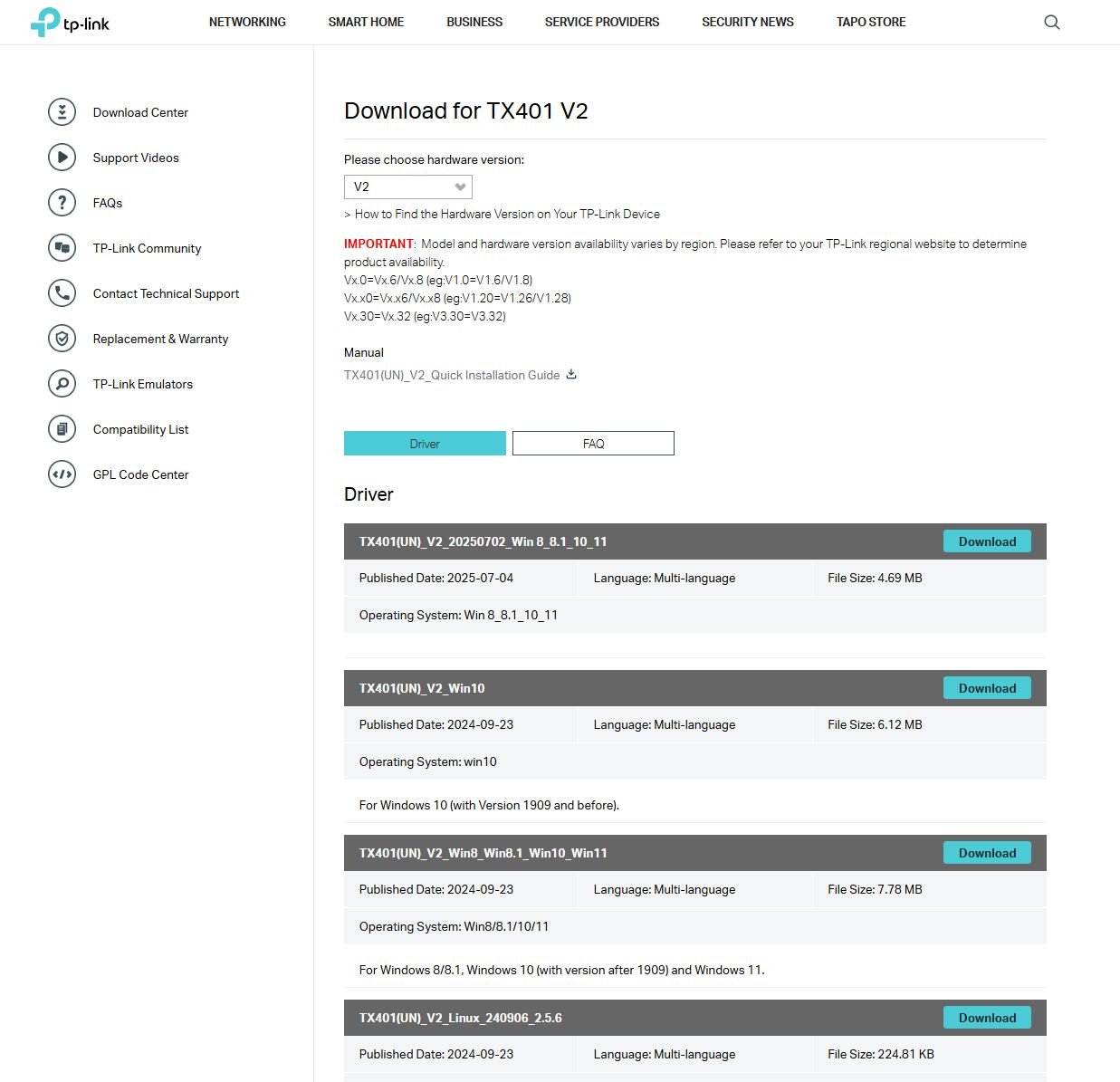
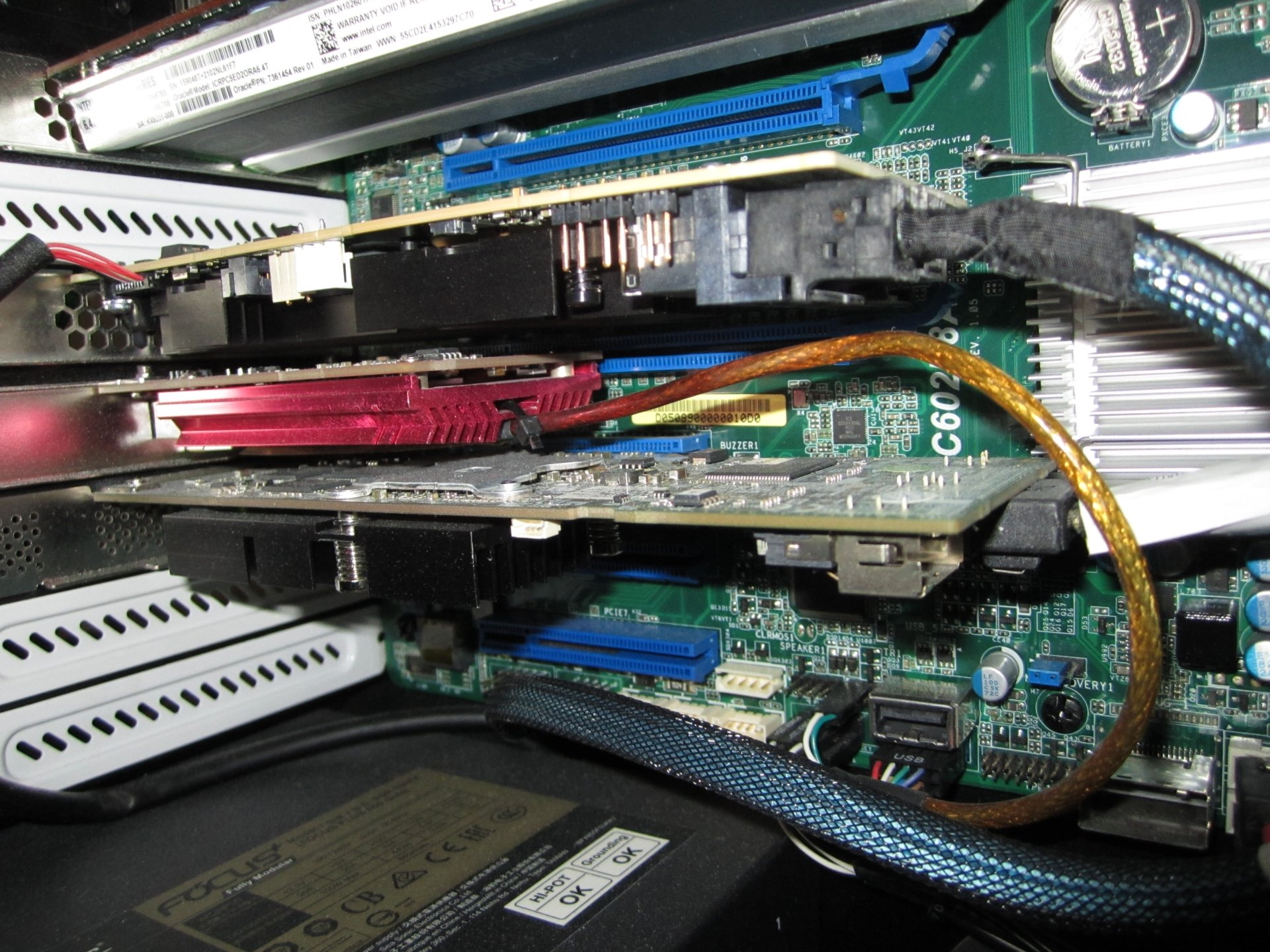
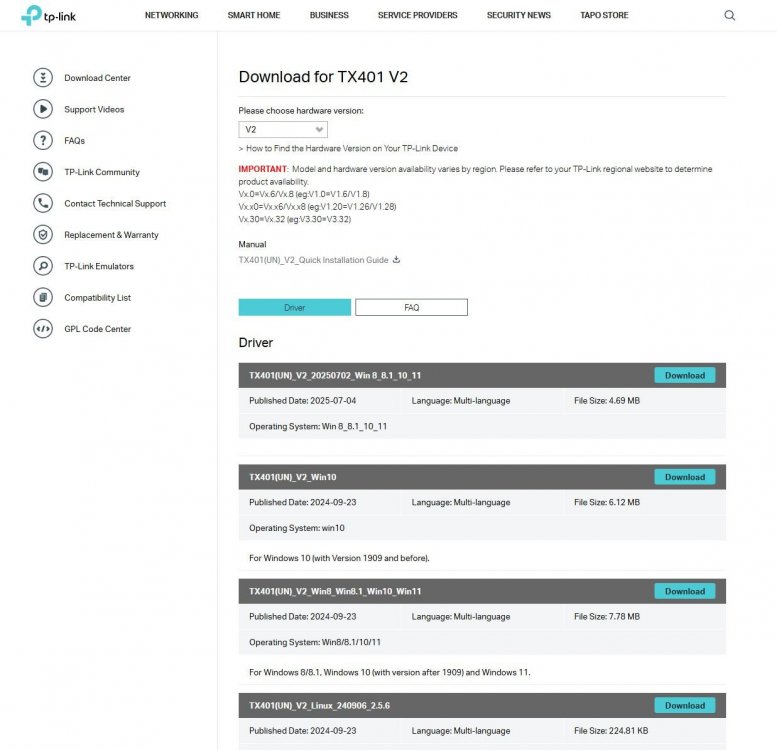
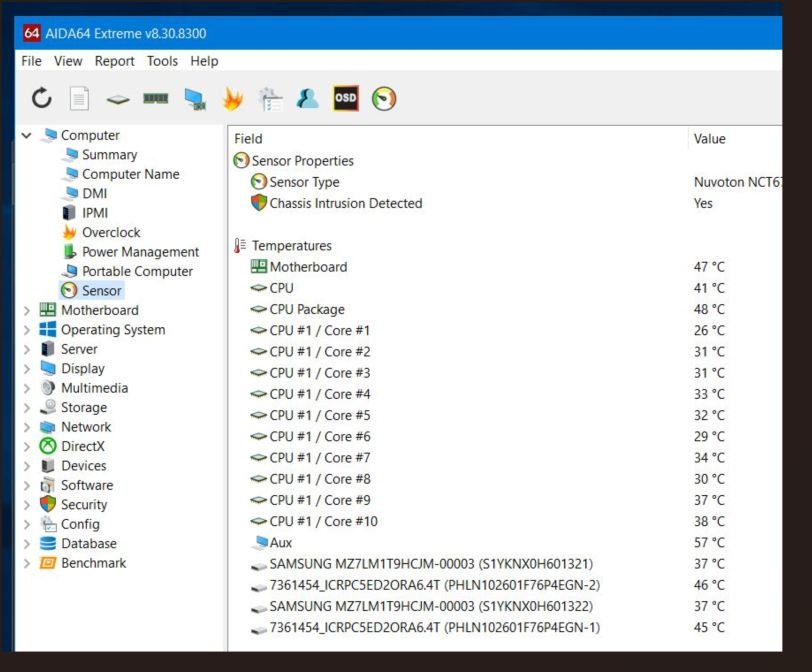
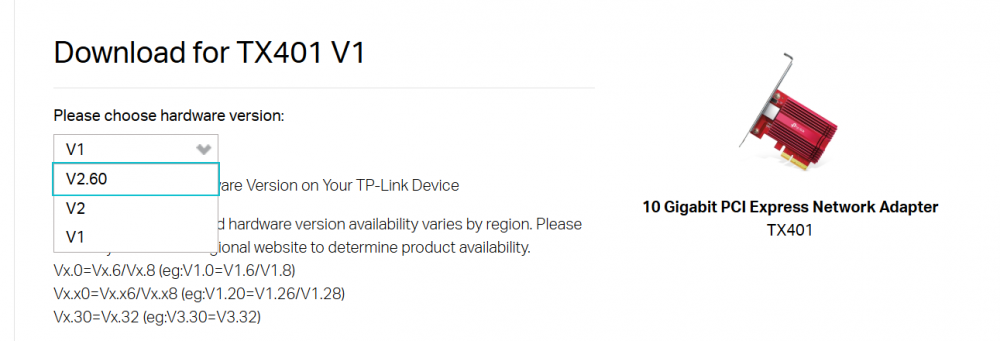
When I choose the v2 card TP-Link site shows more drivers - on my v1 I use the latest Marvell driver so far without any problems. On one card I attached a temperature sensor and placed it on a spare AUX sensor spot on a Asrock EPC602D8A, Aida can read this sensor fine and reports it having 57C.
-
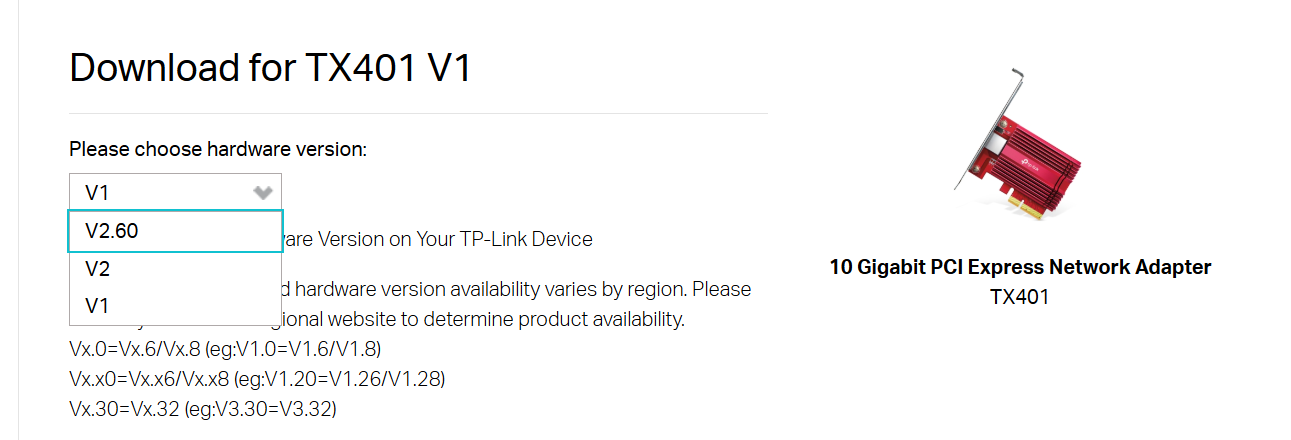
On my TX401 box my card is marked as TX401(UN) Ver:1.0 - in HWiNFO it comes up as Marvell FastLinQ Edge 10Gbit Network Adapter. I thought all TX-401 had the same chip - I guess you card is a TX-401 v2 or v2.6 with a newer chipset.
-
Hi Is it possible to add temperature sensor for Marvell AQtion 10Gbit network adapter in AIDA64 ? This is the TP-Link TX-401 AQC107 with the latest fw from Marvell 3.1.121 and latest driver. Device Properties: Driver Description Marvell AQtion 10Gbit Network Adapter Driver Date 03.10.2025 Driver Version 3.1.11.0 Driver Provider Marvell INF File oem69.inf INF Section Atlantic10G Hardware ID PCI\VEN_1D6A&DEV_07B1&SUBSYS_00011D6A&REV_02 Location Information PCI-buss 8, enhet 0, funksjon 0 PCI Device Marvell FastLinQ Edge 10Gbit Network Adapter Thanks
-
fixed: SMART support for LSI Nytro Warpdrive?
Toddel replied to Toddel's topic in Hardware monitoring
Thanks for good service, now that this is fixed I will renew my Aida license. -
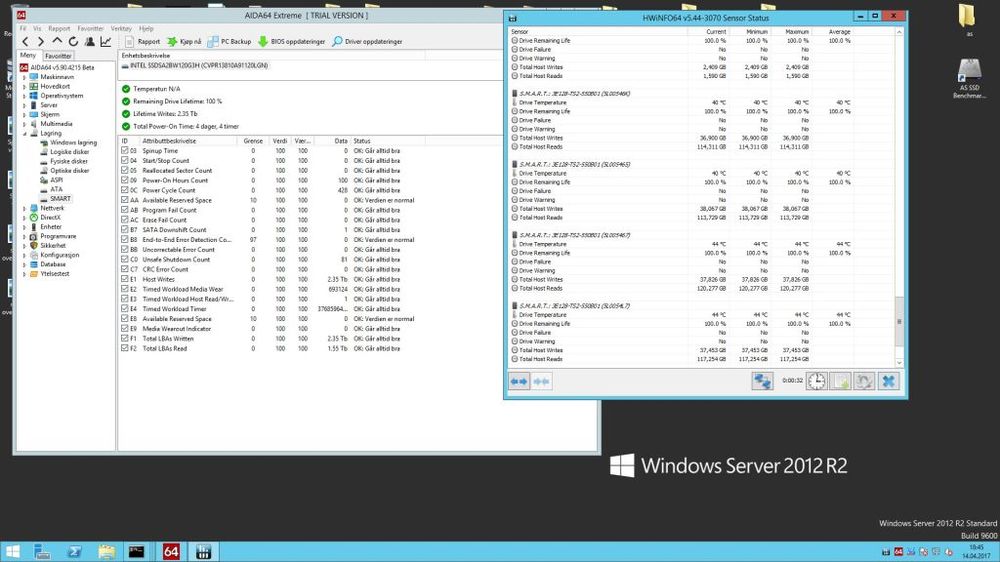
Any chance Aida can add smart support for Lsi Nytro Warpdrives ? This dump is for Oracle F40 drive with latest fw 2.0 and latest Seagate driver. smartdump.txt diskctrldump.txt
-
Sensor help for Fujitsu Celsius R670-2 workstation
Toddel replied to Toddel's topic in Hardware monitoring
Sorry, late feedback - I tried that beta but it made no difference. No temperature readout with ipmi or the regular sensor tab. -
Sensor help for Fujitsu Celsius R670-2 workstation
Toddel replied to Toddel's topic in Hardware monitoring
Sure, I can do that. cpuidmsrdump.txt -
Sensor help for Fujitsu Celsius R670-2 workstation
Toddel replied to Toddel's topic in Hardware monitoring
No, all are enabled - all settings are default except show statusbar. -
Sensor help for Fujitsu Celsius R670-2 workstation
Toddel replied to Toddel's topic in Hardware monitoring
Not on this motherboard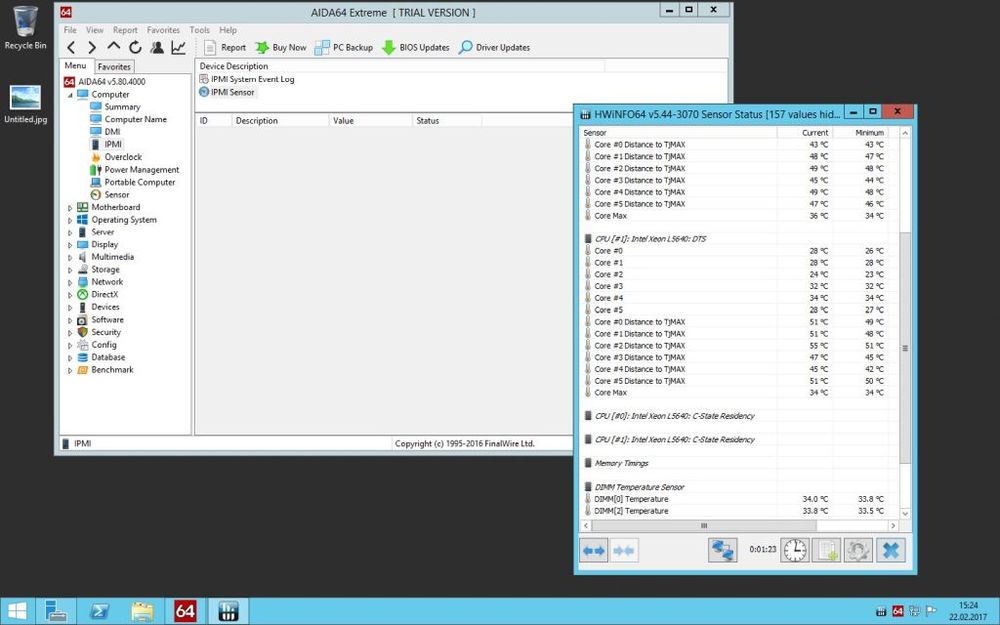
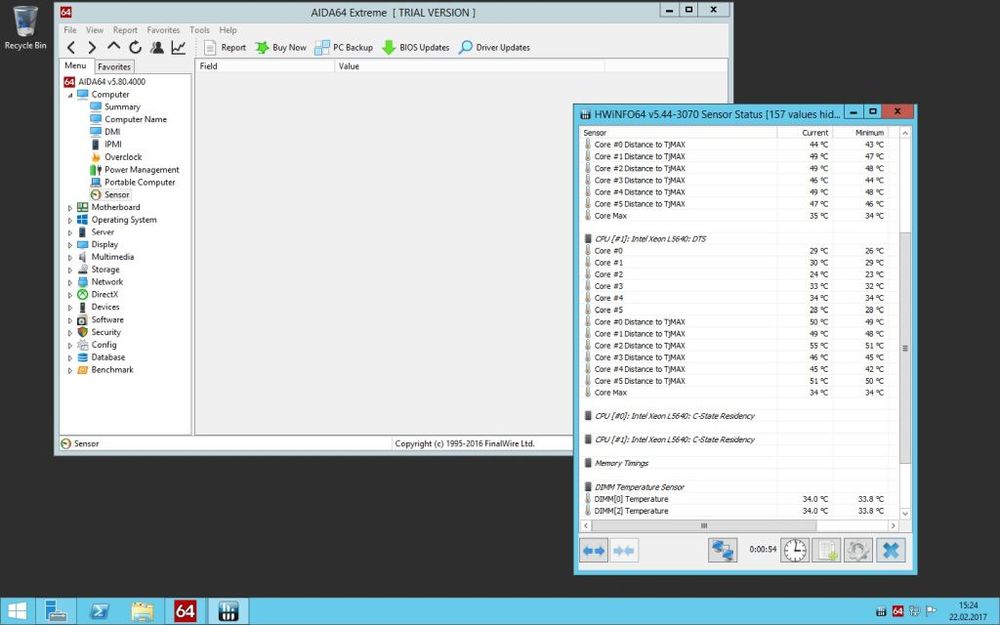
-
Sensor help for Fujitsu Celsius R670-2 workstation
Toddel replied to Toddel's topic in Hardware monitoring
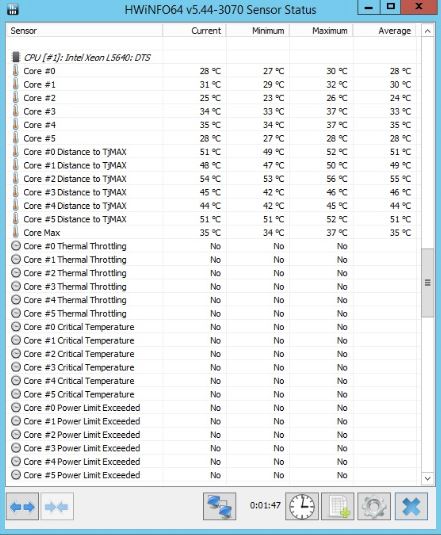
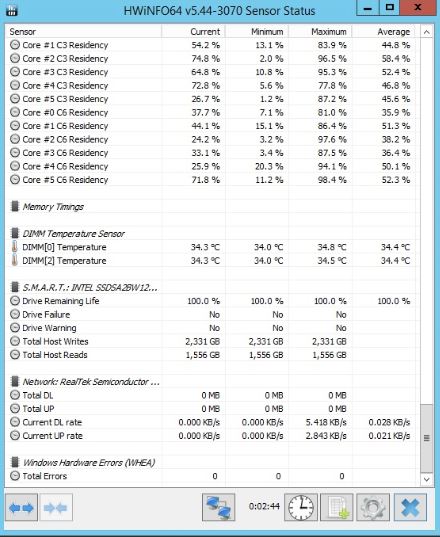
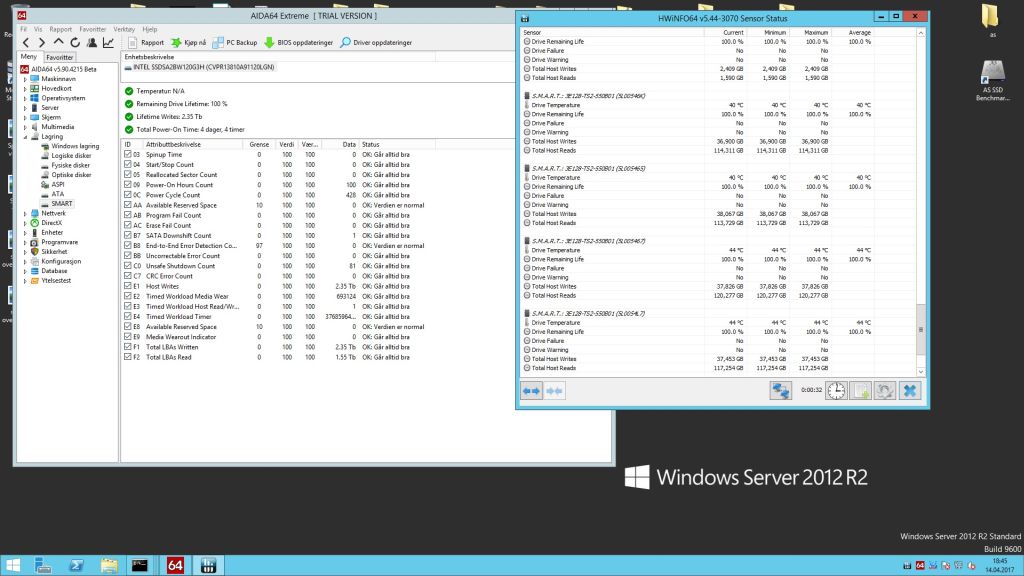
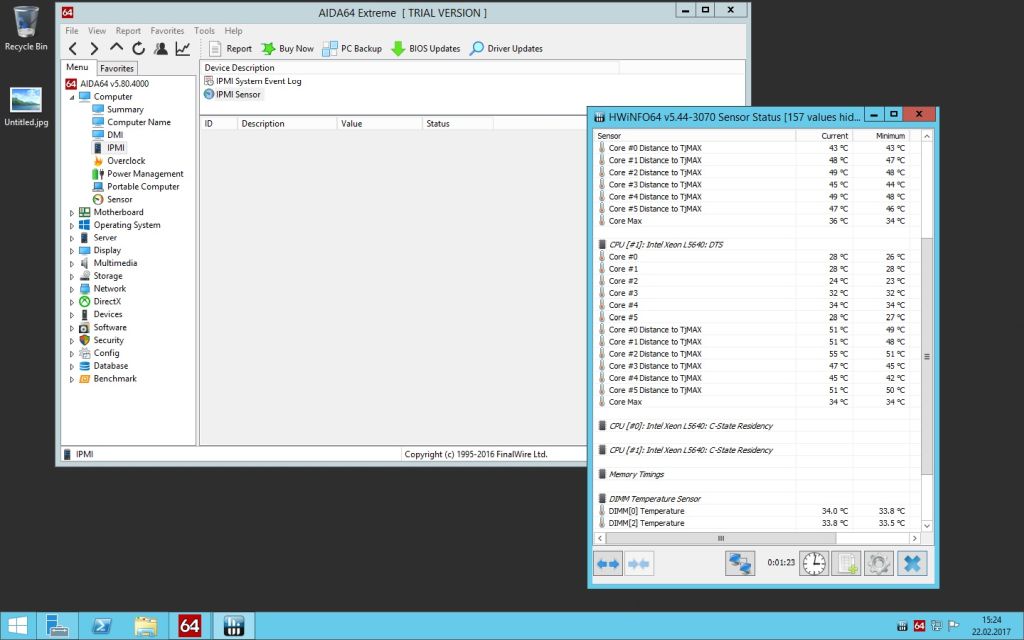
I see no sensors on IPMI page, I did try HWINFO and I can see temps-added pictures for you. I'm pretty sure I did see temps on Win 7 using an older Aida version but I can't remember more than that.