GoatBlaster
-
Posts
5 -
Joined
-
Last visited
-
Days Won
2
GoatBlaster's Achievements





-
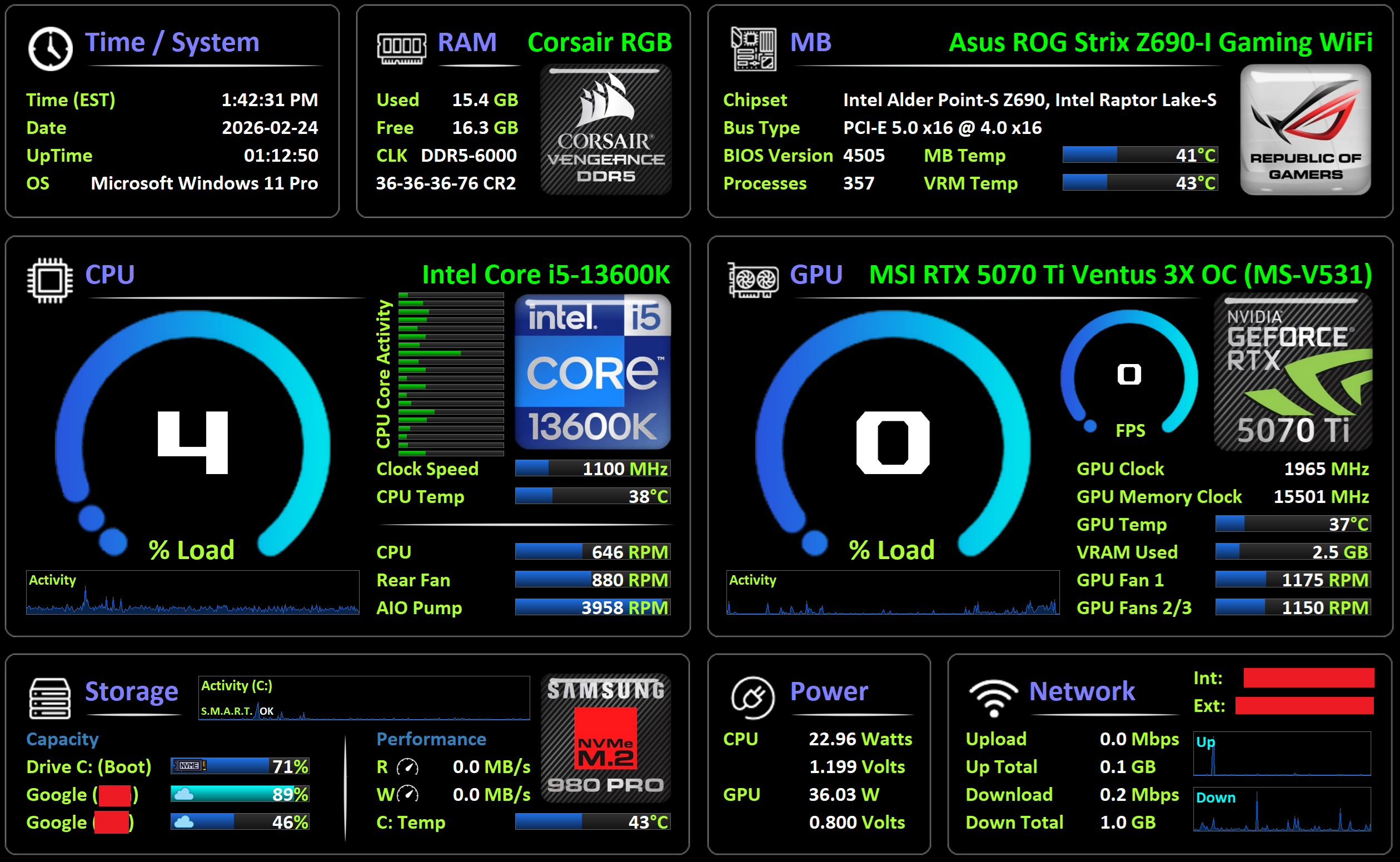
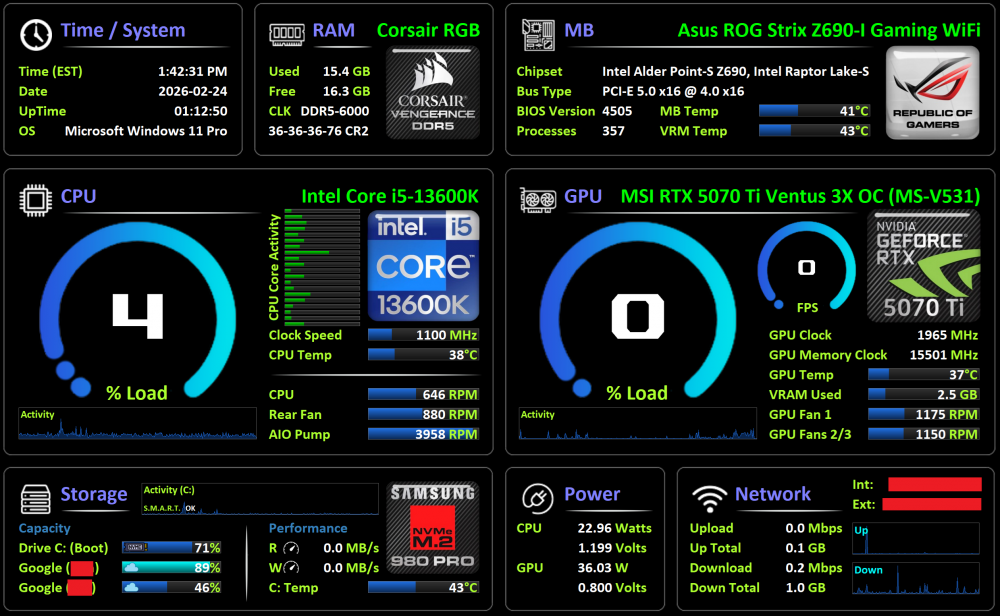
I posted an update about a week ago, but have made some changes. I've also updated to the latest AIDA64 release, which seems to export in a new format - a .spzip file, which contains all the relevant images, and a .sp2 file, I guess their new export format, instead of the old .sensorpanel file type. Anyway, I've changed the CPU Core Activity display format to horizonal bars. My CPU has 20 cores, so 20 bars; adjust size, shape, qty depending on your CPU. Also added the Storage area logo, revamped the entire storage section, added a few look / feel elements as well like the storage logos, the separator bars below section titles, etc. Adjusted the alignment of the RAM section slightly, and I reverted the GPU logo to my preferred nvidia generic logo, instead of the MSI specific one I had in there previously. I hope people can use the new .spzip format, as I can't seem to export any more to a .sensorpanel file type in the new AIDA64 version. 2026-02-24.spzip
-
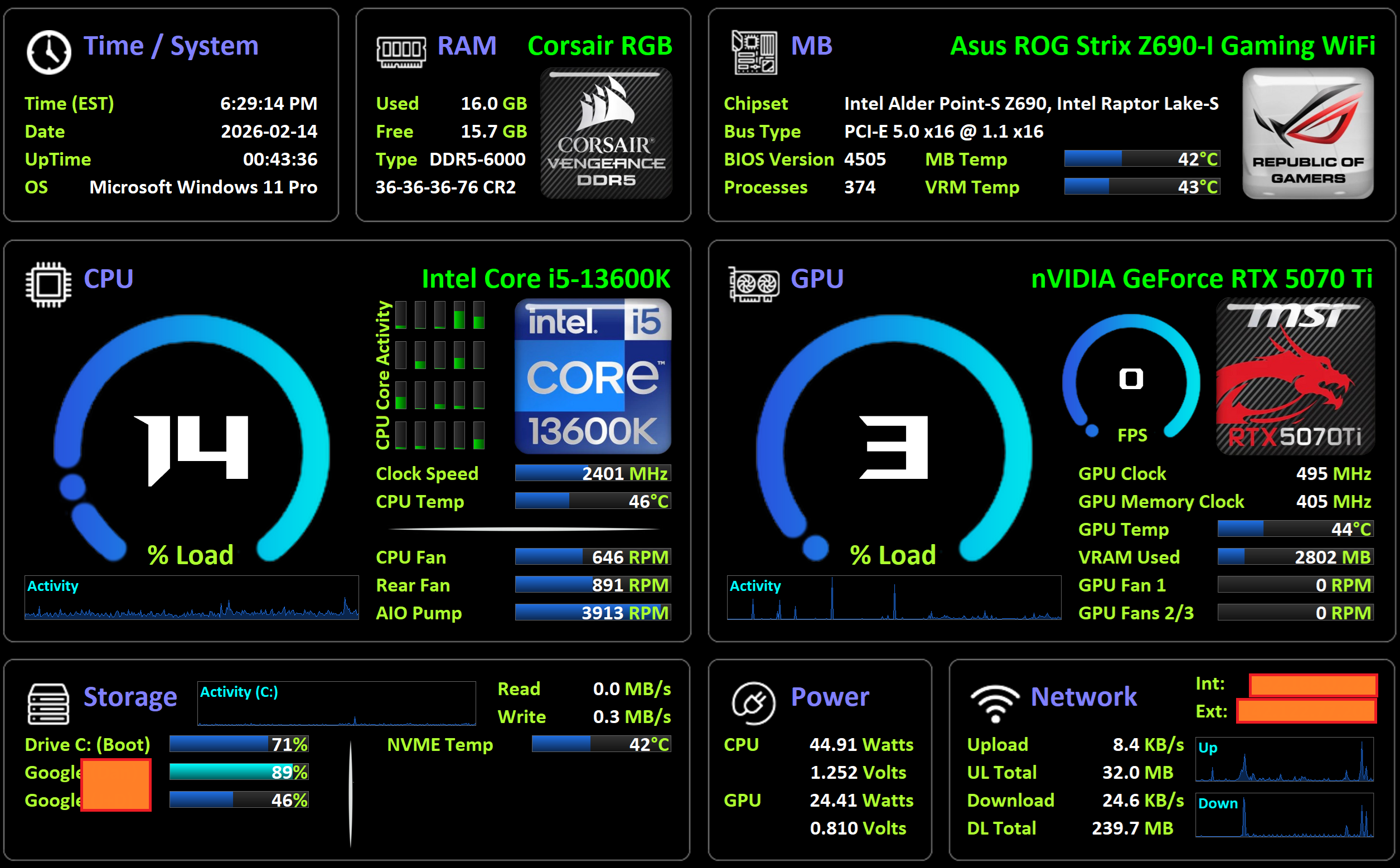
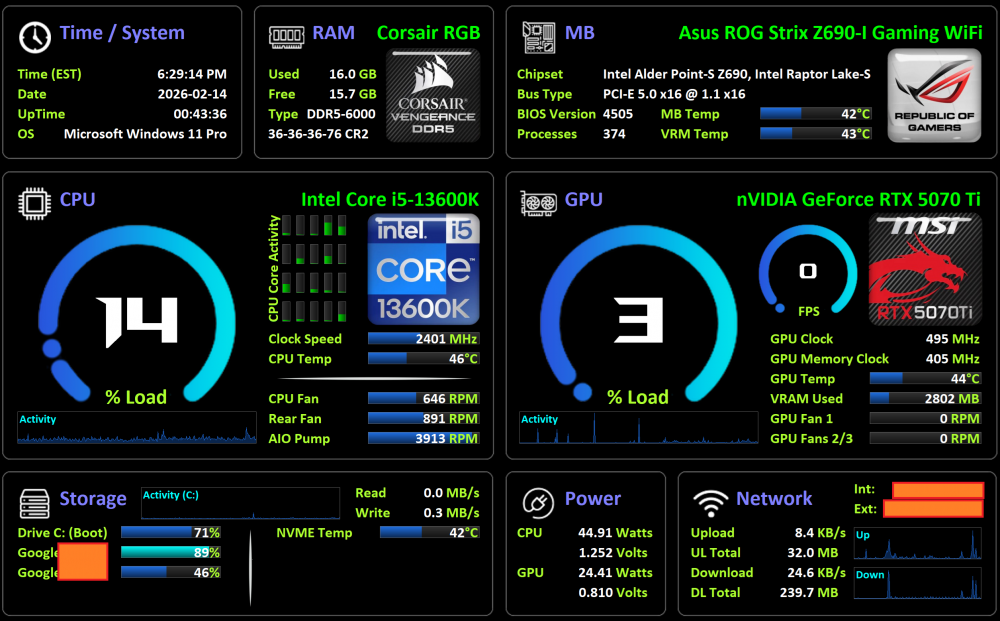
It's been a while since I've updated my sensor panel, so thought I'd post my latest updated version. It's a 2560x1600 panel that I use with an old Samsung tablet, through USB Cable / Spacedesk app. Since the last update, I've added the memory badge, moved a few things around, tweaked some alignments, and upgraded from a 3070 to a 5070 Ti, so changed that badge too and adjusted the bars. As mentioned in my last post months ago, I take no credit for its initial creation, I found it on here hundreds of posts ago somewhere as a 1280x800 res version, so took it, modified it to suit my needs and monitoring preferences. If you need different badges for your RAM, MB, CPU or GPU, just do a Google image search for like "4090 badge" and voila. What I've been doing is grabbing the image that way, slapping it into MS Paint, reducing the white borders, save it and then I upload it to the remove.bg website to remove the white border / background, then download and post it into the sensorpanel. Anyway, the .sensorpanel file is attached below. Enjoy! Also open to recommendation (e.g., I know the storage area could use some work...!) 2026-02-14.sensorpanel
-
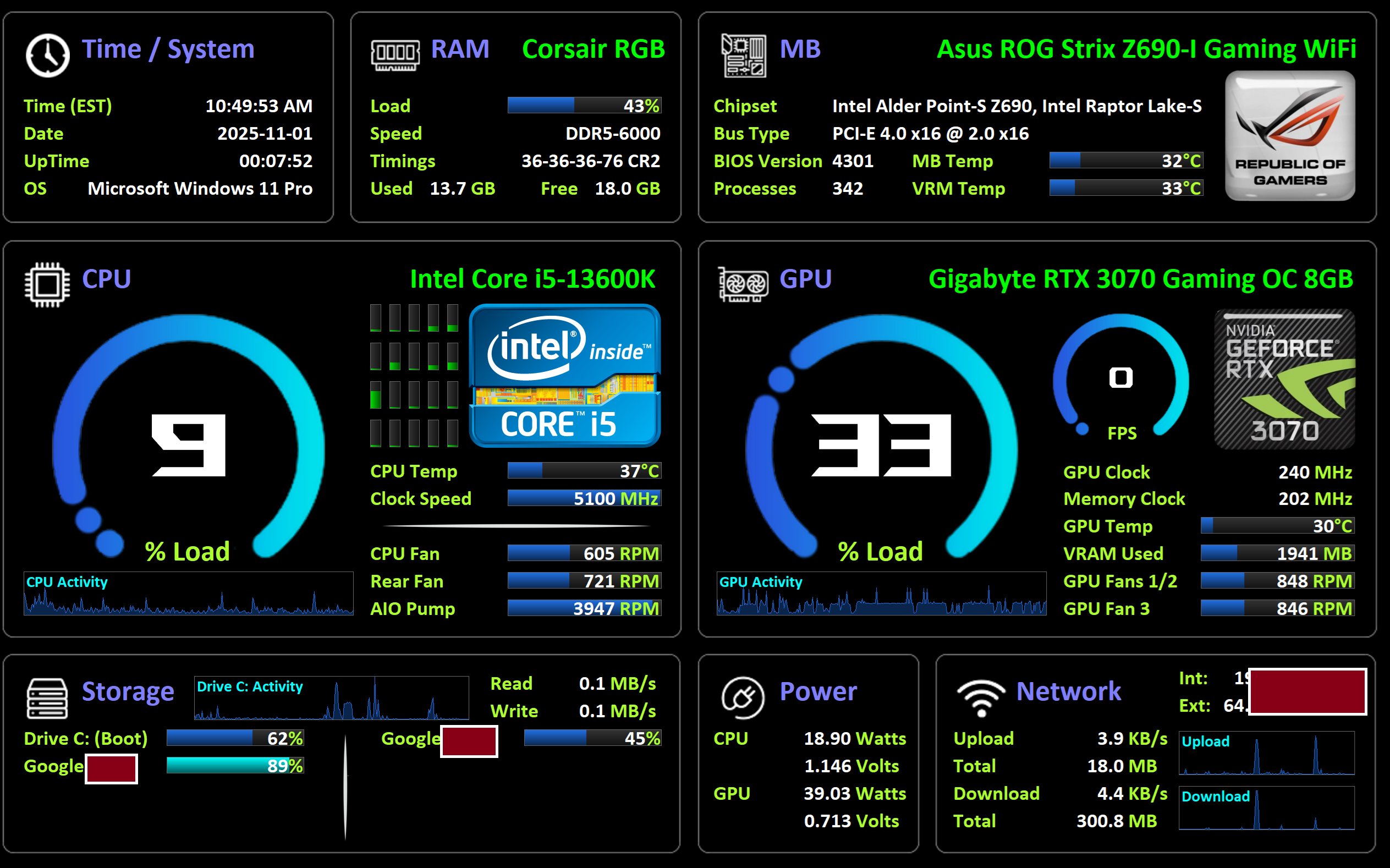
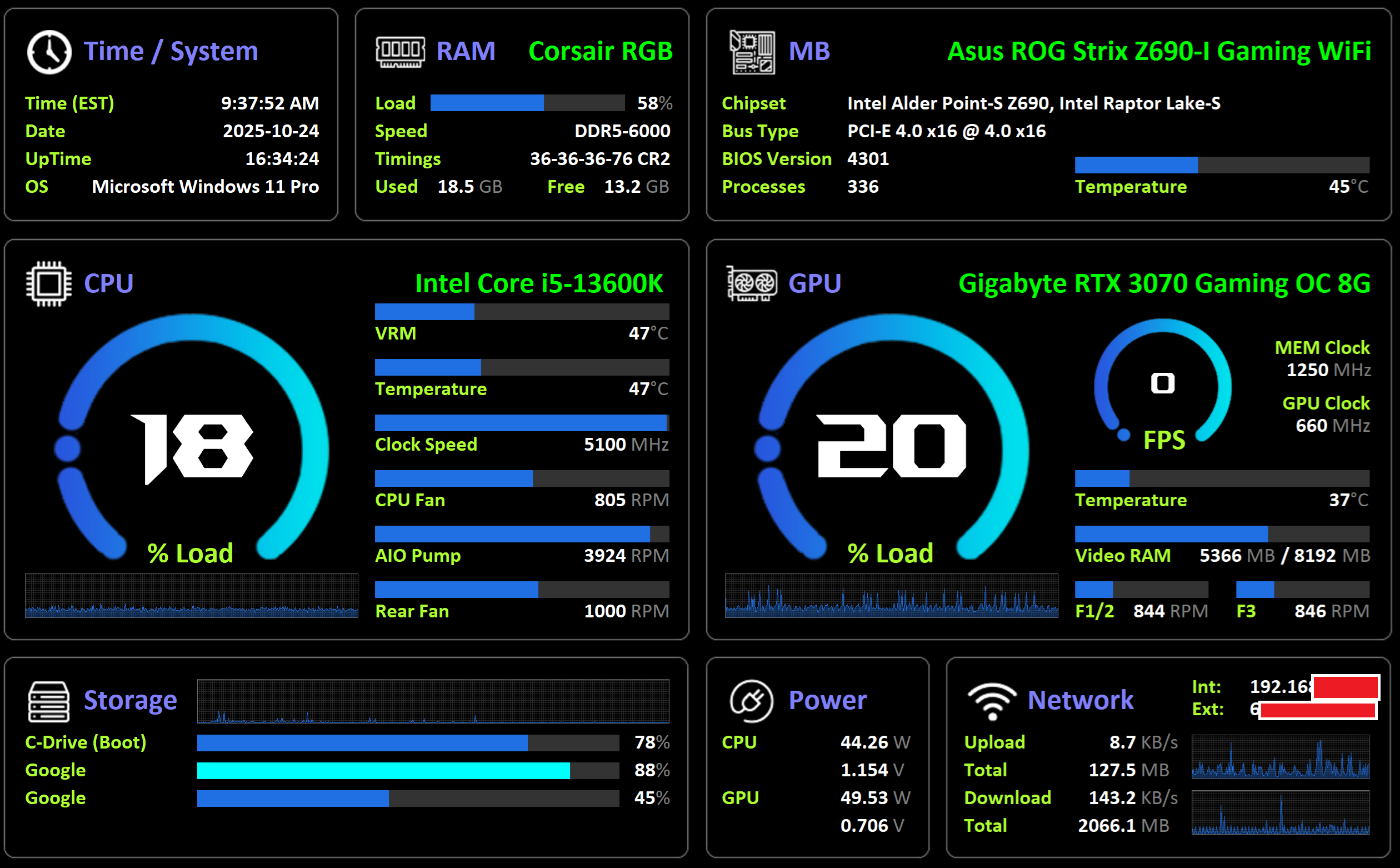
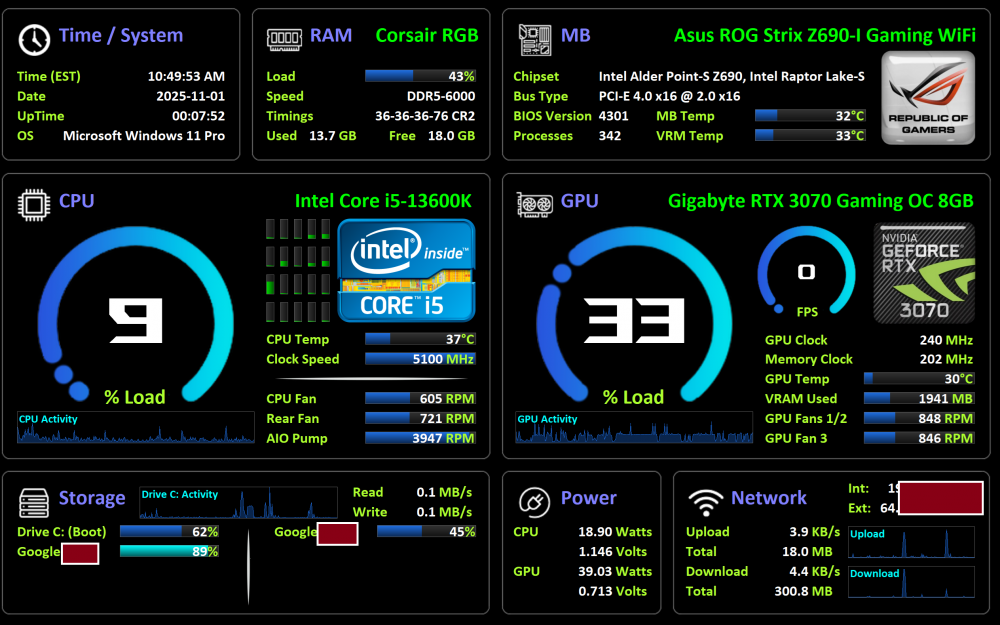
UPDATED (October 28th): Thought I'd share the sensor panel I'm using. I don't take credit for it's creation; the original is somewhere in this thread from years ago and was for 1280x800 res. I just upped the res to 2560x1600 to match the tablet I use with SpaceDesk and made several alterations to alignment and sensors I wanted to see. Oct 28th Update: Changed the way a LOT of the sensors were being portrayed (instead of static labels amd separate sensors, using embedded labels and values in sensors instead, etc.), and added several sensors such as the individual cores in the CPU area, and the CPU/GPU images. Several additional layout changes. Updated again November 1st. Some layout changes and tweaking, and ROG badge. 2560x1600 - November 1st update.sensorpanel
-
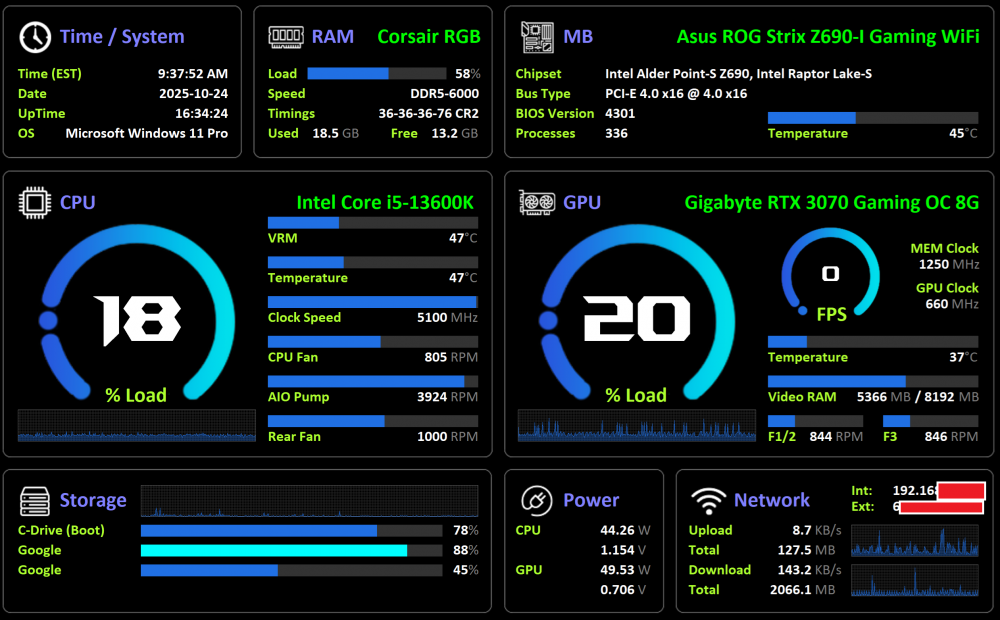
Thought I'd share the sensor panel I'm using. I don't take credit for it's creation; the original is somewhere in this thread from years ago and was for 1280x800 res. I just upped the res to 2560x1600 to match the tablet I use with SpaceDesk and made several alterations to alignment and sensors I wanted to see. 2560x1600.sensorpanel
-
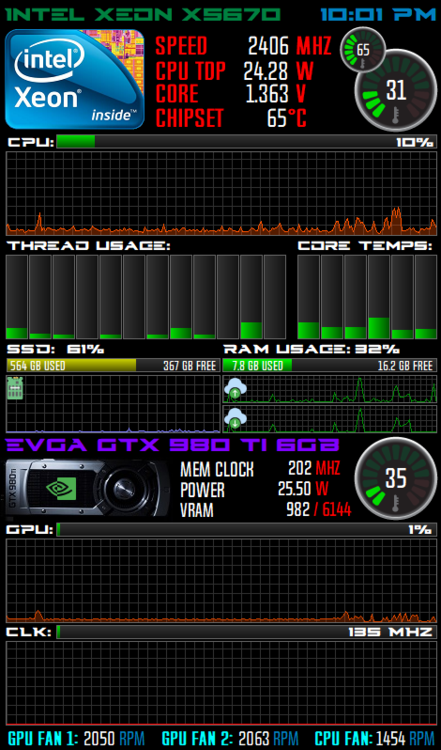
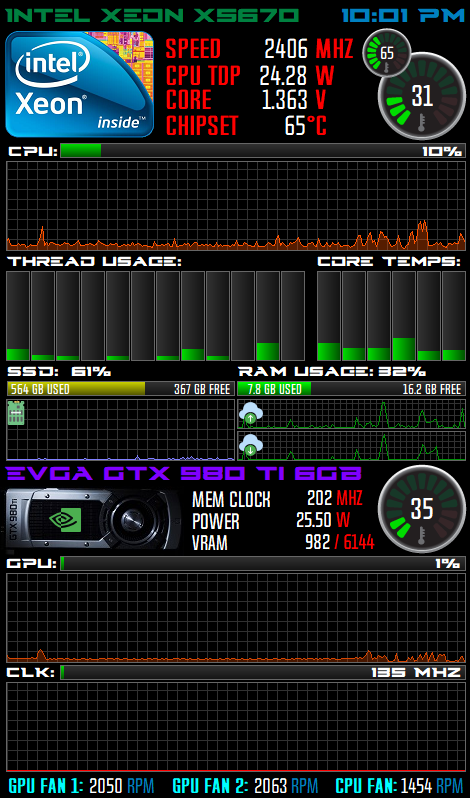
This is the one I'm using. Heavily altered a previous one posted here somewhere, I lost the page / post though Planning to get a 7 inch panel. Not sure my case will accommodate it so it might sit externally with a frame. DanPanel.zip