steve.vukelich
-
Posts
7 -
Joined
-
Last visited
Content Type
Profiles
Forums
Events
Everything posted by steve.vukelich
-
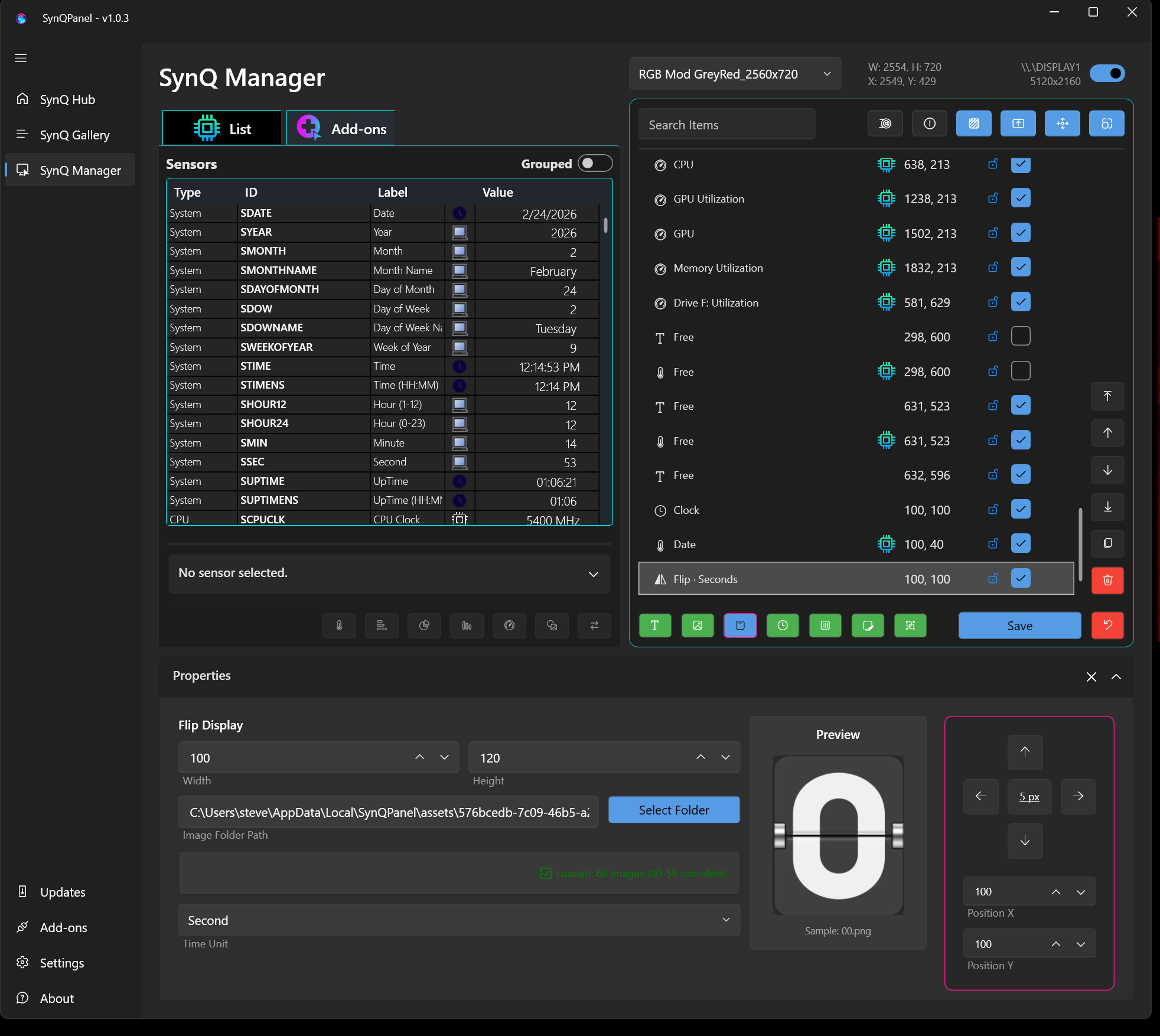
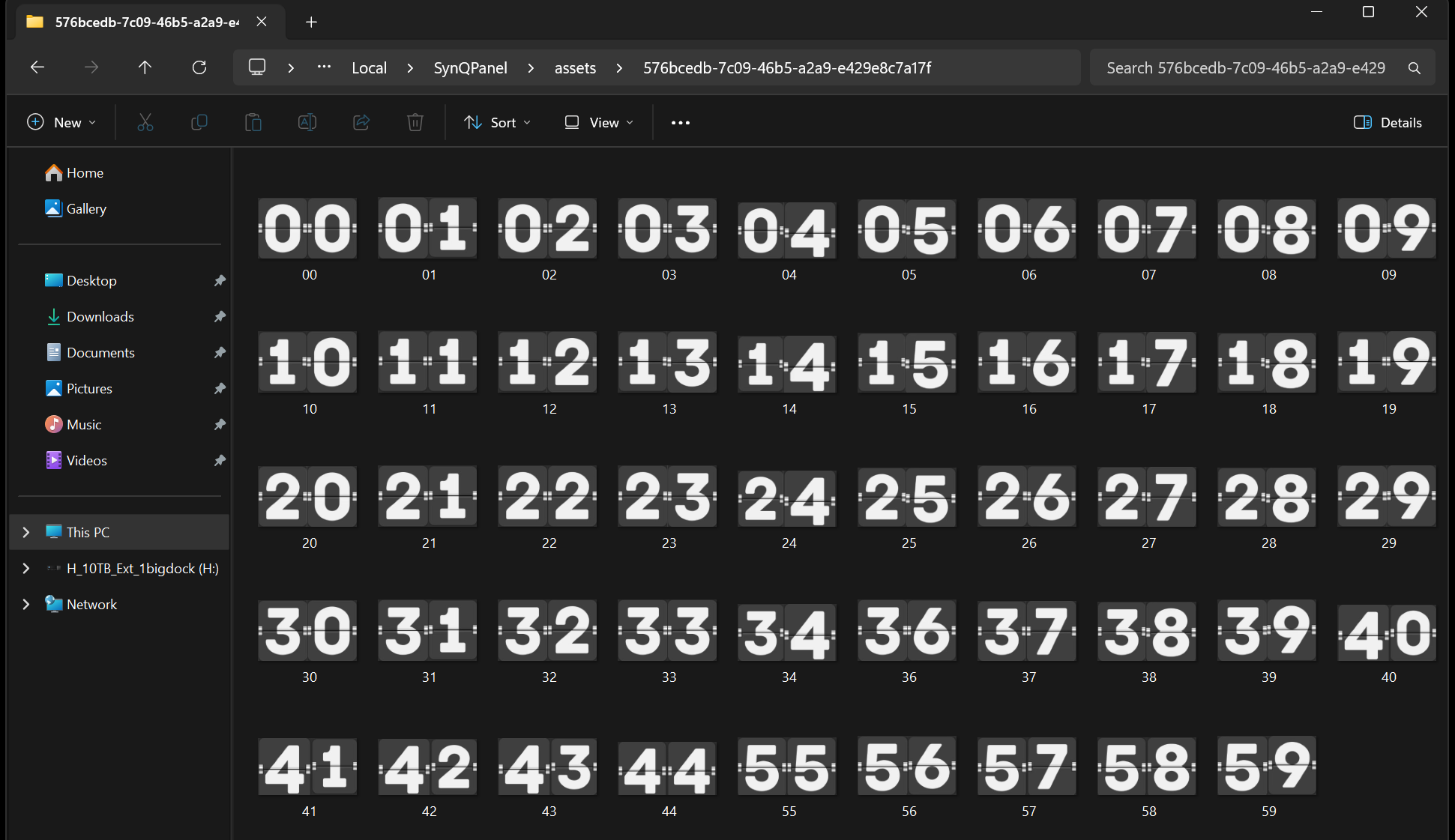
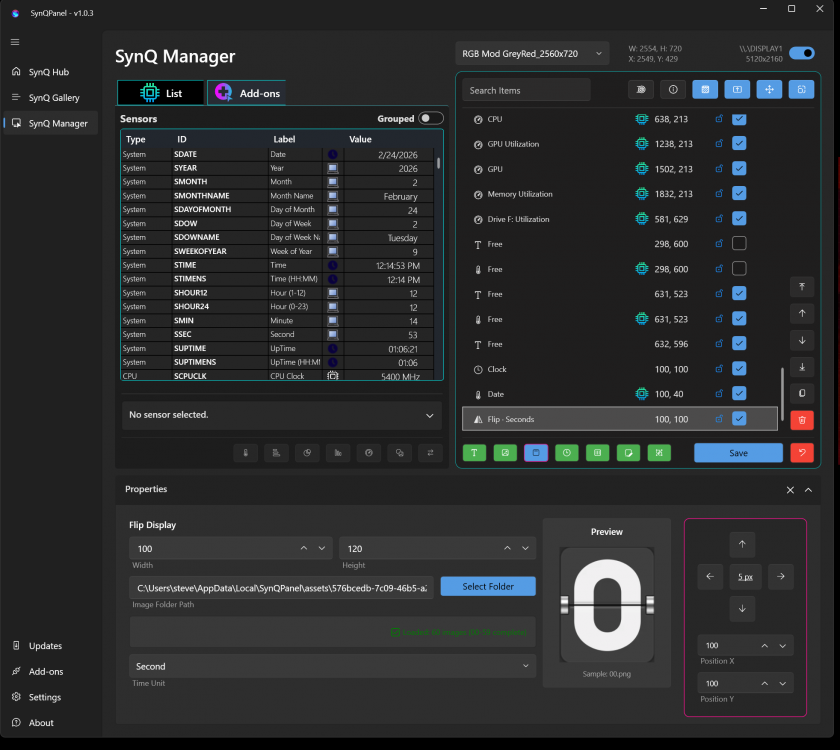
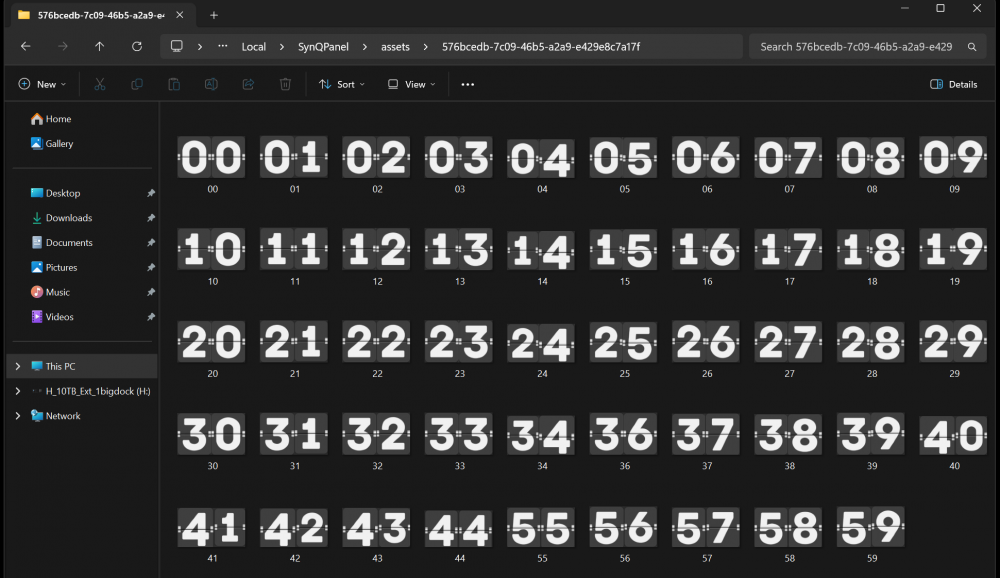
I create the flip chart per instructions and a flashing box appears where I want it; but it appears to be empty. I cannot get the flip numbers to show. Yes, they are created and numbered as you show.
-
I have been trying to setup a flip clock. I have made all of the digits (00 - 59), put them in the correct folder, and created the entry. But I cannot change the color - a placeholder appears but the image is invisible. What is the magic word to get the numbers to appear?
-
What was happening just before the crash? The error occurred while the computer was idling; it happened twice. First at 4:31 am and a second time at 7:39 pm the same day (first log file will not upload, exceeds upload limit) Version of AIDA64, 8.20.8110 Beta Whether shared memory was enabled, yes SynQPanel-20260119_018.log
-
I love your software. It did fail on me with the following error message: Application: SynQPanel.exe CoreCLR Version: 8.0.2325.60607 .NET Version: 8.0.23 Description: The process was terminated due to an unhandled exception. Exception Info: System.AccessViolationException: Attempted to read or write protected memory. This is often an indication that other memory is corrupt.
-
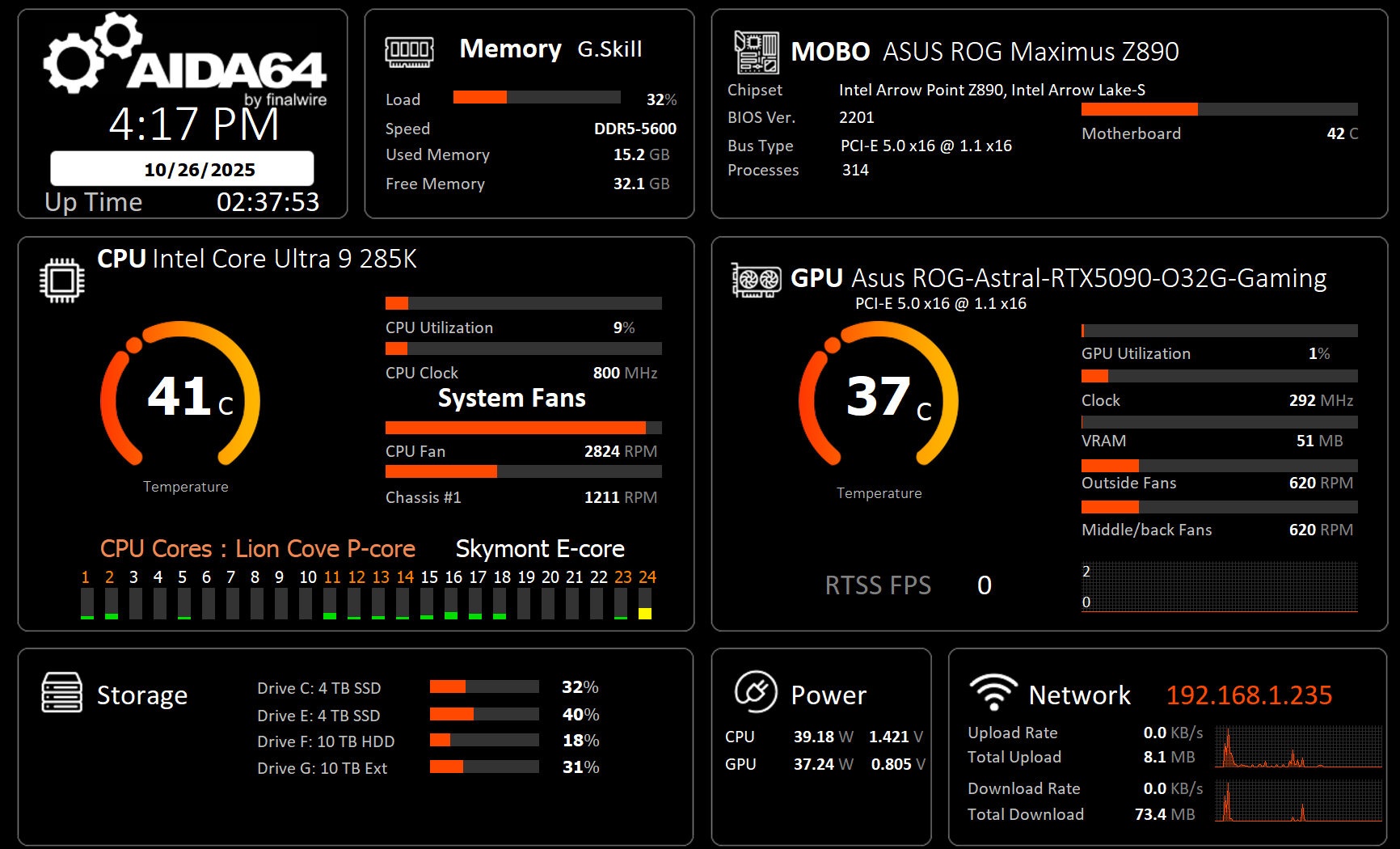
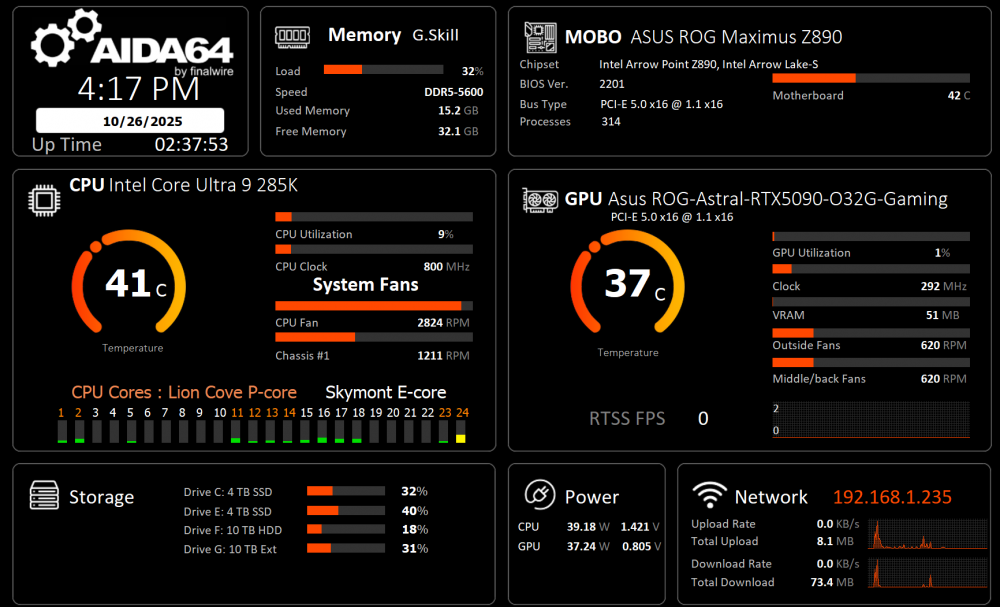
I thank all of the posters for their valuable contributions to this forum. I have incorporated many of the great ideas (and artwork) into a panel of my own. I hope that this panel inspires more contributions. Panel designed for 1920x1080. AIDA64_10262025.spzip
-
Position mouse over sensor panel, then right click the mouse, and select Sensorpanel Manager.
-
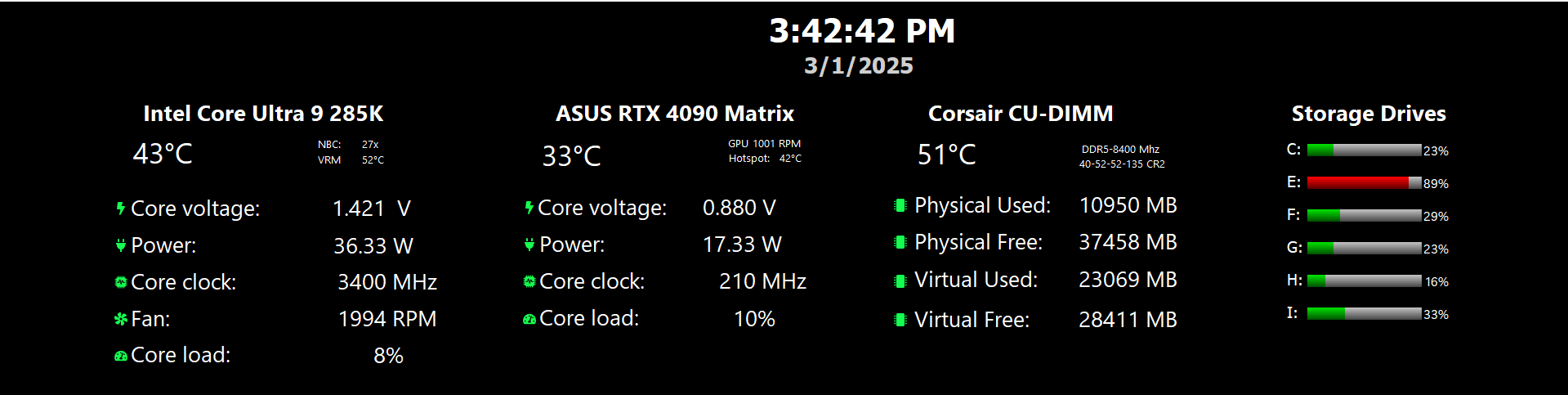
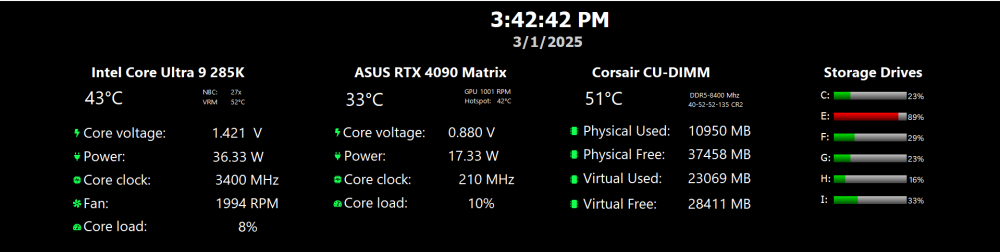
For beginners, I made it simple to edit to suit your machine resources. 4column.tulcd
-
- 4
-