
DARK_GUARDIAN_R
-
Posts
4 -
Joined
-
Last visited
-
Days Won
2
Content Type
Profiles
Forums
Events
Everything posted by DARK_GUARDIAN_R
-
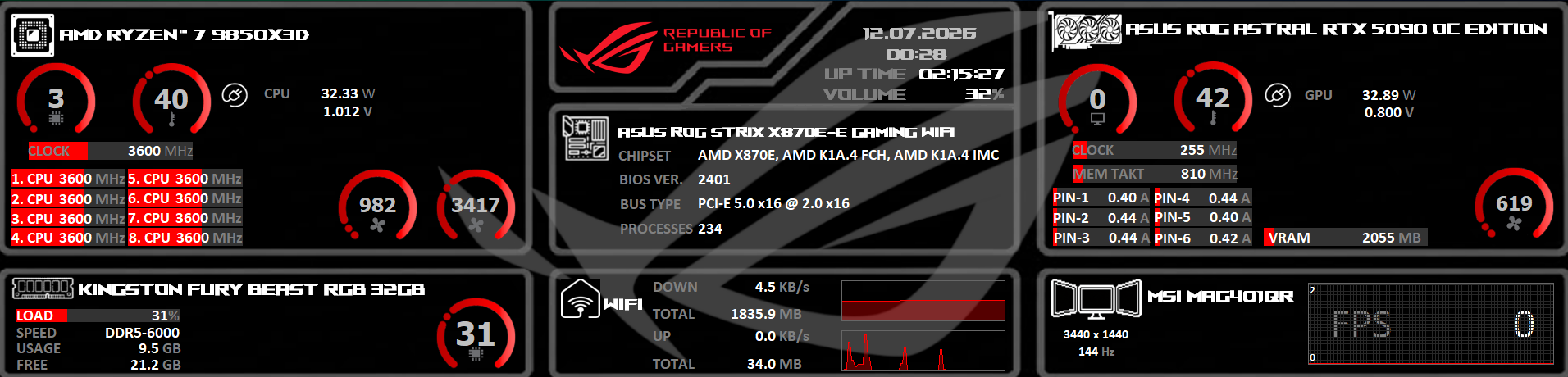
Hello, it’s me again. Yesterday, I uploaded my small sensor theme for AIDA64, but I wasn’t completely satisfied with it yet. So I made some further improvements. The current version is now 1.5. I will continue working on it, but I would also appreciate it if you could contribute with your own ideas and suggestions. Together, we can surely make it even better. You can already see that it is a bit cleaner and that some small details have been changed. The readability has also been improved by extending the bars. This theme is mainly designed for enthusiast hardware, especially for RTX 5090 owners who like to monitor their system values and keep an eye on their graphics card’s power connections to help prevent potential issues. I hope you enjoy using it. If you would like to change something or have suggestions for improvements, please feel free to share them. I am very open to criticism and appreciate feedback if something does not look or work perfectly. For example, the RAM display is still not quite where I want it to be and could use some visual improvements. The power display also still looks a little empty and could be made more interesting, as it currently feels a bit plain. But we can continue improving it together. ROG Version 1.5.spzip
-
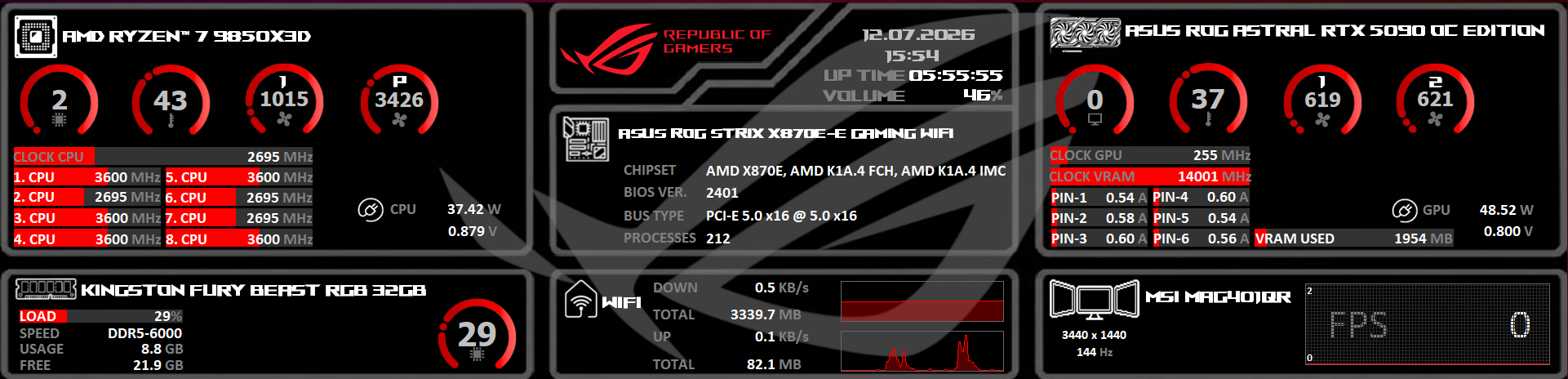
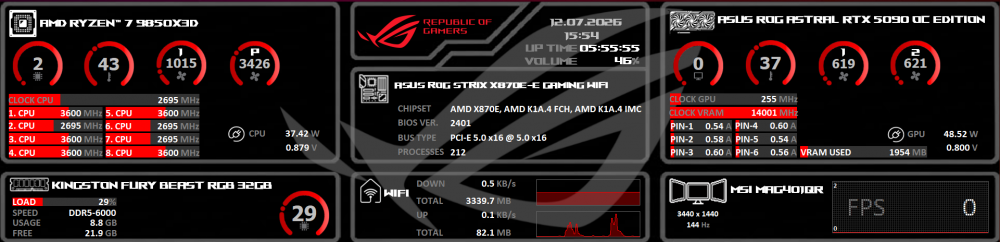
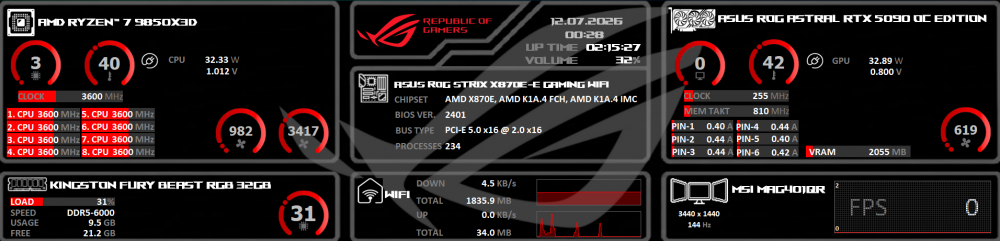
Hello, I’ve spent hours working on a new sensor panel for AIDA64, custom-made for a resolution of 1920 x 462. As you can see, it features an ASUS ROG theme. I have integrated the ROG logo and arranged the system information for both CPU and GPU in a clear, organized way. This is particularly useful for RTX 5090 owners who want to keep a close eye on their power pins while running benchmarks to ensure everything is operating correctly. I have set the power limit to 10 as a safety measure. If you are using a lower-wattage power supply, I would recommend adjusting this value down to 8 or 9, as anything higher might be risky. These are the settings I currently use, but you are free to customize the labels to fit your specific setup. For the power supply section, I am still looking for ideas on how to make it look a bit more polished, as it currently feels a little too dark. If you have any suggestions, please let me know! Overall, I’m quite happy with how it turned out. The font size is as large as possible to keep it readable without the layout becoming too cramped, though it is quite compact by design. The layout is optimized for the Thermalright Trofeo Vision 9.16 display (1920x462). To ensure AIDA64 detects the screen correctly, you must use the latest beta version of the software, as this support was just added in the current beta and is not yet part of the final release. These displays are currently very affordable on Amazon (between €30 and €40), making them a great value, and I have found them to be very reliable in my testing. Note that this panel is also usable for other 1920 x 480 setups; you just need to adjust the background images yourself. It is only a matter of a few pixels, but it is definitely doable. I hope you enjoy using this panel! Feel free to reach out if you have any questions. You are also welcome to tweak the layout yourself and post your own versions here. ROG VERSION 1920x462 .spzip
-
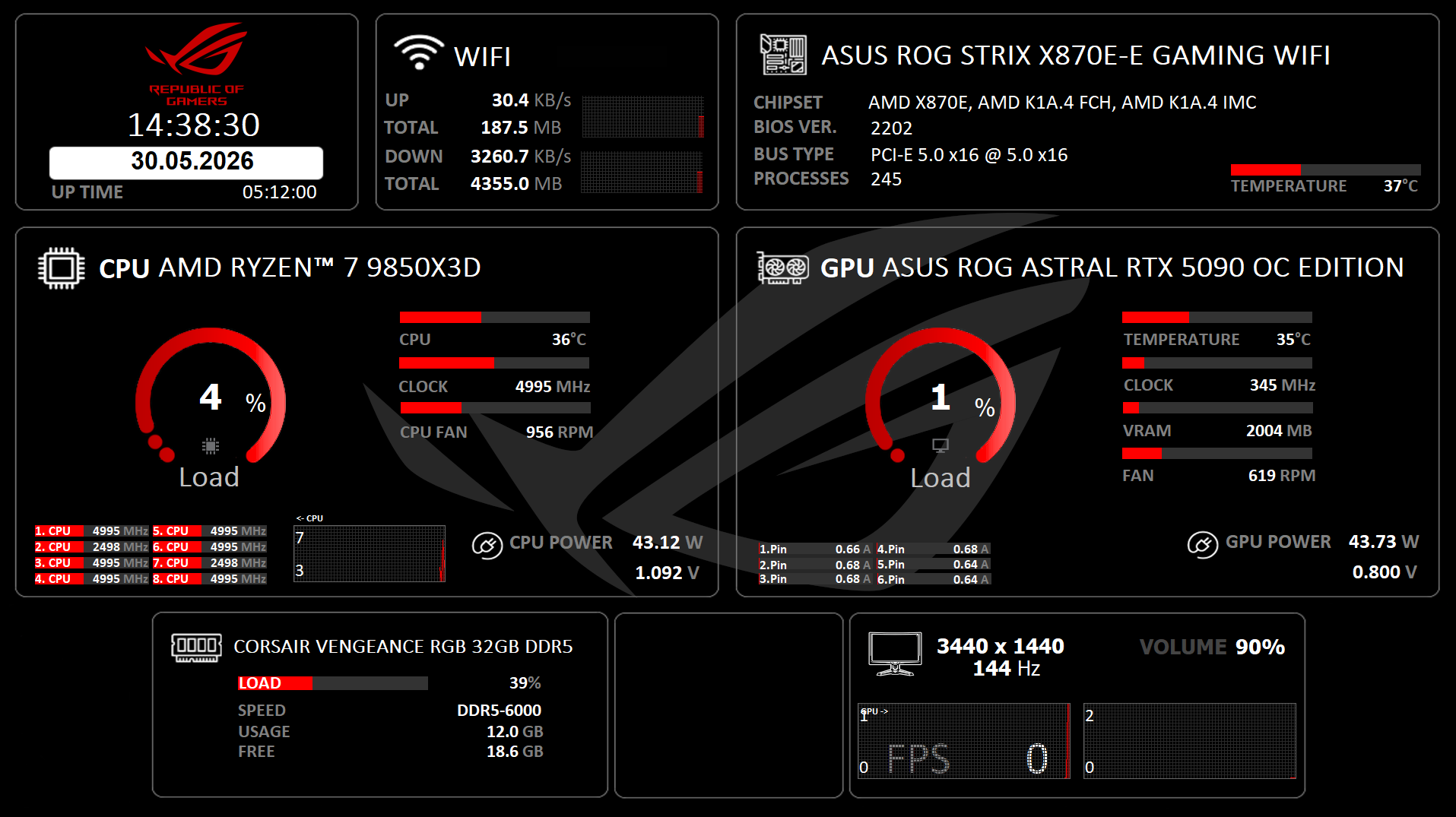
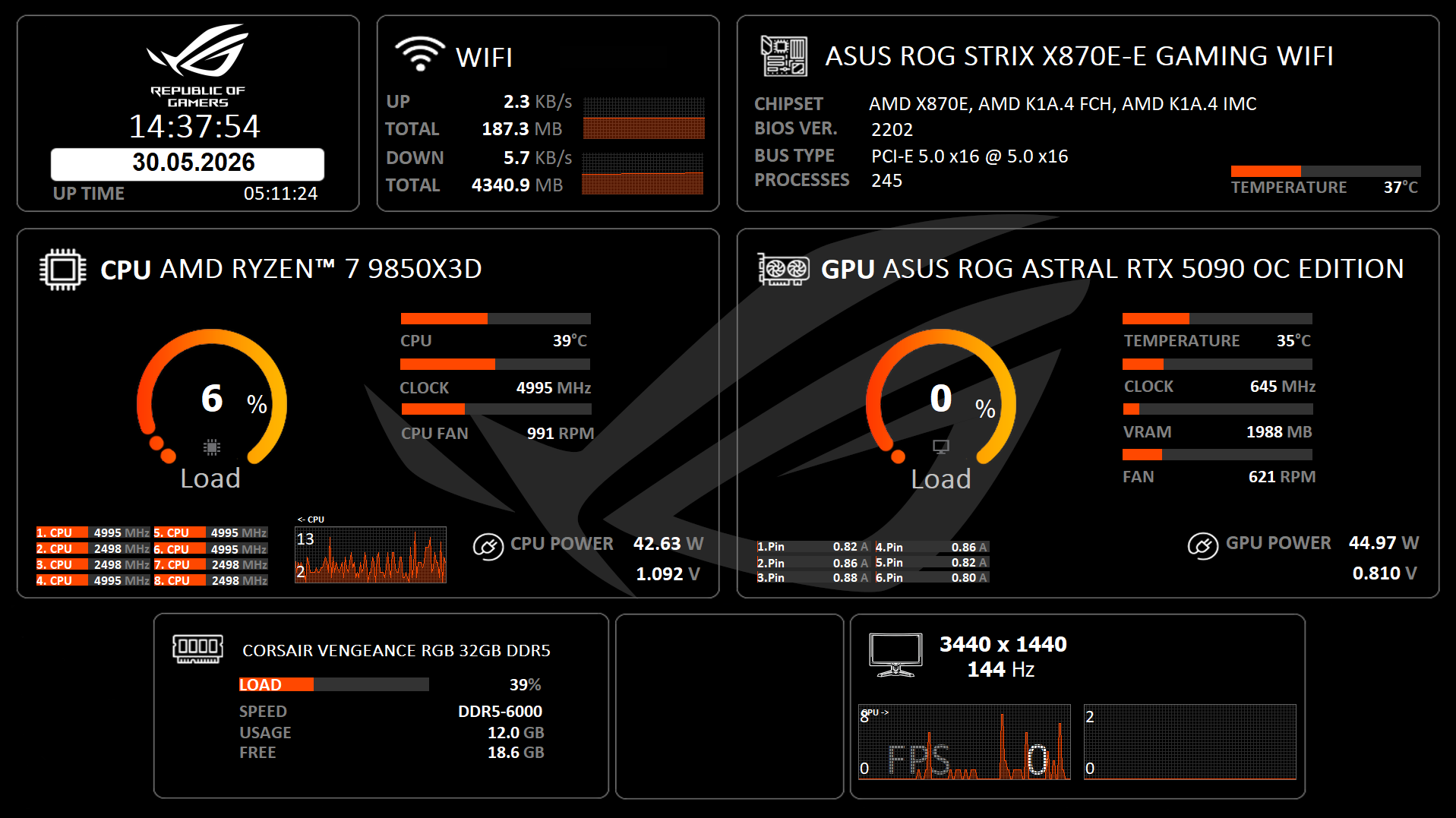
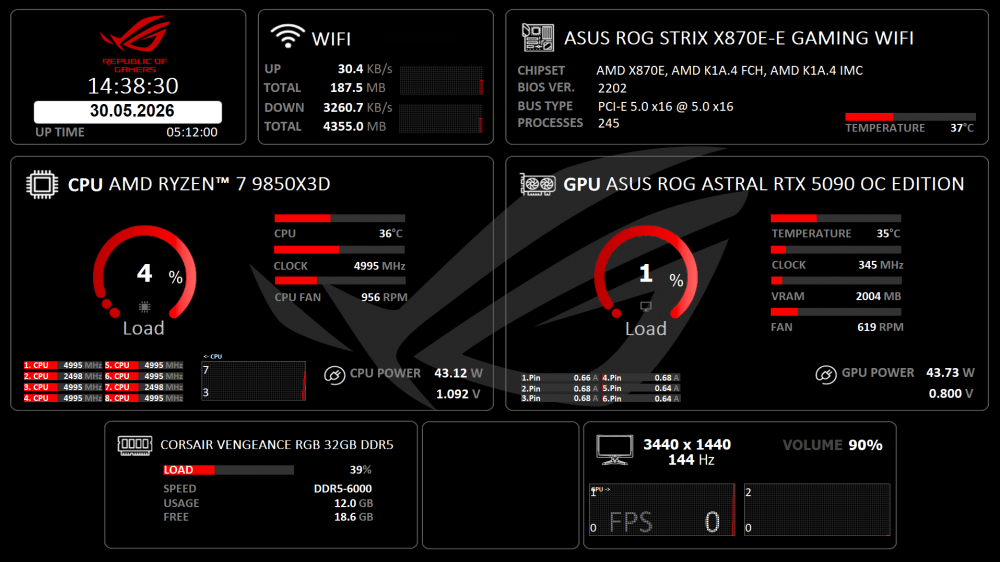
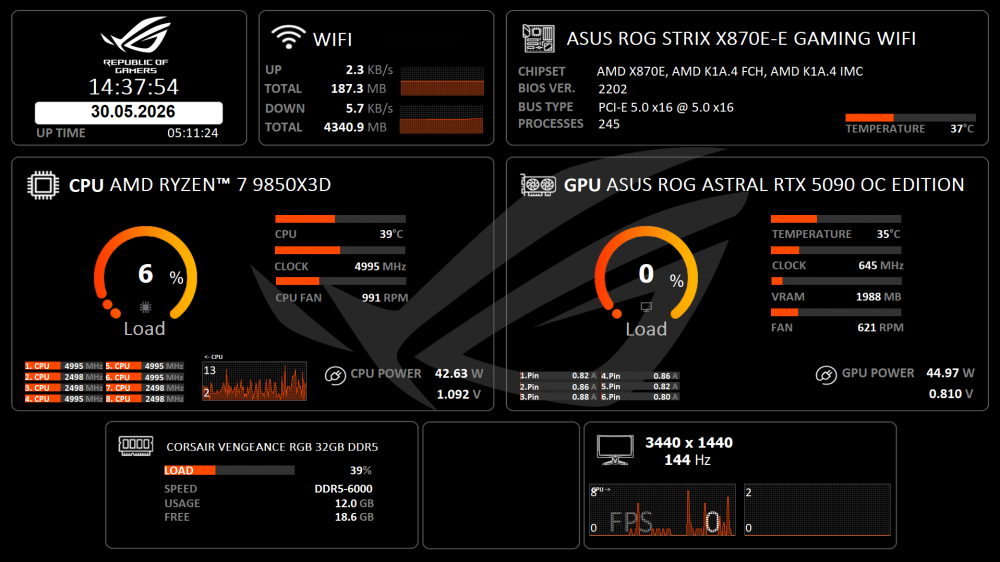
Hello everyone, here’s my massive bundle for you guys. I don’t know who originally created the bundle, so a big thanks to the unknown creator — and if you see this, please leave a comment below so I can add proper credit here. I hope you like it! It’s made for a 1920x1080 resolution and designed for an Asus ROG system with high-end hardware. Best regards! 2026-05-29 ASUS ROG 1920x1080 Orange.spzip ASUS ROG 1920x1080 Red.spzip
-
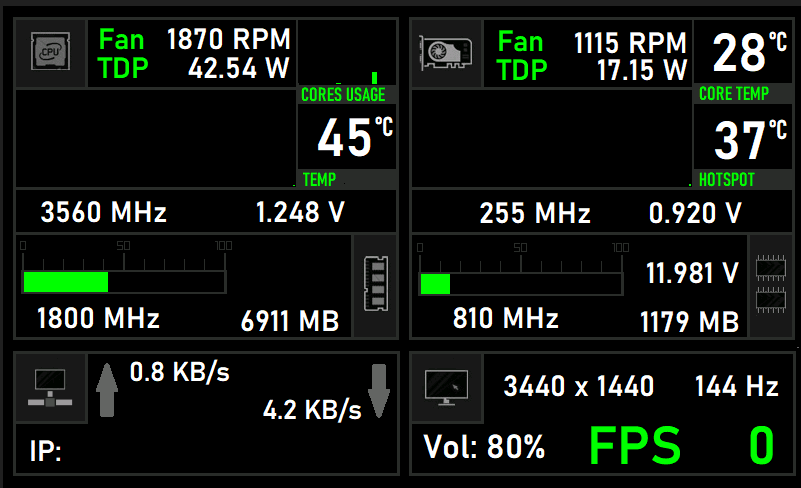
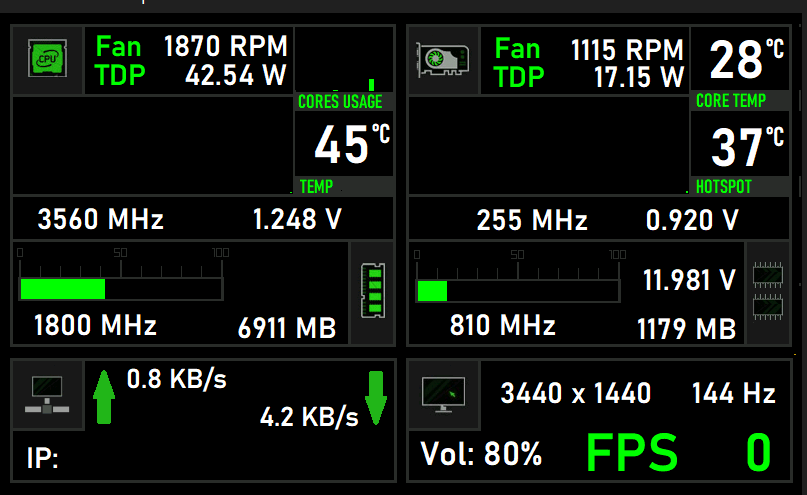
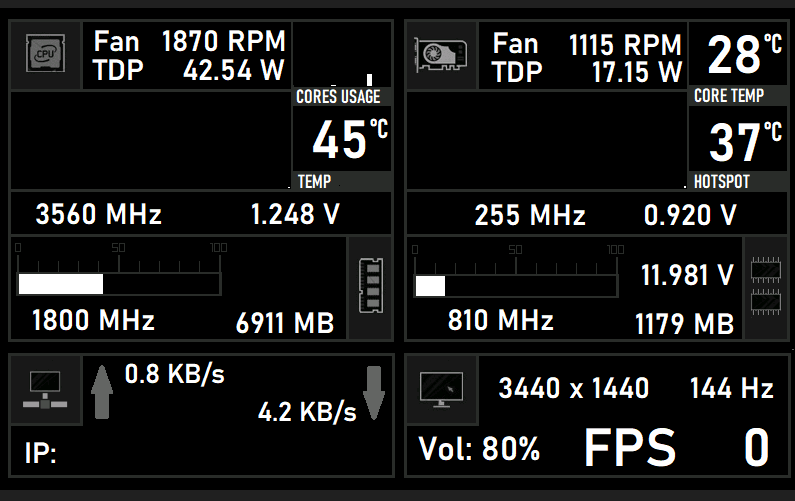
HI The original template was made by user operbico. I just changed the colors and colored logos differently. Maybe someone will like it The templates are sized 800x480 Original template: Nvidia 3.axlcd Nvidia 1.axlcd Nvidia 2.axlcd