
Cichyczłowiek
-
Posts
27 -
Joined
-
Last visited
-
Days Won
4
Content Type
Profiles
Forums
Events
Everything posted by Cichyczłowiek
-
Star Trek hub – an empty project ready for you to add your own sensors; send me a message and I’ll provide a link to download it for free from Google Drive. https://drive.google.com/file/d/116QvYVlYAjE0OojX9uvG5k7Tg-uNPcuf/view?usp=drive_link
-
Another project featuring customizable sensor displays for an 8.8-inch 1920x480 screen; if you’d like to download it, just let me know and I’ll provide a link to a free download from Google Drive.
-
A sensor panel styled after the *Stargate SG-1* film/series. If you like it, let me know and I’ll provide a Google Drive link so you can download it for free—the file size exceeds the limit allowed on the forum.
-
https://drive.google.com/file/d/1SgaEYv9AV0XqxyCPfRb1q58_IsGR0g-O/view?usp=drive_link
-
Hi. Here is a panel design ready for you to finish yourself; you can place your own sensors anywhere and choose the size and font style. The panel is fully adjustable. If you’d like to download it, send me a message and I’ll share a Google Drive link to the file—free of charge, of course. It contains a large number of images and exceeds the forum's upload limit, so you can view it here:
-
A custom-made panel featuring a *War Thunder* theme. What do you think? If anyone is interested, I can provide a Google Drive download link, as the file size exceeds the forum's limit. See it here:
-
Hi everyone. I have a brand-new 8.8-inch (1920x480) sensor panel for you, featuring a "System Failure / Error 404" theme. I’ve included most of the standard sensors, though you’ll need to configure them to suit your own setup. Check it out here: If you’d like to download it, just let me know, and I’ll share a Google Drive link. Out of respect for copyright, any resemblance to existing elements is unintentional, and the download is free.
-
-
https://drive.google.com/file/d/1OQlqyjFJyPddThkmd5BVB3VwTX3chDrb/view?usp=drive_link Just keep in mind that this is an initial draft requiring further refinement; the sensors need to be adjusted according to your specific computer to ensure smooth animations. The project is still being polished—including background removal and other adjustments.
-
Another animation attempt in Aida64 8.2+. If you like it and want this panel, just leave a comment asking for the link, and I’ll share it via Google Drive (since the file is too large to upload here directly). The panel is 1920x480, designed for an 8.8-inch screen. Check it out here:
-
.thumb.png.e14355cf439147250f73e96032121f27.png)

-
-
Hello. Another panel with an attempt at animation as a retro-style clock, with moving gears and pointers. See you at If you like it, let me know and I'll provide a download link from Google Drive, free of charge, of course. It can't be published here due to the large number of images; the file exceeds the available limit.
-
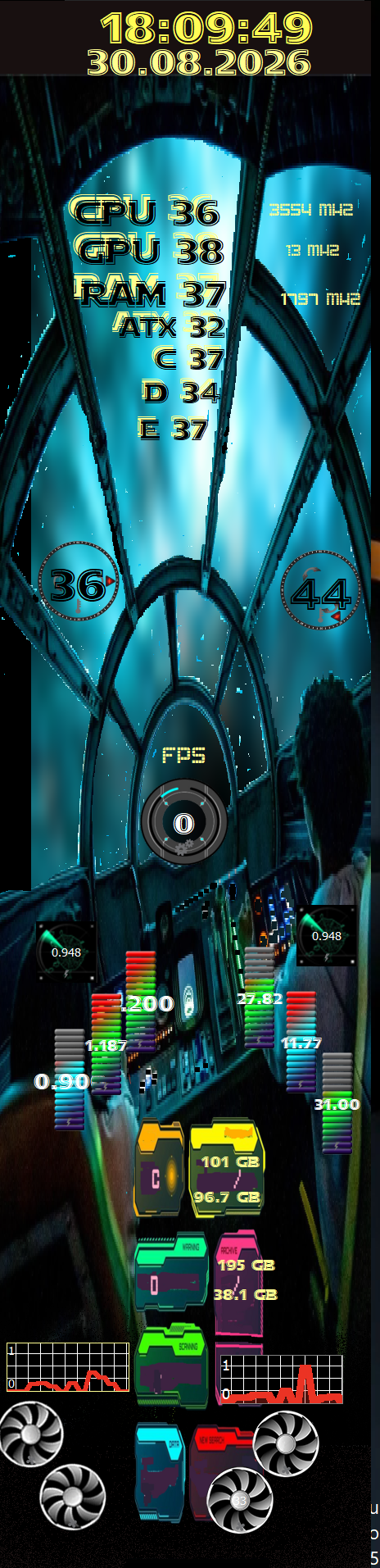
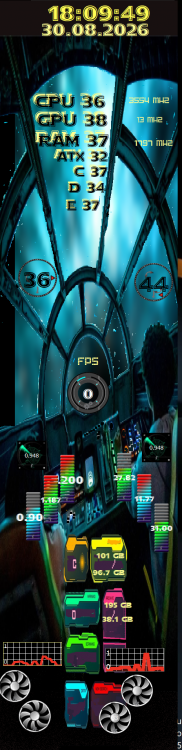
Nowy sensor panel dla ekranów 480x1920. elementy ruchome trzeba ustawić według własnych czujników ,ikony wentylatorów są przypisane pod czujnik napięcia aby uzyskać płynniejszą animację a skok w hiper pod sekundnik ustawiony na 1000ms .Z powodu limitów plik do pobrania na dysku google pod linkiem. wyślij prośbę a udostępnię bezpłatnie https://drive.google.com/file/d/1-tR1_AfCr-qLw_LiPeYyF_V9XbcrgvU0/view?usp=drive_link . wszelkie podobieństwo do twórczości Star Wars jest przypadkowe i nie zamierzone
-
nowy link jeżeli wspomniany nie działa https://drive.google.com/file/d/1Zgs9FYc_Co0KFFC6c6aqsv-ZZKJGxb0c/view?usp=drive_link
-
-
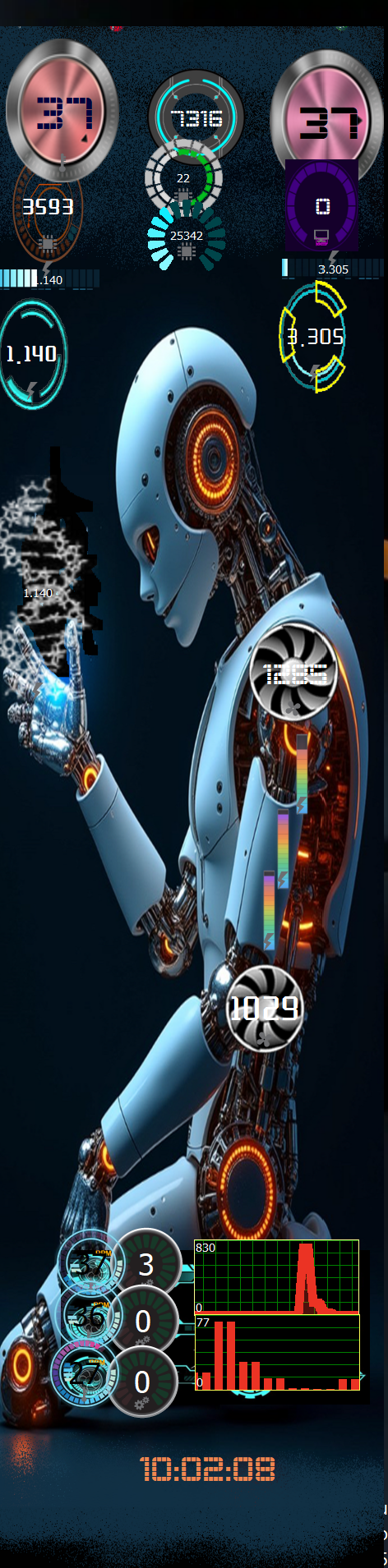
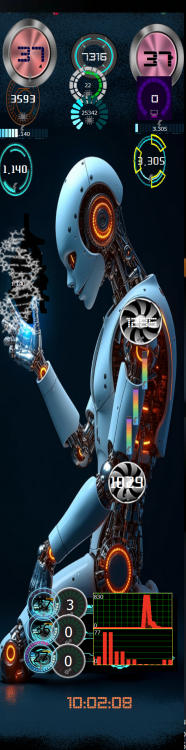
Hello. Another 480x1920 panel design of my own design. Remember to change the parameters of the aidy64 sensors to achieve the full animation effect. The curve of the fans and other components is set for my computer, and each computer has different parameters. 2dna2.spzip
-
Thanks, but I design for my own use and treat it as a hobby.
-
Hi. It's easy. Click on the image on the panel screen, open the Manager, find your image, and click change. Then, at the very top, there are settings for how and what you want to change. If the image is an Image, in the panel, you enter the new path to the new image (folder on the disk), and if necessary, enter the size, and that's it.
-
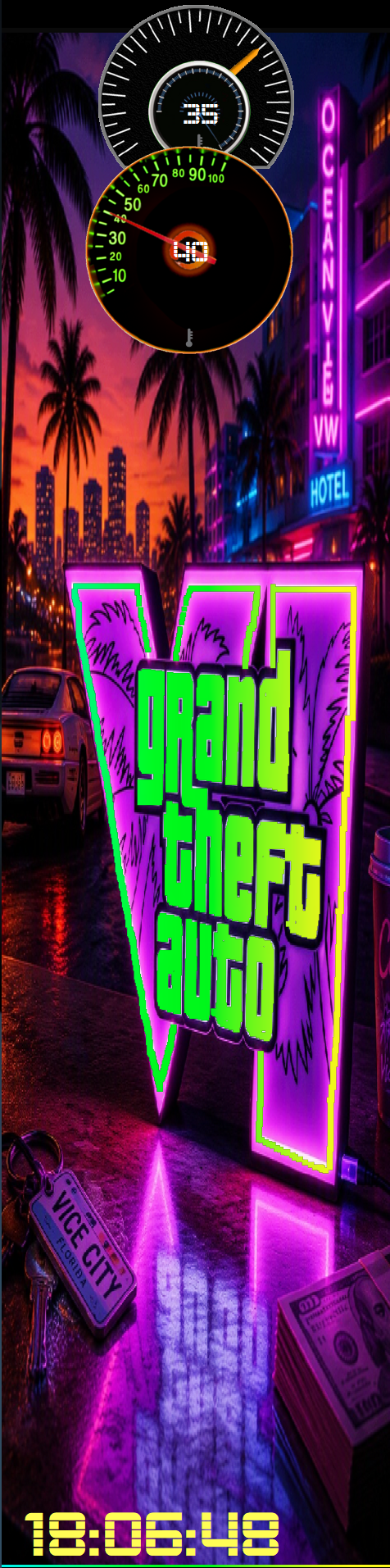
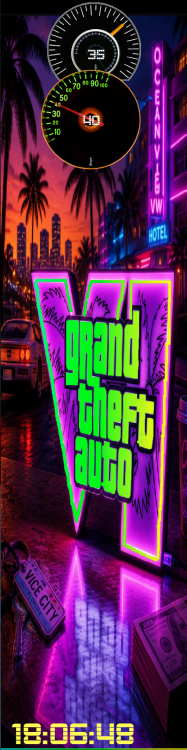
In two days the premiere of GTA6, so let's celebrate this event with a new 480x1920 panel, it does not provide sensors so that everyone can add their own according to their taste Prześlij opinię GTA6.spzip
-
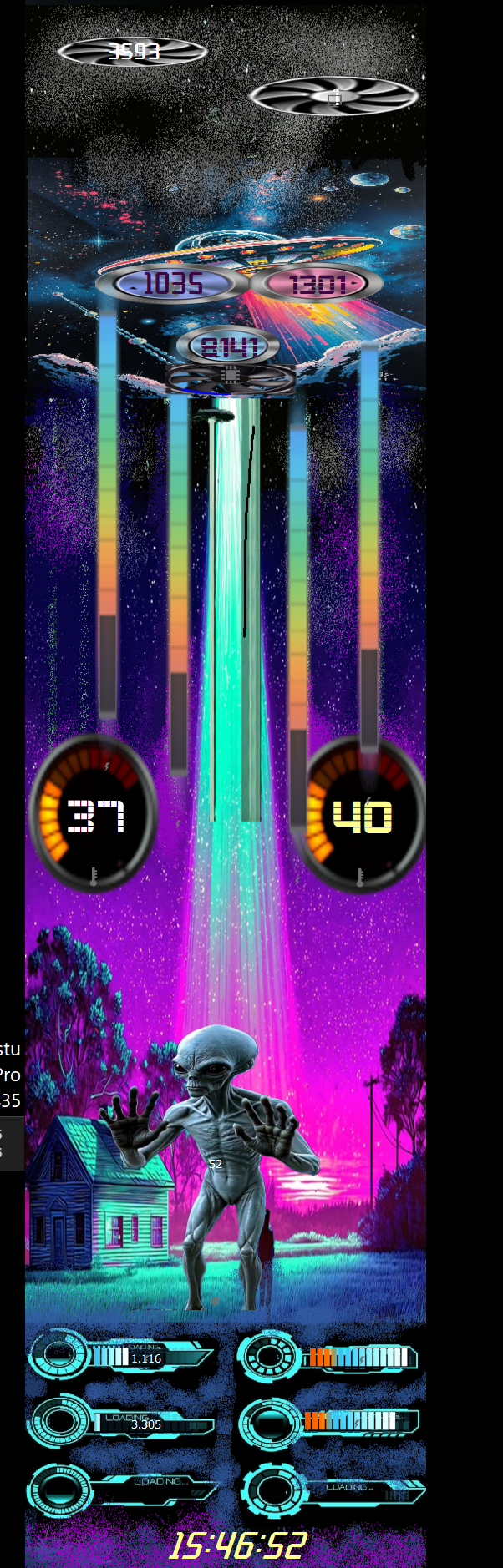
Hello. I'm very interested in downloading files from my private Google Drive. I'm re-publishing two alien-UFO panels for vertical panels 320x480 and 480x1920. You can download them directly from the forum. The panels don't have pre-set sensor parameters, as I'll leave that to you. You can insert whatever you want, wherever you want. Only the color change and the aliens are set with a 0.500ms timer to achieve the animation effect. Best regards. 25.08.25 alien.tulcd 2026-08-25 Alien.spzip
-
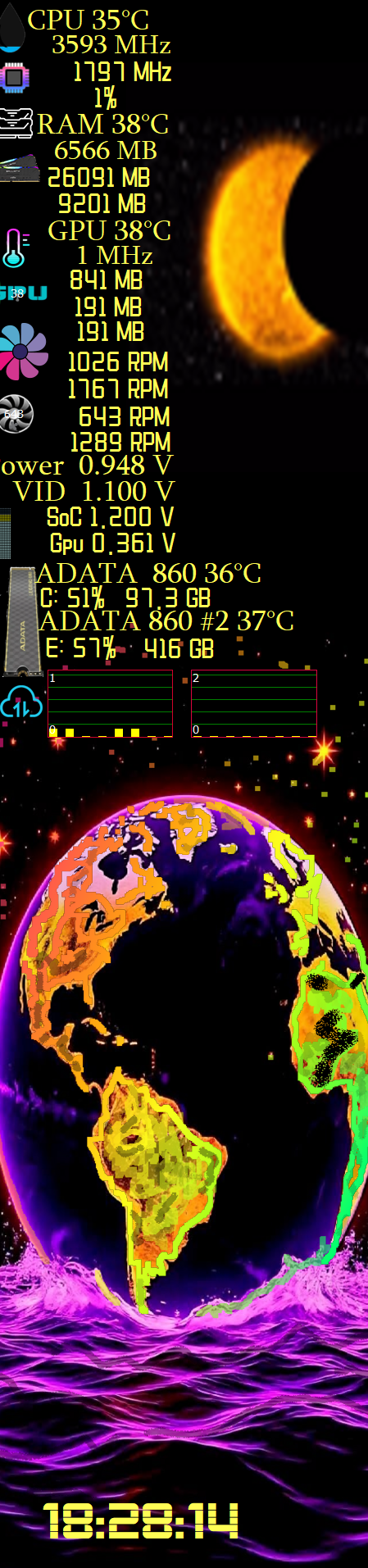
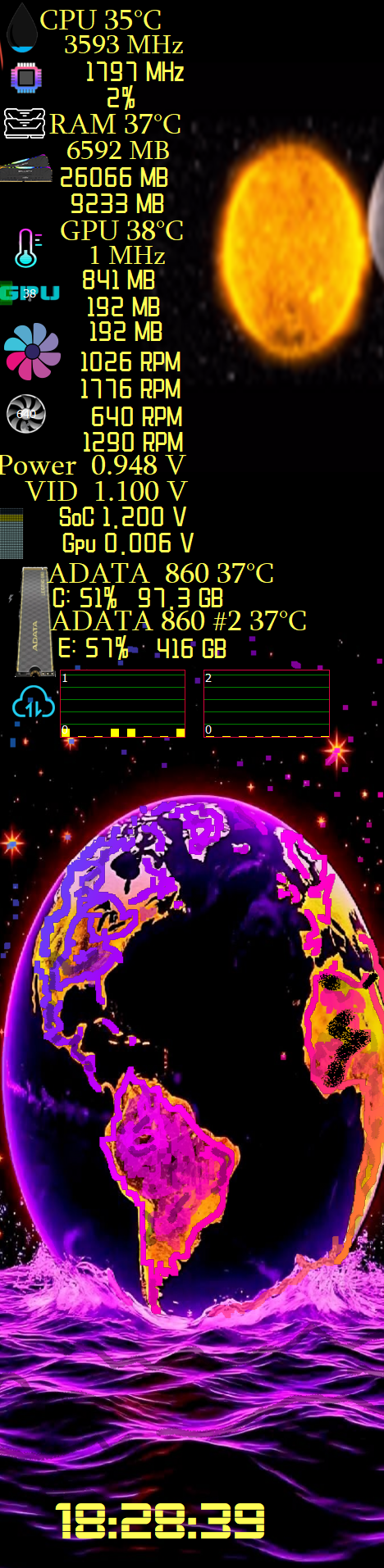
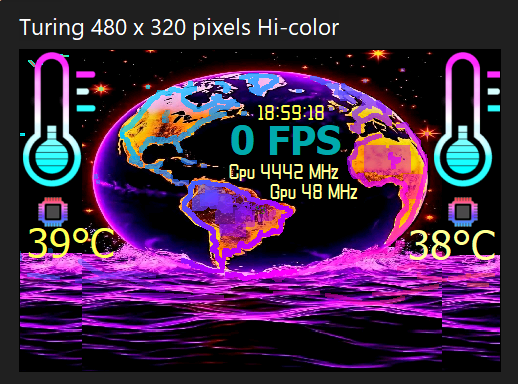
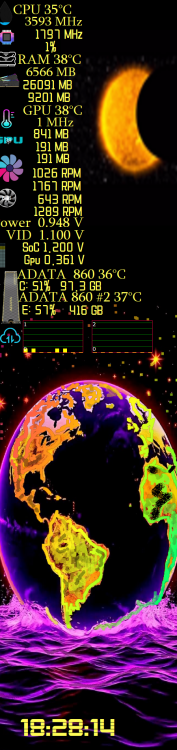
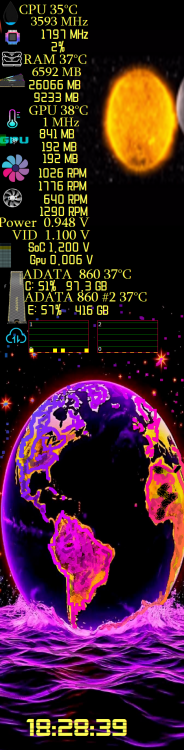
Just out of boredom, 2 panels with the earth motif and the last solar eclipse, the panels are 480x320 and 480x1920 for any editing but the most necessary data is Prześlij opinię zaćmienie słońca 480x1920.spzip ziemnia 480x320.tulcd
-
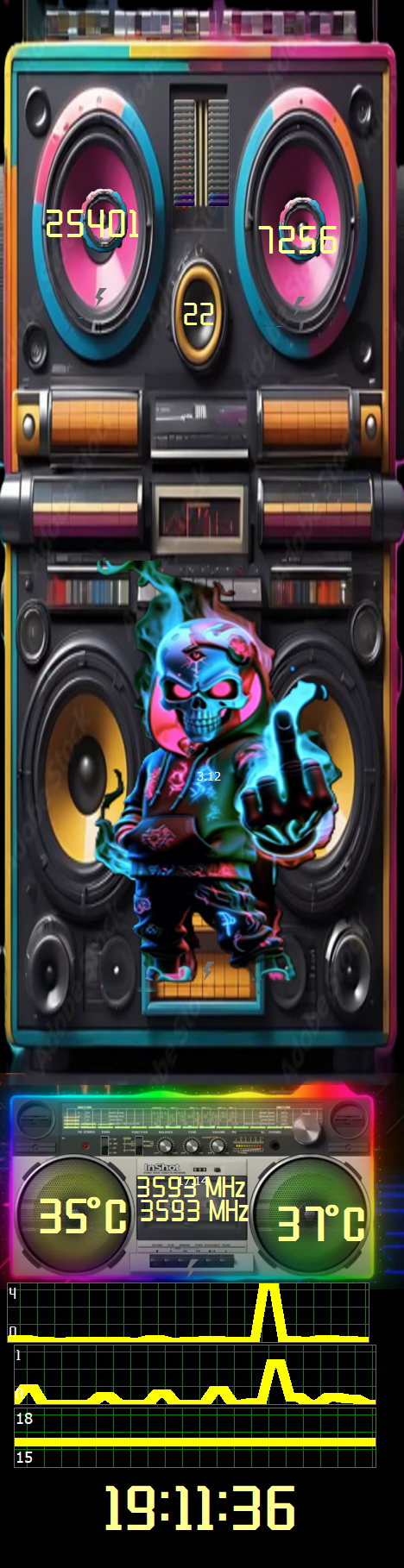
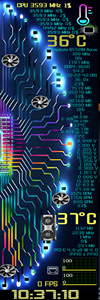
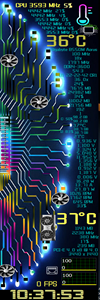
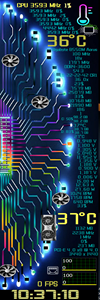
Hi. I have a new sensor panel to show and download, in my neon style. This time, I've added practically all the most essential component data, which we can control and adjust as needed. Obviously, the data will be different for everyone and may not rotate, for example, the fan images, because they're set up for my computer, so I need to change the settings. The panel is vertical for a 480x1920 screen. Let me know if you have any ideas for a new panel or for your screen—I have too much free time, so I'll do something, and of course, for free. pełne dane.spzip
.png.df4e9041dcd81bc0afe7f5339c469a63.png)
-
Hi. I have a new sensor panel to show and download, in my neon style. This time, I've added practically all the most essential component data, which we can control and adjust as needed. Obviously, the data will be different for everyone and may not rotate, for example, the fan images, because they're set up for my computer, so I need to change the settings. The panel is vertical for a 480x1920 screen. Let me know if you have any ideas for a new panel or for your screen—I have too much free time, so I'll do something, and of course, for free.
.png.49aef696af90f71cee8fd9f3165ae920.png)
-
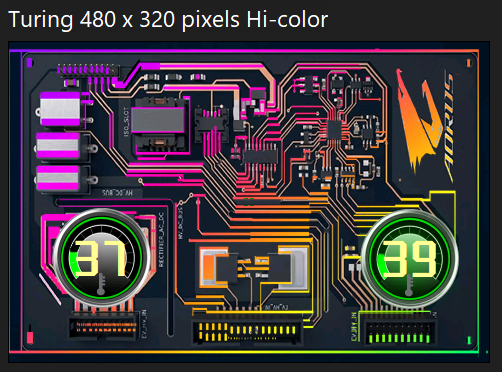
Hello. Here's a smaller 480x320 panel for those with smaller screens. Anyone can edit it and add the necessary parameters. układ Aorus neon 480x320.tulcd
-
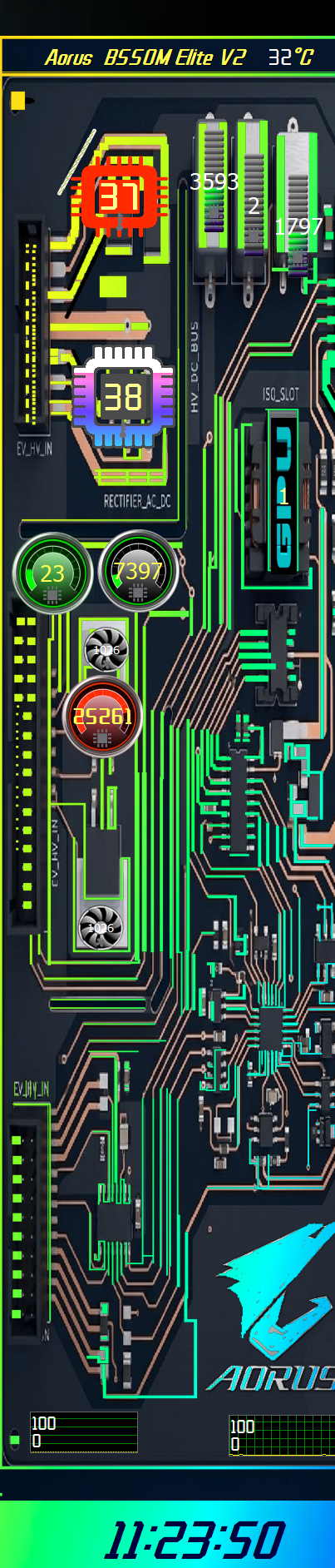
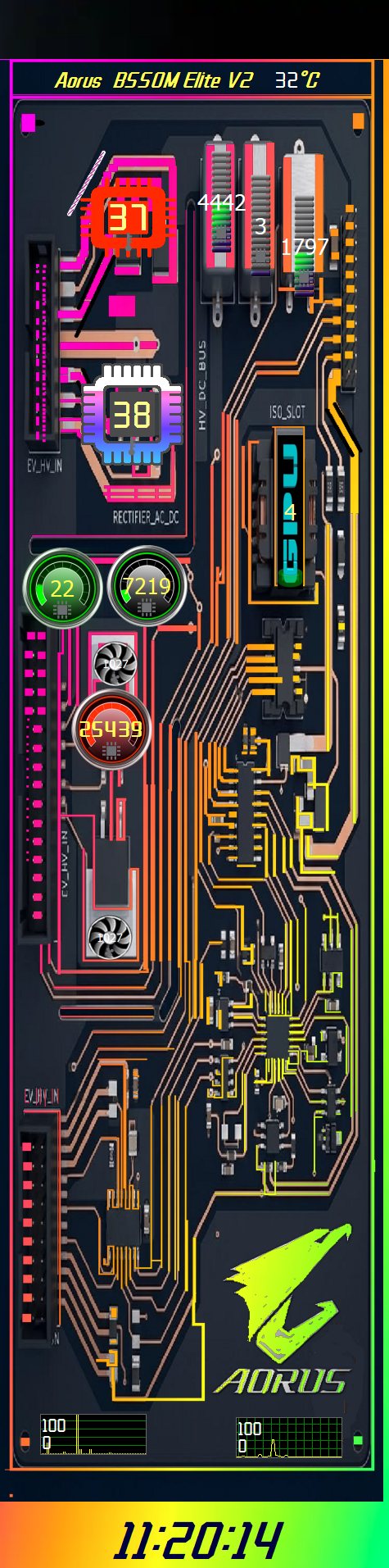
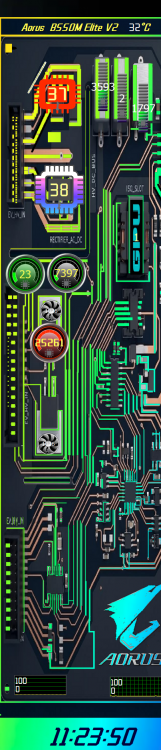
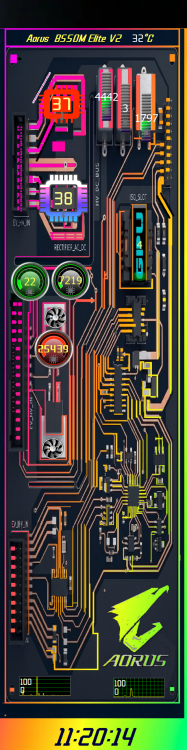
Another sensor panel of my design – this time as an integrated circuit with neon backlighting and the Aorus logo. The photo shows an example of the design with the component sensors, and the downloadable file is blank, so you can use it as a template for your own ideas, so you can add whatever you need. układ neon.spzip 2.spzip
-
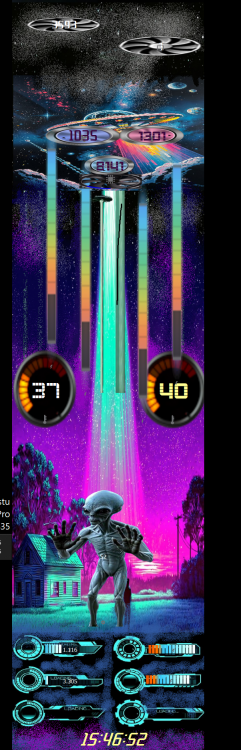
Hello. I created another panel using the system Paint. I focused more on creating the animation than on the system parameters and computer components. Everyone can set their own settings. I'm uploading a photo , a vertical panel 480x1920. https://drive.google.com/file/d/12ljQZsSYTl6s23YBNHIeKBSHbpUImEJf/view?usp=drive_link If anyone wants to check it out in more detail, the zip file can be downloaded from Google Drive because it exceeds the maximum size limit due to the large number of images.

.png.d5e0d54a8eb8570ae2b057c13bc3b524.png)