POE
-
Posts
23 -
Joined
-
Last visited
-
Days Won
2
POE's Achievements






-
Trying to enter my aida64 business serial number and it says its been blacklisted! Whats going on?
-
Feature Request: Manual input of Scale Percentage by panel Width and Height
POE replied to BHSY's topic in Brainstorming
Yea adding a forum for people to add their ideas to the software is useless if they wont do it -
AIDA64 recognises my soundcard as a realtek ALC1220 when in fact its an ALC897 Motherboard: B550M PRO-VDH
-
Note, windows has to have its display setting set to 100% scaling for sensorpanels on the desktop to display correctly, alternative way of doing this is right click the AIDA64 executable then setup the programs scaling options from there.
-
Think it would be great if you could add an option to create a custom VU meter that shows audio output levels (10 levels logarithmic and linear scale) from the soundcard using windows WASAPI so i can show it on my usb lcd, preferably L and R channels, then i could make my own VU gauge similar to the one built in to Audacity Log scale VU would be -20 -10 -7 -5 -3 -1 +0 +1 +2 +3 db As i listen to a lot of music this feature would be very welcomed. Thanks! Paul.
-
This is awesome news!
-
POE changed their profile photo
-
Just downloaded AIDA64 Extreme beta to test my Thermalright Trofeo vision 9.16" display and it will indeed run completely silent at startup by creating a task scheduler "run on demand" task setting the user as SYSTEM it doesnt show anything in the windows tray this is awesome and will stop people from meddling with the program once ive got it setup properly, cant wait till AIDA64 business supports my screen.
-
Trying to fit a 1920x482 image on the screen doesnt seem to center correctly, the top and bottom are off by a few pixels Any updates on when thermalright 9.16" will be supported fully in AIDA64 Business? Thanks Paul.
-
Would i have to buy a new licence? I was planning on getting the business version.
-
What a dodgy company, let me guess, theyre chinese, theyre willing to copy everyone elses stuff, but anyone does it to them they dont like it
-
I'm waiting for full support of the Thermalright 9.16" lcd screen to be out of BETA, if i buy AIDA64 now would i be able to update it when support arrives? Many thanks
-
Is it possible to startup AIDA64 by manually creating a task scheduler task and then setting that task to startup as "hidden" which removes the icons in the system tray? basically making a "run on demand" task Cheers
-
Hey folks Just built myself an awesome windows98 retro gaming machine on socket 754, has anyone managed to get aida working on 98?
-
Simple things like this are not possible on windows10 Windows10 has been nothing but problem after problem since it was launched 5 years ago, yet we are all forced to use this horrible OS, it's just a huge bloated mess that's full of embedded crapware. Microsoft need to start again, this time make all the useless features a separate add on pack instead of forcing everything down our throats, i have tried my best with MSMG toolkit and NTLite to remove all the god awful embedded stuff but doing so either makes the OS throw up errors or breaks functionality of something else, i tell you what guys you're not gonna like version 2009 it's even worse! took me 10 minutes to find out where to alter the paging file. With every major release they introduce even more restrictions for the end user, microsoft are an utter joke seriously. Windows has turned from a gaming platform in to an advertising platform. I feel sorry for business users the most.
-
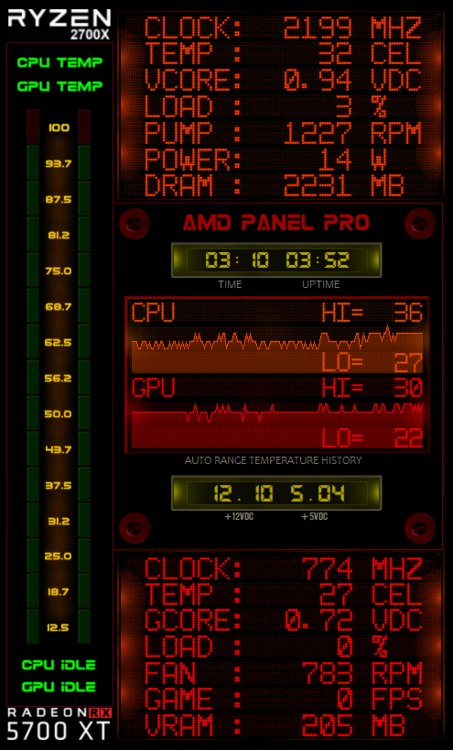
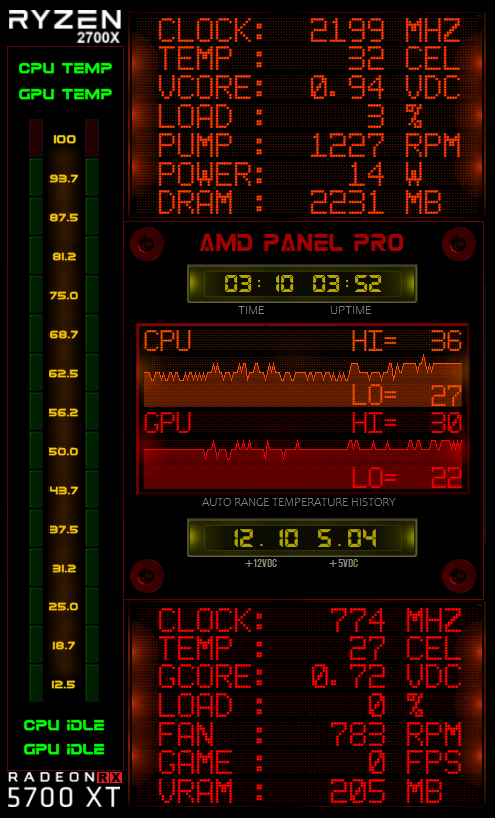
AMD Panel Pro v1.03 Various changes, this one is for all of us wonderful Radeon 5700XT owners, again its for a 480x800 panel, Enjoy! AMD Panel Pro v1.03.zip