

mihalis1983
-
Posts
2 -
Joined
-
Last visited
mihalis1983's Achievements


-
External HDD S.M.A.R.T. status not showing up in AIDA64
mihalis1983 replied to mihalis1983's topic in Hardware monitoring
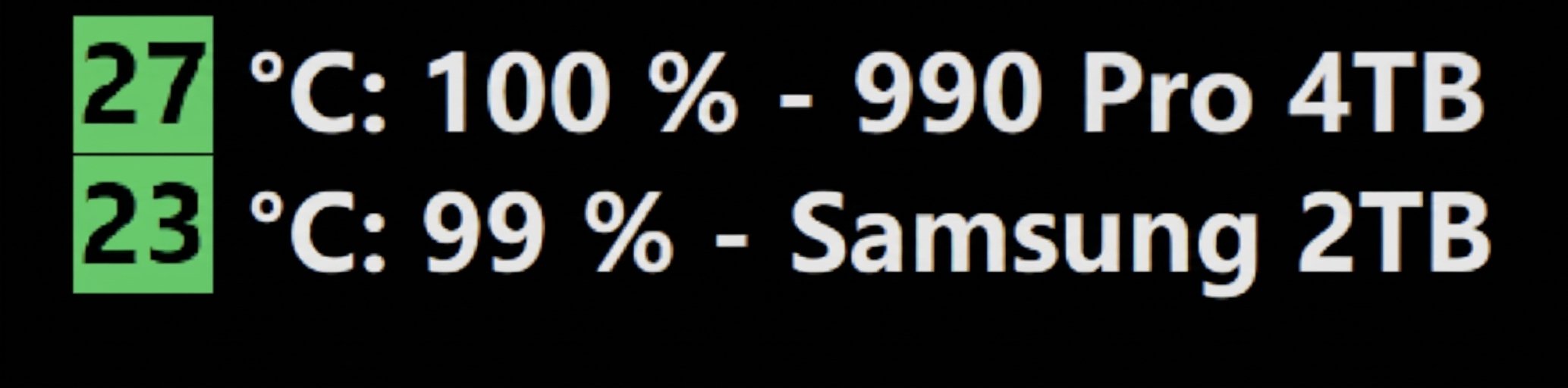
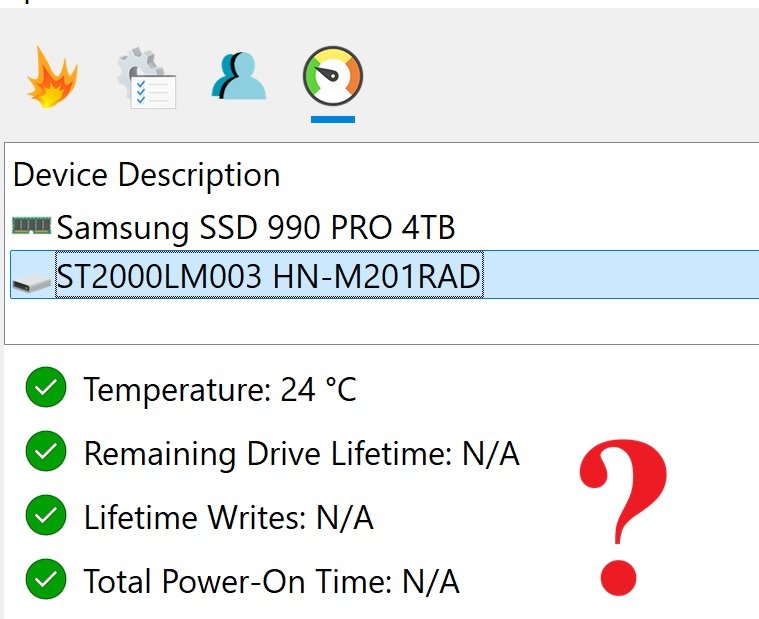
Thanks for the responses and clarification. To give a bit more context, I currently use HD Sentinel's "Status Window" on my desktop to monitor the health status of both my internal NVMe and my external HDD at a glance. (Screenshot below) Since AIDA64 already reports the NVMe health properly, my goal was to eliminate HD Sentinel completely and rely solely on the AIDA64 SensorPanel to permanently display the health and temperatures of both drives in one place. This would also save resources by avoiding having an extra background program (Sentinel) running continuously. It is very important for me to know if the external HDD suddenly drops in health or becomes unstable for the system. Having this visibility directly on the SensorPanel—without needing to run third-party software—would be extremely useful. However, based on what you are saying, AIDA64 cannot calculate or estimate the health percentage for the magnetic drive in this setup—and if I understand correctly, there are no plans to implement health calculation algorithms for HDDs in future updates either, right?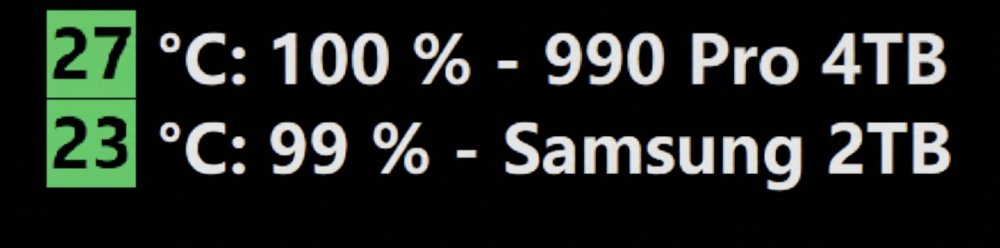
-
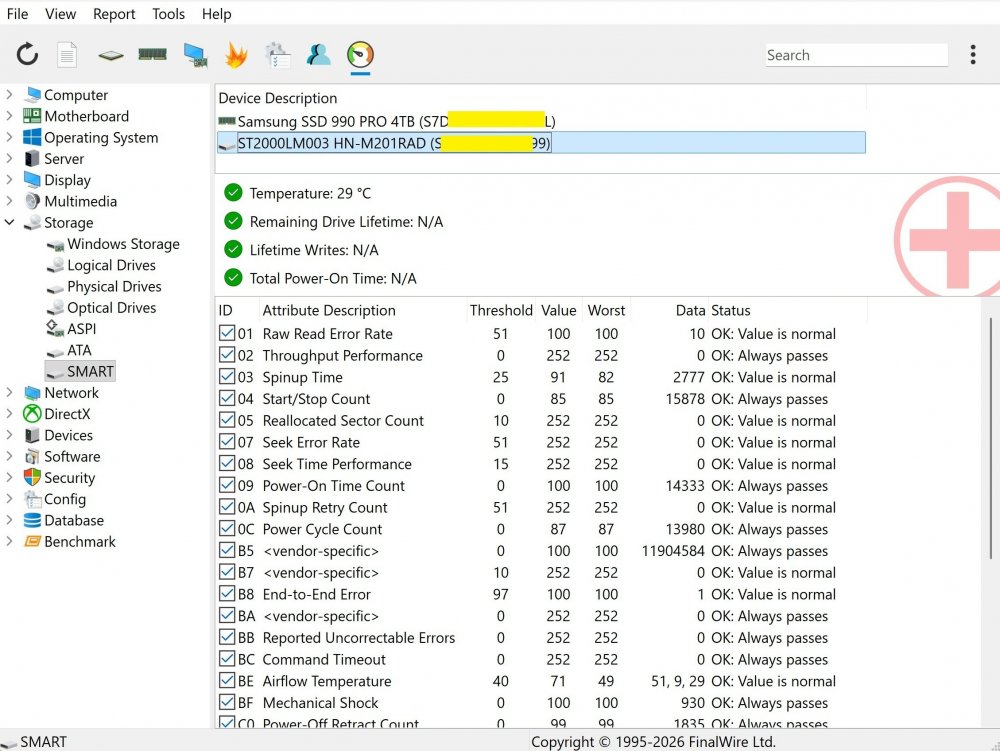
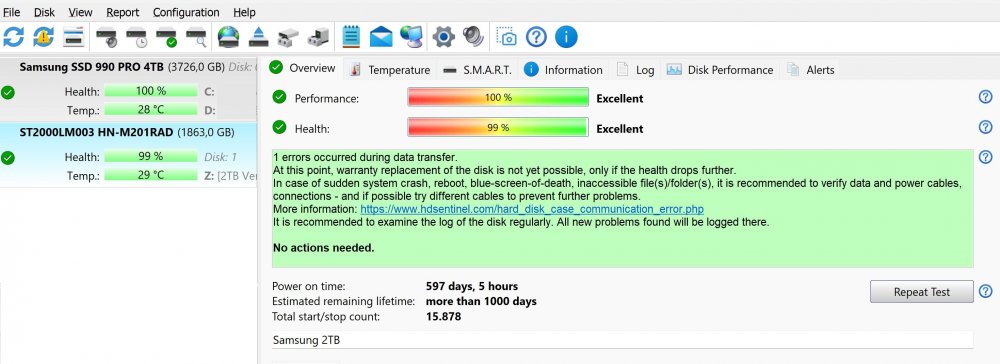
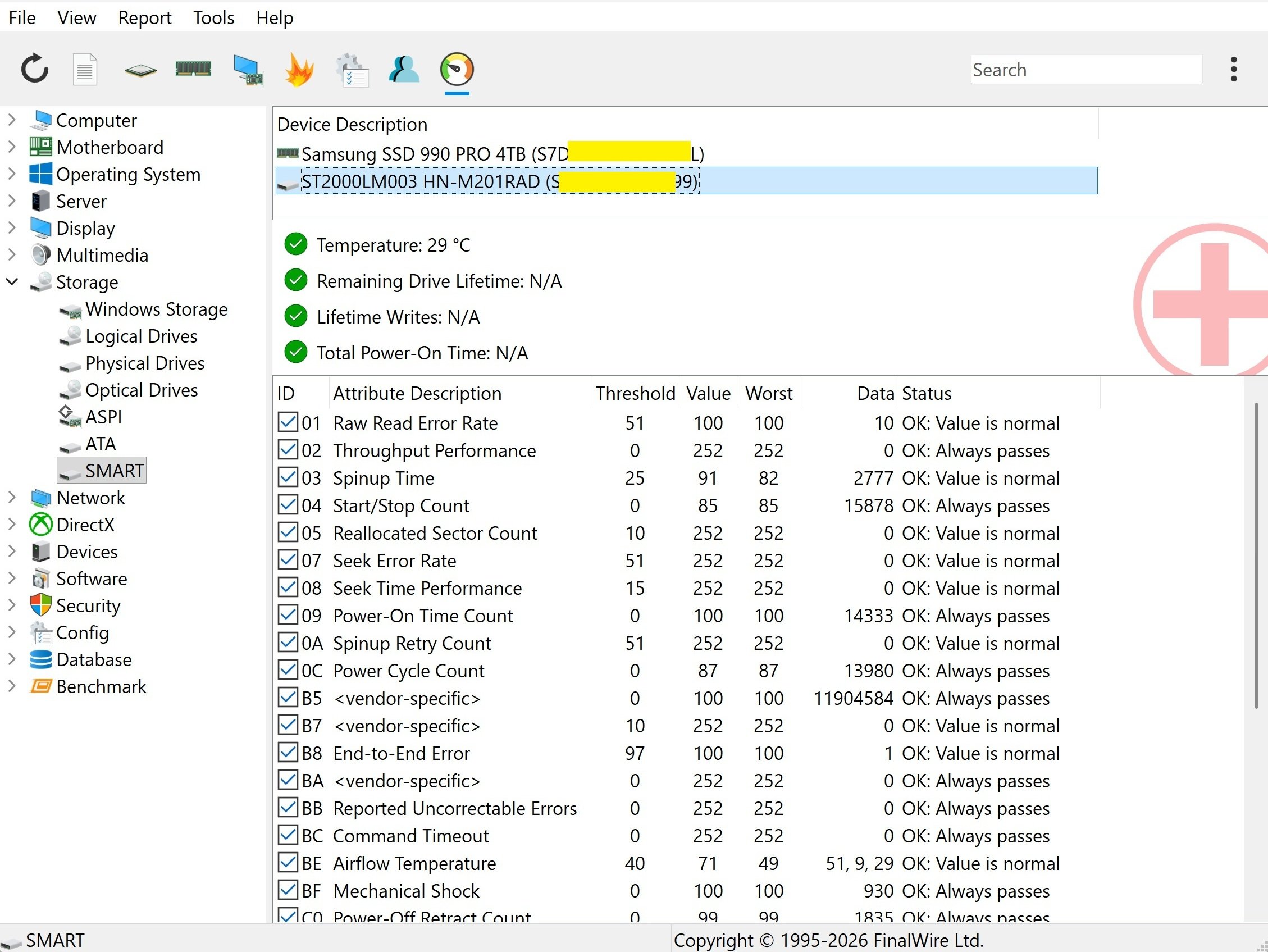
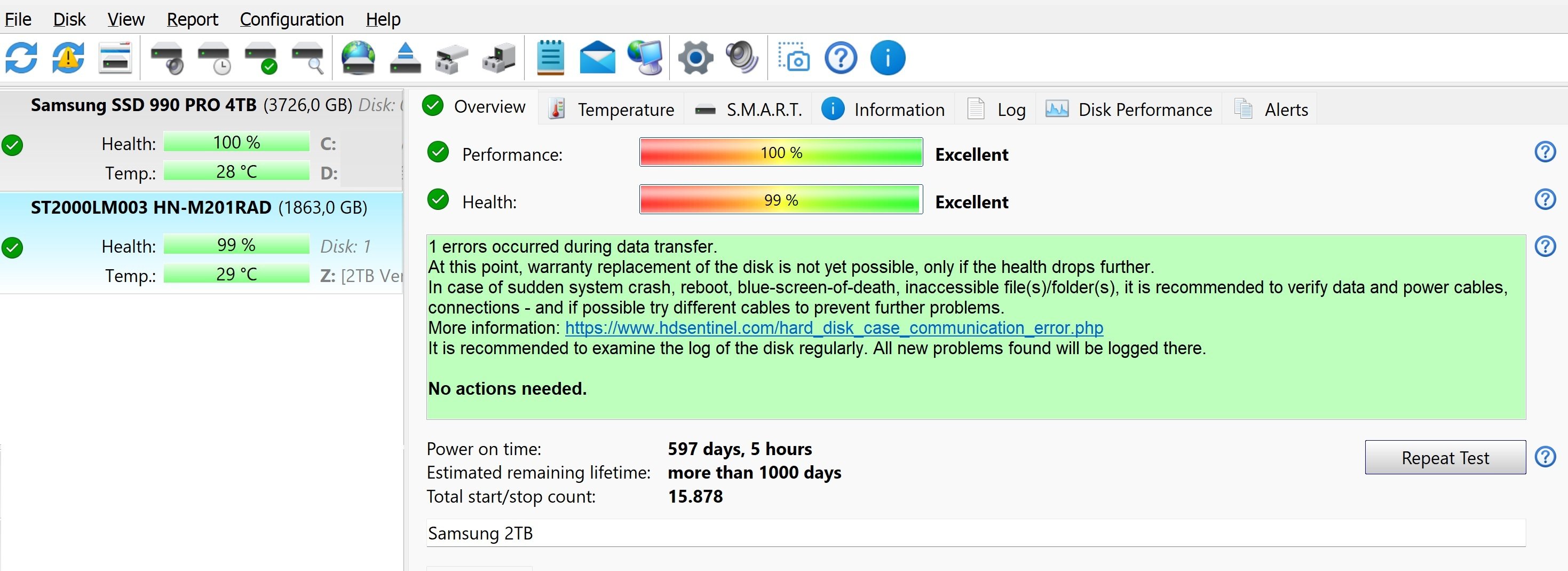
Hello, I found this https://www.aida64.com/support/faq/smart-data-external-hdds and i'd like to report that my external hard drive is not reporting its S.M.A.R.T. status inside AIDA64 (under Storage -> SMART). Here are the details: Drive Model: Samsung ST2000LM003 2TB 2.5" Enclosure Model: ORICO 25PW1-U3 https://www.orico.cc/index.php/index/product/detail/3053.html Connection Type: USB 3.0 AIDA64 Version: 8.40 OS: Windows 11 Interestingly, Hard Disk Sentinel displays all S.M.A.R.T. details and health status for this drive perfectly fine (screenshot attached). My goal is to get rid of Hard Disk Sentinel completely and monitor this external drive's S.M.A.R.T. values (like health & remaining lifetime) directly through my AIDA64 SensorPanel. Is there a specific setting, driver tweak, or low-level USB controller option in AIDA64 that I need to enable for USB bridge controllers to pass through S.M.A.R.T. data properly? Any guidance on how to fix this would be greatly appreciated. Thanks in advance!