Mergatroid
-
Posts
9 -
Joined
-
Last visited
Content Type
Profiles
Forums
Events
Everything posted by Mergatroid
-
Sweet. I'll wait and see what happens. The flashing I am getting is happening with pretty much any background other than just sending a blank white screen.
-
I'm pretty sure the 9.2" Turzx panel is supported by Aida64. If I make a picture and send it to the display, I get that 1/2 display flashing, but it's not stopping. There are some problems with the resolution. I bought the unit on Ali Express. It looks just like the 8.8" panel I have but the display is slightly larger, although the case is the same size with smaller bezels. On the page I bought it from, it says the unit is 1920 x 462, but lower down the page under specifications it says 1920 x 480. Neither resolution works. If I load a picture that is 1920 x 480 it's cut off at the top. I make the picture, load it into Aida and it's perfect, send it to the panel and the top 18 rows of pixels are cut off. The panel is 1/2 the picture on the right, and 1/2 old data on the left, and it flashes and will not stop. If I make a picture that is 1920 x 462 and load it in Aida, the bottom 18 rows of pixels are all white in Aida, and if I send it to the panel the panel flashes and won't stop. The top is still cut off and the bottom rows of pixels are all white So I used Paint to create a picture that was 1920 x 462 with the top 18 rows of pixels being just white. I could centre this picture in Aida even though it was too small vertically and send it to the panel. With some small vertical adjustments the picture fit the panel perfectly, but it was still flashing (because the white rows of pixels in the picture I made were off the screen). I believe the fault is with a resolution mismatch between what Aida64 thinks the panel is and what it actually is. I can provide any requested information in the form of logs or other data required to correct this fault. I just purchased this panel last week so it could have slightly different firmware or the panel itself could be slightly different. It works correctly in the Turzx proprietary software. Help, I need somebody. Help, not just anybody. Hel el el el elp...
-
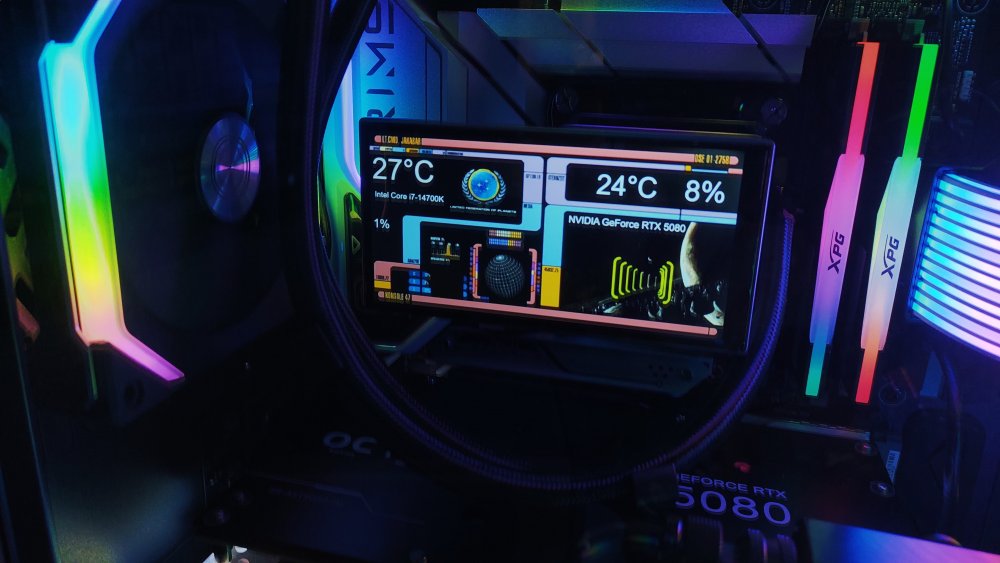
Hello I just purchased a Jungle Leopard Proflow ARGB 360 AIO CPU cooler. It has a sweet 5.5" LCD display that seems to be connected directly to USB. The block plugs into USB, but nothing happens until you put the display on the block, then you get the USB device connecting. The resolution is 480*960. Would you need anything from me like some kind of USB data?
-
I have the same panel, and it's not stopping the flashing. Whenever I load a background image, the left half of the panel flashes the old data permanently until I delete the image and blank the panel. It works with the proprietary software without any issues. It's a 1920 x 480 panel, Truzx 9.2". Also there seems to be some odd thing going on with the resolution. The company that sold me the panel says the resolution is 1920 x 462, but Aids says it's 1920 x 480. When I make a 480 picture, the top is slightly cut off. When I make a 462 image, the bottom has a few white lines of pixels. I'm a little confused. Is there anything I can do to correct this? Is there some information from the PC you need?
-
Thanks a bunch for confirming. When I bought the monitor, it specifically mentioned Aida64 AND data through USBc. Of course I thought I could use an internal USBc header, but that's not it works. It has to be a USBc from a video card, and it has to have DP-Alt mode, so it's just an external monitor. I'm not sure why anyone would want that in their case. I am returning the monitor tomorrow, and I have ordered a Turex 9.2" display similar to the 8.8" display I was using that died. Made by the same company, and it just connects to USB, so it should work, and it has it's own software as well just in case. All they had to do was use the words "Desktop Monitor" and I would have known not to order it. Too bad, would have looked awesome.
-
I just purchased the new version of Aida64 Extreme, and my panel is not listed there. I did a rather dumb thing, and I asked google AI if my 14.5" VS Display is supported in a newer version of Aida64 under LCD, and it said "yes", so I bought it. Model VS145ZJ01A. There is a grand total of 11 monitors (sensor panels) listed in the new Aida 64, and my monitor is not one of them. Why is there only 11 monitors listed under LCD? How do I add more? I'm getting a lot of "Aida64 won't work with monitors under the LCD heading, you have to use them as a desktop extension and use the sensor panel setting in Aida64". The panel I purchased says it is capable of both, using USBc for both signal AND power, just like a sensor panel. This monitor can also use a HDMI connection, but I have no interest in setting it up as a desktop monitor. This monitor needs to be set up like a Beadapanel would be. However, the new V8.XXXX software only has 11 sensor panels (hardware) listed under LCD. My old Aida 64 software had about 30 or 40 of them. What's going on? Where did all the other sensor panels go? It seems I paid for new software that has less support! Is there any way to get this to work under LCD or do I have to return the monitor? I still have my old Beada panel, but it's just too small for my needs now. The more I read about this the more it seems it's not going to work. Now I am reading from the google AI that the USBc port on this monitor does not handle video over USB, but rather requires USBc with Display Port Alt Video Mode. LOL, I purchased a Internal USB to USBc cable just for this purpose. What a waste of money. If this is true, then I am just wasting my time. I will return this monitor and get my money back. Too bad I'm stuck with this $60 bill. Are there any 14.5" monitors that WILL work with Aida64 using only USB for video under the LCD heading? Help me Obi-Wan Kanobi, your my only hope.
-
I just purchased a VS Display 14.5" display because they said it works with Aida64 and it can use one USB port for both data and power. Unfortunately it only seems to work using the HDMI since my older version of Aida does not have a LCD model entry for this monitor. I was using a Betapanel for this, but I really like this 14.5" panel. Is there any newer version of Aida64 that supports this panel? I have done a search but have not found VS Display mentioned here. My version of Aida64 has lapsed, but I will buy it again if it supports my monitor. Otherwise, I'm sending the monitor back, I don't want a monitor that has to rout a cable outside my case to plug into an HDMI port. The monitor model number (which is not listed on their website, and I have emailed them about this) is VS145ZJ01A. https://www.amazon.ca/dp/B0CYLN3C3Y?ref=ppx_yo2ov_dt_b_fed_asin_title&th=1 Can you please tell me if there is a version of Aida that will work with this panel specifically through USB (I have no interest in using HDMI) or if you can add this to the software? I have 30 days to figure this out before my return window expires. Thanks a bunch.
-
New 6.8" IPS Screen launched to BeadaPanel LCD Family Now!
Mergatroid replied to beada's topic in Hardware monitoring
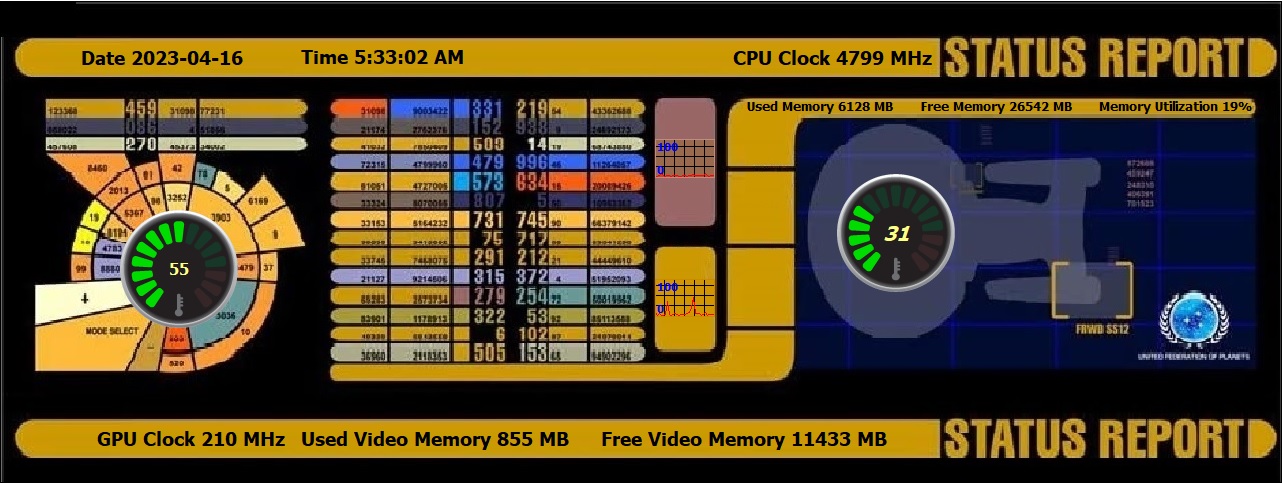
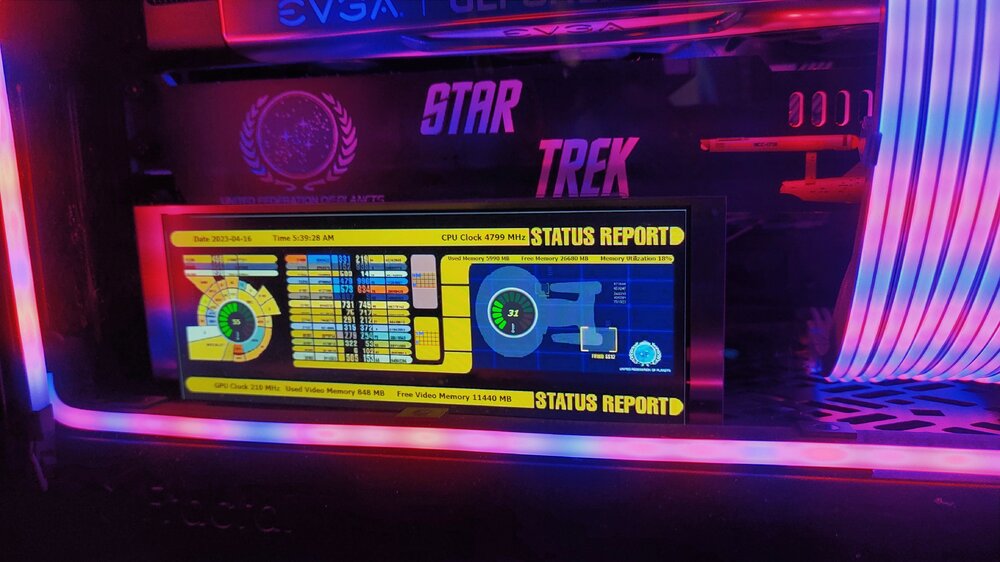
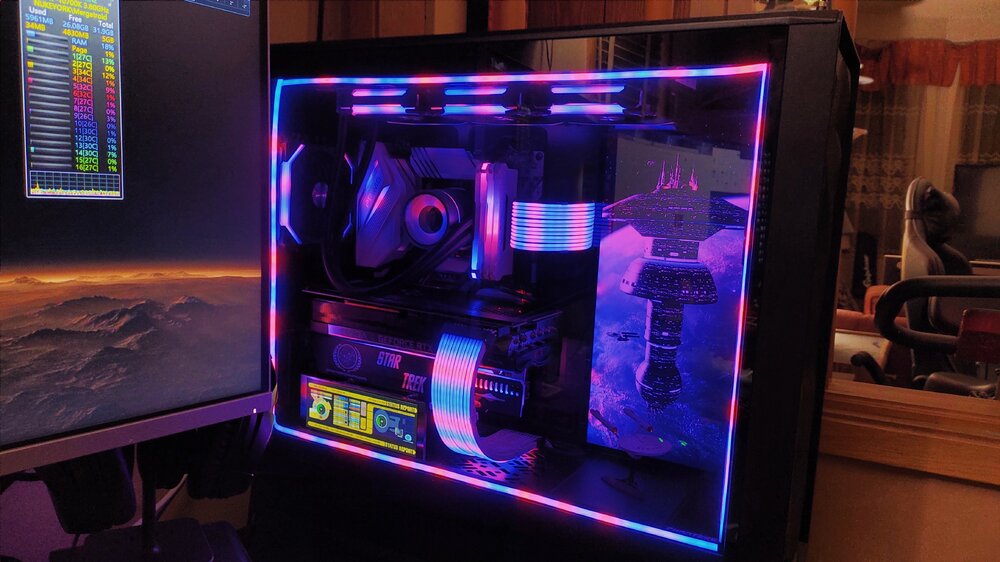
After I stopped trying to find a template and decided to just do it on my own I managed to come up with this (attached). I still find the editor extremely primitive, but it's workable. I got an image off the 'net, edited it to make the aspect ratio correct and then just added the sensors. The panel is excellent. Too bad no one makes a case for it for sale. I know that place in the UK makes one, but they only seem to sell it with the monitor. If I could have purchased it separately I would have.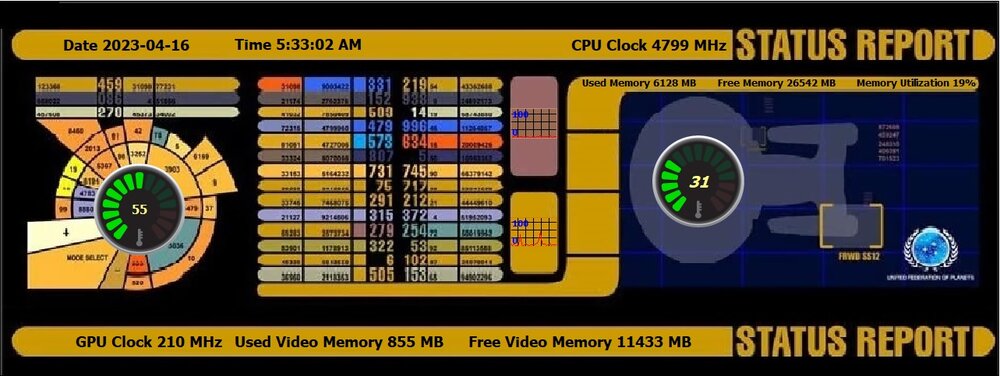
-
New 6.8" IPS Screen launched to BeadaPanel LCD Family Now!
Mergatroid replied to beada's topic in Hardware monitoring
Is there somewhere where all the templates are accessible without having to look through hundreds of comments? Like a download area? I love the fact that people are willing to share, but it's taking hours to find anything. Most of the templates shown in the forum don't have an attachment to download. So far I have not found anything that explains how to make these templates. I find vague references to other software and that's about it. Honestly, for $100 Canadian, I expected AIDA64 to have a decent editor in it with paint functions for drawing but I find nothing at all. I have no issue making my own template but I don't see how other people have managed to accomplish it with such poor instructions.