All Activity
- Today
-
 twindevs joined the community
 -
 MangyMutt joined the community
 -
 varx joined the community
 -
 biggen57 joined the community
 -
 bsheriff joined the community
 -

12V-2x6 monitoring on Thermal Grizzly WireView Pro II
Psychorama replied to ParisV's topic in Hardware monitoring
It works, BUT, the same as with HWInfo, there are USB disconnects when multiple sources try to get information from the WireView 2. Also, when you have "fast startup" enabled on Windows 11, the connection is not possible anymore, until you reboot, or turn off fast startup. I know HWInfo fixed this issue, but i'm not sure how. When every monitoring accessing this information is turned off, it will most likely work. @fip00 can you try to turn off fast startup, turn off auto-start off the wireview software, and possibly HWInfo? My biggest guess is it will start working again. @Fiery can you look into this? -
 PandaTrooper joined the community
 -
 ddk0127 joined the community
 -
 M.Jakob joined the community
 -
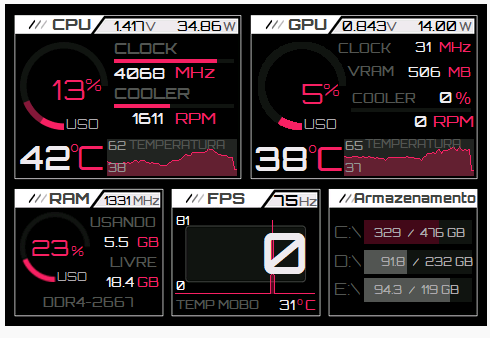
Custonizei uma skin 480x320, baixada aqui no fórum. WhatsApp Video 2026-04-05 at 08.41.36.mp4
-
 xarokh joined the community
 -
 ingdown joined the community
 - Yesterday
-
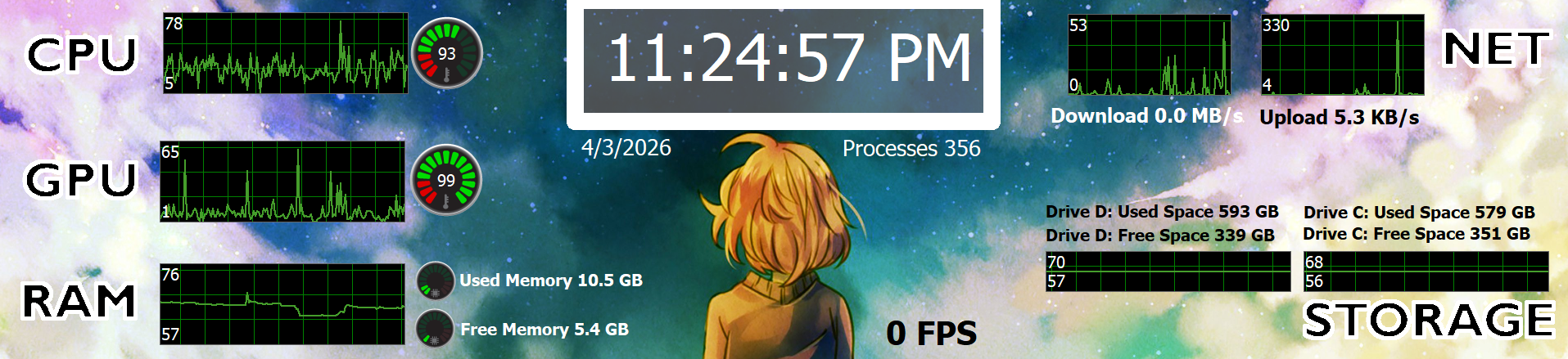
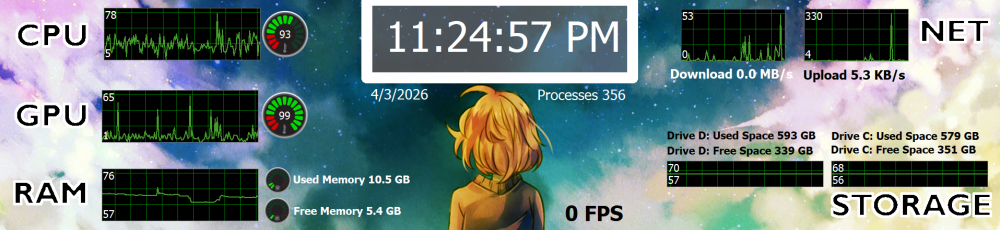
I recently got a small display that is 1920x440, to use as a sensor display outside my pc specifically. I was searching and searching for something that tickled my fancy, and was also easy to change to suit my needs, but tbh I couldn't find anything that wasn't too cluttered for me, or that fit my display. So, I decided to just make a simple sensor panel and figured Id share the .sensorpanel file, and the .xcf file base for GIMP that I made. Hopefully this can help someone lol. I attached a preview image and this is the google drive link so that it doesn't get lost to time as easily: https://drive.google.com/drive/folders/1htrrRN4ceipHFlnJnTdEGmV5IEharV2Y?usp=drive_link Have a blessed day and stay healthy!
-
@ArtTheClown thanks for the info! Are you saying that you can connect to the screen from aida64 as a USB device? Or are you referring to enabling the screen's secondary monitor display support?
- Last week
-
Hi! I created a sensor panel and, among other metrics, displayed the GPU power. When I created the dashboard, it was displayed on the screen. If I turn the computer off and then on again, the power usage becomes N/A. After rebooting the PC, the power usage starts to be displayed until the next time the computer is turned off. What could this be, and how can I fix it? MSI 4060Ti graphics card
-
 deadzy changed their profile photo
 -
 Domi Mon changed their profile photo
 -
merci beaucoup
-
None of the comments in this topic have been at all helpful. I still have the problem (as stated in my follow up comments).
-

New LCD device support: Samsung SPF Digital Photo Frames
Fiery replied to Fiery's topic in Hardware monitoring
Yeah, we've heard about that issue, but sadly so far we haven't found a method to make such devices to transition into mini-monitor mode properly 😞 -

New LCD device support: Samsung SPF Digital Photo Frames
min3um replied to Fiery's topic in Hardware monitoring
Hello, I wish to do this but I cannot as my device cannot be transitioned into mini monitor mode, which is the problem in the first place. To make it more clear, about 3 seconds in transitioning to mini monitor mode, I hear the USB disconnect sound and nor my File Explorer or Aida64 can detect the device anymore. When this happens I can only phyiscally unplug and replug the Samsung 800P to my PC for it to detect my LCD device. -
Is there anywhere to sign up to be notified when this screen is supported? I just purchased the screen and an AIDA license. I've currently configured the screen as a secondary display so AIDA will work with it, but it isn't great. When I turn off my primary display, I see the Windows desktop instead of the AIDA display for about ten seconds before it is restored.
-

12V-2x6 monitoring on Thermal Grizzly WireView Pro II
fip00 replied to ParisV's topic in Hardware monitoring
Nope. Turned pc off and back on and it stopped working. -
12V-2x6 monitoring on Thermal Grizzly WireView Pro II
Fiery replied to ParisV's topic in Hardware monitoring
Clashing shouldn't be an issue. Did you do anything to your WireView device between the two attempts? Maybe updating its firmware? -
New LCD device support: Samsung SPF Digital Photo Frames
Fiery replied to Fiery's topic in Hardware monitoring
After the device is transitioned into mini monitor mode, please create a USB Dump and send it to us. In AIDA64 please press Ctrl+D --> System Debug --> USB Dump. Copy-paste the full results into this topic, or attach the results as a TXT file to your post. Thanks, Fiery -

Any plans to support Thermalright TROFEO VISION 9.16 LCD?
AhmadWalker replied to Schakal's topic in General Discussion
It works for me, thank you! 它对我有效,谢谢! -
 hitclub99com changed their profile photo
 -
12V-2x6 monitoring on Thermal Grizzly WireView Pro II
fip00 replied to ParisV's topic in Hardware monitoring
Just purchased an Aida64 Extreme license a few days ago and got my Wireview 2 Pro showing up in the current beta version. For some reason it's disappeared the WV2 doesn't show up under sensors anymore. Thermal Grizzly software not running. Hwinfo not running. Only Riva tuner and MSI afterburner is running. Sensors do work bec Hwinfo and Thermal Grizzly software do see the device when I run them. System reboots do not help. Completely killing power to pc for a bit and turning it back on does not help. Could the live Aida version that I was running before beta and then uninstalled be clashing with the beta version? Is there a way to clean uninstall and try again? Any feedback would be appreciated. -
New LCD device support: Samsung SPF Digital Photo Frames
min3um replied to Fiery's topic in Hardware monitoring
Hello again, I have tried your solution and the Samsung LCD is back in the prefrences of AIDA64. Now I am experienceing a problem that the USB device will become unrecognizable by the end of the transfering of mini monitor mode. The transfer is canceled and the meassage "USB device not found" is returned. Do you perhaps know why this happens? Thank you. -
Could you share?
- Earlier
-
Excellent panel, would it be easy to change it to 768x1366?
-
 nohumobile changed their profile photo
 -
New LCD device support: Samsung SPF Digital Photo Frames
Fiery replied to Fiery's topic in Hardware monitoring
You need to take the file called libusb0-amd64.dll from the 2021 folder of the ZIP you've downloaded, rename the file to libusb0.dll and copy that file to the AIDA64 installation folder. That should let you have the Samsung LCDs back in the Preferences of AIDA64. -
 I'm showing you the source of the problem. But you're not responding because we, the people experiencing the problem, are in the minority. That's really wrong.
 -
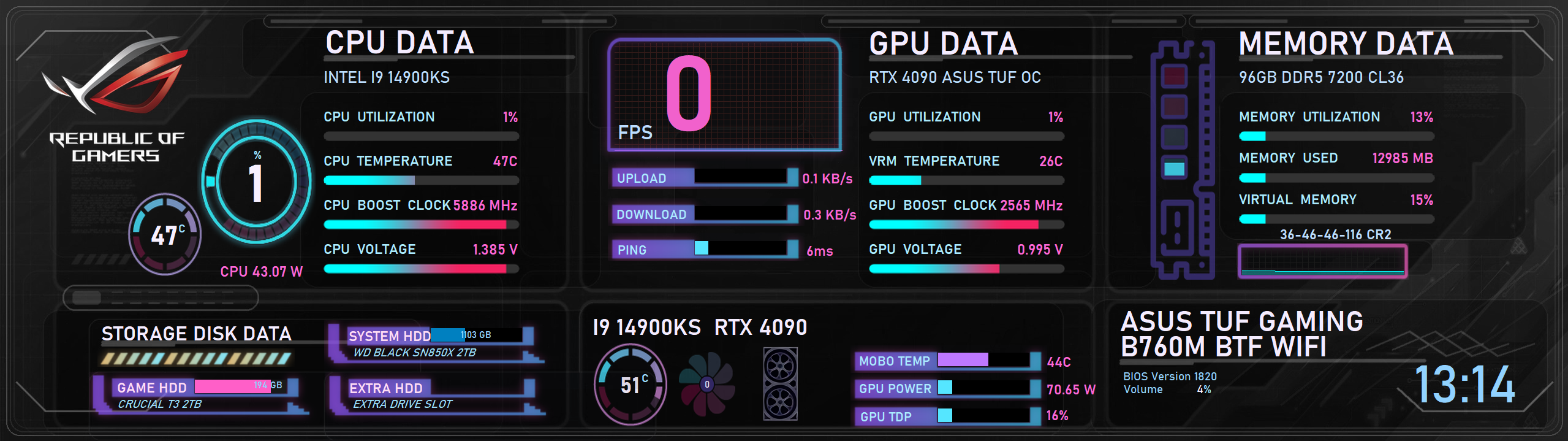
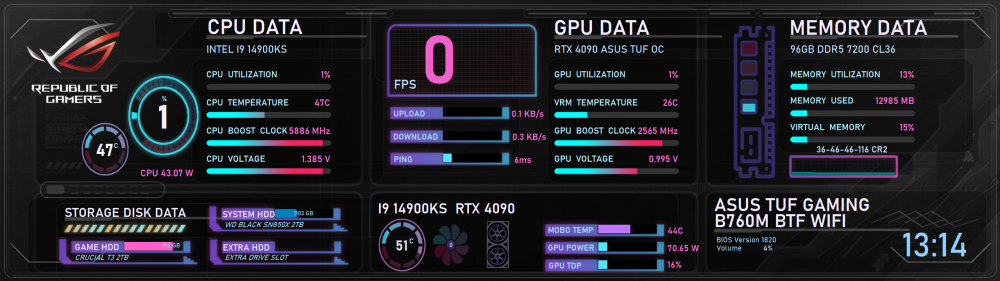
Here is mine v4 with a ping indicator. To make it work, you also need to copy the included files into your Startup folder so the script runs automatically for ping update Startup.zip GEFORCE_2560x720v4.sensorpanel
-
New LCD device support: Samsung SPF Digital Photo Frames
min3um replied to Fiery's topic in Hardware monitoring
Hello, I currently have a 800P and is experiencing troubles with connecting my LCD to Aida64. I own a 800P connected to my Windows 11 64bit via USB. I simply tried to cut and paste the contents found in the 2021 file, which then displayed the option for Samsung LCDs on the prefrenses menu. When I tried to connect, it returned an error saying it coudn't find "libusb0.dll" therefore I downloaded said file from Github and imported to the Aida software's directory. Now, the option for Samsung LCDs disappeared from the prefrenses tab. I wish to use my LCD as a mini monitor. I genuently am stupid using computers so I probably did something very wrong. Is anyone able to help me out? I apologise if my English is bad, it is my second language. Thank you. -
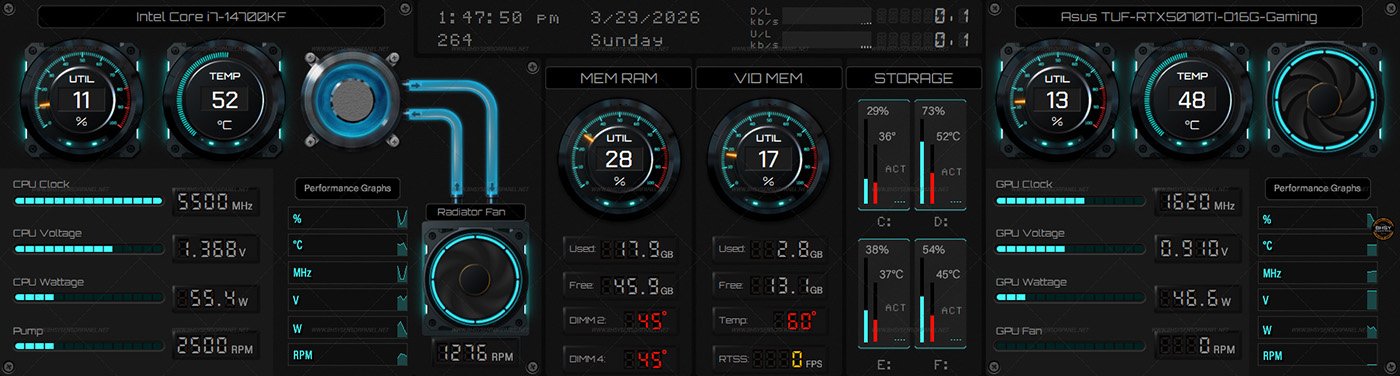
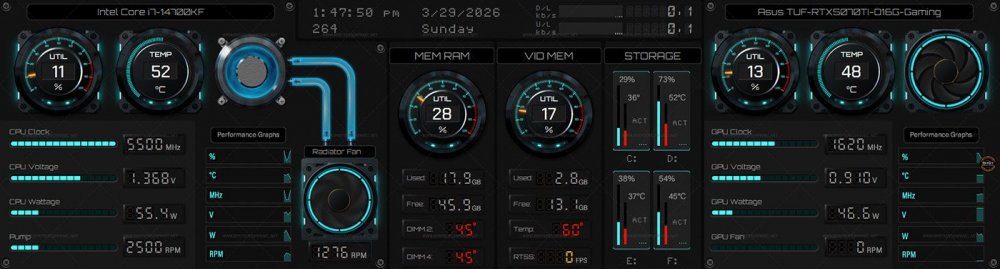
76 - SysVitals Ready size: 1920x480 / 1920x515 / 2560x720 / 515x1920 / 720x2560 For other widescreen sizes, please PM me or use the contact form on the website. Visit BHSYSensorPanel for more info. and designs
-
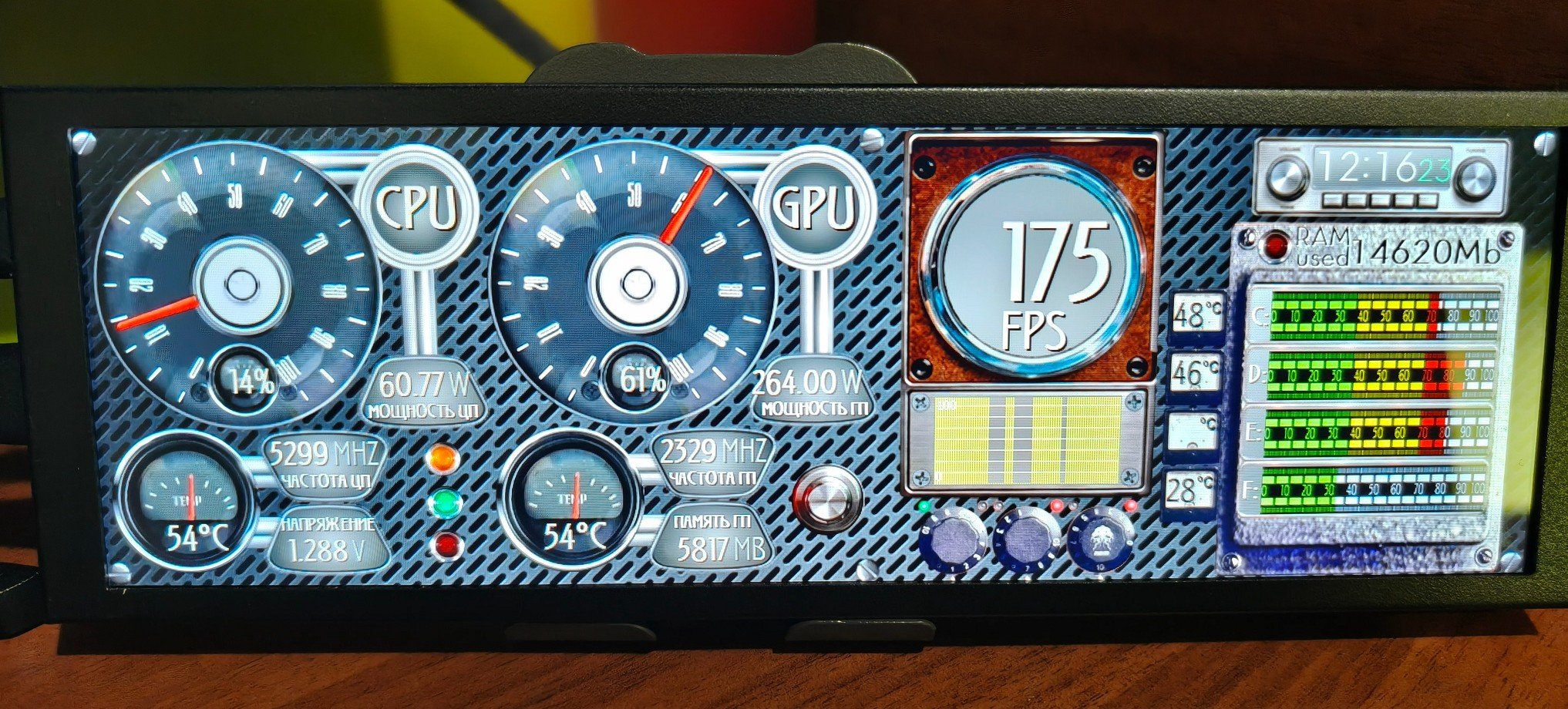
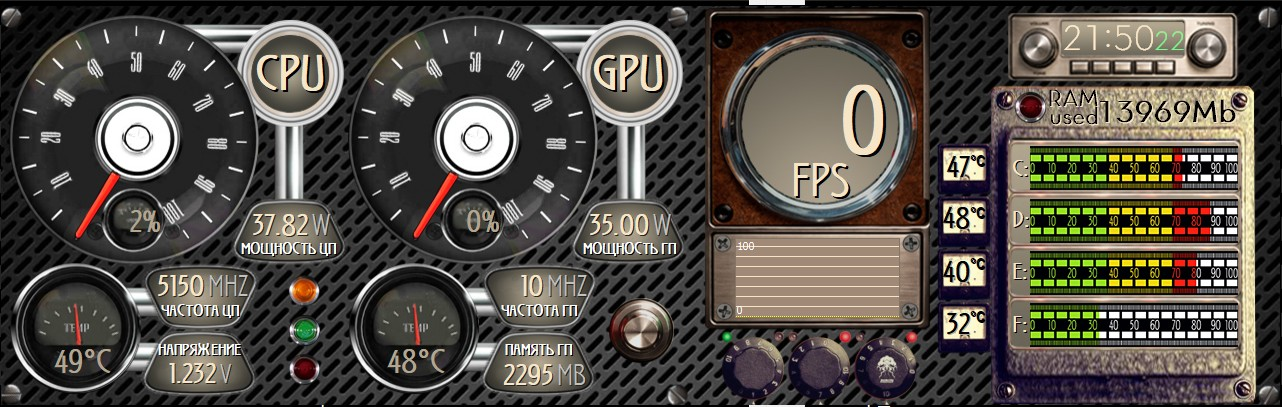
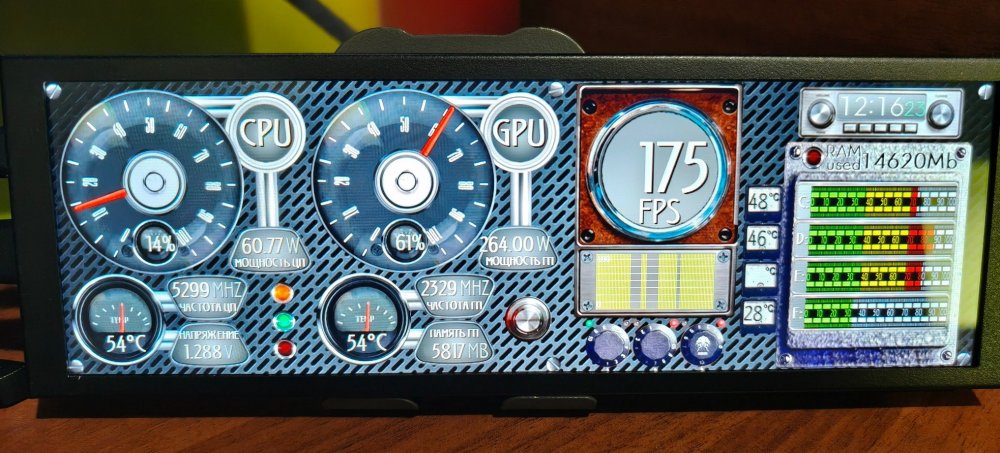
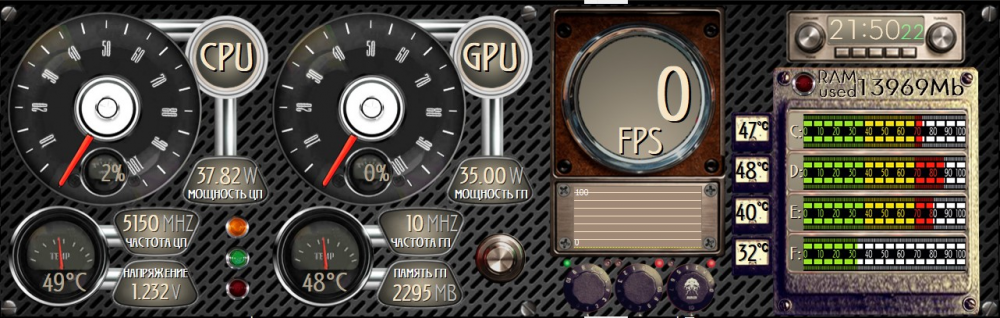
Hello everyone. I'm offering my own panel option. 1280x400 izis-one.ttf Old_style.spzip NeutraTextTF-LightAlt.otf
-
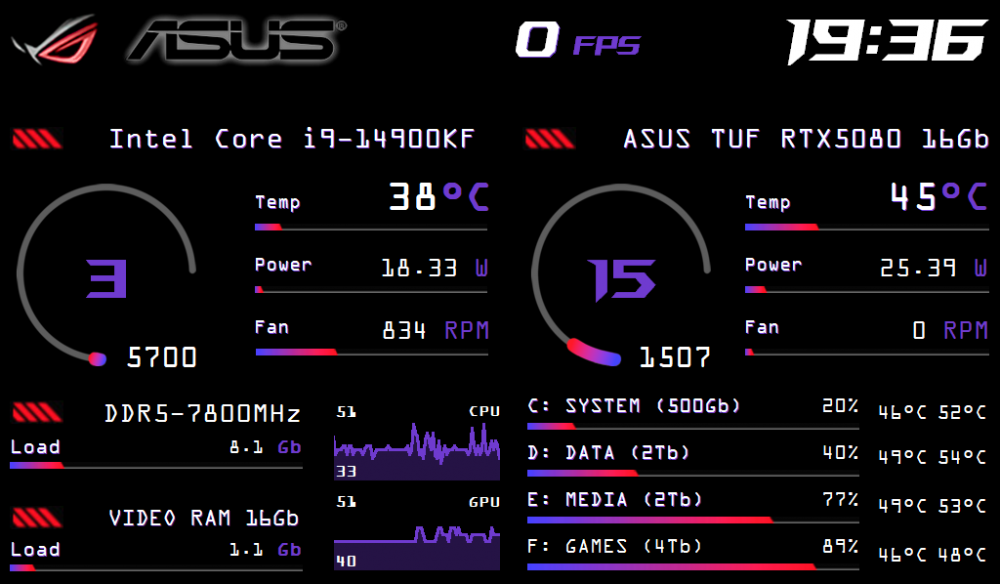
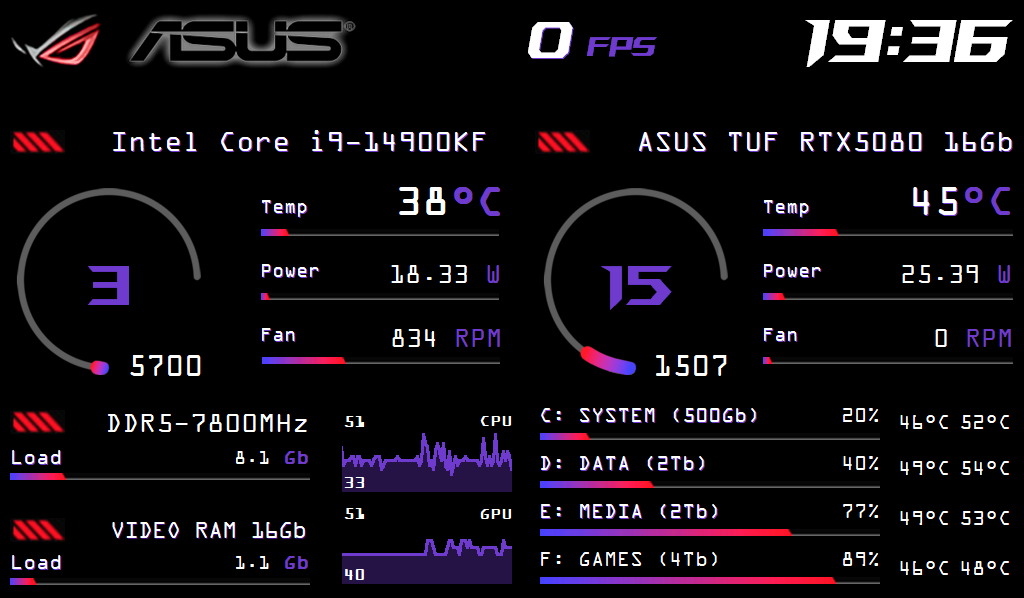
My final version (or not) of the Asus Armoury Crate theme. Resolution is 1024x600. Asus_AC.spzip OCRAEXT.TTF ROGFonts-Regular_0.otf