Grainger
-
Posts
39 -
Joined
-
Last visited
-
Days Won
8
Recent Profile Visitors
5099 profile views


Grainger's Achievements






-
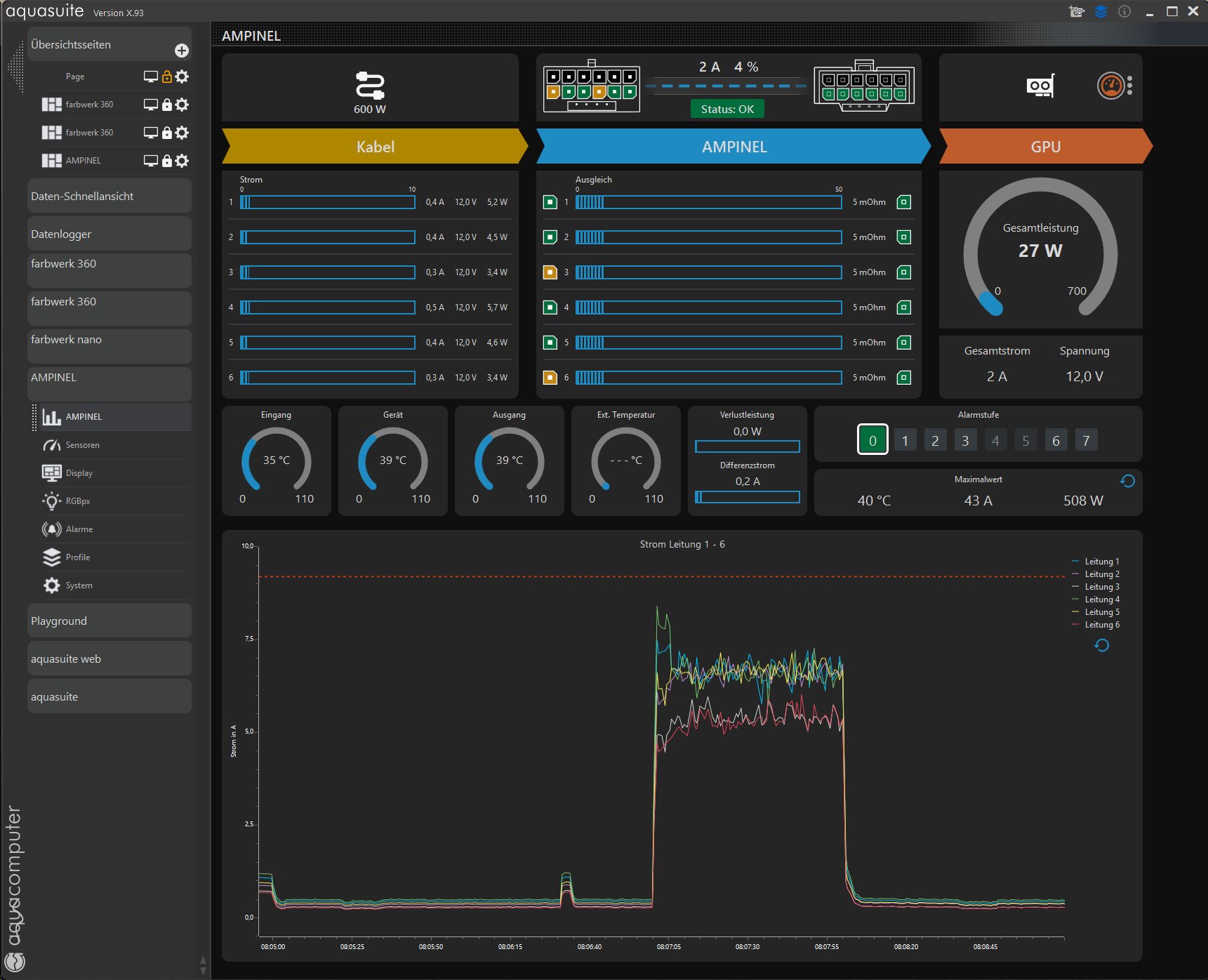
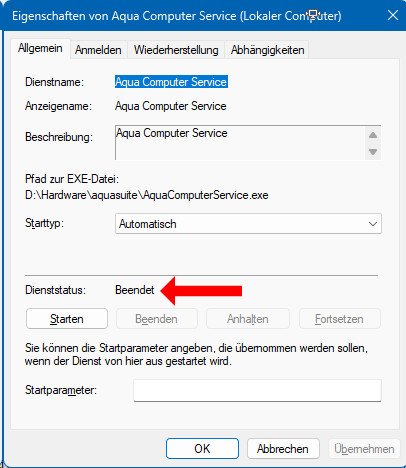
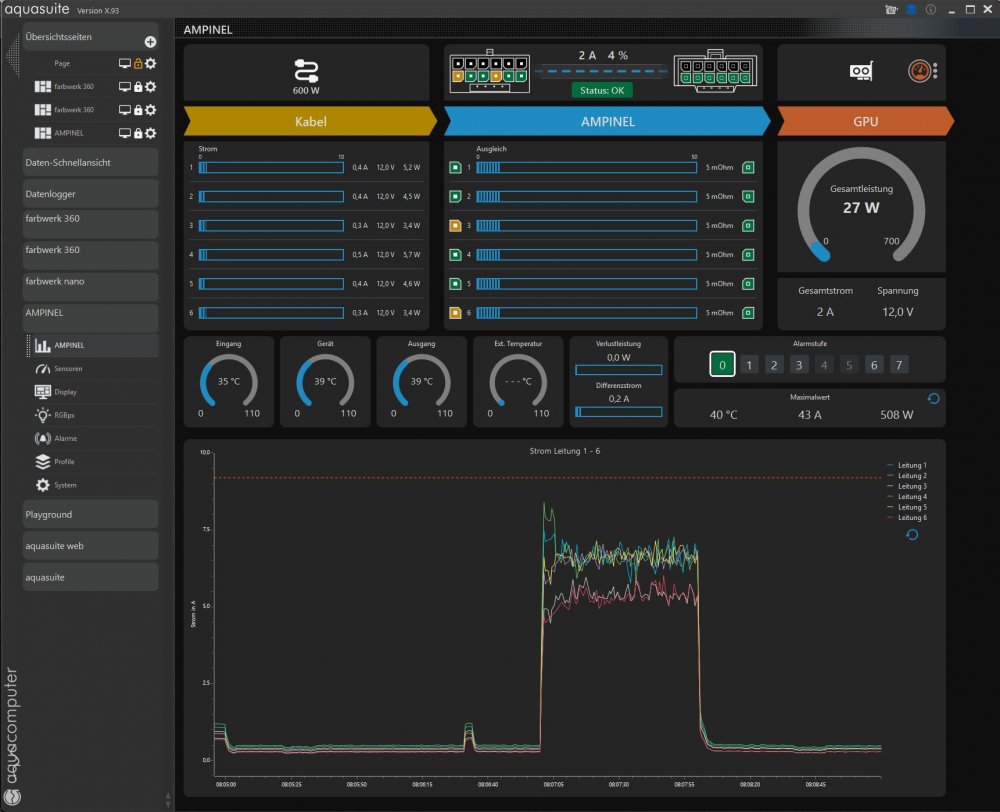
I closed Aquasuite. Nothing changed. Than I closed the "Aqua Computer Service". Nothing changed. I connected Ampinel to another internal USB-Port, but without success.
-
The Aaqua Computer Dump says: "No Aqua Computer Device Found" But in Aquasuite I can see the sensor readings. aquacomputerdump.txt
-
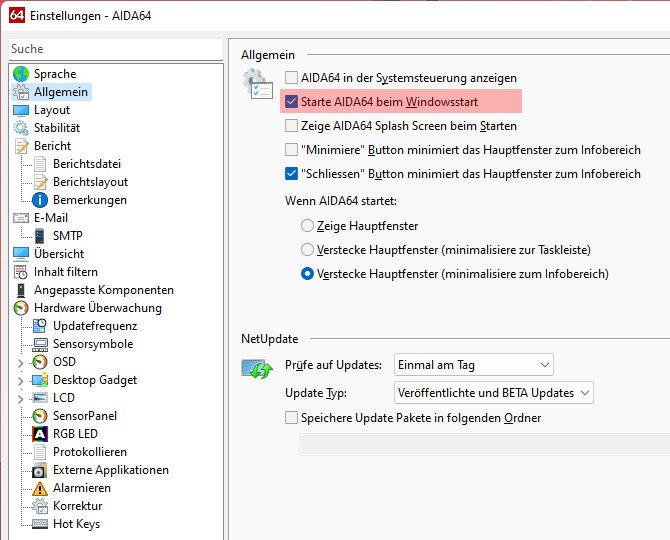
I've installed the latest version of AIDA64 and would like to display the sensor readings from my Ampinel on my sensor panel. Unfortunately, I can't get it to work; the Ampinel sensor readings aren't being offered as options. I must be missing something. Perhaps someone could give me a hand?
-
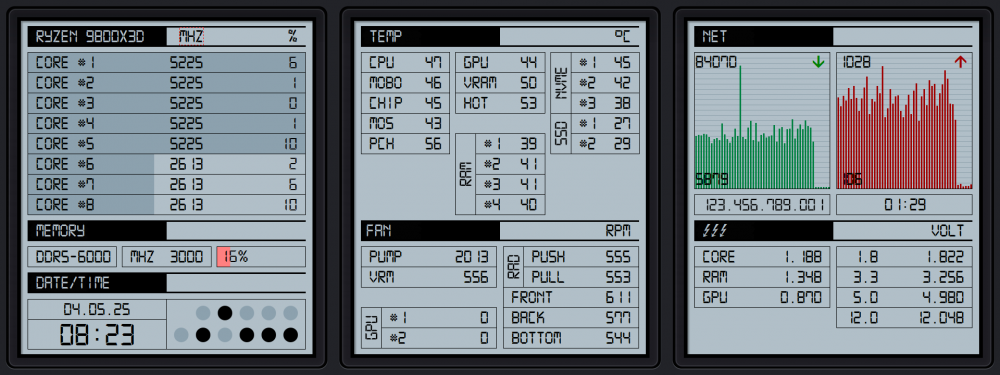
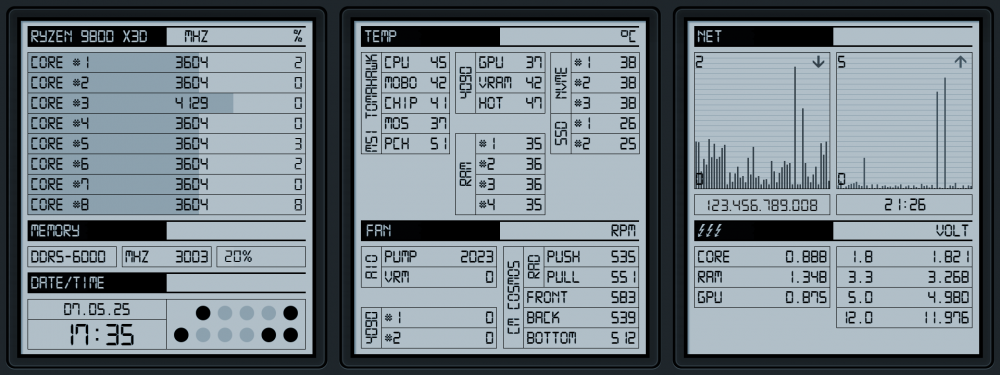
A small update:
-
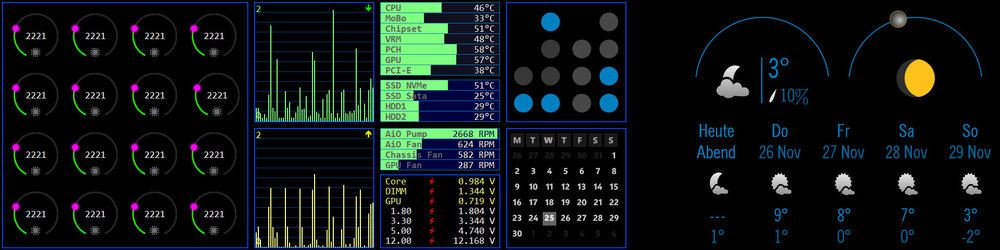
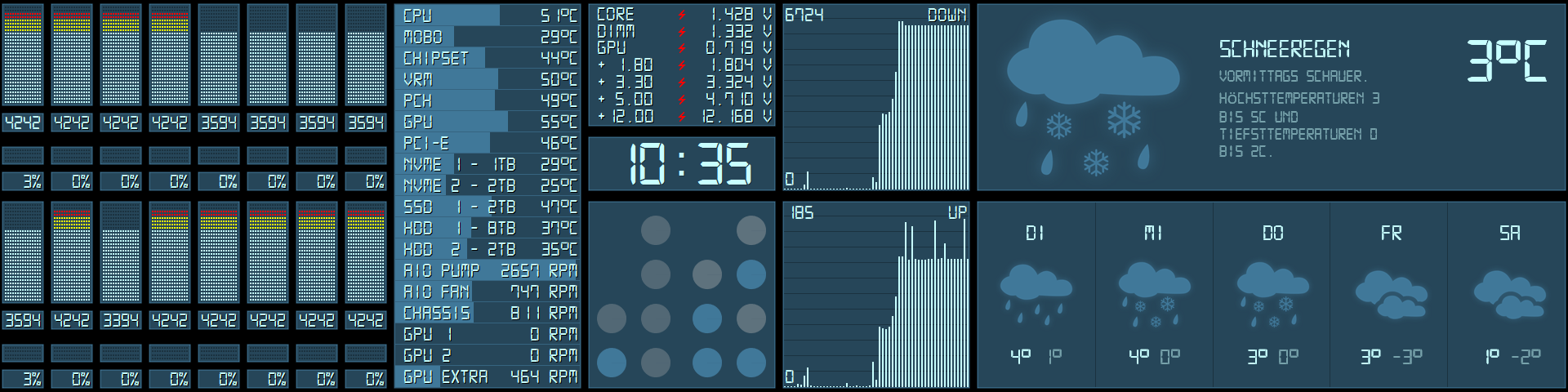
Got a new 2nd monitor with resolution 1920x720. The binary clock is from Rainmeter.
-
Very nice! What font do you use?
-
-
I like the gauges. Would you share them?
-
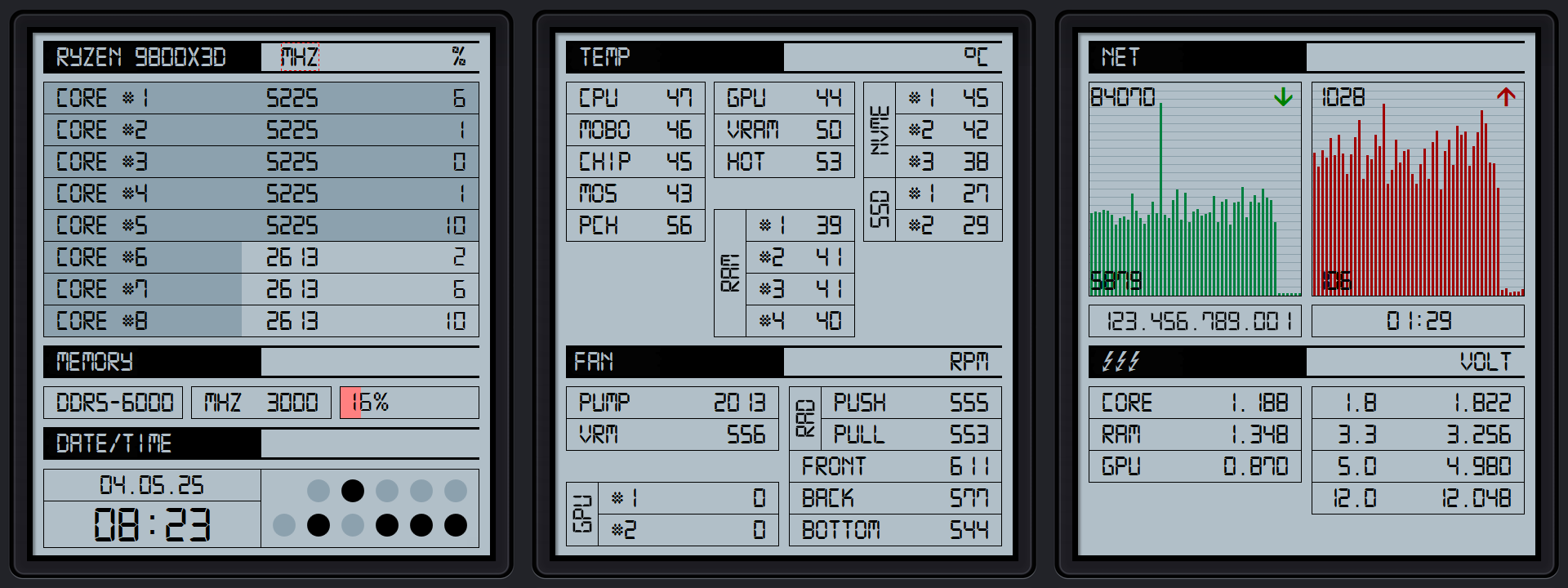
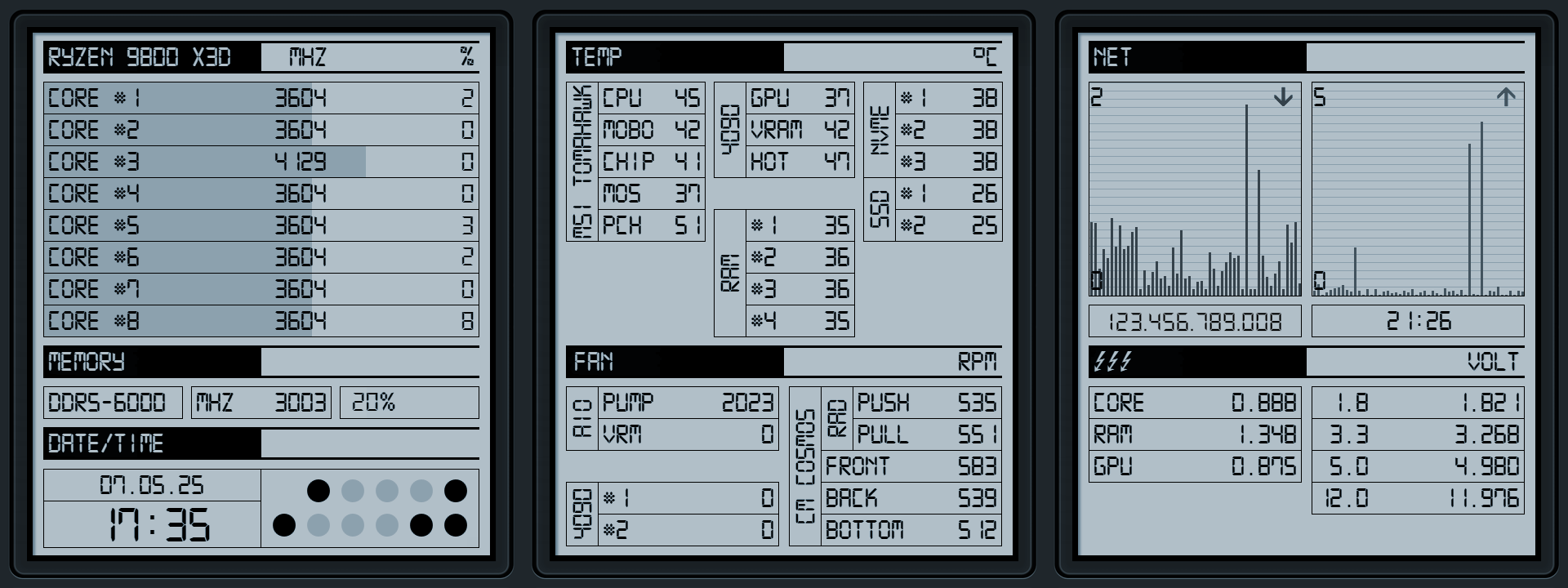
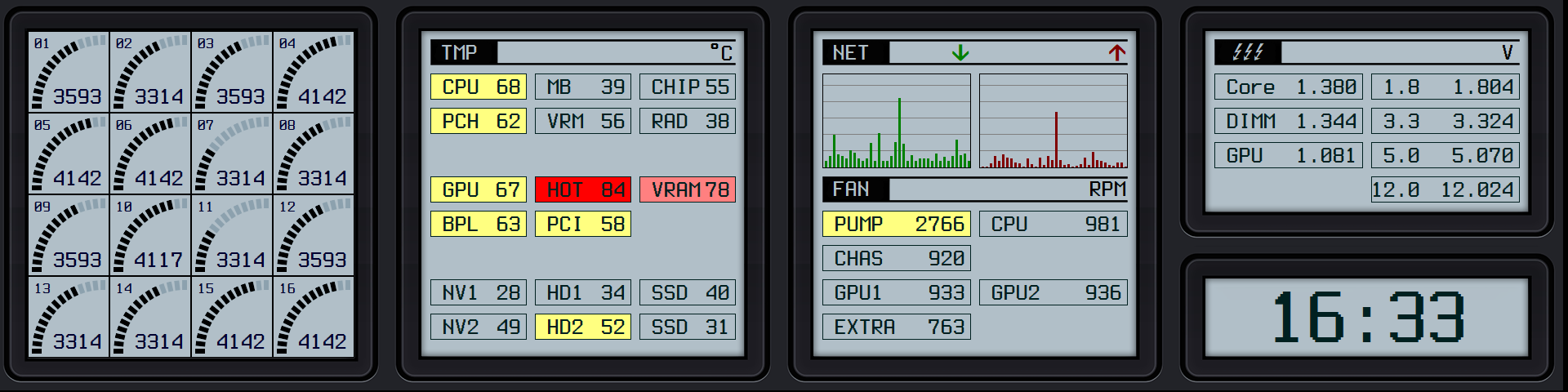
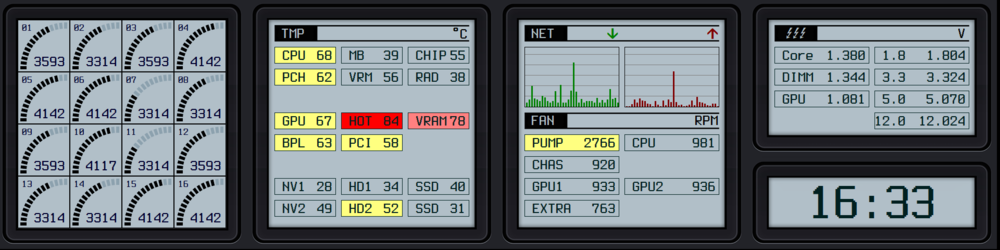
A little modification to my Casio-style Sensorpanel. Edited the CPU Gauges, fits now better to the theme.
-
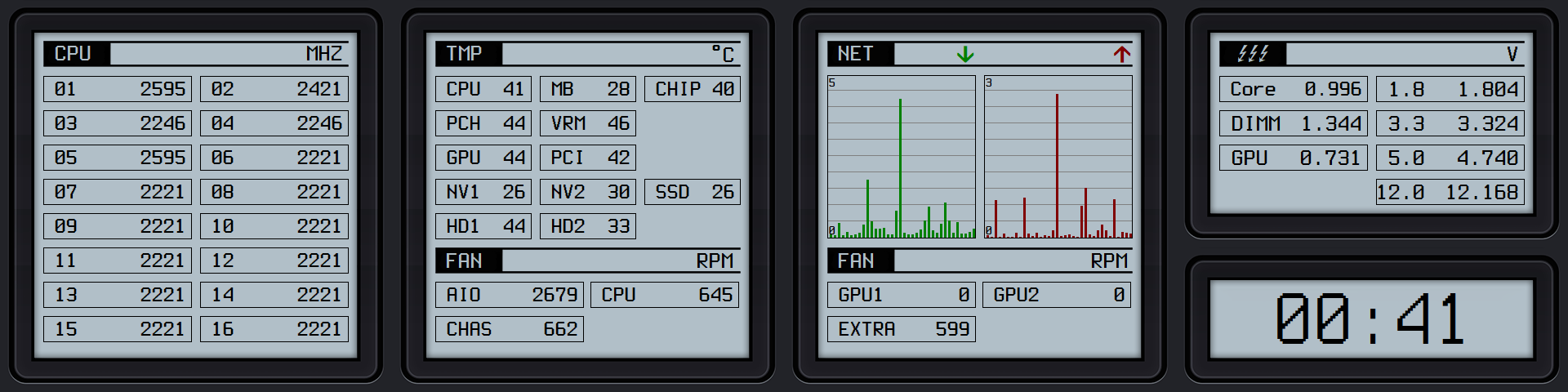
The font is called Terminus. The flash-symbols in the voltage-display are from a symbolfont called MarVoSym, the arrows in netmeter are from the font WingDings. Terminus and MarVoSym are in the attached Zip-file. The sensorpanel and the images are in Casio.zip. Fonts.zip Casio.zip
-
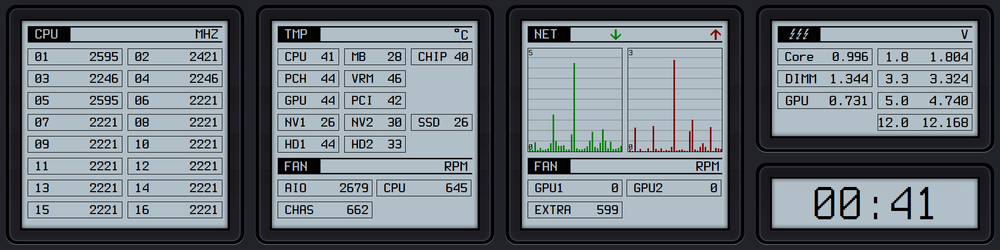
This looks great! Here is my attempt to create a Casio-like panel. I used another font (monospace), but the work is still in progress.
-
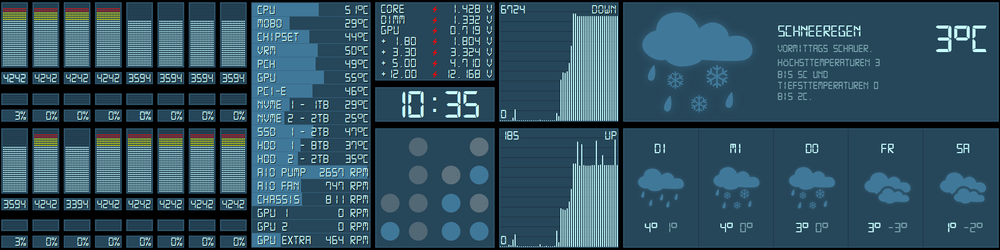
Here it is. The original font has no degress symbol, so I had to edit it. The Weather and the Binary Clock are Rainmeter Skins, I edited the weather skin and change the icons to match my sensorpanel. Not sure if you want the Rainmeter skins too? 2020-12-29.sensorpanel Digital-7 Mono.ttf
-
Then you will hate that.
-
I like your Lego frame, nice idea.
-
WiP: Left half of the screen is Aida64, right half rainmeter.