Grainger
-
Posts
39 -
Joined
-
Last visited
-
Days Won
8
Content Type
Profiles
Forums
Events
Everything posted by Grainger
-
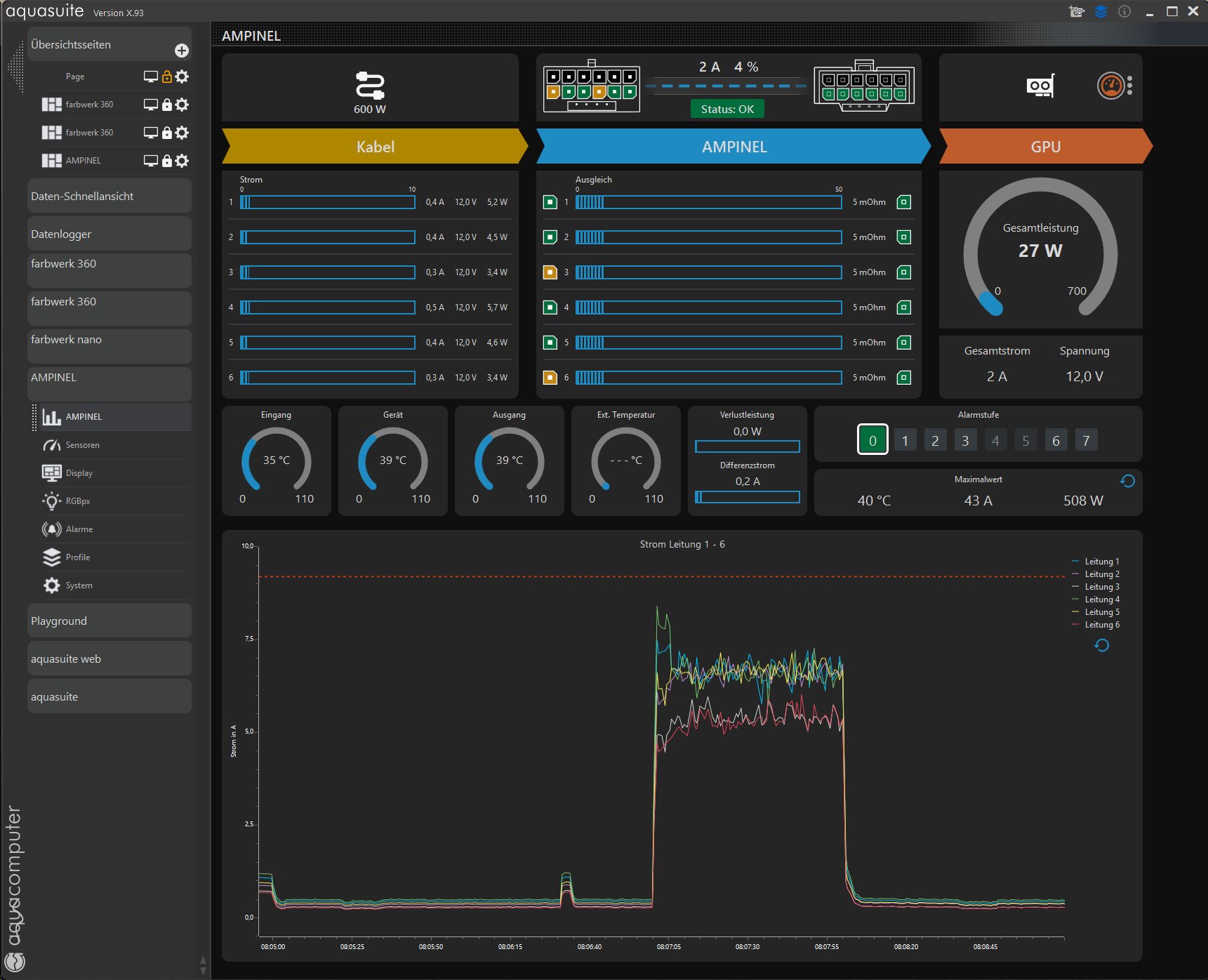
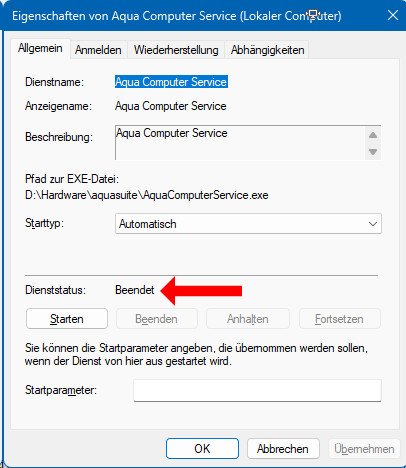
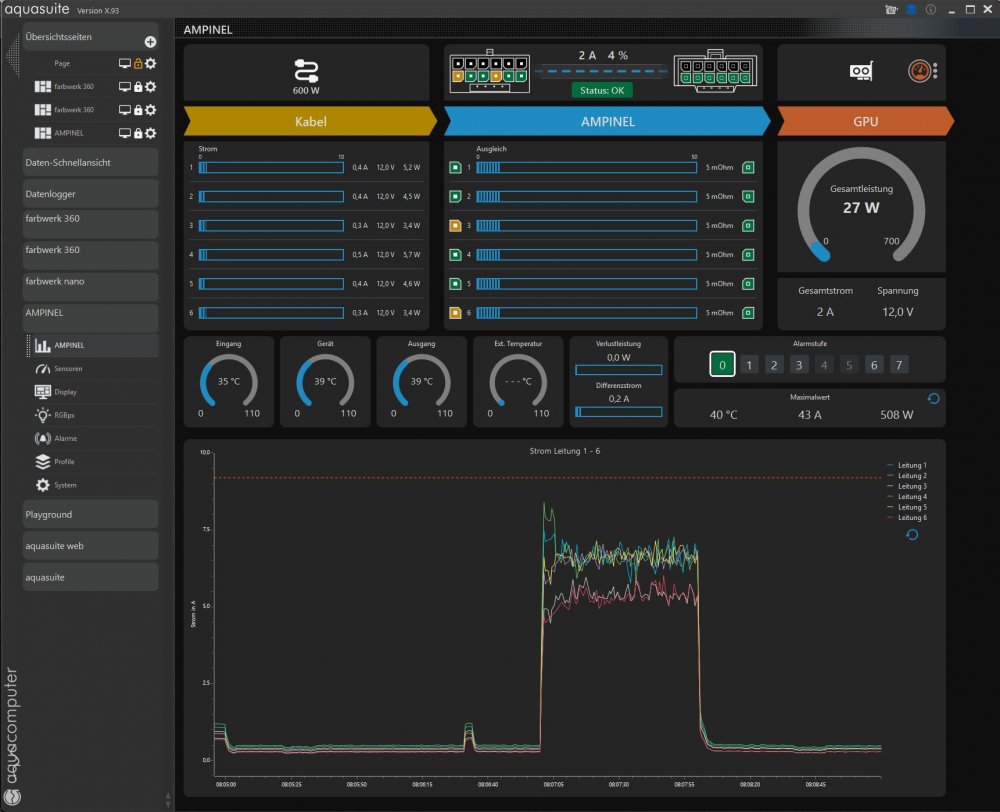
I closed Aquasuite. Nothing changed. Than I closed the "Aqua Computer Service". Nothing changed. I connected Ampinel to another internal USB-Port, but without success.
-
The Aaqua Computer Dump says: "No Aqua Computer Device Found" But in Aquasuite I can see the sensor readings. aquacomputerdump.txt
-
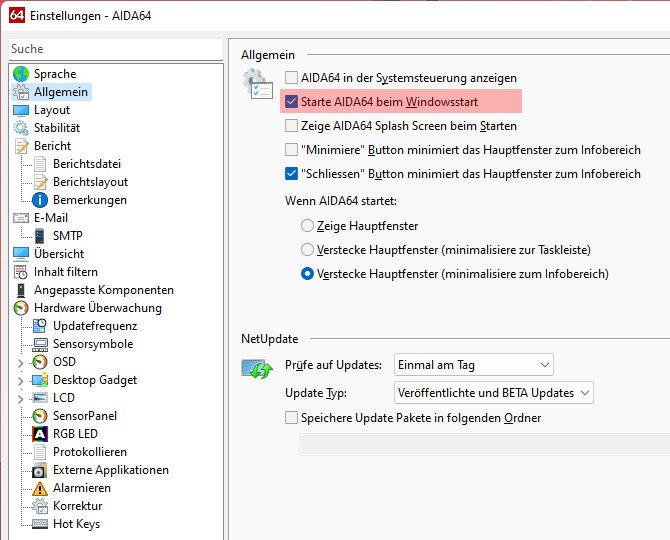
I've installed the latest version of AIDA64 and would like to display the sensor readings from my Ampinel on my sensor panel. Unfortunately, I can't get it to work; the Ampinel sensor readings aren't being offered as options. I must be missing something. Perhaps someone could give me a hand?
-
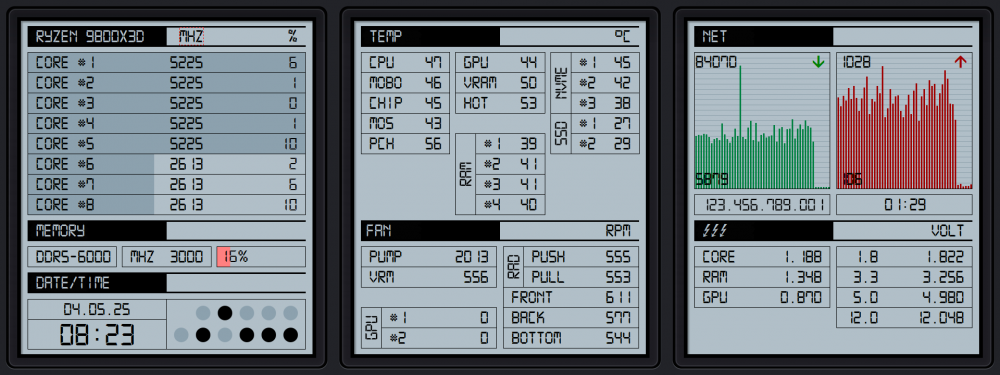
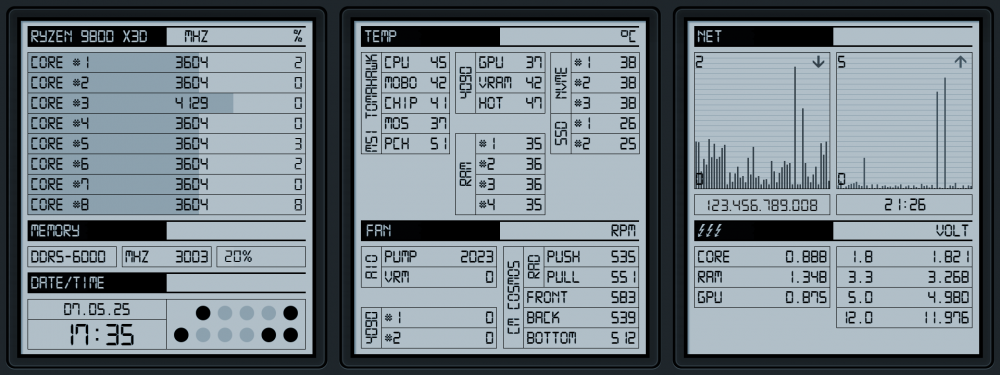
A small update:
-
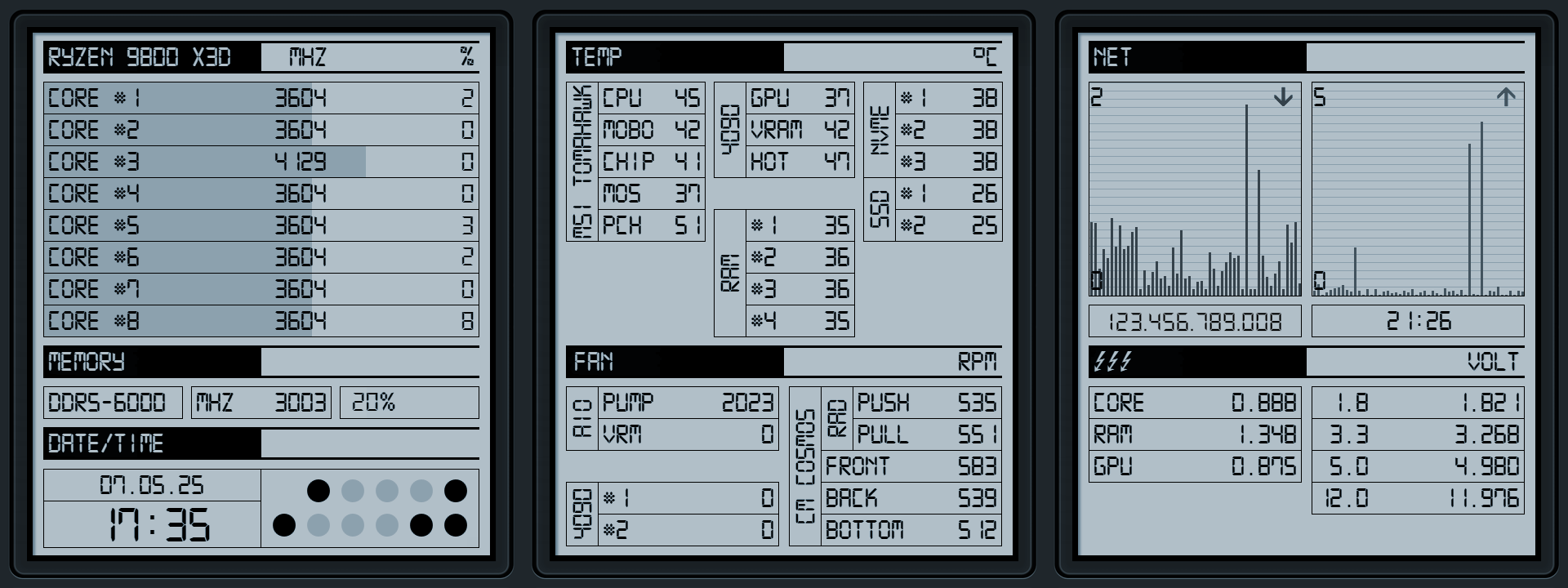
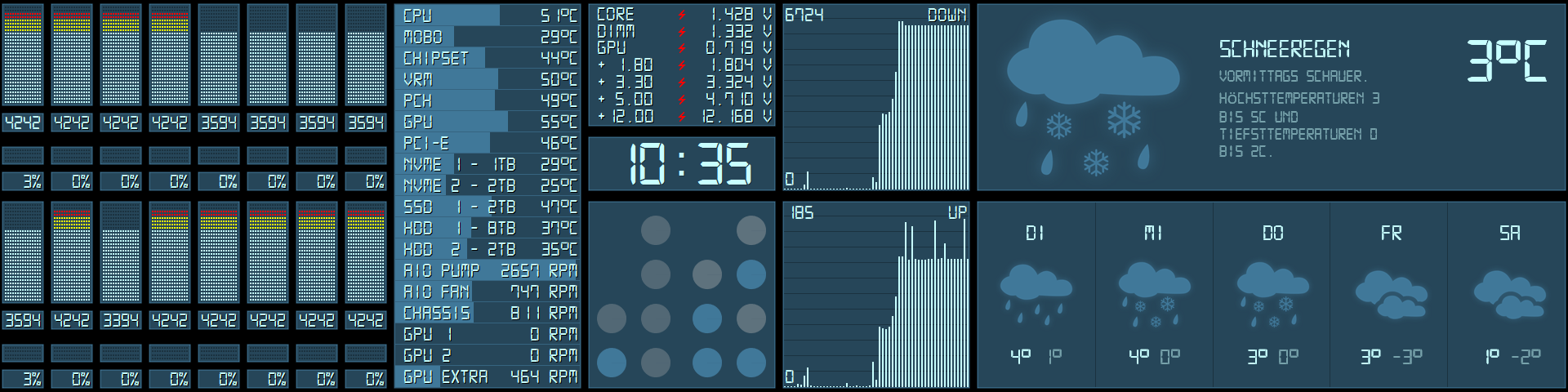
Got a new 2nd monitor with resolution 1920x720. The binary clock is from Rainmeter.
-
Very nice! What font do you use?
-
-
I like the gauges. Would you share them?
-
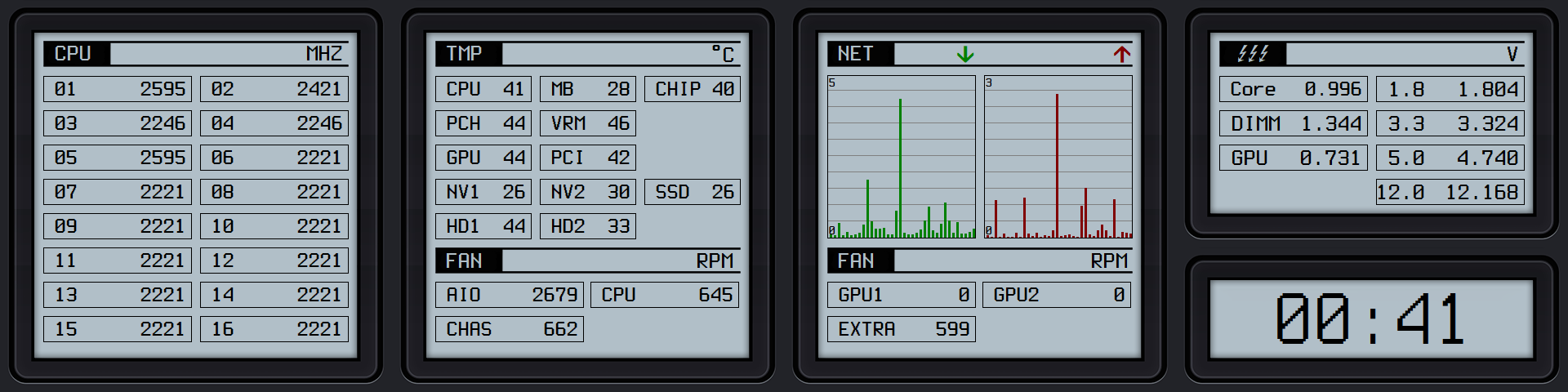
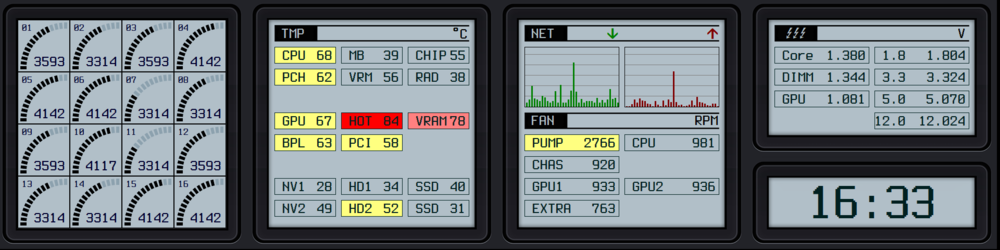
A little modification to my Casio-style Sensorpanel. Edited the CPU Gauges, fits now better to the theme.
-
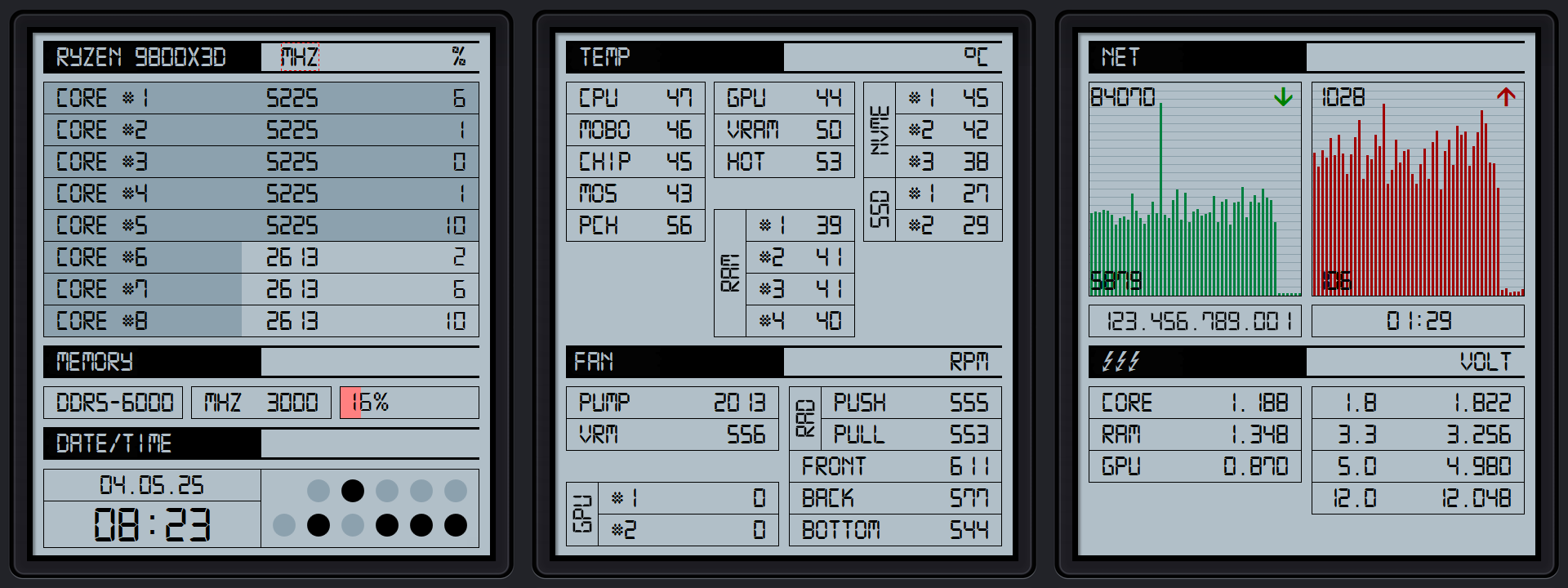
The font is called Terminus. The flash-symbols in the voltage-display are from a symbolfont called MarVoSym, the arrows in netmeter are from the font WingDings. Terminus and MarVoSym are in the attached Zip-file. The sensorpanel and the images are in Casio.zip. Fonts.zip Casio.zip
-
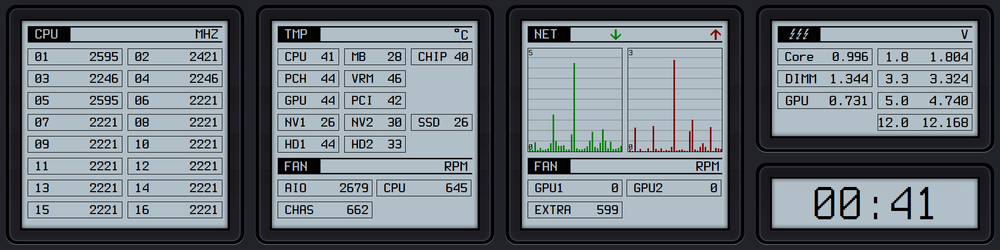
This looks great! Here is my attempt to create a Casio-like panel. I used another font (monospace), but the work is still in progress.
-
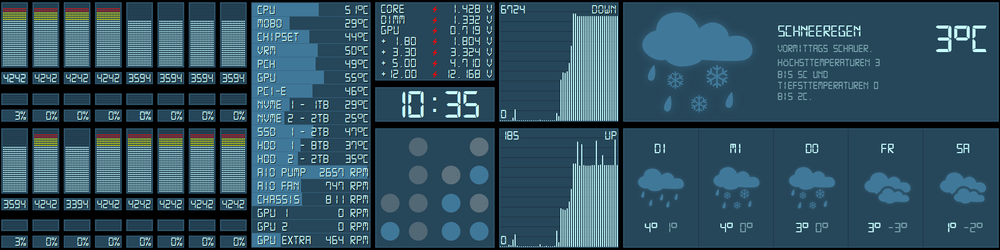
Here it is. The original font has no degress symbol, so I had to edit it. The Weather and the Binary Clock are Rainmeter Skins, I edited the weather skin and change the icons to match my sensorpanel. Not sure if you want the Rainmeter skins too? 2020-12-29.sensorpanel Digital-7 Mono.ttf
-
Then you will hate that.
-
I like your Lego frame, nice idea.
-
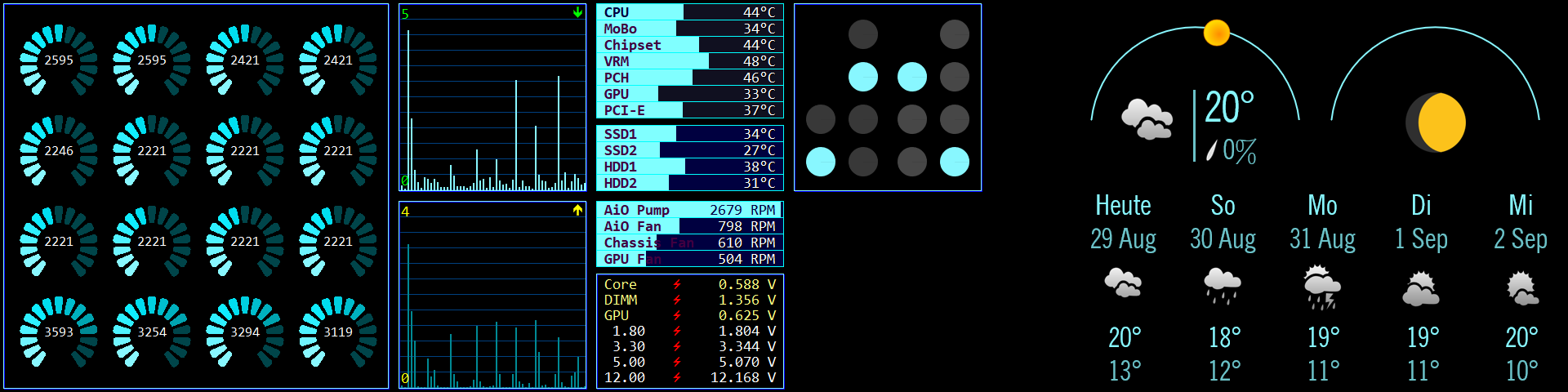
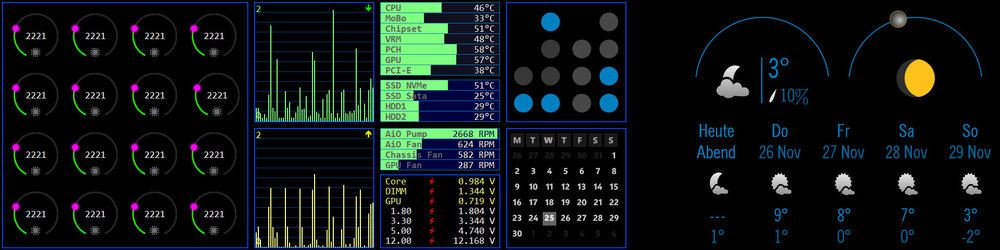
WiP: Left half of the screen is Aida64, right half rainmeter.
-
May this help: http://forum.asrock.com/forum_posts.asp?TID=8378&title=how-to-enable-erp-on-x299-professional-gaming
-
I think it's a BIOS Option. Search for 'ErP Ready' and switch it to 'Enabled'.
-
Thanks for the reply. I will try to order this from Taobao, but the site is only in chinese and so I must use google translator. I'm not shure if Taobao delivers to germany.
-
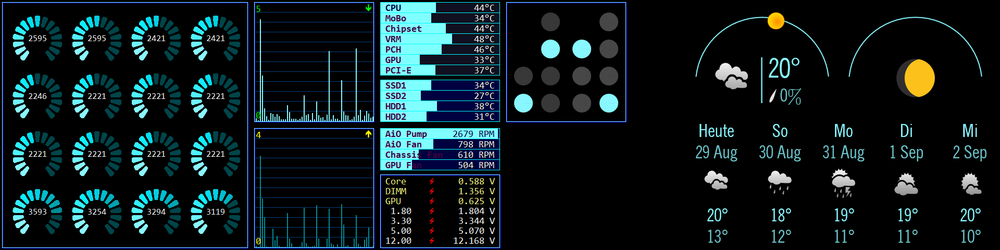
Work in progress: the binary clock and the weather widget is from Rainmeter (I changed only the color).
-
May be. But I want to know from where he get the plastic-case for the display. I cut a plastic picture frame (it's more an experiment) and it works, but it looks not 'professional' enough.
-
May I ask where you got the frame (btw. the backplate) for the display from?
-
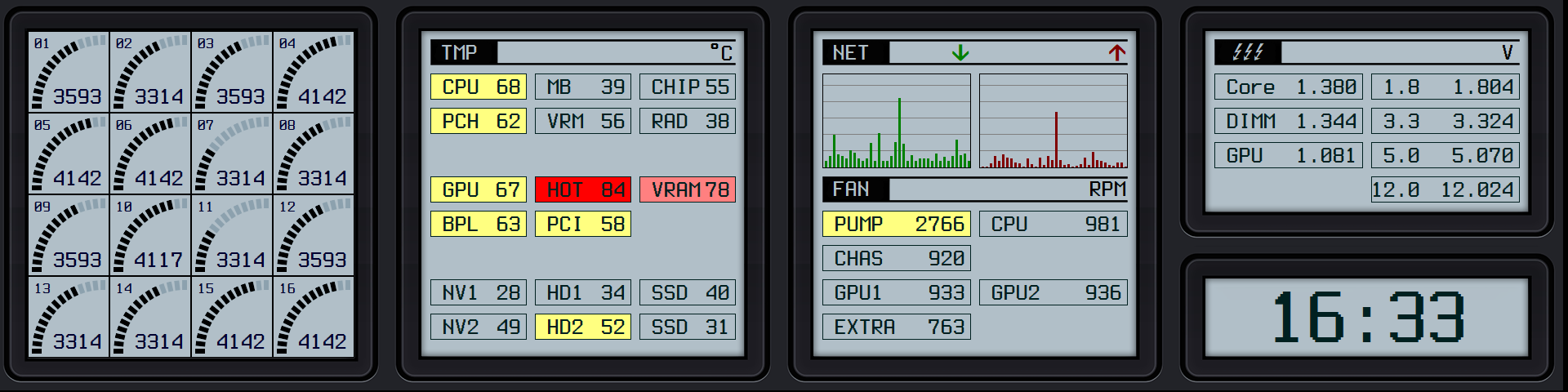
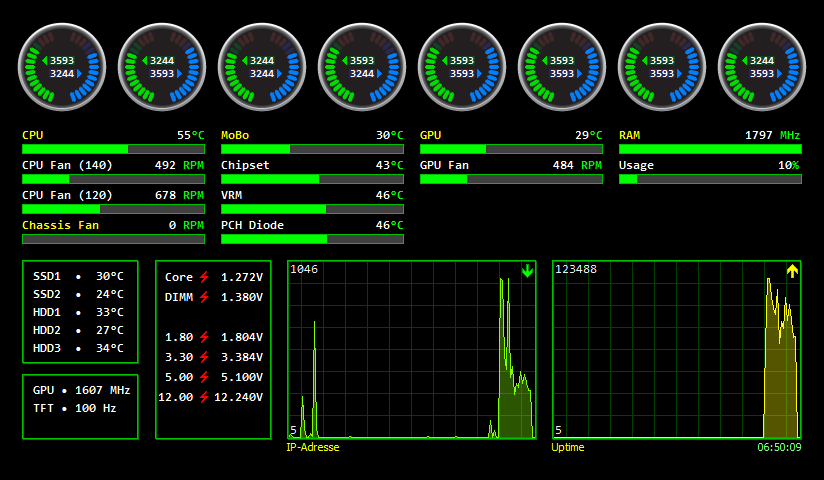
Since a few days I own an AMD Ryzen 9 3950X. I want gauges for for the CPU clock cores, but 16 gauges are a little bit to much for my small display (Mimo 7" USB-Display). So I build a set of double (half) gauges. As font I used Consolas with size 8. Hope you enjoy it. Double_Gauge.rar
-
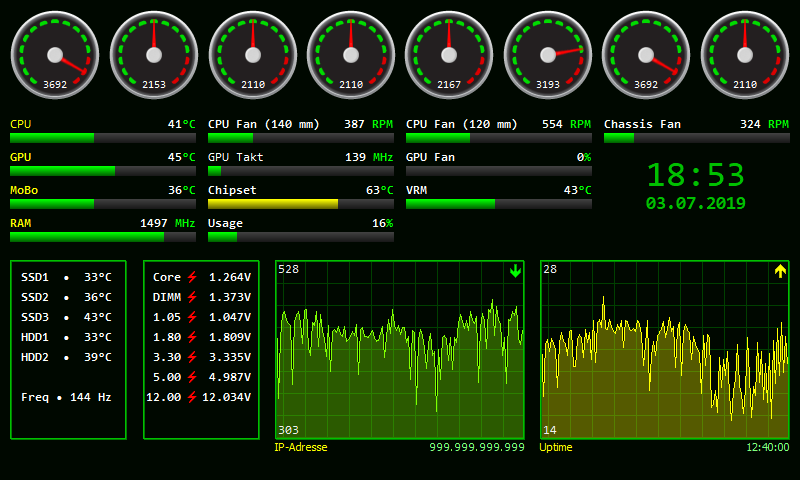
I'm using a 7" MiMo USB-Display with a resolution of 800x480 for my sensorpanel. I modified the medium standard gauges a little bit, hope you enjoy it. Custom_Gauge.zip
-
Asus ROG STRIX GTX 1080 - external fan connect
Grainger replied to Grainger's topic in Brainstorming
I noticed that external fan speed in percent is implemented in the latest beta. And it is functioning. Great work. But there is an (small) issue: My Asus GTX 1080 is semi passive and I configured it so, that fans started at 55°C with 35%. AIDA64 is reporting this fine, but with something like a kind of time lag. Sensor Display starts with 2-3% and than goes in steps from 2-3% until 35%. That takes about 60 seconds. When the fans stopped it is the same, the display changes slowly until it reached 0%. -
Asus ROG STRIX GTX 1080 - external fan connect
Grainger replied to Grainger's topic in Brainstorming
Hello Fiery, there is no way to separately control the 1st and the 2nd external fan with Asus GPU Tweak II, even with the latest beta Version 1.8.3.5. Both external fans have always the same fan speed. But for the dumps I connected two external fans as requested, beginning with 26% (the lowest fan speed that Auto Calibration allows. Nvidia_GPU_Registers_26.txt Nvidia_GPU_Registers_33.txt Nvidia_GPU_Registers_62.txt Nvidia_GPU_Registers_88.txt Nvidia_SMBus_Registers_26.txt Nvidia_SMBus_Registers_33.txt Nvidia_SMBus_Registers_62.txt Nvidia_SMBus_Registers_88.txt