1 PC Tip a day
-
Posts
72 -
Joined
-
Last visited
-
Days Won
29
Content Type
Profiles
Forums
Events
Everything posted by 1 PC Tip a day
-
Nice work. The simplest are usually also the cleanest and my favorite. Btw, may I give you and advice? Put the unit in the horizontal bars ;).
-
-
ME!
-
Good job man!!! Specially because you are sharing a SensorPanel which is fully operational, a sometimes-forgotten rule in this forum... Buen trabajo!
-
Oh man, my mistake!! I had two repited images in my folder... FACEPALM
-
I have noticed one moment ago that the last version of the program has changed the "GPU diode" for "GPU", and most important, now only has support for 16 customized gauge images instead of 17... BUT WHY??? NOW WE HAVE TO CHANGE ALL OUR CUSTOM GAUGES :(:(:( @Fiery
-
Don't forget to like and quote my KICS SensorPanel!
.png.3d438a1161de7eb245329ce5b7ec6064.png)
-
Nice! You're welcome man
-
Made some minor changes, especially focused on better integrate the panel background with my white case. Also changed the FPS histogram for an area graph. I put a gradient above the graph to make the animation cooler.
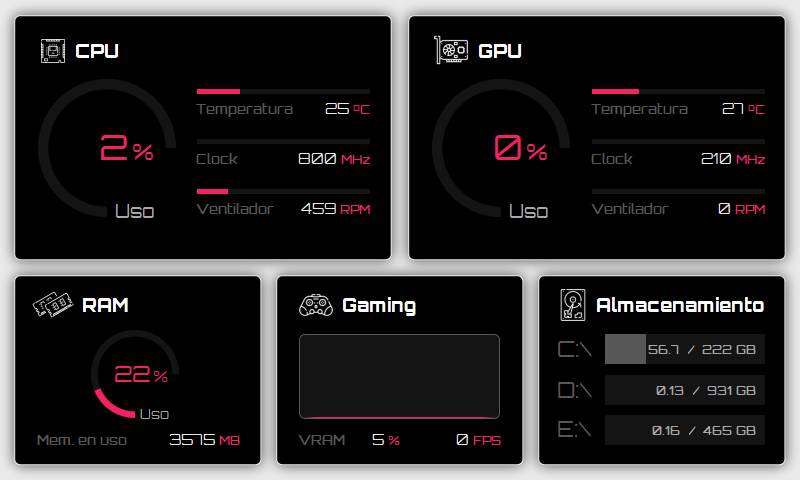
-copia(1).png.a644b3a3293cb3ceb9383e876edb08e5.png)
-
Which kind of file is ".rslcd"?
-
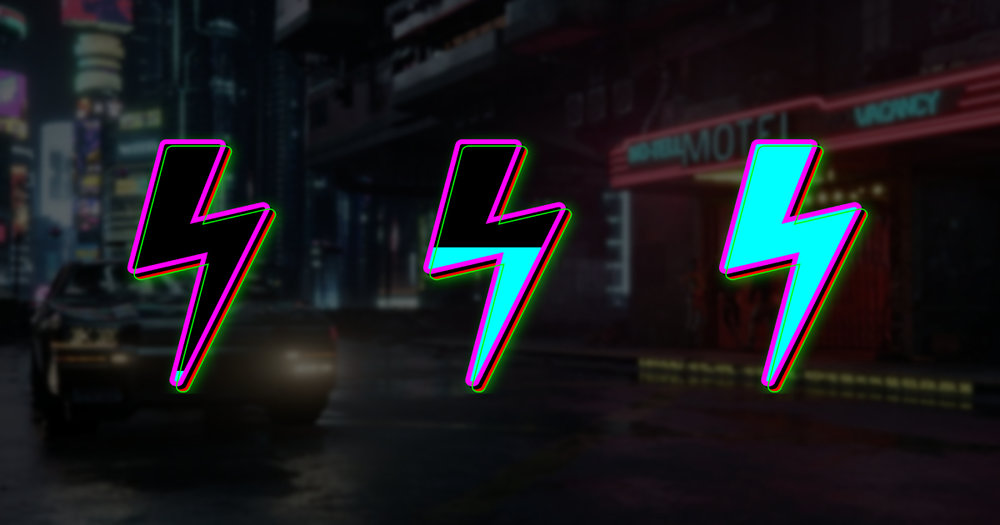
A Cyberpunk 2077-inspired gauge. Like and enjoy! Cyberpunk 2077 gauge - Jav M..zip
-
So here we go! Here you can find attached all the files related to this SensorPanel, which I have named as "KICS" (Keep It Clean & Simple). I have made some minor adjustments after the first post to make the panel visually better. The font used is called "Orbitron". Like and enjoy! PD1: if you find some mistakes, let me know in order to improve also my own SensorPanel! PD2: share your creations based on this template! Background.zip Gauge.zip KICS - Jav M..sensorpanel Orbitron.zip
-
Like and quote if you want me to share this template! 800x480
-
Hi! In the link below you can find the .psd for the gauges and also for bars matching the style of the first ones. I appreciate a like and a quote!!
-
New project, as well based on NZXT CAM, for white setups. I will share all the files when finish to work on it. 800x480
.png.253c27b717c45665f54884b25f10dc95.png)
-
Love this one, dude!! Probably one of the best integration between content and background I've seen around here. Probably I would put the FPS out of the graph in some way, that's the only thing I don't like too much. Congrats anyway!
-
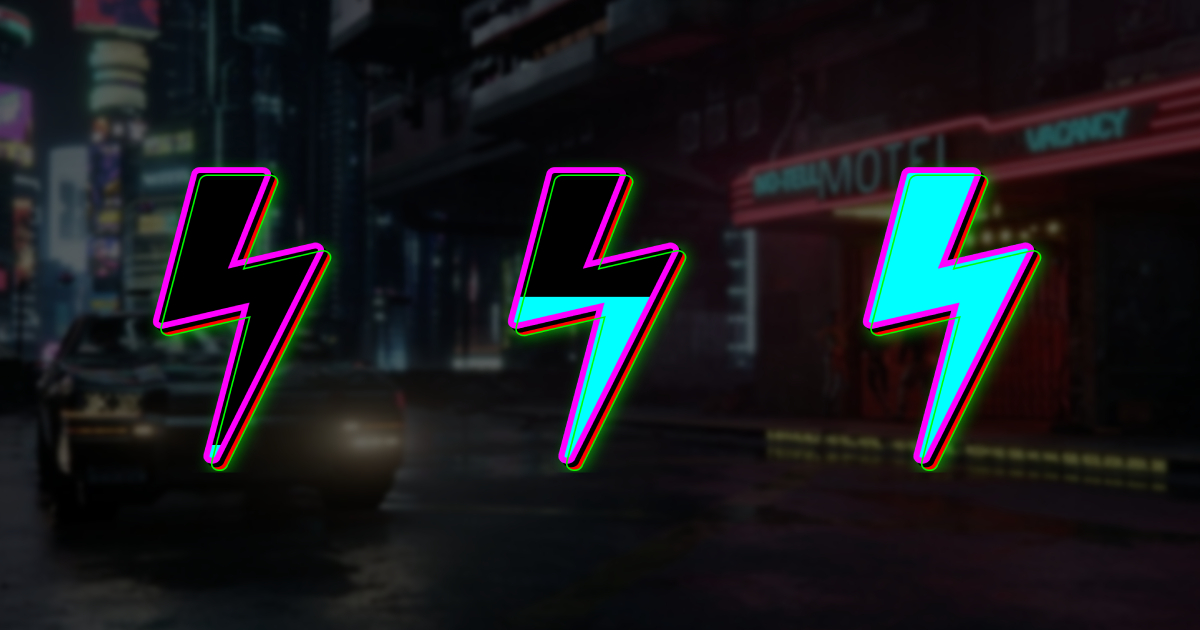
I have a technical question. Does anyone know how the gauges work internally? I mean: I want to make one that only illuminates when reaching a target value (144 FPS in this case). I am testing with my laptop, with the battery percentage parameter (0-100%). The custom gauges have 16 states, so if I want the gauge to illuminate only with 100%, I supose I have to put 0 as a Min. value and more than 100 as Max. value, in order to avoid the programm to make the gauge visible before the battery reaches 100% (100/16=6,25%; 6,25x15=93,75%, so theorically after 93,75% the gauge will illuminate, and I don't want that). Instead of this, I am testing that if I put 103.44 as Max. value, the gauges illuminate at 100% but surprisingly not at 99%, and I don't know why (putting a value bigger than 103.44 is not working, as at 100% of battery the gauge does not illuminate. 103.44 following the English rule, 103,99 following the Spanish one; I'm Spanish so I have the programm in Spanish). Teorically, 103.44/10=6,465%, x15=96,98% (97,49%), so I thought that the gauge was going to illuminate at 97, 98, 99 and 100%. Does someone has an explanation? EDIT: for someone who wants a gauge working as I want. Following the same paramater as above, a way is to put 99 as Min. value and 100 as Max. value. I suppose it will be the same with FPS: 143 and 144 as values. If someone can bear it out, I would appreciate it!
-
You're welcome bro!
-
Here you have my custom gauge and bar in .zip and in editable files (.psd). Bar.zip Gauge.psd Bar.psd Gauge.zip
.png.15fe657eeab003bf0304ee4907971fef.png)
.png.0512357f4bb6c4fe8b9438bb93bb0962.png)
-
This is the project I'm currently working on. When finished, I'll share with you all the files!
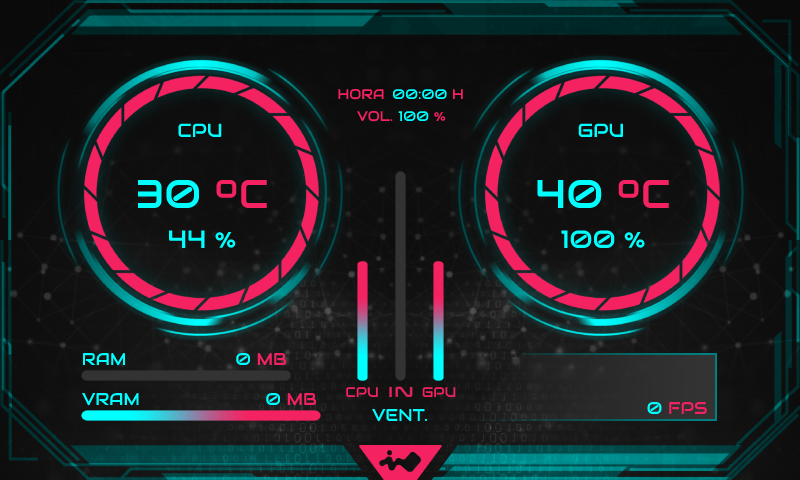
-
A custom gauge I've made for the last version of my personal SensorPanel. Hope you like it!
.png.72246dc508086e9754b7133ccf732da1.png)
.png.aa4ee32f52a28082218bf974d987d551.png)
.png.a2ca679895575be7825d5af41c5b16ea.png)
.png.5fc73c613aa0eaa5cc5e2c8e35213a80.png)
.png.ecf001bb6f004ae4798323db2c6e304d.png)
.png.c72257d2d2f3574ab31d772f5dd710a2.png)
.png.2a2e60a23271f512f434c9f1795199eb.png)
.png.4d4a09dd9aa694e53a1ce54f1d7d6b97.png)
.png.873e2db24b395e036497e5e322509743.png)
.png.47c46fa5c94b14fbe75fc948a79cd8f8.png)
.png.70c6244f865341bf012bad4dc81f8cb5.png)
.png.c55e533a29e1448500f8629613f883c0.png)
.png.d0b49b5f494cf4153150c58008f9b357.png)
.png.c4561ebad9a3ec71e44748ea4eb5058f.png)
.png.9133ba46dfacfc6cd1c2c1627ce9d8d0.png)

-
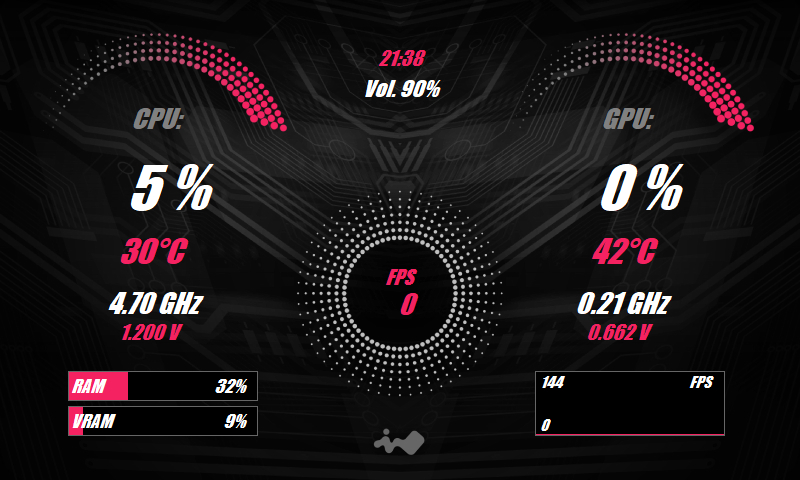
This is my first attempt to make a "cool" InWin personalized SensorPanel that fits with my setup. I'll appreciate critiques and ideas to improve it! 800x480