tistou77
-
Posts
486 -
Joined
-
Last visited
-
Days Won
3
Content Type
Profiles
Forums
Events
Everything posted by tistou77
-
Indeed, it was perhaps the CPU (not CPU Package) What can it be used "CPU Package" (the usefulness of this temperature)? Thanks
-
Hello Why change the "CPU package temperature" in the latest beta (Haswell-E) It is much higher than before. And does not correspond with the temperature in the bios. With previous beta, it was good Thanks
-
Power Values (Core i7-5930K + Asus Rampage V Extreme)
tistou77 replied to tistou77's topic in Hardware monitoring
Ok thank you, I understand better. And when Turbo Boost is disabled (for OC) is the same? -
Power Values (Core i7-5930K + Asus Rampage V Extreme)
tistou77 replied to tistou77's topic in Hardware monitoring
Ok thanks for this explanation And how Aida reads this value? I get some information, and with ~180W of consumption, it would like to say that my vcore with a OC will be the same as vcore at "stock" Even if the formula is "approximate" (different condition) 90W of difference, I find is a lot Thanks -
Power Values (Core i7-5930K + Asus Rampage V Extreme)
tistou77 replied to tistou77's topic in Hardware monitoring
Calculation is Dissipation oc = Dissipation stock * (Fréquency oc / Fréquency stock) * (Vcore oc / Vcore stock)² Thanks for the explanation -
Power Values (Core i7-5930K + Asus Rampage V Extreme)
tistou77 replied to tistou77's topic in Hardware monitoring
Hello With my 5930K OC to 4600mhz and vcore to 1.25v, according to calculation, to consumption will be at ~ 260W With Stress of AIDA64, it's indicate ~ 180W. Because AIDA64 does not stress "fully" the CPU (AVX 2 instruction)? Thanks -
Power Values (Core i7-5930K + Asus Rampage V Extreme)
tistou77 replied to tistou77's topic in Hardware monitoring
Ok, thanks so much for your explanation -
Power Values (Core i7-5930K + Asus Rampage V Extreme)
tistou77 replied to tistou77's topic in Hardware monitoring
With DRAM SVID enabled Thanks
-
Power Values (Core i7-5930K + Asus Rampage V Extreme)
tistou77 replied to tistou77's topic in Hardware monitoring
Hello With HWMonitor, there is the uncore in addition for the Power With AIDA64, there are not that info. This is the same value as the Power Package or it's "missing"? Thanks

-
Flow Meters and AIDA64 (Koolance INS-FM17N)
tistou77 replied to tistou77's topic in Hardware monitoring
Ok thanks -
Flow Meters and AIDA64 (Koolance INS-FM17N)
tistou77 replied to tistou77's topic in Hardware monitoring
If I understand correctly, the "RPM" displayed is in ml/min For example 2000rpm => 2000 ml/min Is that Aida64 can do the calculation to go in l/h? 2000 ml/mn => 2 l/min => 120 l/h -
Flow Meters and AIDA64 (Koolance INS-FM17N)
tistou77 replied to tistou77's topic in Hardware monitoring
I have not yet bought the flow meter. The adapter is used to return the signal into "rpm" (seen as a fan) And I wondered if with AIDA64, it was possible to have in liters / hour instead of RPM Thanks -
Hello I would put http://koolance.com/adt-fm03-flow-meter-frequency-adapter in my setup with the http://koolance.com/ins-fm17n-coolant-flow-meter Is that with AIDA64 I could have the indication liter / hour instead of rpm? Thanks
-
Ok thank you for the explanation
-
Hello With the last beta, the changelog is Hardware Monitoring / new item: BIOS Version Hardware Monitoring / new item: SoC temperature Hardware Monitoring / new items: Pump #1, Pump #2 currents Hardware Monitoring / new items: Power #1 .. Power #4 powers What is it? Thanks
-
It's OK with "Cache Min" in AUTO Thanks
-
Ok thanks Fiery I'll get into the bios, if there are settings to be made
-
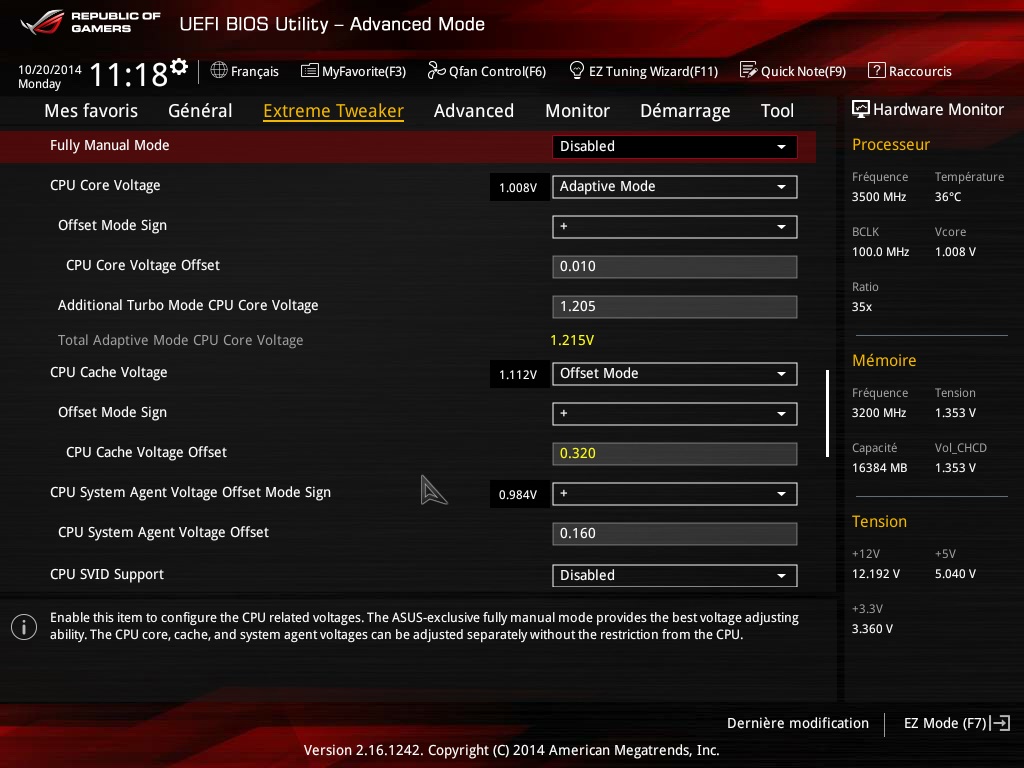
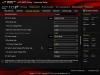
Hello I set the CPU Cache Voltage in "Offset Mode", and with AIDA64 it's the same voltage at idle and load In the bios, the voltage is lower Is this is a problem of reading of AIDA64? Thanks

-
Power Values (Core i7-5930K + Asus Rampage V Extreme)
tistou77 replied to tistou77's topic in Hardware monitoring
Too bad, it is not serious Thanks Fiery -
Small bug Motherboard/Chipset (Rampage V Extreme)
tistou77 replied to tistou77's topic in Bug reports
Thank you for your explanation This is not a problem, it was just to report -
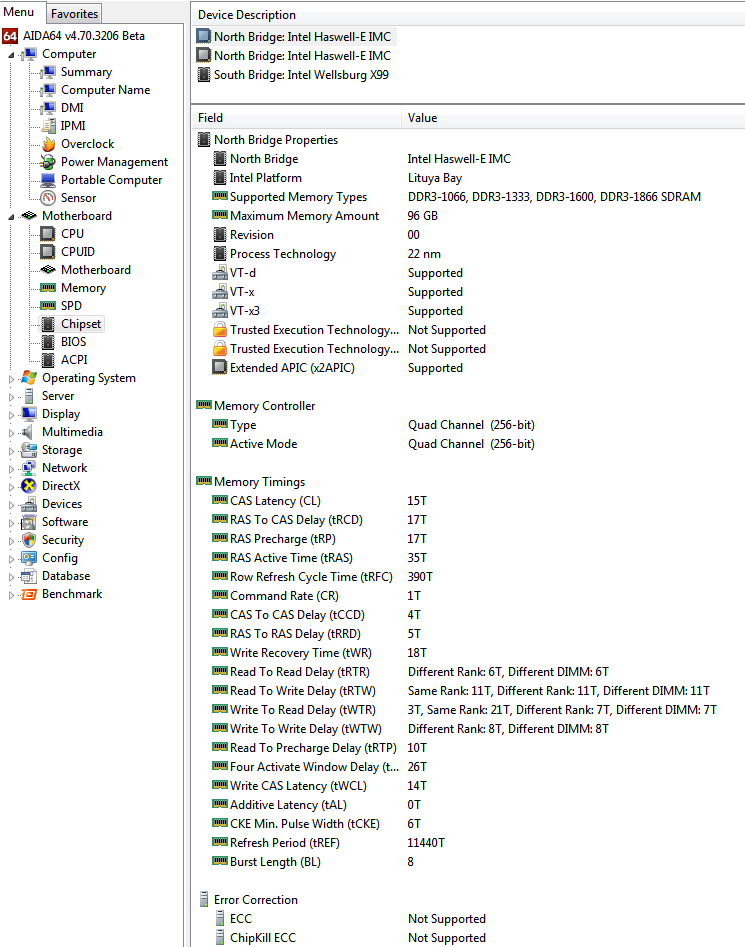
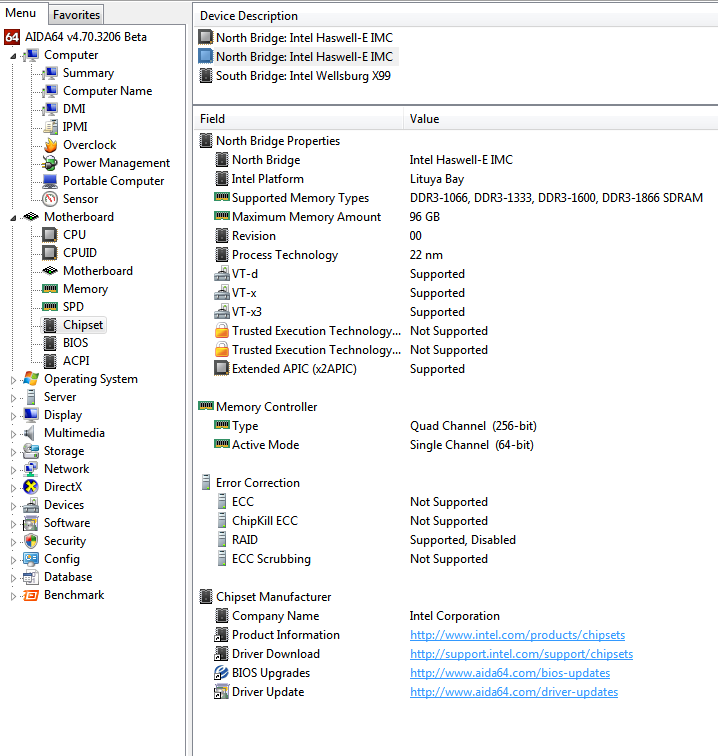
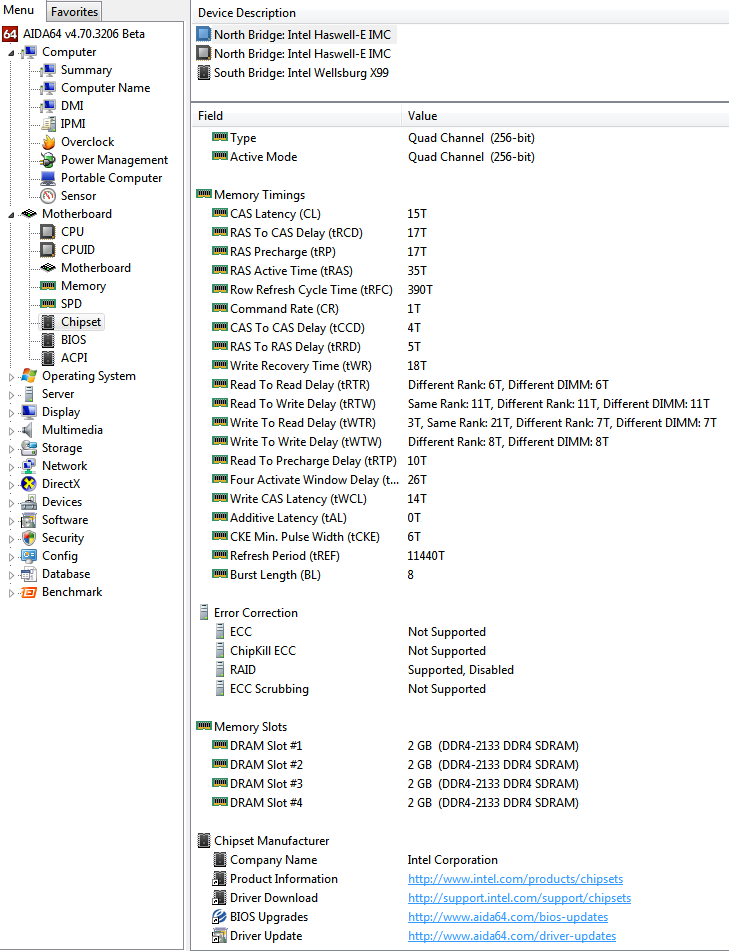
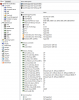
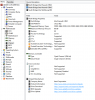
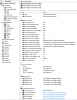
Hello In this tab, there are 2 times the North Bridge: Intel Haswell-E IMC The 2nd is superfluous I think (but some values ​​are different) And in "Memory Slot" is indicated 2GB by "Dram Slot", but I have 4GB modules Thanks
-
Power Values (Core i7-5930K + Asus Rampage V Extreme)
tistou77 replied to tistou77's topic in Hardware monitoring
It's ok with SVID Support enabled Damages whatsoever related, it's better to disabled it for the OC With SVID enabled, this indicated 117W in stress with AIDA64 (not the total power I guess) -
Power Values (Core i7-5930K + Asus Rampage V Extreme)
tistou77 replied to tistou77's topic in Hardware monitoring
Yes, that's what I've seen on the ROG forum, I will test it while ago to see. -
Power Values (Core i7-5930K + Asus Rampage V Extreme)
tistou77 replied to tistou77's topic in Hardware monitoring
The report cpuidmsrdump.txt Thanks for your great work -
Power Values (Core i7-5930K + Asus Rampage V Extreme)
tistou77 replied to tistou77's topic in Hardware monitoring
With HWInfo, it's indicate 0.58xW (idle) and with HWMonitor it's the same Thanks Fiery