
Exhumed
-
Posts
271 -
Joined
-
Last visited
-
Days Won
92
Content Type
Profiles
Forums
Events
Everything posted by Exhumed
-
Theme: Race (inspired from DriveClub art) Resolution: 1280x720px Font: install the included font Graphics: graphics made by Exhumed Important information: This sensor panel will not be offered for free. If you are interested in buying this sensor panel, please feel free to contact me here at Aida64, YouTube, or https://twitter.com/3xhumed. I only accept Paypal! 66916846_Race(1280x720).rar
-
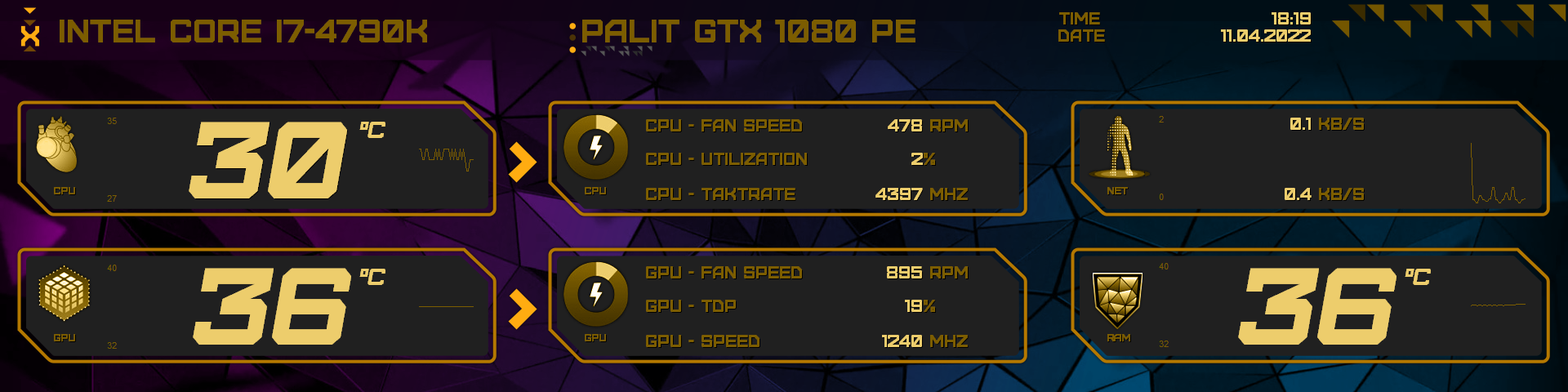
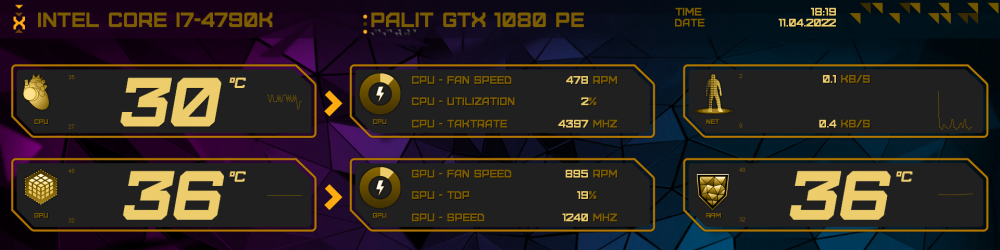
Meridium - Aida64 Sensor Panel (Inspired by DeusEx: Human Revolution) There are two different layouts, horizontally and vertically included. Theme: Meridium Resolution: 1920x480px and 480x1920px Font: install the included font Graphics: graphics made by Exhumed Important information: This sensor panel will not be offered for free. If you are interested in buying this sensor panel, please feel free to contact me here at Aida64, YouTube, or https://twitter.com/3xhumed. I only accept Paypal!
-
-
And another new Sensor Panel. (WiP) Sensor Panel: Quake Size: 1920x480 font included Ranger Icons are from the Steam Quake Achievements page (Quake HD remake). Both Icons are animated (15 gauges) for CPU and GPU usage. Pixel font Quake Console font. Custom background textures used from wallpaper and ingame screenshots. Important information: This sensor panel will not be offered for free. If you are interested in buying this sensor panel, please feel free to contact me here at Aida64, YouTube, or https://twitter.com/3xhumed. I only accept Paypal!
-
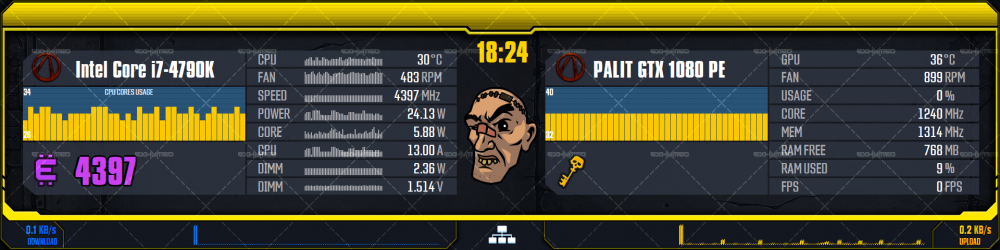
My newest Sensor Panel creation a Borderlands 3 theme. (WiP) Sensor Panel size: 1920x480 Crazy Earl is an simple but nice loocking (fake) cpu load animation. I will change some things, it's not final. Important information: This sensor panel will not be offered for free. If you are interested in buying this sensor panel, please feel free to contact me here at Aida64, YouTube, or https://twitter.com/3xhumed. I only accept Paypal!
-
Your resolution should be 1280x400px? But when I download your sensor panel it is 853x267px. You have to enter the corresponding dimensions in Aida64 in "Settings" under "Sensor Panel"> "Sensor Panel Size" so that it works properly.
-
Thanks for your comment. The thing is, I've been creating graphics since the early 2000s and unfortunately had to keep seeing my work being stolen over the years. I thought it would be different in this rather small community, but even here there was one who thought he saw this work as a self-service shop. Only when I pointed this out to him was the comment and download deleted. Then there are obviously users reading along here who think they have to troll others or attempted fraud? by promising money offers in return for an individually assembled sensor panel. A full 4 days of writing contact with the person and in the end ... nothing more than the advance payment was due. Conclusion: blocked, reported, waste of time. Most users are guaranteed not to be like that here, and that's a good thing. But I'll think about how to go about this. / End
-
Offtopic Statement! Since there are apparently some users who think you can download the time-consuming created sensor panels along with graphics (assets) by designers (not only me) in this forum and use them freely and upload them again somewhere without naming the author, I will not offer anything here anymore. If even the simplest things of naming doesn't work, then nobody should be surprised when artists no longer offer their work for free. If a guy like him who has a relatively large YouTube channel, doesn't even manage to mention me as the author of this graphic asset (Cyberpunk 2077 panels) among all his references to products, then you don't have to understand that, do you? The word injustice is evidently a bad word for some. At no point in the whole video is it mentioned that the graphics are mine. Nothing, absolutely nothing. Only that you can find such graphics in this Aida64 forum. By downloading the file, the users who download something here automatically agree to the respective conditions stated there. Private use only. If it says otherwise then it is somewhere in the archive file. If you ignore copyrights, this can have legal consequences. That you have to mention things like that here is really bad. Greetings Exhumed
-

BPS Customs shows you how to build an AIDA64 SensorPanel
Exhumed replied to Fiery's topic in Hardware monitoring
He didn't mention me as the author and creator of the graphics (element Package_v1.1_by_Exhumed) in the video above. And then he simply uploaded all of my files to Dropbox. Without naming that the graphics are from me and not asked beforehand whether he can upload them. -
RGB-Bot Aida64 Sensor Panel in 1920x480px (8.8 inch lcd-diplays). I will add different animations (left and right) to show the utilization display for CPU and GPU. Name: RGB-B0t Resolution: 1920x480px Important information: This sensor panel will not be offered for free. If you are interested in buying this sensor panel, please feel free to contact me on Aida64 forum, YouTube or https://twitter.com/3xhumed. I only accept Paypal!
-
Browser double post. This post can be removed.
-
Hallo. Wenn du eines meiner Sensor Panels herunter lädst und sie wieder hoch lädst, so wie hier gerade, ist das nur unter bestimmten Bedingungen erlaubt. Du kannst nicht einfach mein geistiges Eigentum hochladen ohne Credits! Lies bitte die READ ME.txt aufmerksam, oder klick den Link (Deutsch) an: https://creativecommons.org/licenses/by-nc-sa/4.0/deed.de und lese dir den Text bitte aufmerksam durch. Wenn du mit diesen Bedingungen nicht einverstanden bist, oder sie nicht verstehst, wie du meine Arbeiten nutzen darfst, dann lösche alle betreffenden Dateien restlos. Diesen Upload hier unter dem ich kommentiert habe, löschst du bitte sofort! Ich hoffe wir verstehen uns.
-
Hello Community, here is my new HALO Sensor Panel pack. Vectorized graphics. There are two differently arranged sensor panel styles included. Different background images to let your creativity run free, you can change and arrange everything as you want. There is also a load indicator for CPU and GPU. Theme: HALO Resolution: 1920x480px Font: Font included Graphics: background and icons made by Exhumed Important information: This sensor panel will not be offered for free. If you are interested in buying this sensor panel, please feel free to contact me on Aida64 forum, YouTube or https://twitter.com/3xhumed. I only accept Paypal!
-
Hello Community, here is my new Cyberpunk 2077 Sensor Panel pack. Theme: Cyberpunk 2077 (all red) Resolution: 1920x480px Font: install the included font Graphics: background, frame border and icons made by Exhumed If you are interested in buying this sensor panel, please feel free to contact me.
-
You use the "Simple sensor item" and there is no shadow option. But if you use "Sensor Item" from the drop-down menu you can add a shadow. See picture below.
-
Yes you can add a shadow. It's simple.
-
Google Images search = Abstract mainboard illustration Mabye you find someting useful.
-
Change the network parameters in the Sensor Panel Manageer from or to NCI1 and NCI2.
-
You need 15 different images to make it looks like it spins or whatever you want.
-
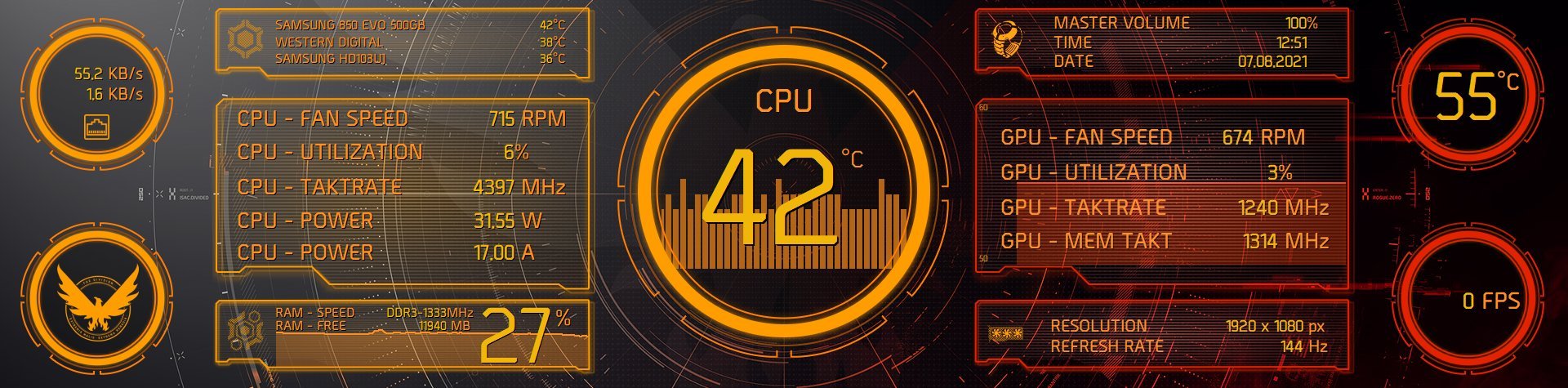
Here is a short video from the "The Division 2 Aida64 Sensor Panel". There are two different versions of this sensor panel. One with more stat infos and one with less. Important information: This sensor panel will not be offered for free. If you are interested in buying this sensor panel, please feel free to contact me on Aida64 forum, YouTube or https://twitter.com/3xhumed. I only accept Paypal!
-
Generally it is possible. I could create a sensor panel and graphics for you, but the problem is that you would have to make a lot of adjustments yourself. That costs time that you obviously don't want to invest or maybe you just don't know how to create a sensor panel? Because my hardware built into the PC is completely different from yours. It may also be that more informative sensors (water cooling) are available that you would like to see but that I don't have. You would then have to add it yourself. Creating a sensor panel including completet new graphics, depending on the effort involved, can take an enormous amount of time.
-
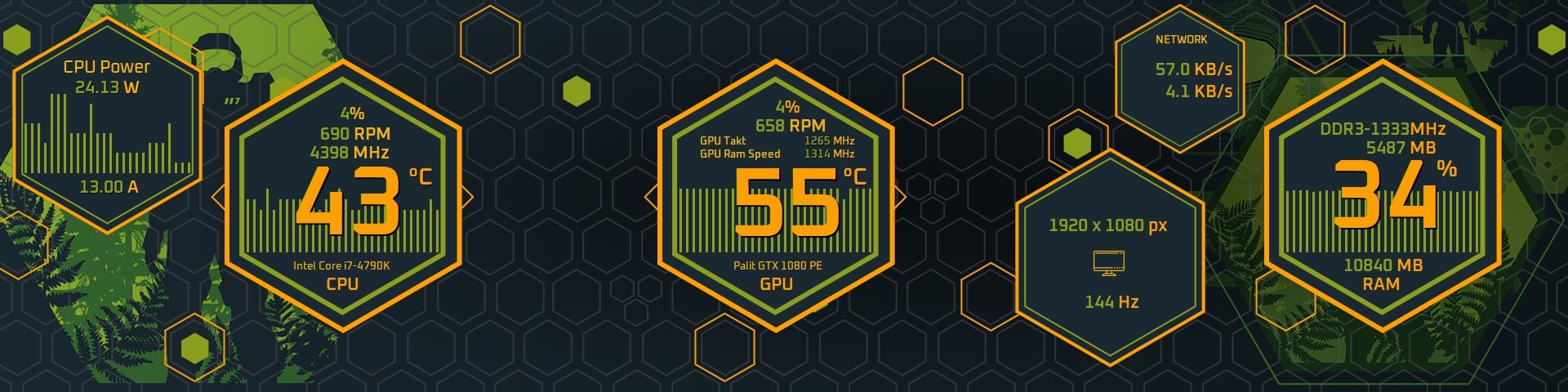
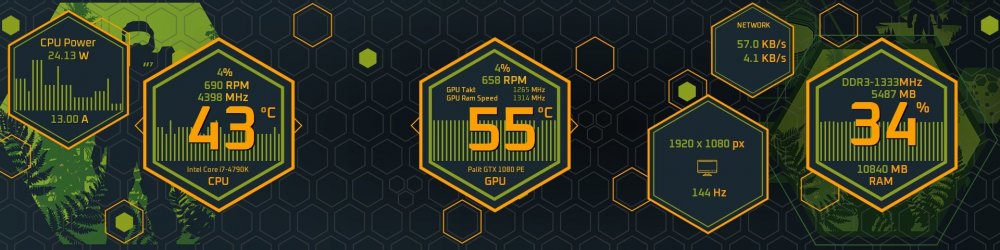
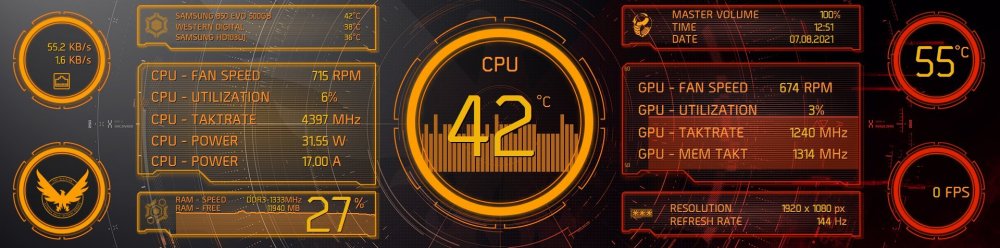
Here are only two game themes (many more planed!) from my new Aida64 themes package. I made a lot of vector images. The background images are not made be myself. Size: 1920x475px Theme: Halo Theme: The Division 2 Important information: Both sensor panel will not be offered for free. If you are interested in buying this sensor panel, please feel free to contact me on Aida64 forum, YouTube or https://twitter.com/3xhumed. I only accept Paypal!
-
Hi poeple. I had some time and startet working on a new Aida 64 sensor panel design. Different colors included + some custom icons. Important information: This sensor panel will not be offered for free. If you are interested in buying this sensor panel, please feel free to contact me here at Aida64 forum, YouTube or https://twitter.com/3xhumed. I only accept Paypal!
-
내 프로필을 클릭하십시오. 나열된 모든 파일을 찾을 수 있습니다.