BHSY
-
Posts
326 -
Joined
-
Days Won
61
Content Type
Profiles
Forums
Events
Everything posted by BHSY
-
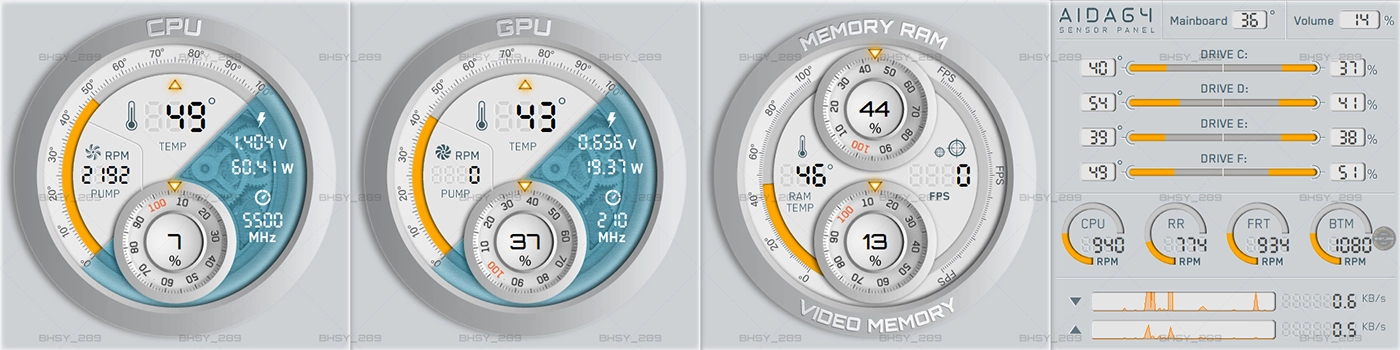
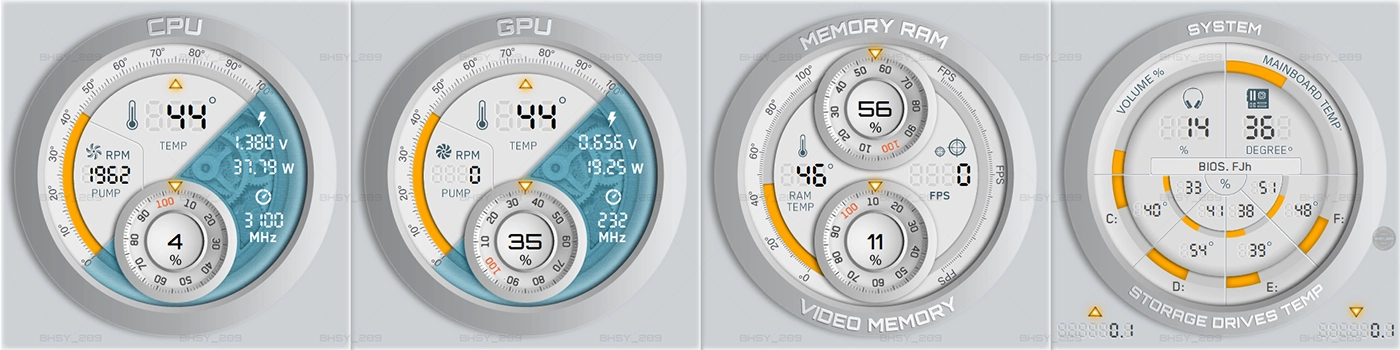
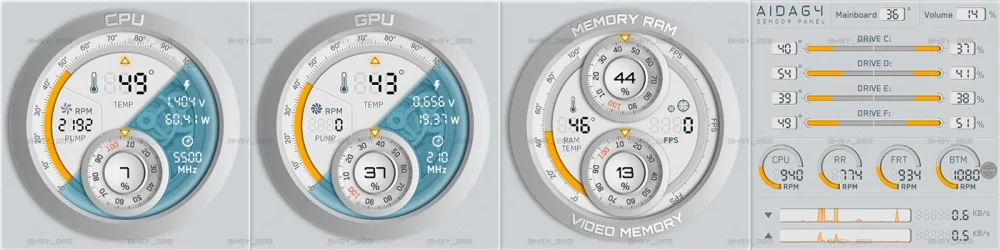
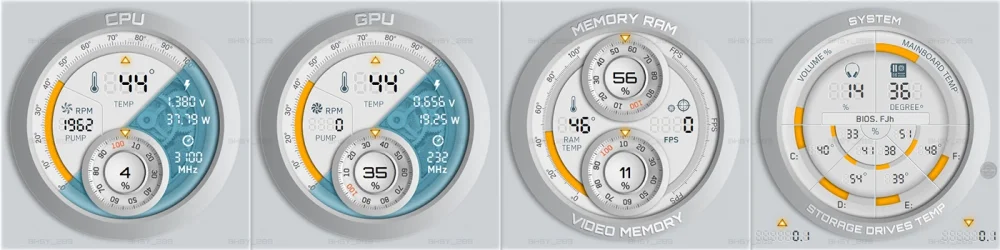
45_1920x480_Type1 | 45_1920x515_Type1 | 45_480x1920_Type1 | 45_515x1920_Type1 CPU/GPU temperature, and utilization using 100 states. Memory RAM/Video memory utilization, and RAM temperature using 100 states Fans using 15 states. 45_1920x480_Type2 | 45_1920x515_Type2 | 45_480x1920_Type2 | 45_515x1920_Type2 CPU/GPU temperature, and utilization using 100 states. Memory RAM/Video memory utilization, and RAM temperature using 100 states Volume and mainboard temperature using 100 states. Storage drives utilization and temperature using 15 states. Visit https://www.bhsysensorpanel.net/ for more info.
-
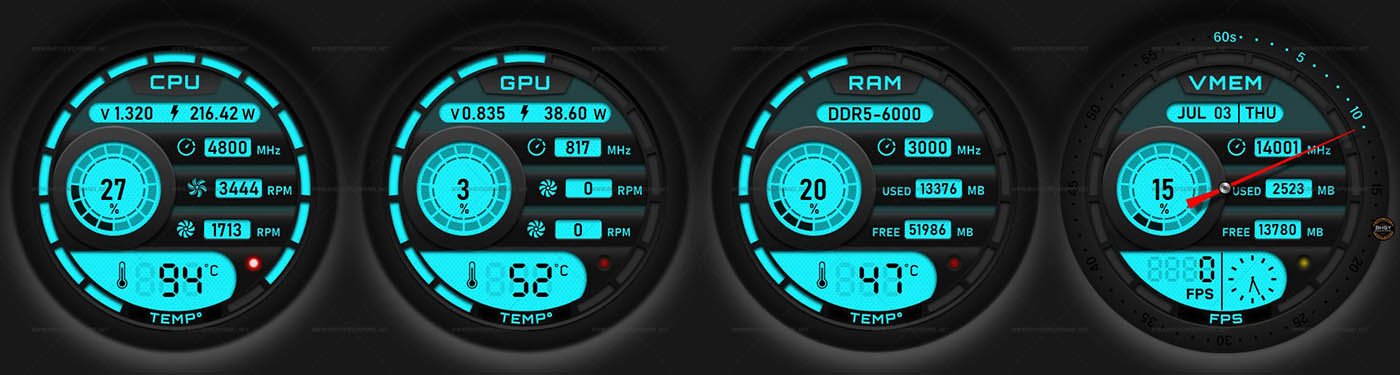
44-AIDA64 Sensor Panel Skin Backlight Color with dial clock gauge (Black/White) 1920x515 Black and White panel in one file. Sizer available in 1920x480 | 1920x515 | 480x1920 | 515x1920 | 720x2560 | 1100x3840 The backlight colour can be changed to any color from the sensor panel preferences > SensorPanl > background color. 44_1920x515.mp4 *Require AIDA64 version 7.99.7829 or higher. View all panels here.

-
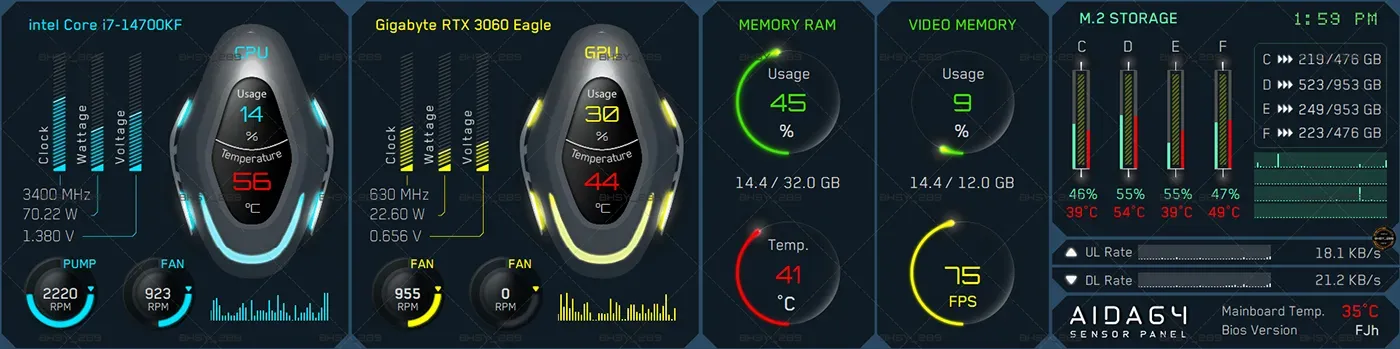
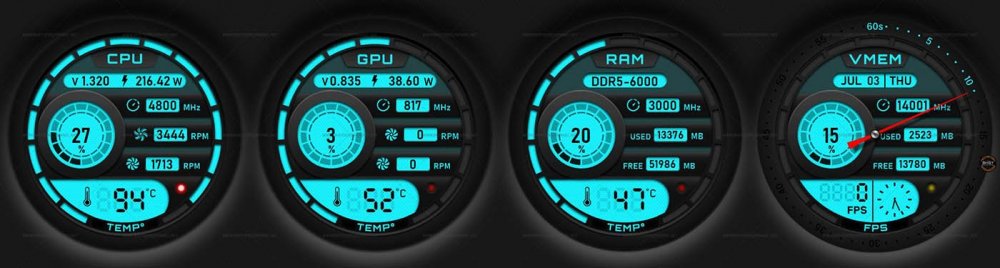
Panel: 43_1920x480 / 43_1920x515 The background color can be changed by going to preferences -> SensorPanel -> SensorPanel background color. Recommend using darker colors background. The default background color is R41, G73, B99. Visit our website https://www.bhsysensorpanel.net/ for more info.
-
I would like the SMART status to break down to individual drive too.
-
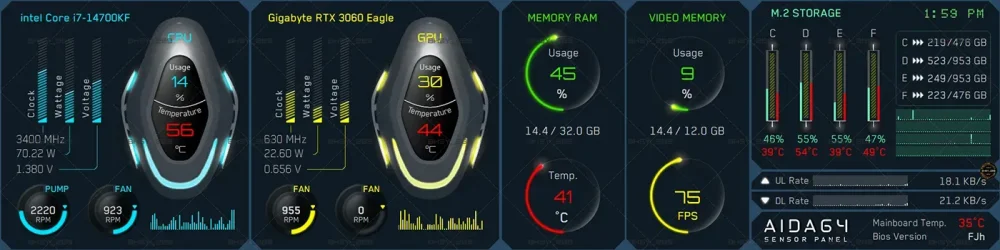
Panel: 41_1920x480 / 41_1920x515 www.bhsysensorpanel.net
-
 I just received an update notification and I have updated the AIDA64 version to 7.35.7008 and the GPU cooling fan sensor item/bar works perfectly.
 -
I have a Gigabyte RTX 3060 Eagle 12G and the sensor item/bar for the GPU cooling fan is not working. I set my GPU max value as 3000 RPM and when the fan was rotating, the white bar remained at the starting point. As seen from my attached image, the GPU fan speed is at 830 RPM but the white bar did not change. I restarted my Windows and AIDA64 program but it remained the same. I have also attached the ISA sensor dump file for you to investigate. The current AIDA64 version that I'm using is 7.35.7000. Hope to hear from you soon. isasensordump.txt

-
I finally got my AIDA64 sensor to detect my Lian Li UNI daisy chain Fan SL120 fan speed. I connected the Lian Li UNI daisy chain Fan SL120 to my Gigabyte Z790 AORUS ELITE AX (rev. 1.x) motherboard 'SYS_FAN4_PUMP header' or the CPU pump/CPU OPT. It seems AIDA64 cannot detect this daisy chain fan on a normal sys_fan header. It's the same problem for my NZXT F360 RGB Core - 360mm Single-Frame Fan Unit. AIDA64 can detect a single Lian LI SL120 fan on a normal system fan header. Now AIDA64 can read all my fans😄.
-
I use a Gigabyte Z790 AORUS ELITE AX (rev. 1.x) motherboard and a 'Lian Li Galahad CPU AIO 360 UNI Fan SL120'. AIDA64 can detect the Lian Li CPU AIO fans but cannot detect a Lian Li Uni Fan AL120. All the fans can read from the bios and Gigabyte Control Center and all fans used 4 pins. I have tried using a different brand of fan on system fan header 3 and it can be read by AIDA64. Does that mean that AIDA64 is unable to support Lian Li Uni Fan AL120? Currently, I'm using system fan header 1 for my rear exhaust fan, fan header 2 for the bottom fan, and fan header 3 for the front fans which is the Lian Li Uni Fan AL120. I have attached my ISA sensor dump text file for you to study it. I hope there is a fix for this. Thanks. ISA_sensor_dump.txt
-
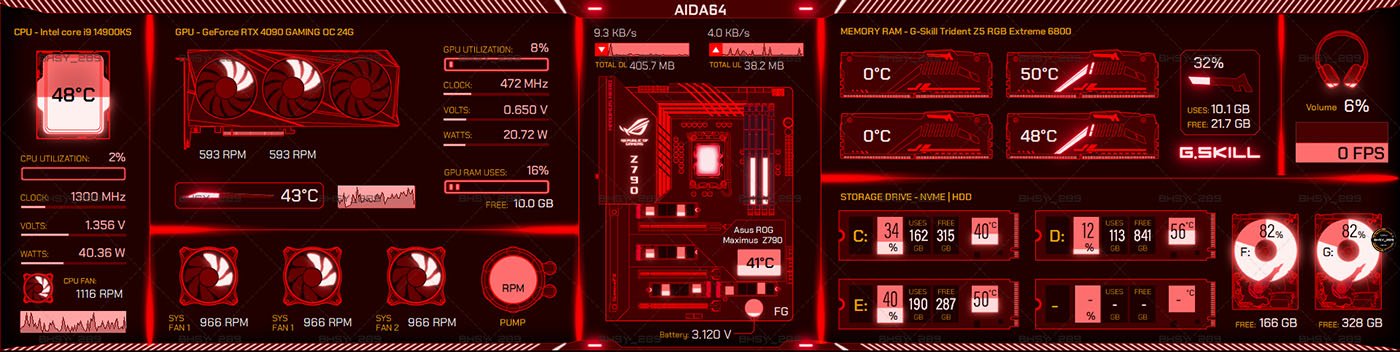
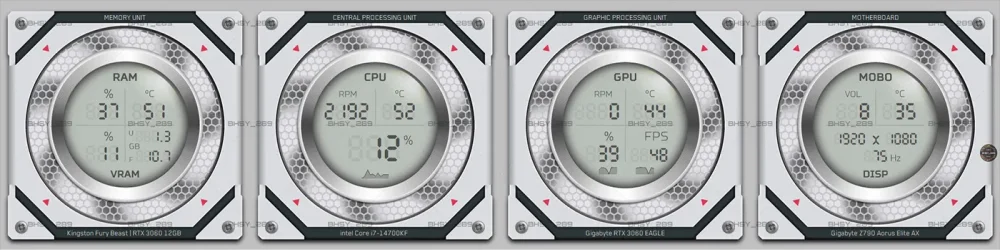
Panel: 39_480x1920 / 39_515x1920 / 39_1920x480 / 39_1920x515 Visit our site https://www.bhsysensorpanel.net/ for more info.
-
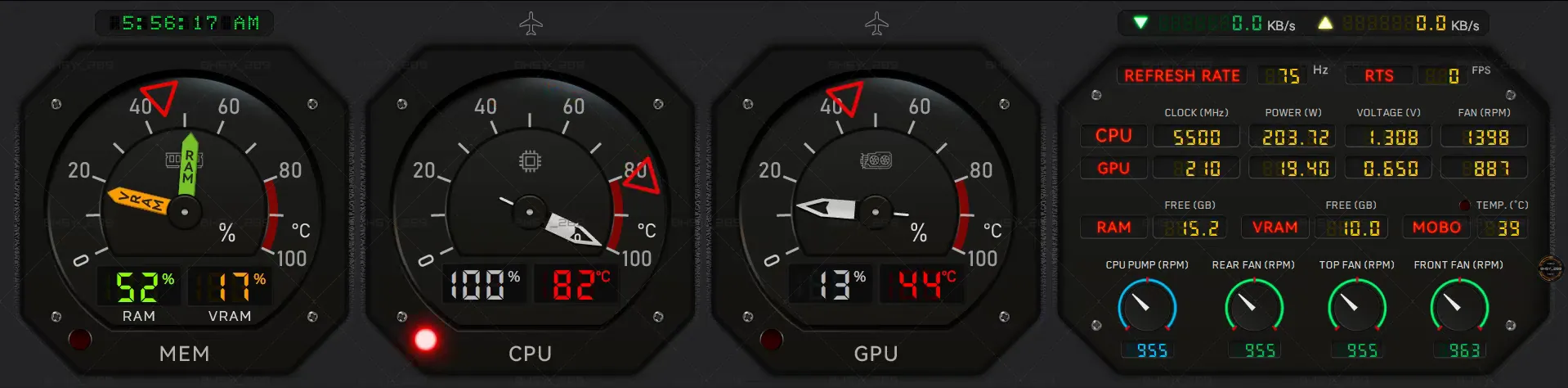
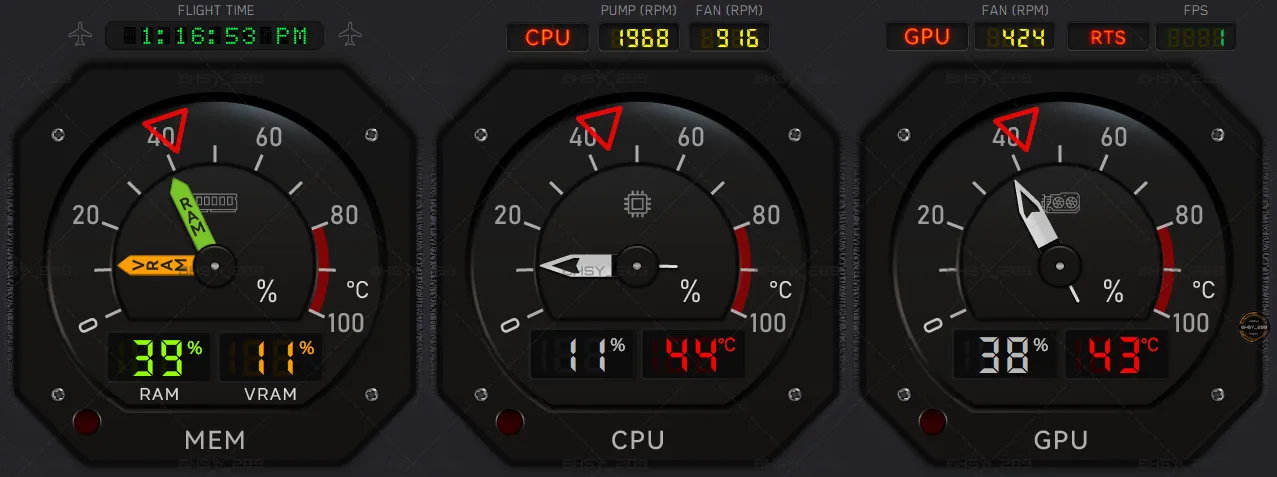
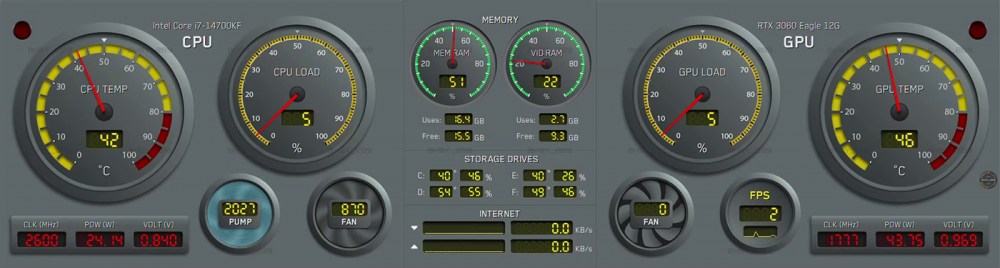
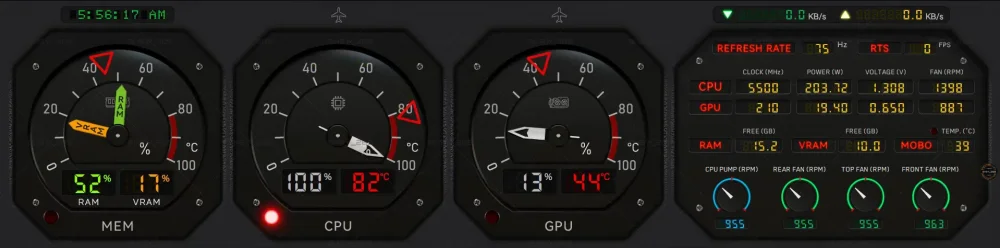
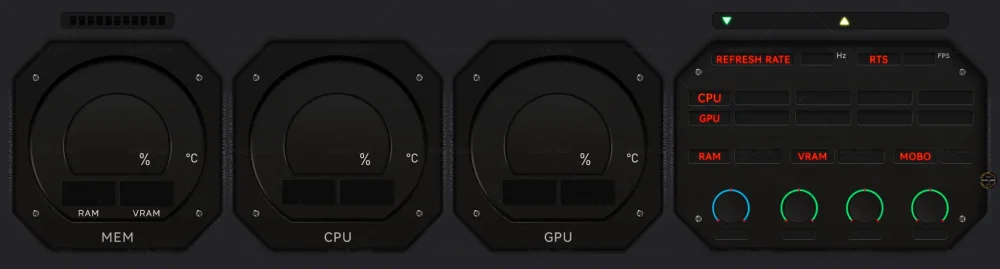
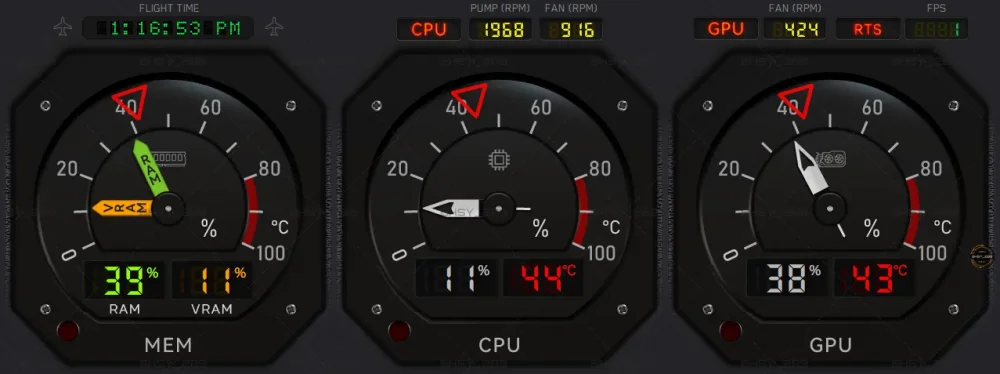
Panel: 38_1920x480 / 38_1920x515 / 38_1280x480 The design is based on an aircraft cockpit panel. Visit our site https://www.bhsysensorpanel.net/ for more info.
-
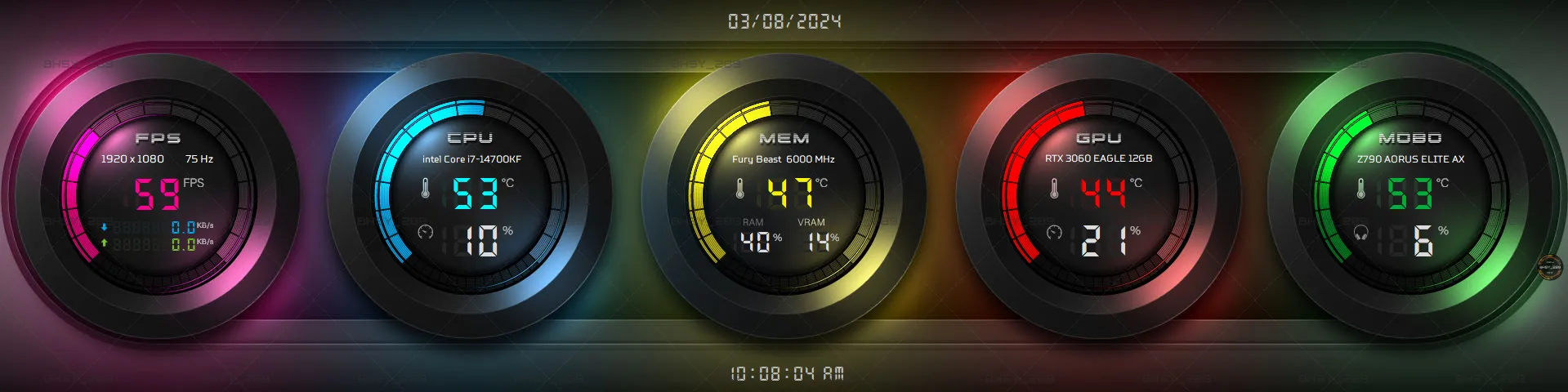
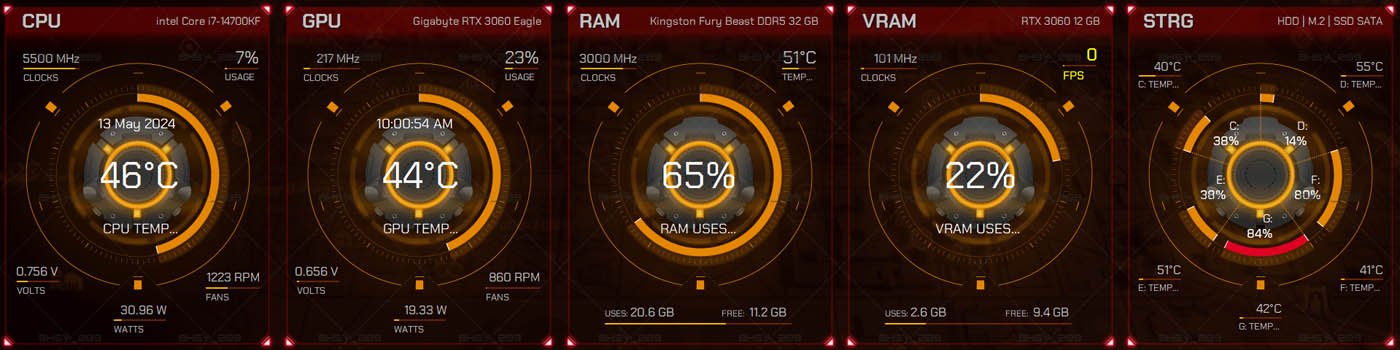
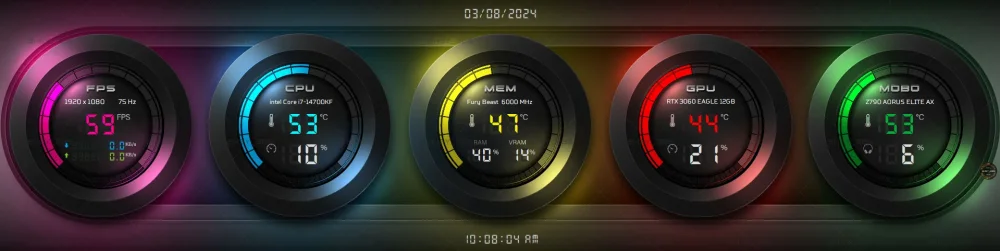
A simple colorful sensor panel is available in 37_1920x480 | 37_1920x515 | 37_480x1920 | 37_515x1920 | 37_720x2560 Visit our site https://www.bhsysensorpanel.net/ for more info.
-
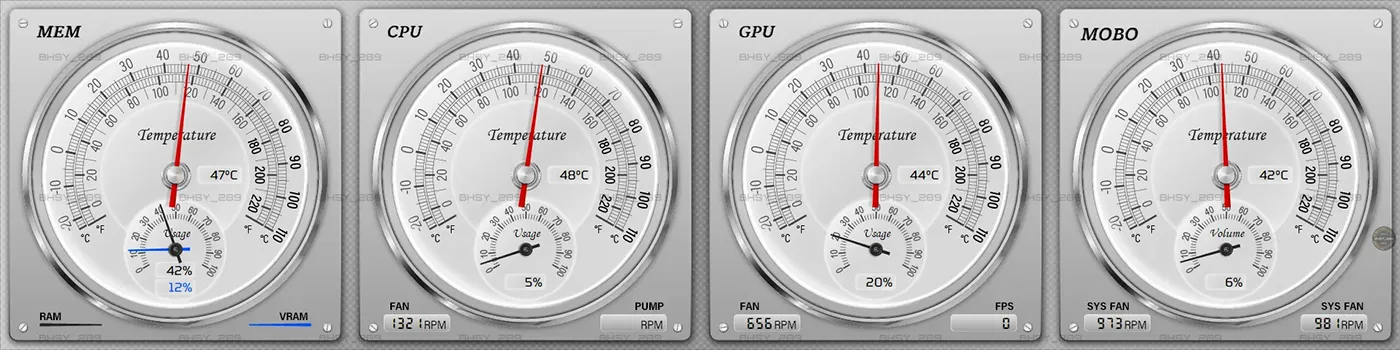
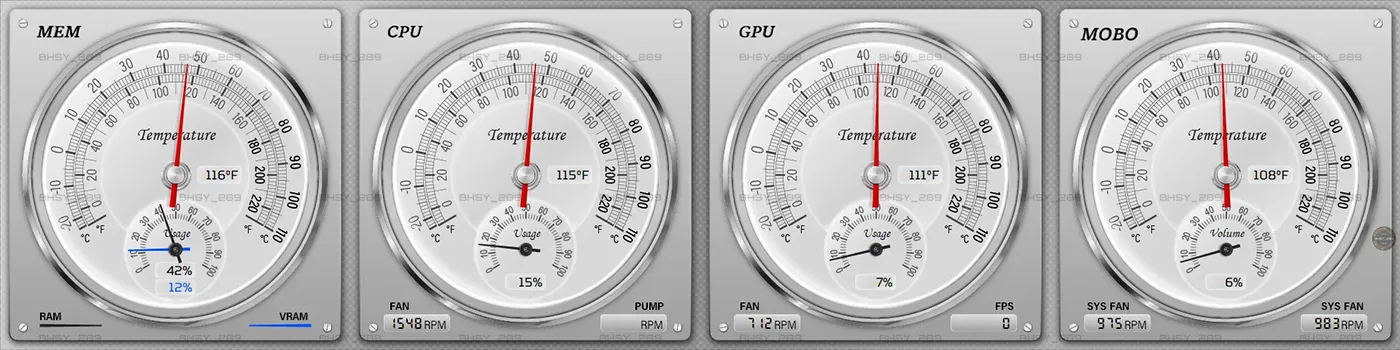
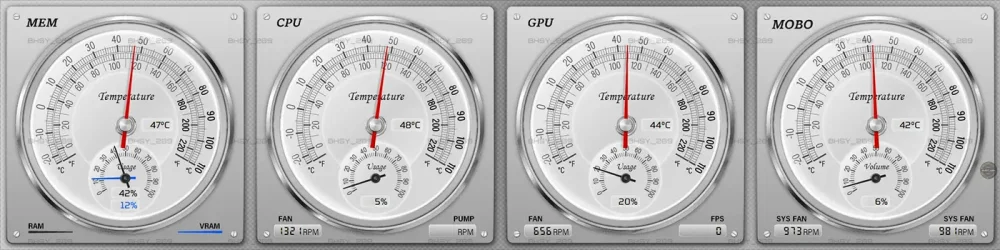
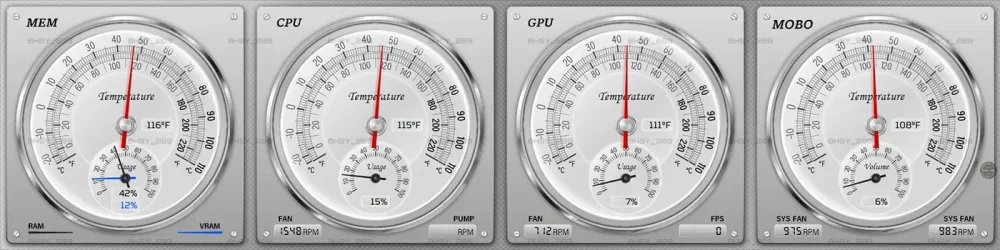
Panel: 36_1920x480 | 36_1920x515 | 36_480x1920 | 36_515x1920 Contains 2 sensor panel files, a Celsius, and a Fahrenheit temperature sensor panel. Visit our site https://www.bhsysensorpanel.net/ for more info.
-
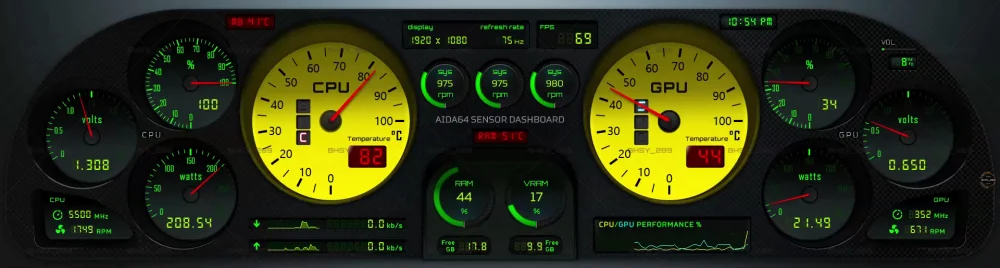
Ready-made skins available in 5 sizes: 1920x480 | 1920x515 | 35_1920x480 | 35_1920x515 | 35_1024x600 | 35_1280x800 | 35_1600_1200 35_1920x515.mp4 Visit our site https://www.bhsysensorpanel.net/ for more info.
-
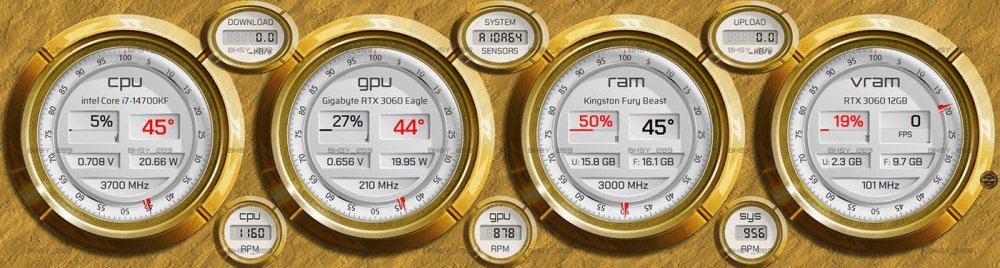
Skin Code: 34_1920x480 / 34_1920x515 / 34_480x1920 / 34_515x1920 / 34_720x2560 / 34_1600x1200 Sensors: Available in 6 sizes: 1920x480 / 1920x515 / 480x1920 / 515x1920 / 720x2560 / 34_1600x1200. CPU/GPU usage, temperature, voltage, wattage, clock, fan speed, and graph. Memory Ram usage, temperature, clock, and graph. Video RAM usage, clock, FPS, and graphs. 1 system fan speed or volume (hide/unhide sensor) Internet Download/Upload rate, and graph. https://www.bhsysensorpanel.net/
-
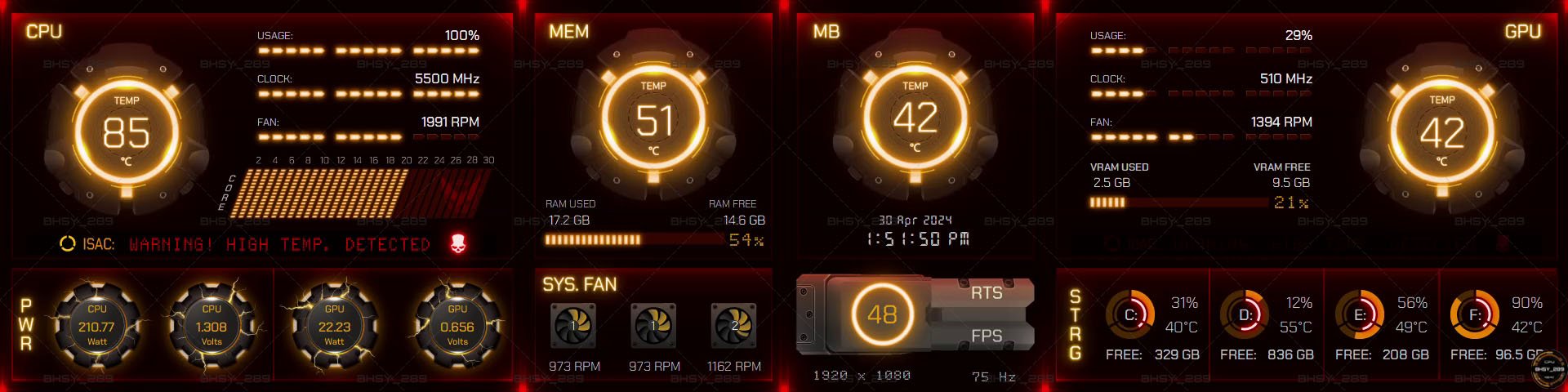
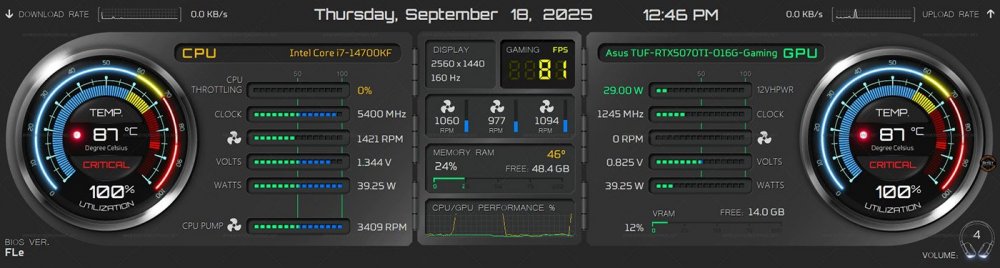
33-Core Pulse AIDA64 Sensor Panel Skin. Ready-made size in 1920x480 / 1920x515 / 2560x720 This panel skin features a blinking indicator that alerts users when CPU/GPU temperatures are high. To enable the CPU throttling sensor in AIDA64, open Preferences and check the box labeled 'Enable CPU throttling measurement.' This allows the software to monitor and report any performance drops due to thermal or power limits. AIDA64 Beta version 7.99.7825 and above is required to use this sensor panel skin. Visit BHSYSensorPanel for more info. and designs.
-
Comment deleted by BHSY_289.
-
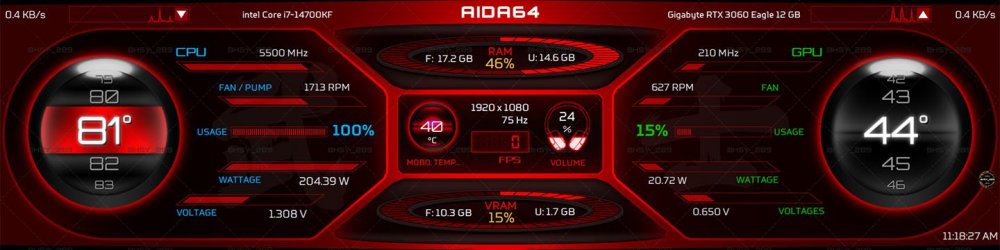
Panel code: 32_1920x515 / 32_1920x480 *Only the CPU/GPU temp uses 100 states images. 1920x480, 1920x515 32_1920x515.mp4 EXPLORE MY COLLECTIONS
-
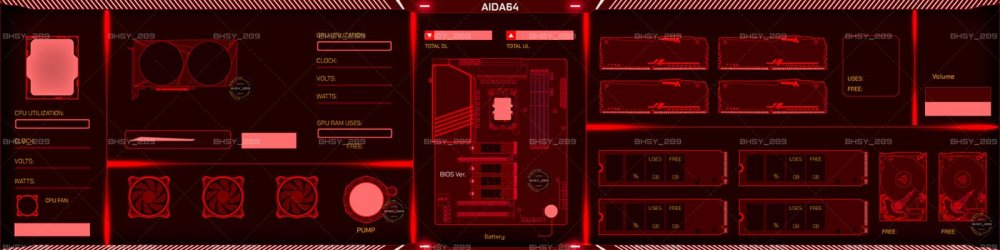
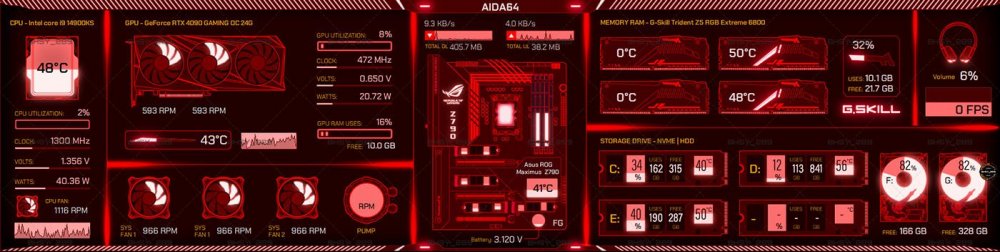
Panel code: 30_1920x480_1 For landscape widescreen only. For other widescreen sizes, please submit a request. You can request to change the image of a motherboard. Contains 2 fans GPU and 3 fans GPU image. 1920x480 30_1920x480_1.mp4 EXPLORE MY COLLECTIONS
-
Contents removed by BHSY_289
-
Panel code: 29_1920x480_TD4 / 29_1920x515_TD4 - DISCONTINUED The Division (1920x480, 1920x515) 29_1920x515_TD4.mp4 This template has been discontinued

-
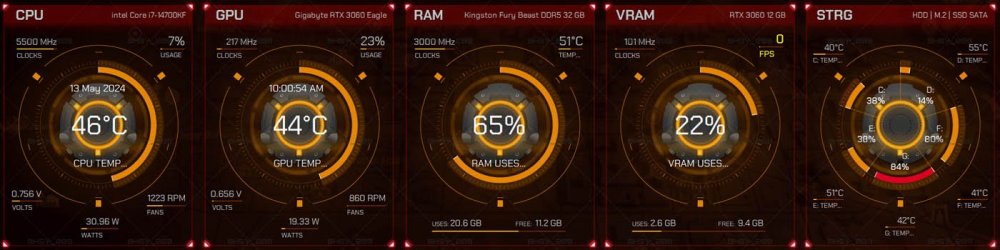
Panel code: 28_1920x515_TD3 / 28_1920x480_TD3 / 28_480x1920_TD3 - DISCONTINUED The Division skin theme. 1920x480, 1920x515, 480x1920 28_1920x515_TD3.mp4 This template has been discontinued
-
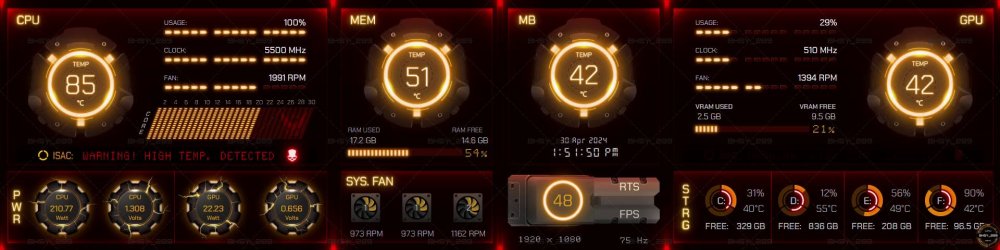
THE DIVISION THEME- DISCONTINUED Panel code: 27_1920x480_TD2 1920x480 This template has been discontinued 20240430_135142.mp4 27_1920x1280_TD2 This template has been discontinued
-
Post removed by BHSY_289.
-
Post removed by BHSY_289.