Loyd
-
Posts
222 -
Joined
-
Last visited
-
Days Won
13
Content Type
Profiles
Forums
Events
Everything posted by Loyd
-
1080X1920 &1600X1200
-

Does anyone use a old ipad as a lcd, and where are the screens to use
Loyd replied to SR00we's topic in SensorPanel
I am running 4 turing screens 3 3.5 and 1 5. using usb with no problem just use the turing selection in the LCD. If Aida64 sees the screen the selection will be there. also be sure not to be running the native apps with aida. I am also running an IPAD as a monitor screen using spacedesk as the connecting software with a 1600x1200 resolution connect with a usb to apple cable. works ok a bit of a bear to get set up but once it is setup works fine -
"Just sharing what I learned; no further discussion." Want to bet?
-
ok
-
how to backdate to beta 8.35.8412?
-
Feature Request: Manual input of Scale Percentage by panel Width and Height
Loyd replied to BHSY's topic in Brainstorming
That is the difference. I do not have illustrator, I use paint when I must move the background around. I tried GIMP but it was too complicated, I still do not understand layers in paint. I cannot get it to do anything. I always wondered why some gauges would change and other not. Thanks for that. If one was to enter the element size wonder what would happen? say it is 400x400 if you put that in the resize what would happen. Guess I will try it out. I do not manually compute the ratio I use Excel. just plug in the values and there you go. Fun and games, love the AIDA64 skins and am looking forward to your next outstanding skin Loyd -
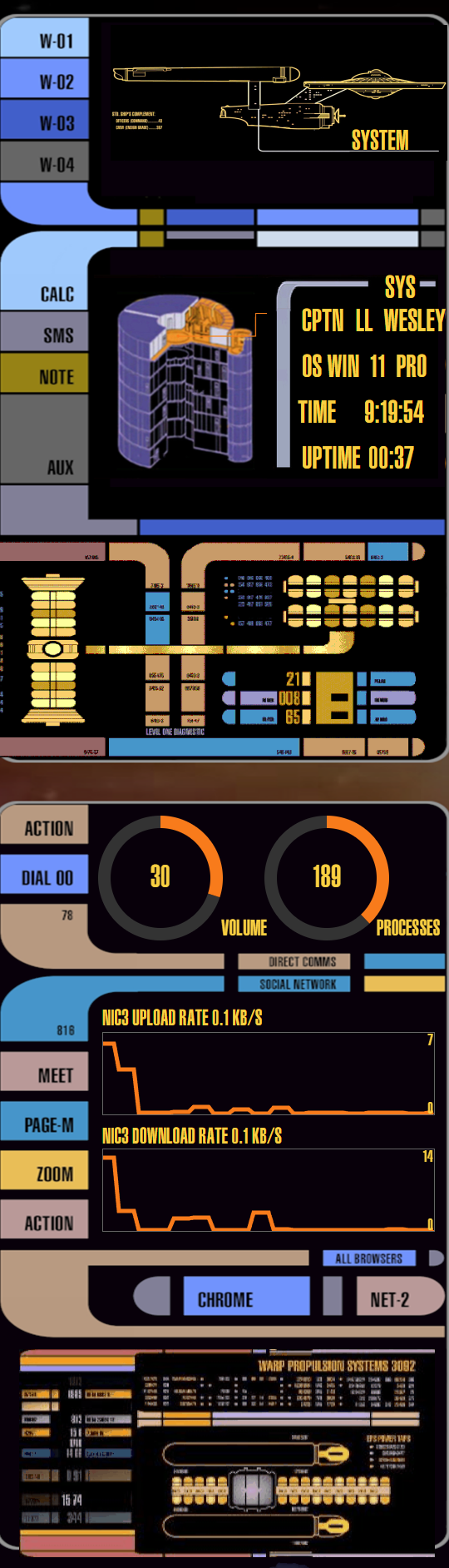
your star trek panels for rslcd are beyond belief. I modded it to fit my 1080X1920 screen. there was so much to it. I try to keep the aspect ration the same so the round stuff stays that way so ST only filled the right half and I put OSD on the other half look great and worked
-
Feature Request: Manual input of Scale Percentage by panel Width and Height
Loyd replied to BHSY's topic in Brainstorming
have used the new scale and it does make things a lot easier but it still does not change every element in a skin. seems gauges do not change...Also by using this ratio is keeps the height and width the same proportions keeping any circler element round. You have a very nice way of stating what I was doing without me even knowing what I was doing. I just wanted a way to keep the v-h ration the same when either enlarged a 1020x600 to 1600X900 or reduced a 1920X1050 to 1600X??? -
Feature Request: Manual input of Scale Percentage by panel Width and Height
Loyd replied to BHSY's topic in Brainstorming
yes I do. I use a similar system. on a spread sheet I put the height and width in one column height in the other column and use ratio computation to get the width. like that below (600X1920)/1024=1125, the ratio is 1920/1024=1.875 use that to change gauges, bar graphs and line graphs width 1024 1920 1.875 height 600 1125 -
Feature Request: Manual input of Scale Percentage by panel Width and Height
Loyd replied to BHSY's topic in Brainstorming
how did you arrive the percentage? -
Feature Request: Manual input of Scale Percentage by panel Width and Height
Loyd replied to BHSY's topic in Brainstorming
I second BHSY statement. Your programmers are outstanding. Now if they could only come up with a Linux verson! -
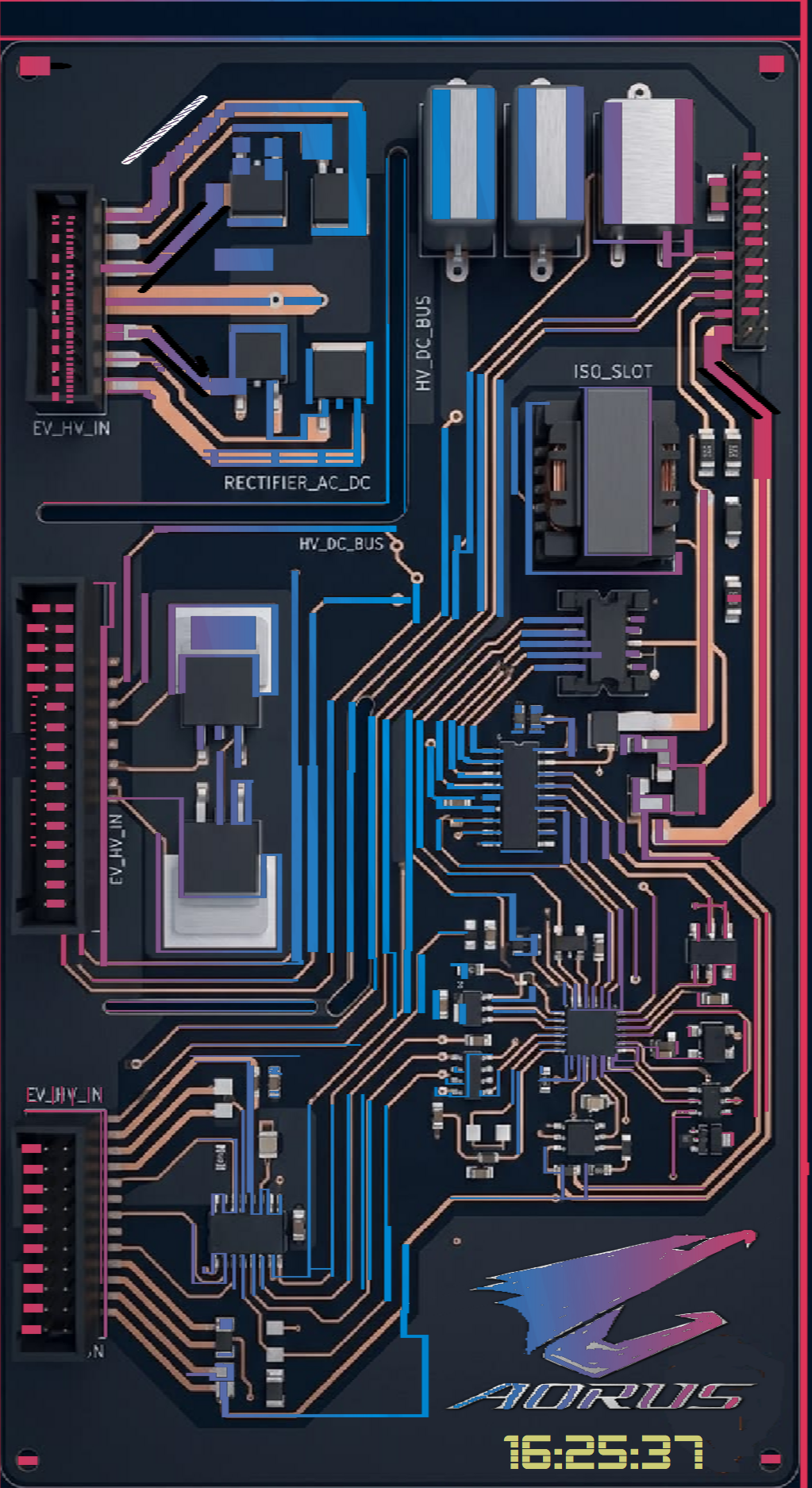
that was my try using Cichyczłowiek background I have yet to place dials and bar grafts and such got it on 1050X1920 looks really neat
-
I find it really useful when changing a skin from 1024x600 to 1600X1200 only have to change most custom gauges. at least it is available most of the time
-
what size is this?
-
no, only thru SynQPanel
-
why is the scale function not available on stable version but on beta's? Would like it to be always available.
-
he does some really great work, very nice to work with. Tell him Loyd said Hi!
-
Hey Jason, Have you visited some the pay as you go sites? BSHY https://www.bhsysensorpanel.net/ is a good one. just pick one of his sensor skins, tell him what size and any special wants He will make it and it will the best. i have over 25 of his screens. Also https://surjeetskins.great-site.net/ is another alwsom artist. He will also make custom skins. Got 20 of his. Movement of elements can be tricky the best way is bring up sensorpanel manager, highlight the element then move it by clicking on the four arrow cross to the right of the page. movement is in pixels and can be change from 1 pxl to 200 pxl Have fun Loyd
-
for more Star Trek skins check out this posting
-
be up to Rinaldop, it is his screen. I just modified it to fit my screen 1600X1200
-
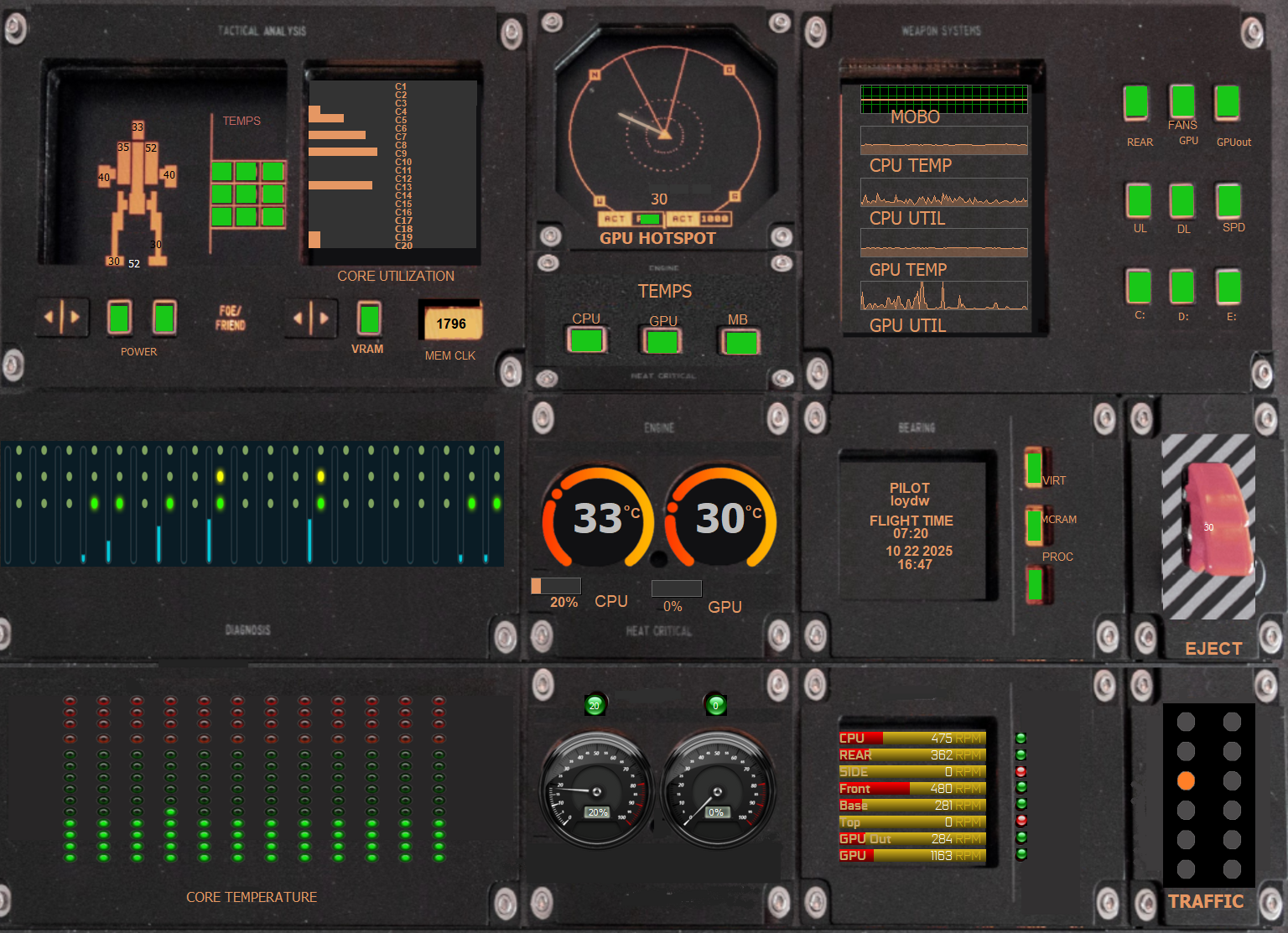
I still have your Star Trek themed panels on one of my displays and a modified A-10 panel, the one below, on another one. Love them both keep up the great work
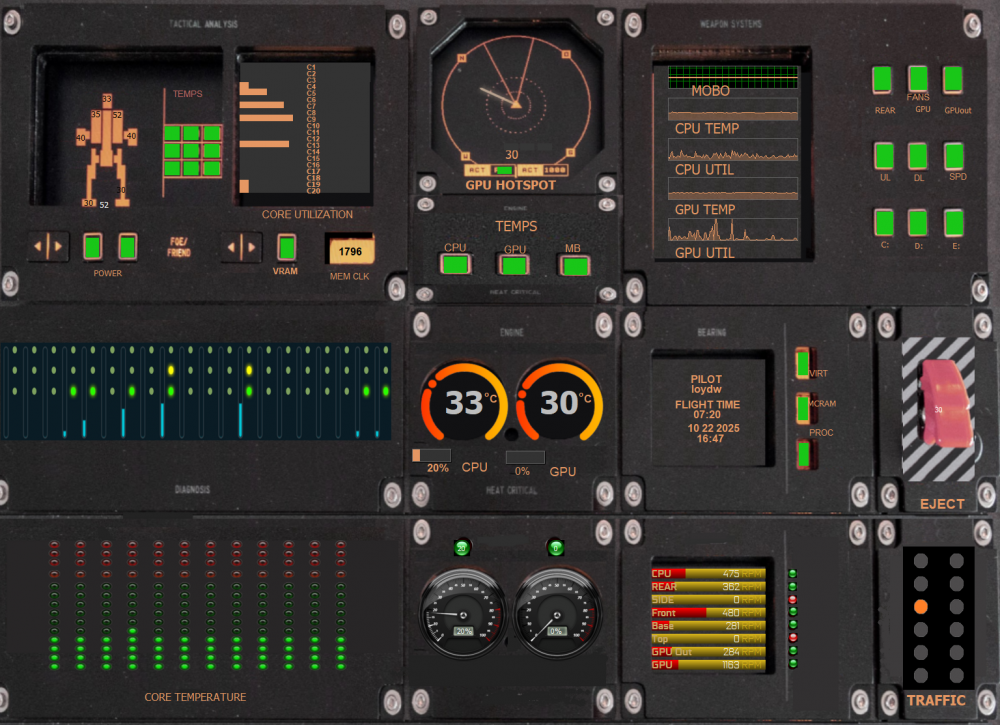
-
-
Feature Request: Manual input of Scale Percentage by panel Width and Height
Loyd replied to BHSY's topic in Brainstorming
I second this. to get the size I need 1600X1200 from a 1920X1080 first use 66% then 125% get me close 1584X891. Be really nice if I could use .833% -
PM Me, this is 1600x1200