beada
-
Posts
126 -
Joined
-
Last visited
-
Days Won
2
Content Type
Profiles
Forums
Events
Everything posted by beada
-
1. beadapanel or sth else? This is on ebay from China only. anything else that I can buy faster in the EU? Right now there are 2 ways to buy BeadaPanel for oversea customers: a) Primary online shop-->https://www.cjcsh.com b) ebay store -->https://www.ebay.com/str/eskyshn 2. when I lock my Win 10 PC, will the AIDA64 screen still display all stats? Yes AIDA64 will still display hardware status when screen lockup.
- 1 reply
-
- 1
-

-
You can 'rotate' the LCD screen in AIDA64 LCD Preference page if you have a template in vertical orientation.
-
please look at this thread for screen rotation
-
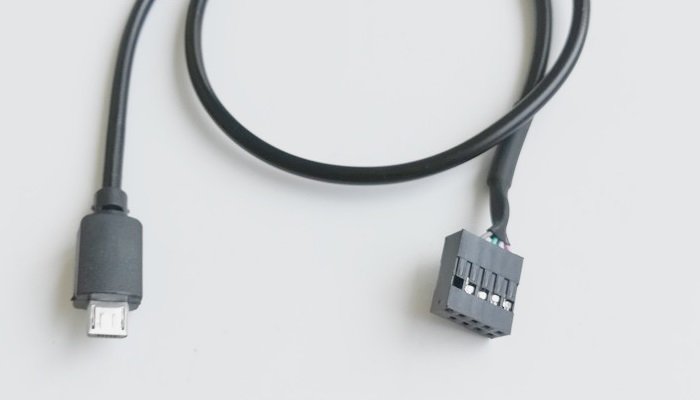
All BeadaPanel screens equipped with a Micro-USB port so one can use a convert cable to connect it to mother board 2.54 header.
-
Right now, there are 2 ways for foreign customers to buy out of China: 1. Online shop --> https://www.cjcsh.com 2. ebay store -->https://www.ebay.com/str/eskyshn The products in the two stores are all from BeadaPanel manufacturer NXElec.
-
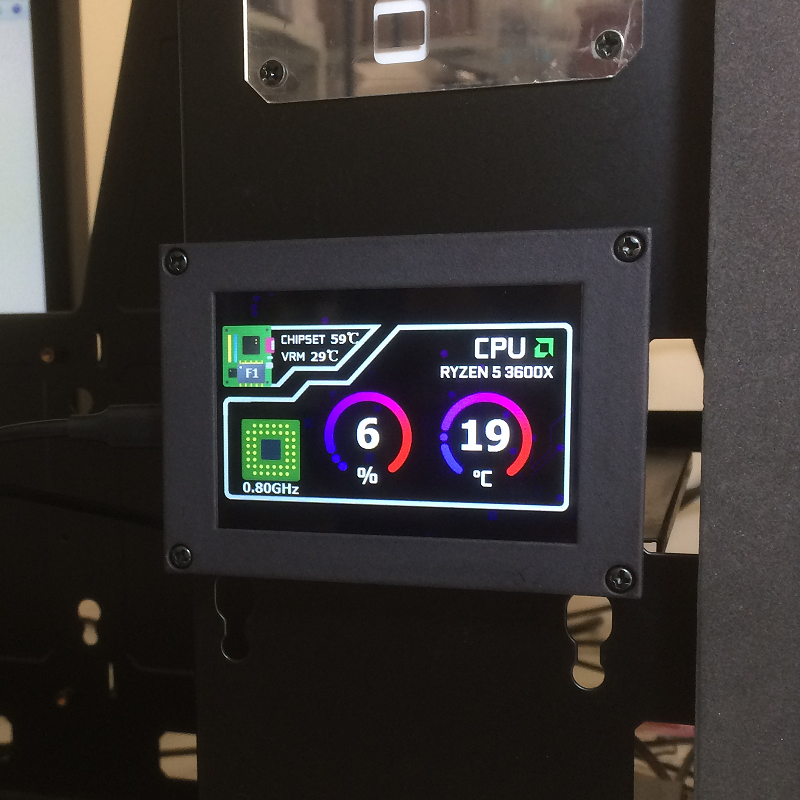
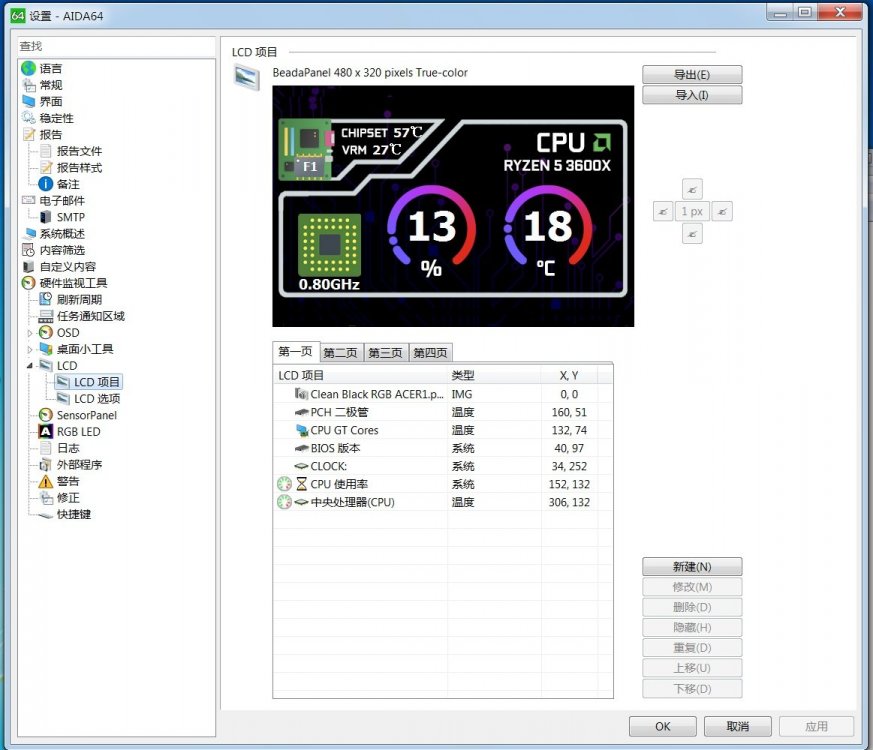
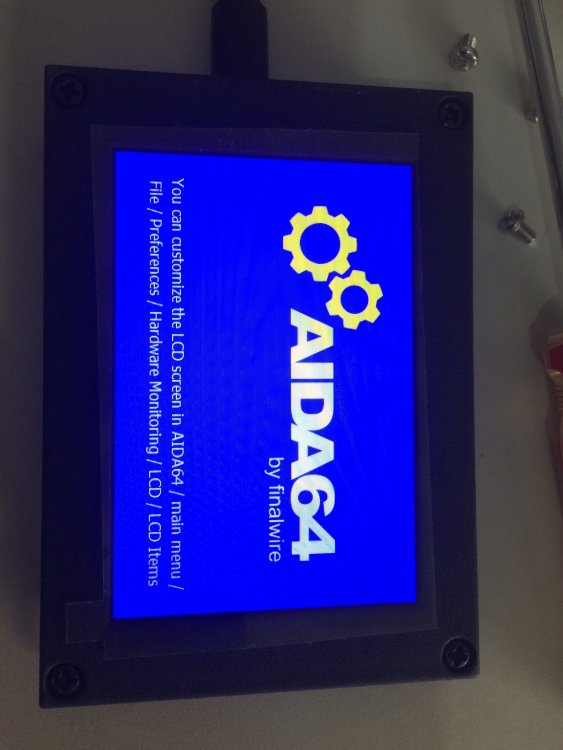
This 3.5" screen works quite well, as soon as I connect it with my AIDA64 Engineer V6.50.5800.
-
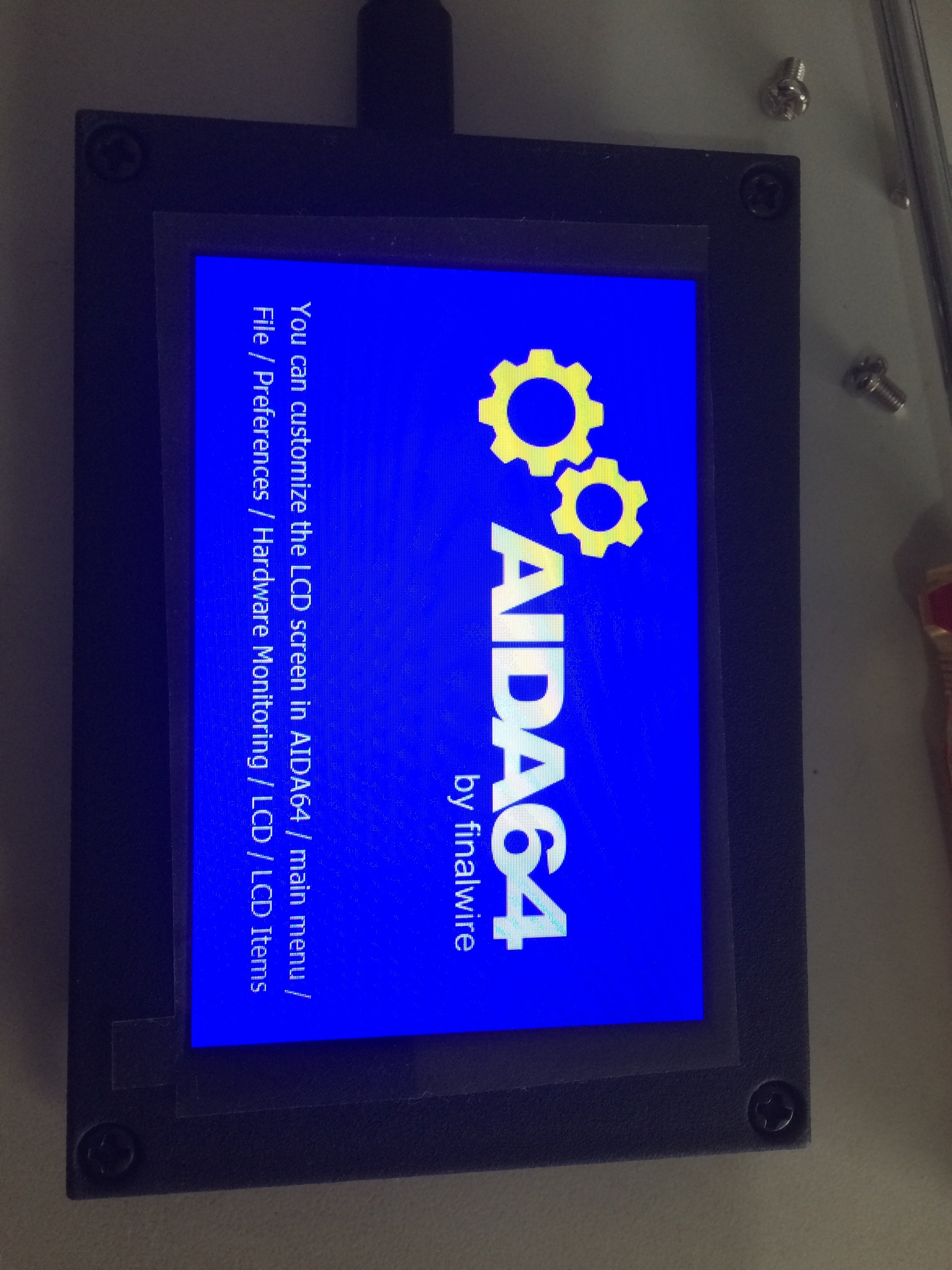
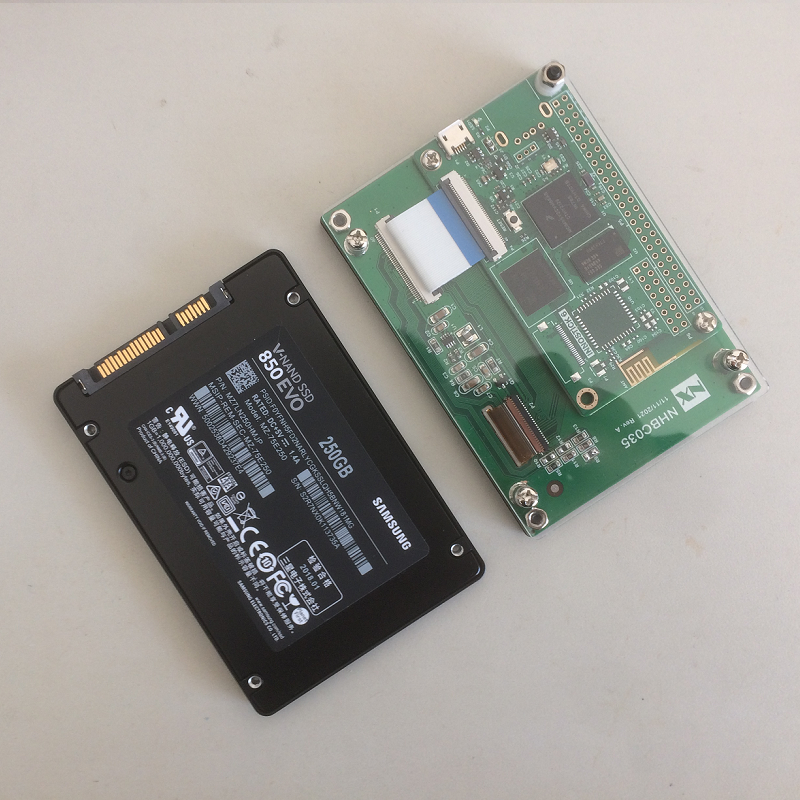
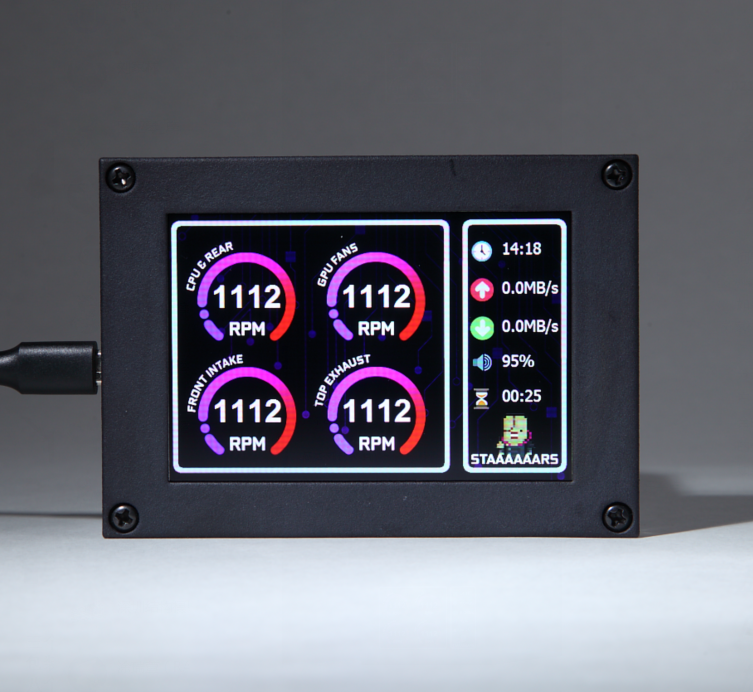
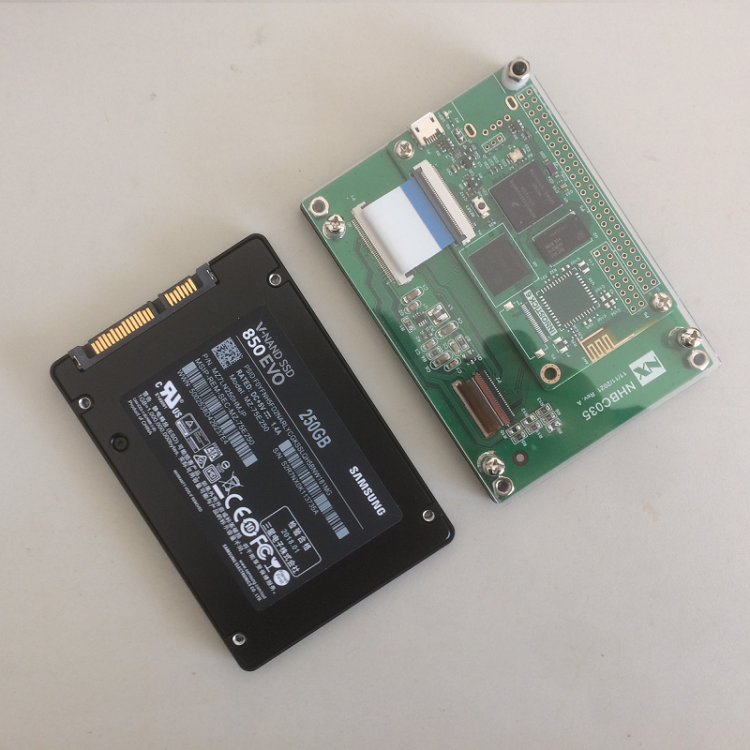
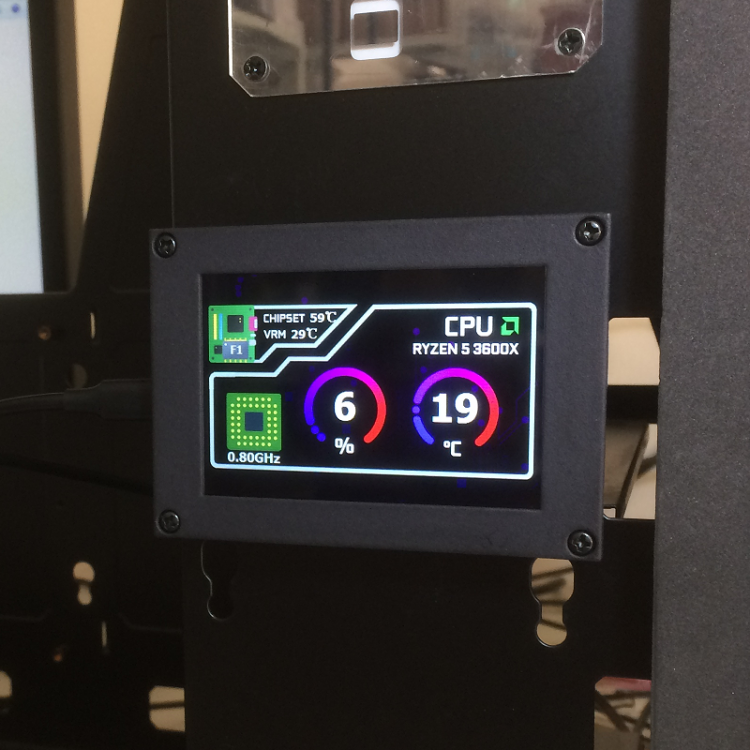
BeadaPanel 3.5" IPS screen is a new model optimised for AIDA64 users. It is equipped with a 480x320 IPS screen and in same form factor as a 2.5" SSD. Some preview pictures.
-
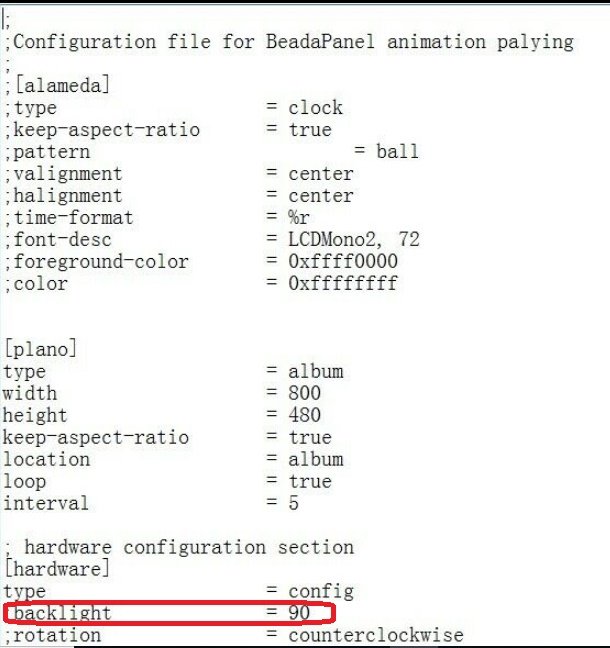
To shut off backlight in BeadaPanel standby mode, you can open anitmaion.ini file in console folder by Windows Notepad and uncomment second last line of ";backlight = 90" to "backlight = 0"
- 7 replies
-
- 1
-

-
- win10
- beadapanel
- (and 1 more)
-
-
New 6.8" IPS Screen launched to BeadaPanel LCD Family Now!
beada replied to beada's topic in Hardware monitoring
@kodachrome uploaded a 3D printable case for this screen. Did you have a check with his design files on this website? -
4.09 is the first firmware version and latest version is 5.2. Please contact seller for firmware upgrade.
-
We plan to eliminate penguin logo in future but BeadaPanel splash screen will be still there. Both of them are hardcoded inside BeadaPanel firmware so customers will not be able to disable them at panel starts up.
-
New 6.8" IPS Screen launched to BeadaPanel LCD Family Now!
beada replied to beada's topic in Hardware monitoring
BeadaPanel should work with all USB ports which equipped with USB 2.0 High-Speed support, though we did not have a test with Type E adapter cable yet. So let us know the result after your test. -
New 6.8" IPS Screen launched to BeadaPanel LCD Family Now!
beada replied to beada's topic in Hardware monitoring
First of All, I apologize if there are any mis-leading/mis-understandings in this conversation around terminology of 'SDK'. Typically we develop our own application software beyond a specific sotware development kit or platform. And we usually call this kit or platform 'SDK'. For using of BeadaPanel screen together with AIDA64 for hardware monitoring, you should just plug the BeadaPanel screen into your PC with the USB cable, open your AIDA64 software on your PC and connect to BeadaPanel on AIDA64 LCD Preference page. It is straightforward, click-through and nothing to do with source code writing. -
New 6.8" IPS Screen launched to BeadaPanel LCD Family Now!
beada replied to beada's topic in Hardware monitoring
We use Windows WinUSB library for software development. And here is a demo project on github -
New 6.8" IPS Screen launched to BeadaPanel LCD Family Now!
beada replied to beada's topic in Hardware monitoring
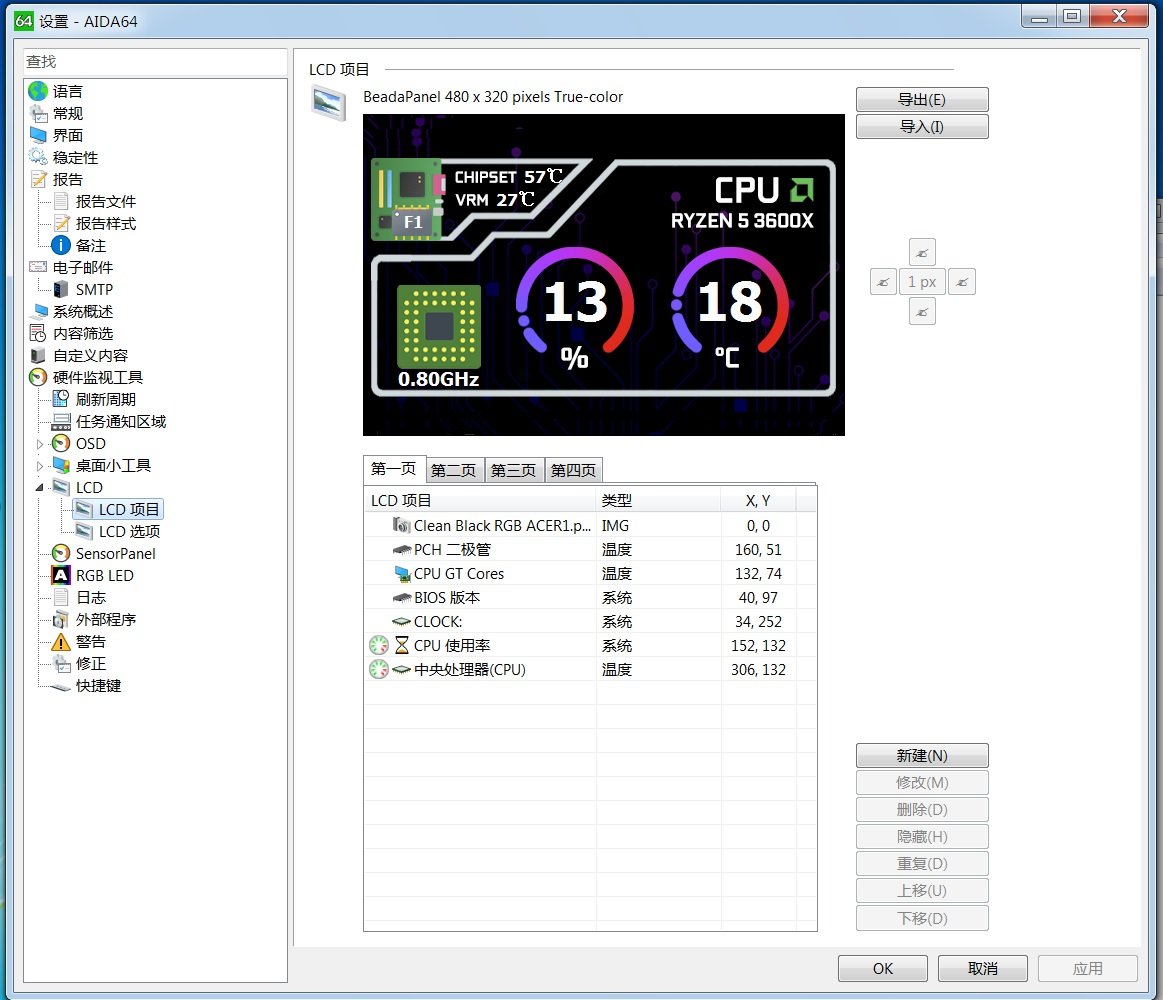
This is the template used in OP https://forums.aida64.com/topic/667-share-your-sensorpanel/?do=findComment&comment=26703 2021-01-01.belcd -
Yes we have a PC tool named as 'BeadaTools‘ to access on-board storage on BeadaPanel. Here is link-->https://1drv.ms/u/s!ArGfiTxjUGUl_SJ6Kq2Ta46Tkxlj?e=EQBdgh
-
New 6.8" IPS Screen launched to BeadaPanel LCD Family Now!
beada replied to beada's topic in Hardware monitoring
Though Canada custom will charge tariff on value of $20CAD and above, $42CAD tariff on $99USD import goods is too high. Did you contact your DHL agent for a detailed bill? You can contact seller for this issue. -
New 6.8" IPS Screen launched to BeadaPanel LCD Family Now!
beada replied to beada's topic in Hardware monitoring
For now there is no further Windows functionality support but a WinUSB device. However the communication protocol between USB peers is open, so purposes of BeadaPanel device are fairly expandable. -
New 6.8" IPS Screen launched to BeadaPanel LCD Family Now!
beada replied to beada's topic in Hardware monitoring
You can purchase currently on ebay and here is the link-->https://www.ebay.co.uk/itm/125476272538 Or you can buy from BeadaPanel Online Shop. Buy from online shop may eliminate a little of platform charges from ebay. This screen can work under landscape or portrait mode and you can find pics in kodachrome's post either. For GPU performance, since the screen is a winUSB device only under Windows so there will be no negative influence to your graphic performance at all. -
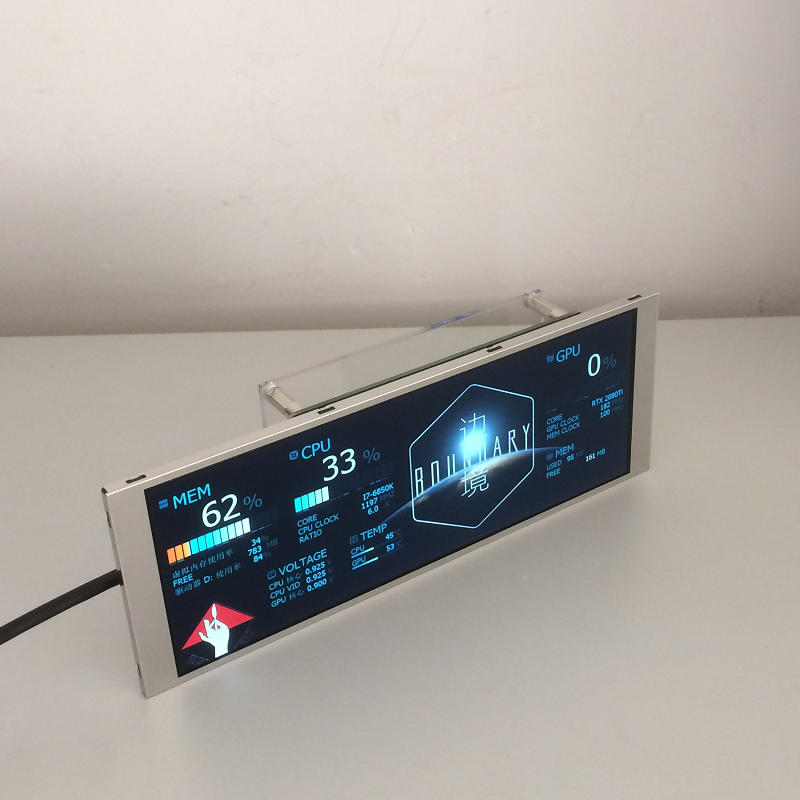
In addition to the current 5" and 7" LCD screens, a new 6.8" IPS screen is now added to the BeadaPanel LCD family. The screen resolution is 1280x480, and the mechanical dimensions are 181x67x25mm. A look with that awesome screen.
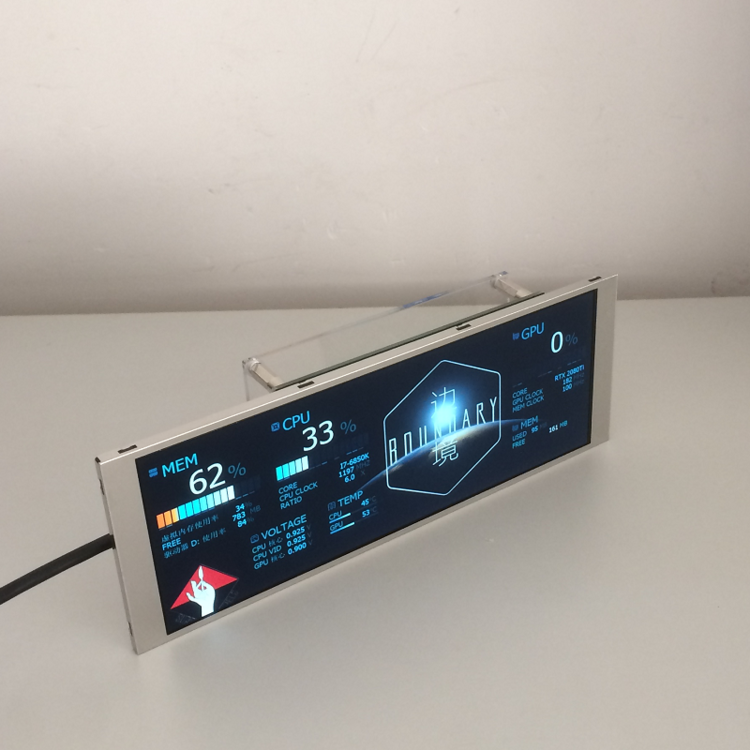
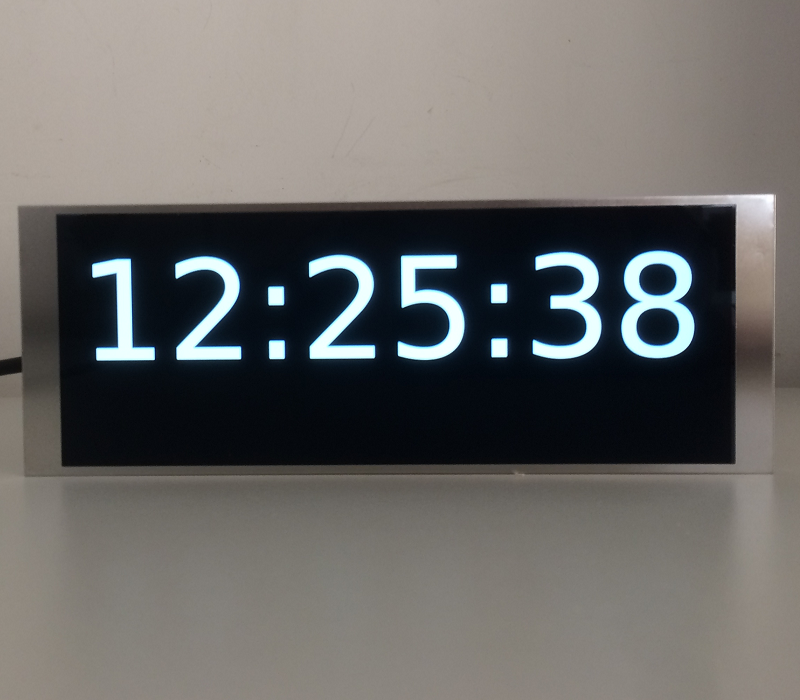
-
目前我们是通过AIDA64的remote sensor功能来实现的,相当于访问AIDA64内建的web服务器。这个效果和AIDA64直接通过USB访问LCD显示器不太一样。你可以自己在电脑上比较一下的。
-
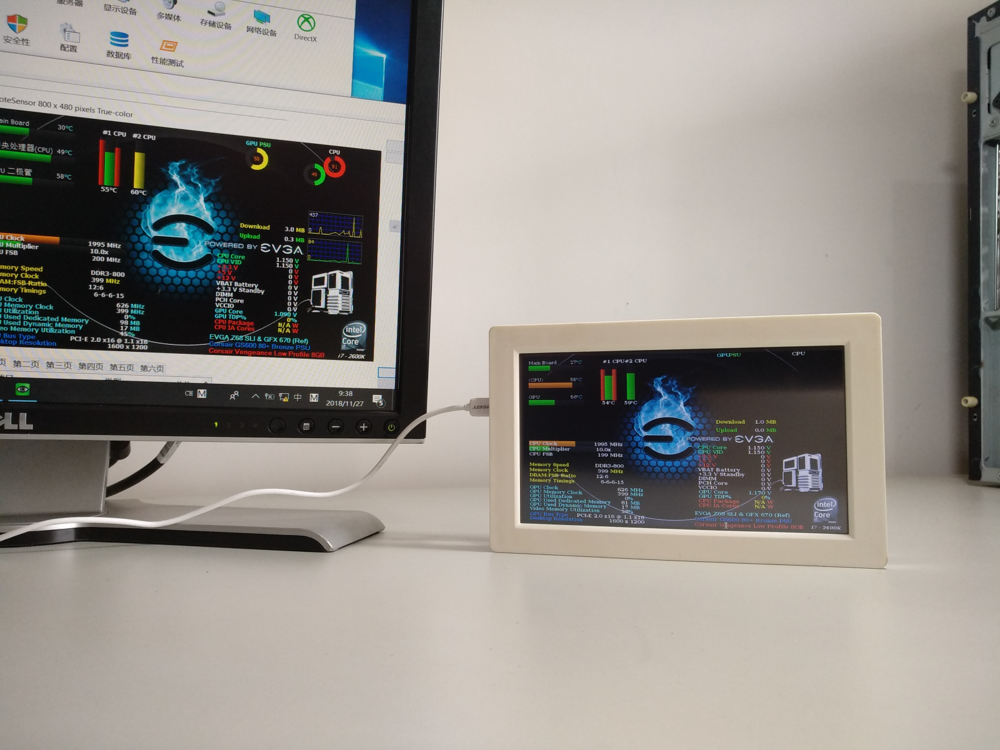
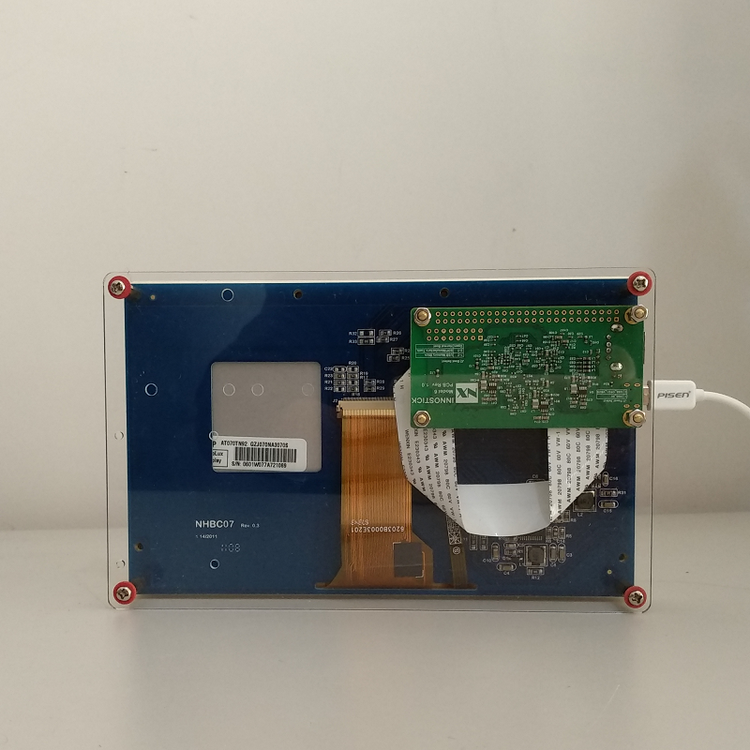
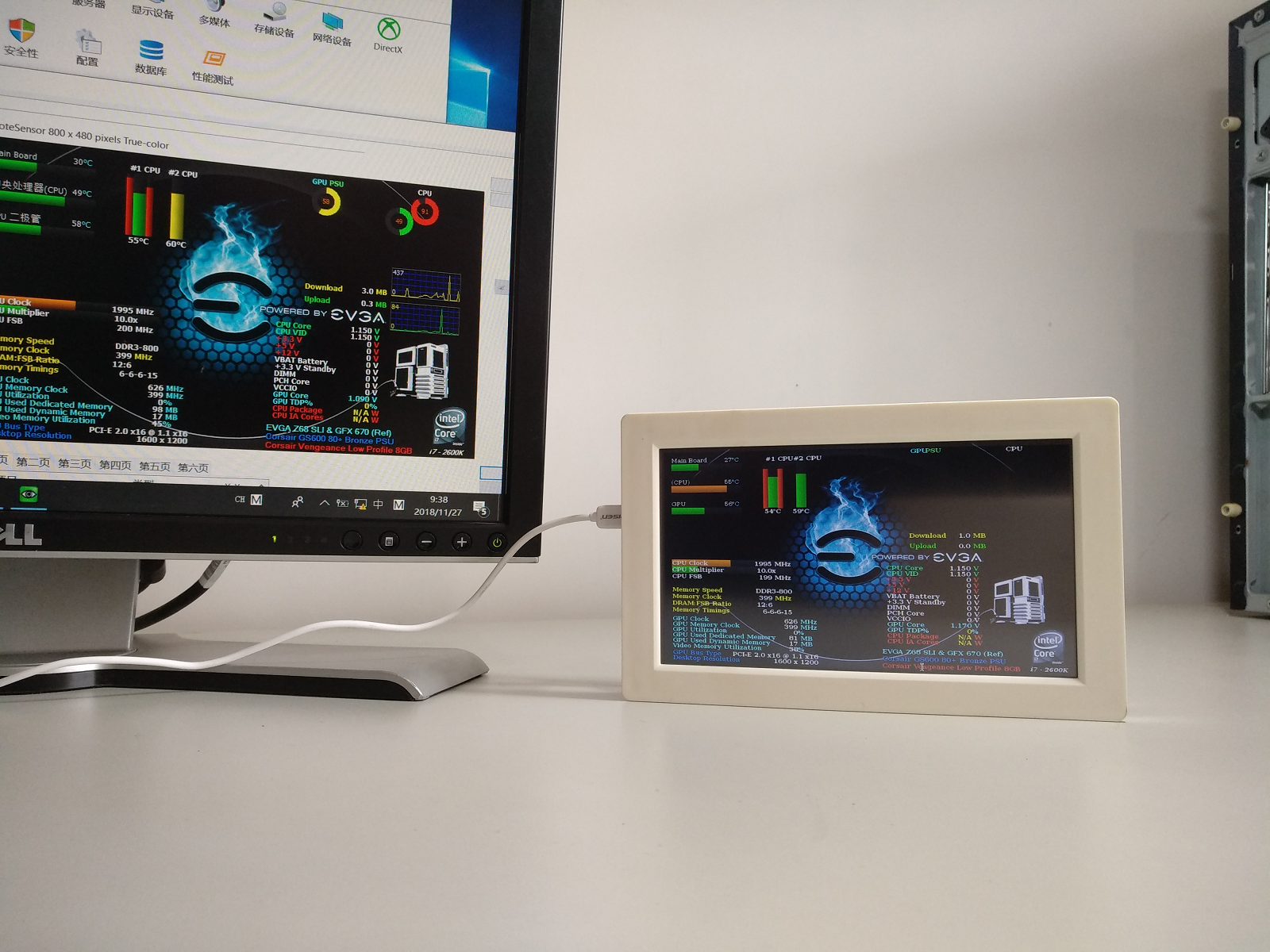
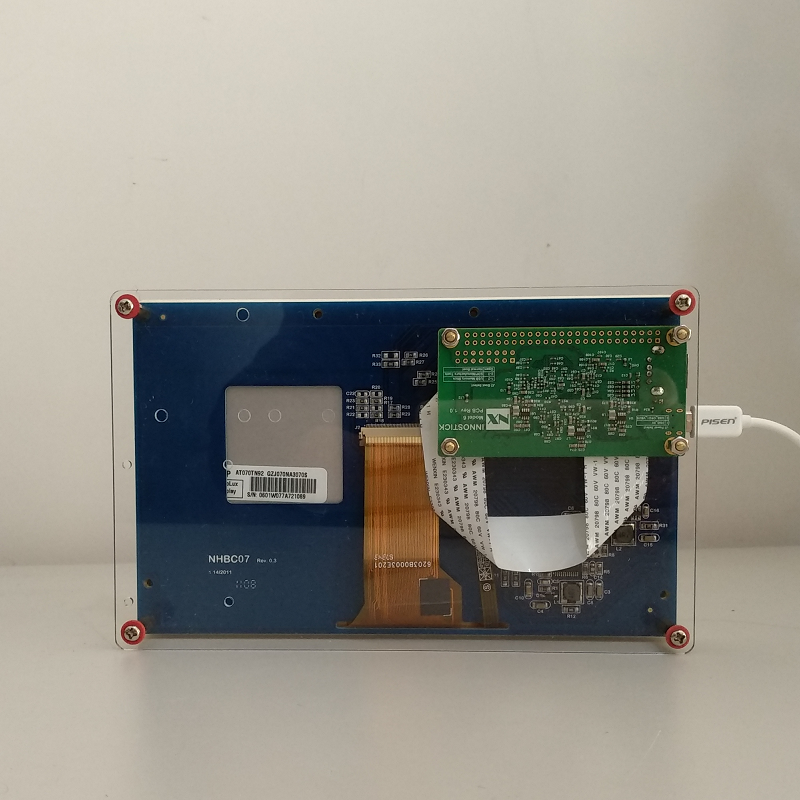
BeadaFrame Display Kit is an ARM Cortex-A7 development platform which bundled with a 7" TFT LCD Display. It can be powered and communicated with PC Host by a single Micro USB cable. Currently we use it as a secondary PC monitor for display of hardware status through Remote Sensor LCD. The question is -- is there any way to implement it as a native support of AIDA LCD screen? We are running Debian Stretch on the ARM Cortex-A7 core. And more details of this display kit: CPU NXP/Freescale ARM Cortex-A7 i.MX6ULL RAM 512MB DDR3L Storage 16GB/32GB eMMC Connectivities 1 x WIFI 802.11 b/g/n module(AP6212) 1 x USB 2.0 Host(Type A) 1 x USB 2.0 OTG(Micro-USB) Display 7.0" TFT LCD: 800x480 (AT070TN92) , w/ touch and bezel On Board Resources Reset Circuit with reset button 1 x Power select jumper 1 x Boot select jumper 1 x USER LED Dimension 188 x 118 x 35(mm) Operating System Debian Stretch Consumption 5V/350mA