Vimyscout
-
Posts
238 -
Joined
-
Last visited
-
Days Won
149
Content Type
Profiles
Forums
Events
Everything posted by Vimyscout
-
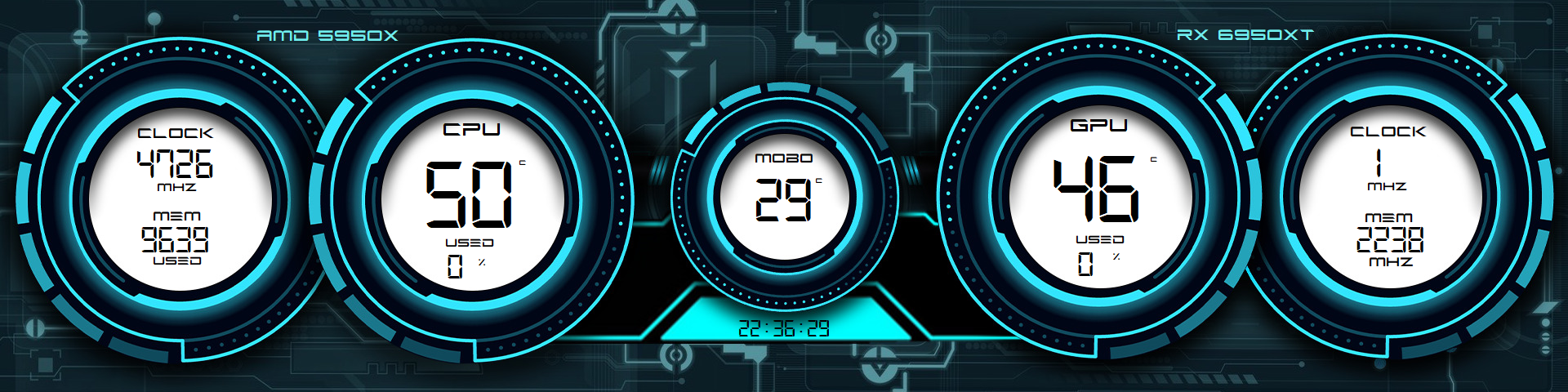
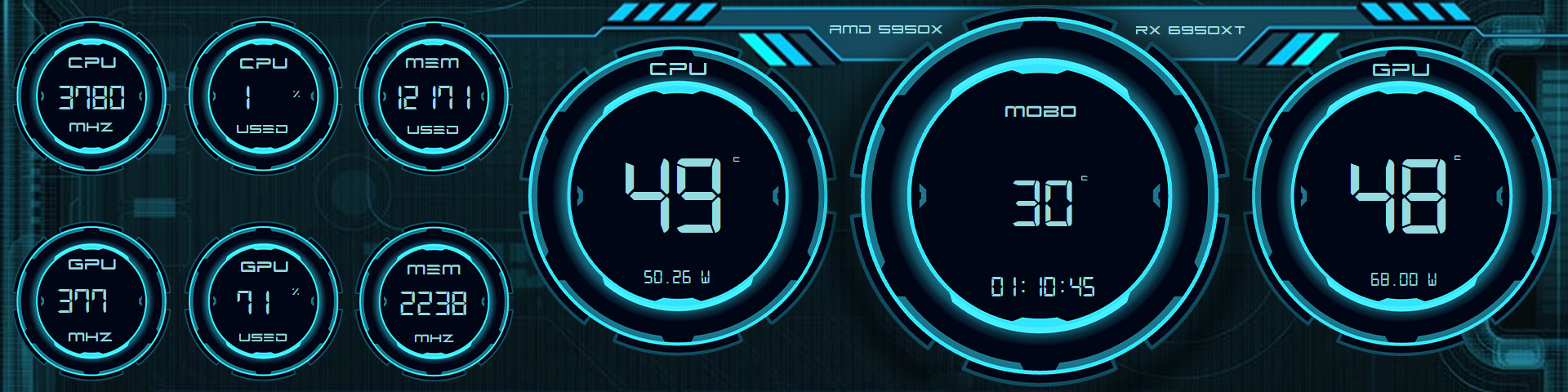
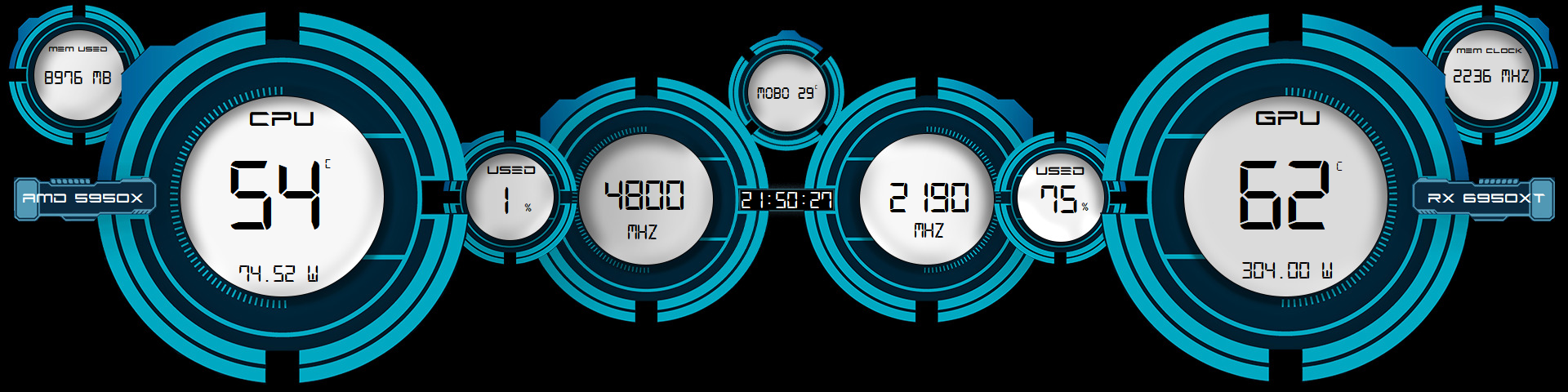
1920 x 480 If you like the panel but not the present logo's let me know and I'll remove or replace them for you. Fonts again can be found in previous post. As always - thanks for looking.
-
1920 x 480 You'll find both fonts: Digital -7 and Future-Z in previous post. Thanks for looking. HUD002.rar
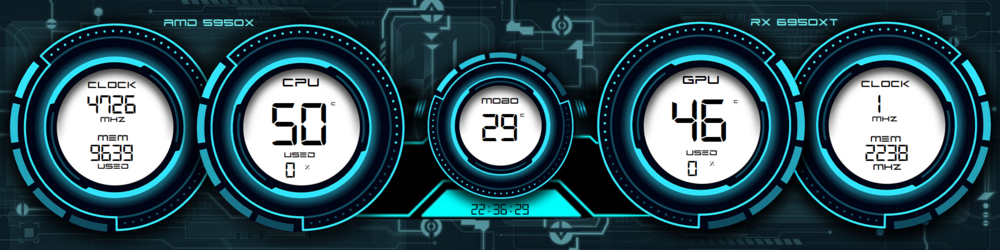
-
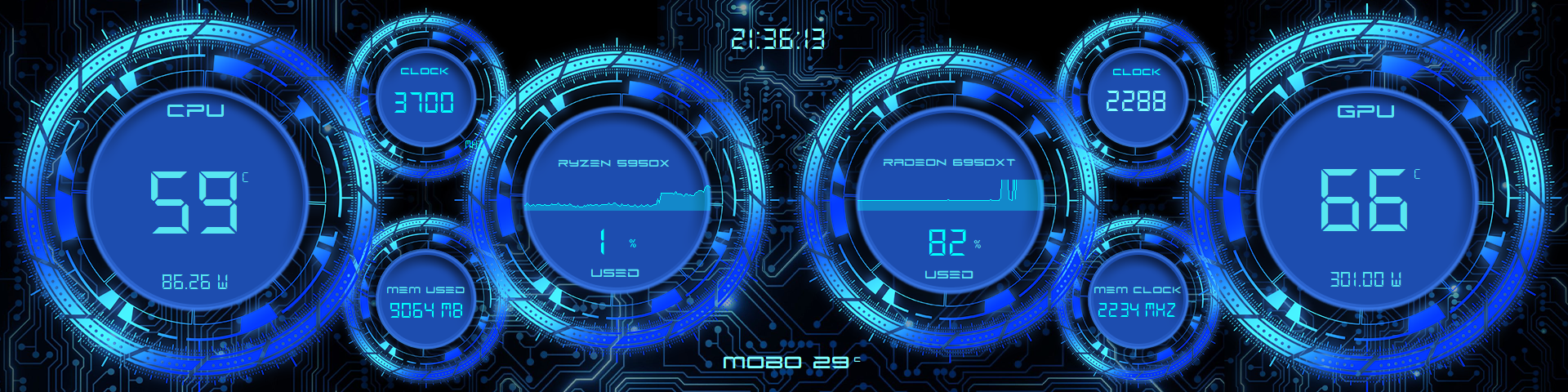
1920 x 480 Thanks for looking HUD00.sensorpanel
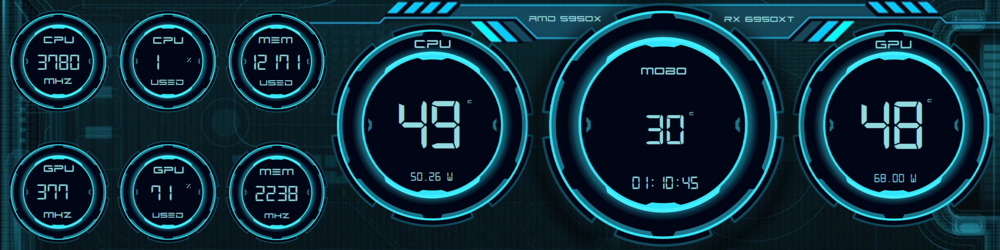
-
If you download the panel everything will pretty much fall into place. Right-click on the panel for the SensorPanel manager screen. You'll find all the info there. Fonts are Future Z & Digital-7 included. Fonts.rar
-
Thanks for looking
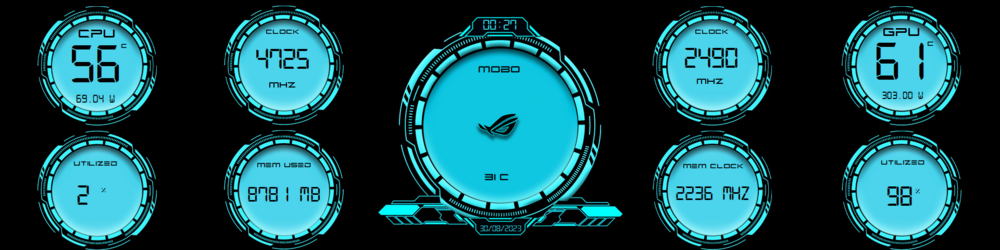
-
Thanks for looking BX-UI.rar
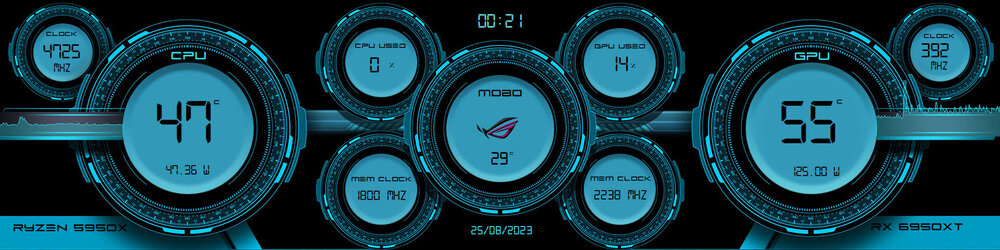
-
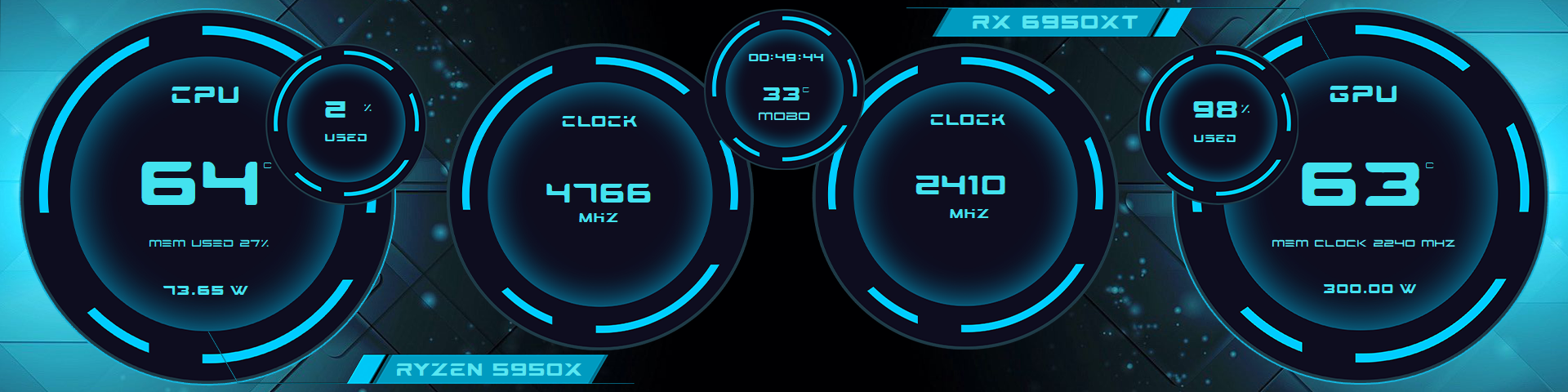
1920 x 480 Thanks for looking VS00.sensorpanel

-
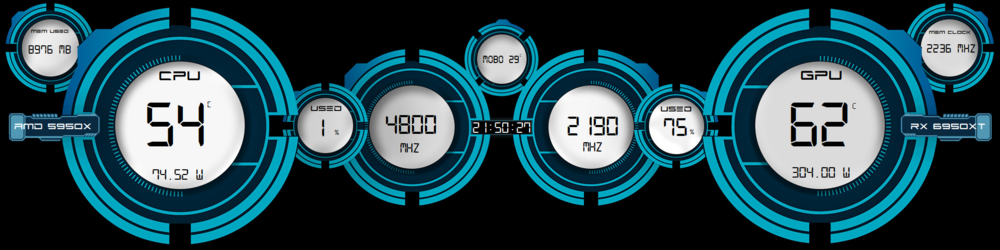
1920 x 480 Font in zip Thanks for looking 4HVimy.zip
-
No worries. My thanks.
-
Sounds good. If you do need anything resizing let me know. Cheers Vimy
-
1920 x 480 Font included in zip Thanks for looking 305V.zip
-
1920 x 480 Thanks for looking
-
Thanks bro, I appreciate it.
-
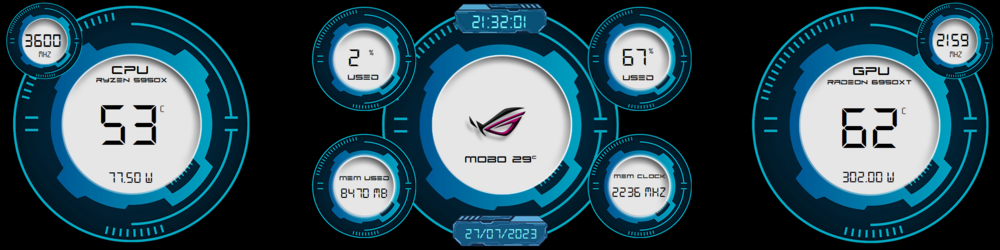
1920 x 480 Thanks for looking WX-2.zip
-
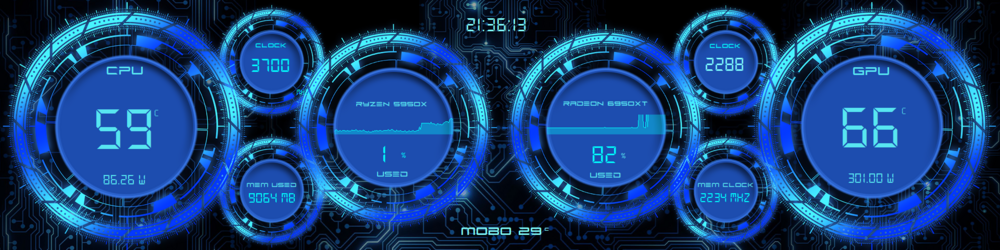
1920 x 480 Fonts supplied And as always - Thanks for looking Future Z.ttf DS-DIGI.TTF
-
Cheers Fonts are DS-Digital and Technopollas You'll find them both on DaFont
-
1920 x 480 Included font As always - Thanks for looking
-
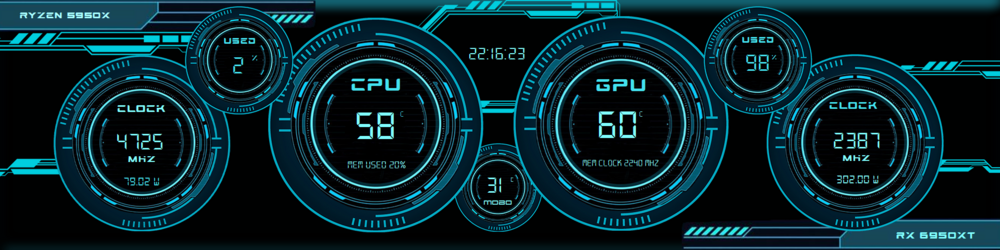
1920 x 480 Thanks for looking LS3.rar
-
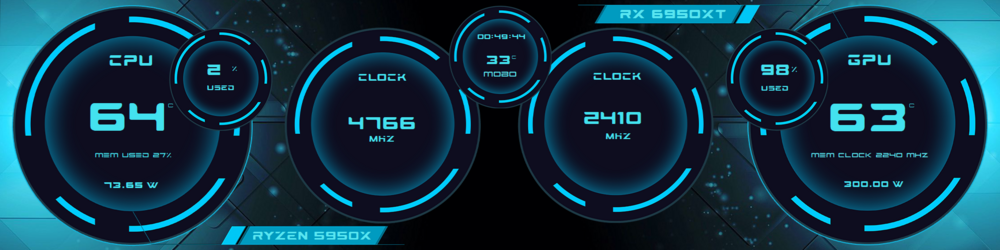
1920 x 480 Thanks for looking
-
1920 x 480 Both Sensorpanel and font in RAR file. Vim77.rar

-
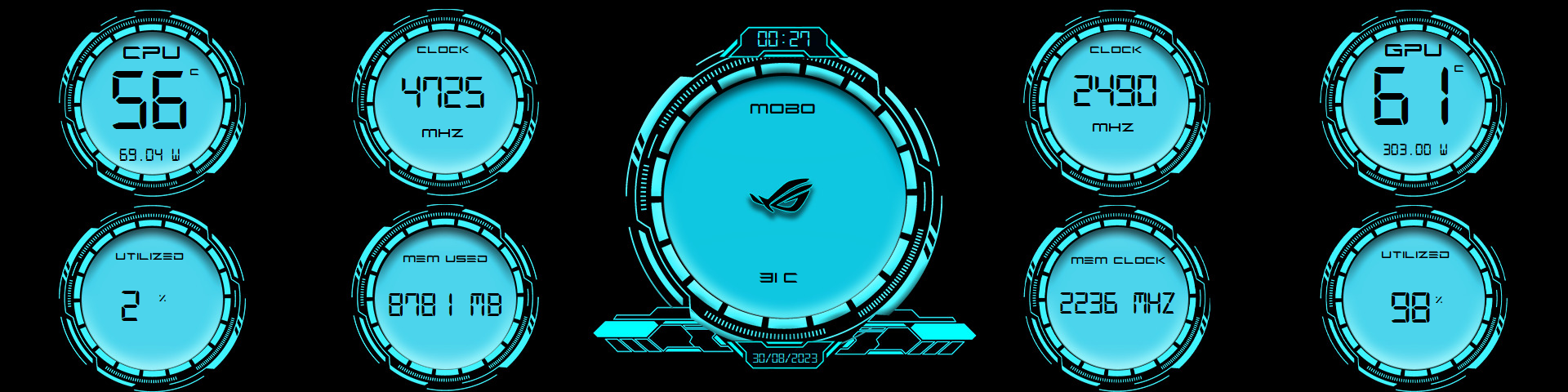
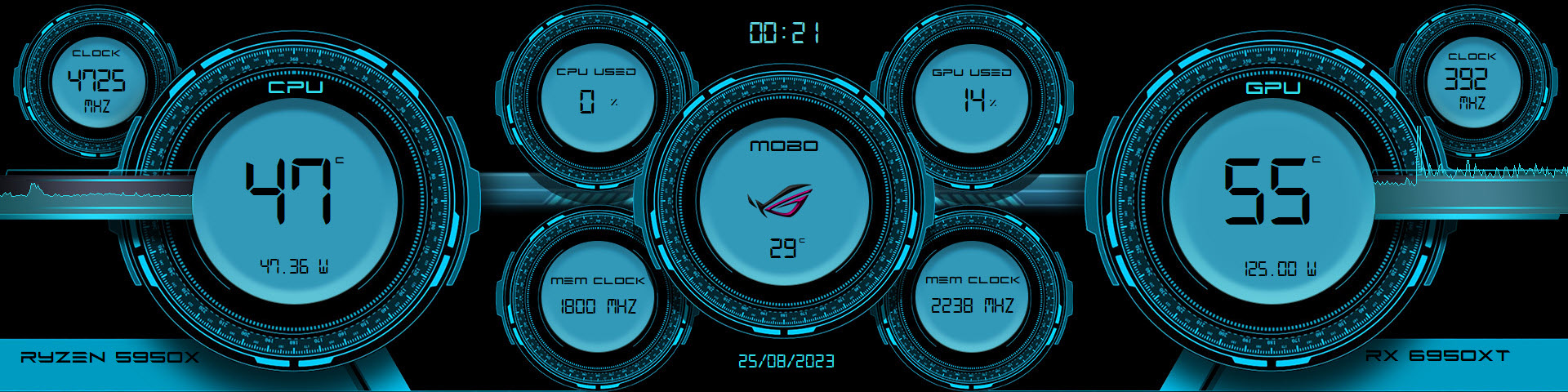
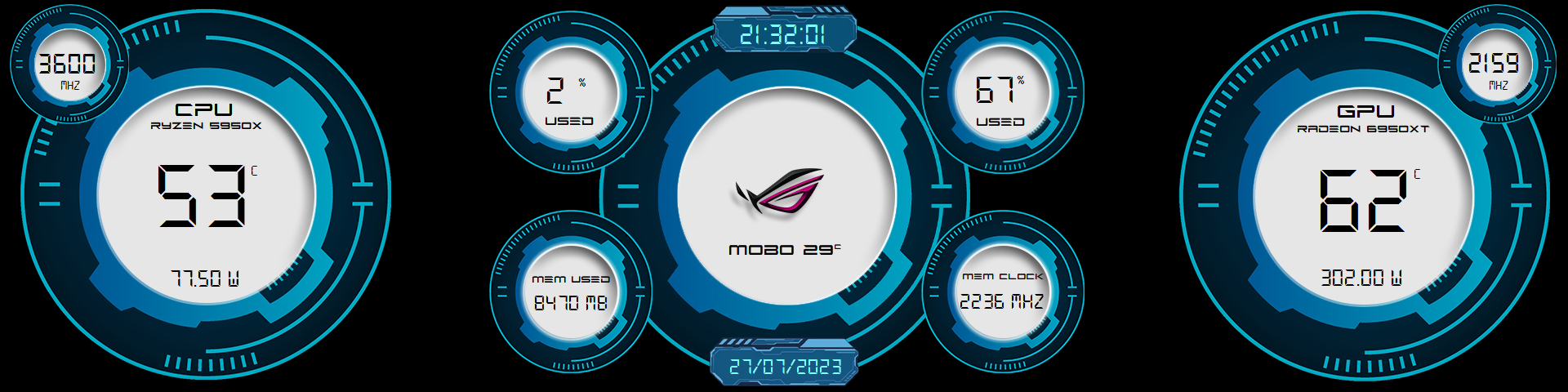
If you need the background Asus logo removing, want it blank or replaced with another - let me know. 1920 x 480 Thanks as always for looking.
-
Let me know if any interest - cheers
-
Added AORUS logo Also lengthened the power bars Font is the same
-
Yes they are. Ran out of time a little trying to put this one together. I'll add a Aorus logo for you a little later. Thanks
-
If you don't want the Asus logo or you would like it changed or even blank, let me know. 1920 x 480 Font supplied. Thanks for looking.