beada
-
Posts
123 -
Joined
-
Last visited
-
Days Won
2
Content Type
Profiles
Forums
Events
Everything posted by beada
-
https://1drv.ms/f/s!ArGfiTxjUGUlgYAfkeKgGzvniYqvVQ?e=c6UP4r
-
-
New 6.8" IPS Screen launched to BeadaPanel LCD Family Now!
beada replied to beada's topic in Hardware monitoring
https://forums.aida64.com/topic/7283-new-68-ips-screen-launched-to-beadapanel-lcd-family-now/?do=findComment&comment=51262 -
They are both in 24bit color depth but high color space screen has a outstand performance in color gamut, compare to most of screens we can find in market.
-
LCD display using BeadaPanel Rotation Wrong?
beada replied to 1helios1's topic in Hardware monitoring
https://www.nxelec.com/documents/bp/BeadaPanel_User_Quick_Guide_v1_2.pdf -
LCD display using BeadaPanel Rotation Wrong?
beada replied to 1helios1's topic in Hardware monitoring
This is a known issue with firmware v710, please update firmware to v711. -
BeadaPanel 5C has been launched now!
-
For Windows USB devices, there are 2 options for driver installation: one is customized device driver like Panel-Link USB Graphics driver in this case, another is common device driver which provided by MS, in this case, it is WinUSB. We can not make device work under these 2 modes simultaneously so the answer should be 'No', you have to unstall the customized devide driver and then to see common WinUSB device.
-
Did you shut off Windows driver signature check before your installation?
-
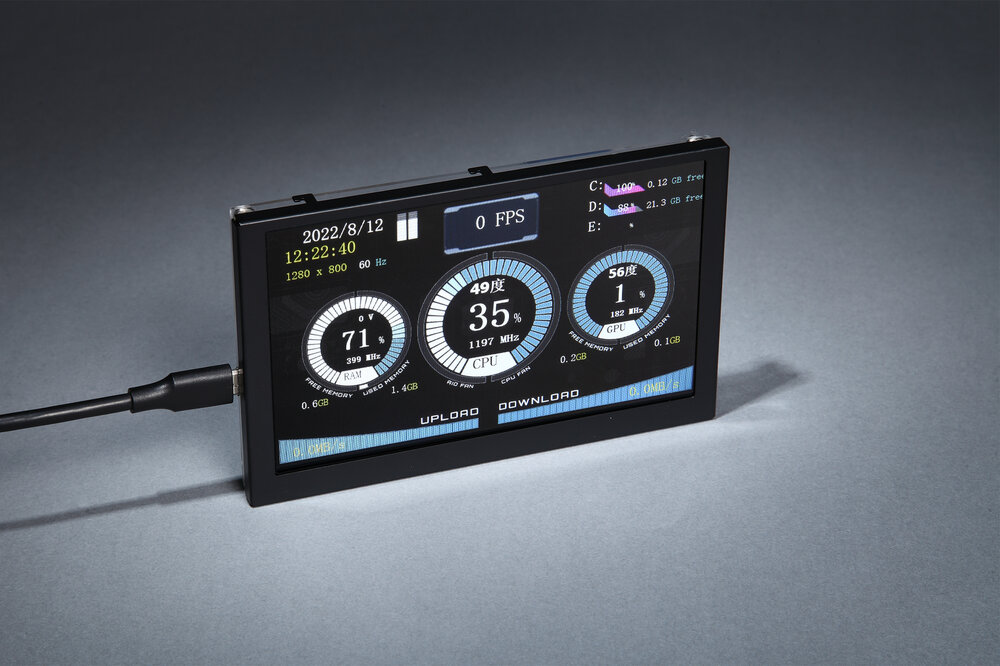
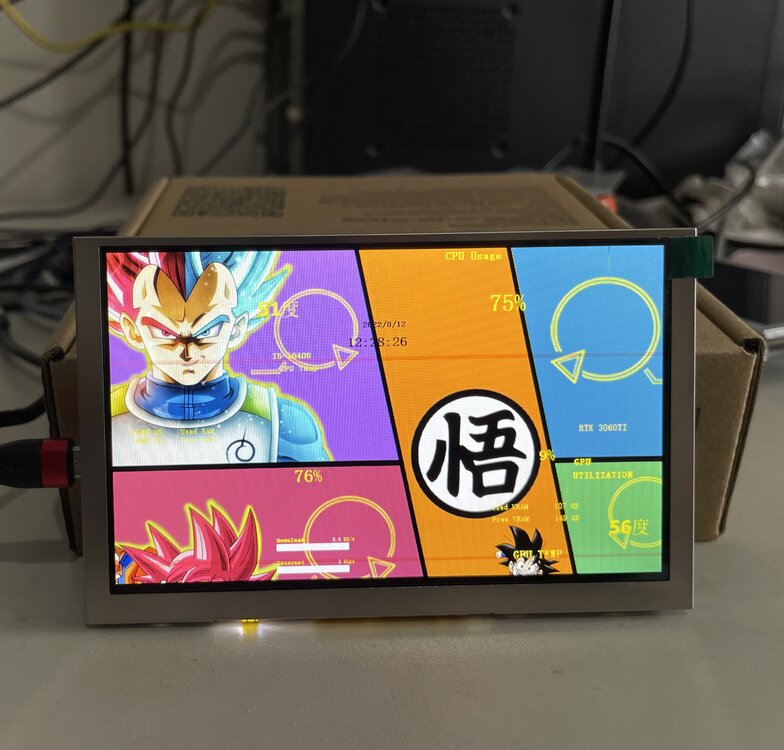
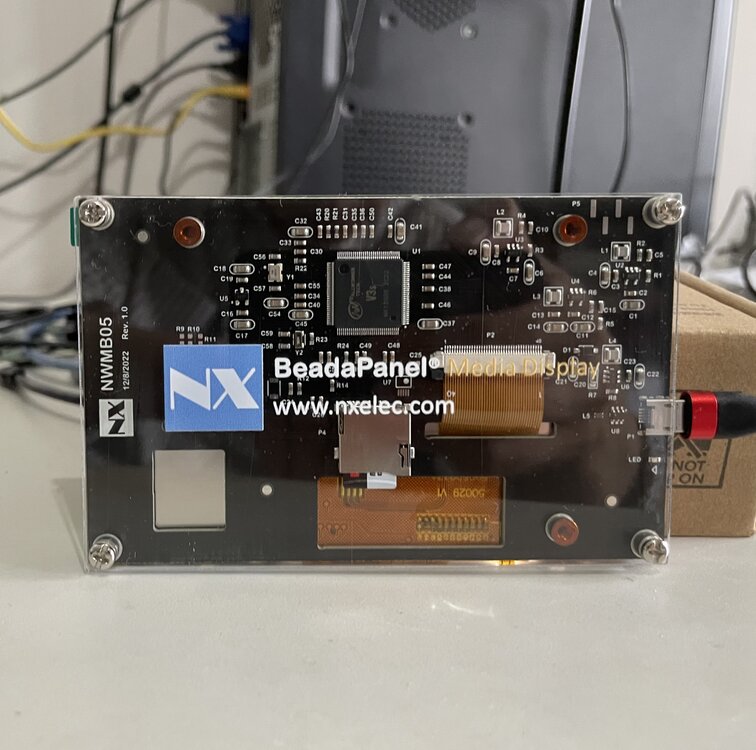
In past years, we have been hearing voices for low-priced BeadaPanel models. After several months of chip selection and feasibility study work, we are pleased to inform everyone that the new generation of low-cost BeadaPanel is close to appear! The new model of BeadaPanel 5C will use the same LCD screen suppliers as the previous BeadaPanel model 5, and will use AllWinner Cortex-A7 processor to substitute relatively expensive NXP i.mx6 series processor. At the same time, the new model will use TF card to replace the original eMMC memory. In order to maximize cost reduction, the main control board and backlight board will be merged into one board. Any comments are welcome to this new model of BeadaPanel!
-
https://esky-sh.com/bbs/viewtopic.php?f=30&t=775
-
New 6.8" IPS Screen launched to BeadaPanel LCD Family Now!
beada replied to beada's topic in Hardware monitoring
You can buy from this BeadaPanel Shop, This should be primary path from the manufacturer. -
BeadaPanel has it's own USB Graphics Driver for Windows. Here is a link for detailed procedures of installation-->
-
New 6.8" IPS Screen launched to BeadaPanel LCD Family Now!
beada replied to beada's topic in Hardware monitoring
Here is instruction for how to arrange the layout of sensor panel--> https://www.aida64.com/products/features/external-display-support -
New 6.8" IPS Screen launched to BeadaPanel LCD Family Now!
beada replied to beada's topic in Hardware monitoring
https://forums.aida64.com/topic/667-share-your-sensorpanel/page/383/#comment-50230 -
New 6.8" IPS Screen launched to BeadaPanel LCD Family Now!
beada replied to beada's topic in Hardware monitoring
Wonderful! Is this a CNC machining case? -
New 6.8" IPS Screen launched to BeadaPanel LCD Family Now!
beada replied to beada's topic in Hardware monitoring
Here is link for instructions: https://1drv.ms/u/s!ArGfiTxjUGUlgP4TpExX7fXmRr-QRg?e=HHKzwR -
yes we have a tools 'beadatools' for configuration of BeadaPanel. https://1drv.ms/u/s!ArGfiTxjUGUl_SJ6Kq2Ta46Tkxlj?e=EQBdgh you can edit parameters in animation.ini file for brightness under screensaving.
-
Actually that was not a rollback. Both of firmware 700 and 701 can support Windows graphics drivers. What you have done is to re-install the graphics driver on your Windows 11.
-
Had you ever installed Windows Graphics Driver for the panel before? If the answer is yes, then you can following this link to re-install the graphics driver under Windows 11. https://1drv.ms/u/s!ArGfiTxjUGUlgP4TpExX7fXmRr-QRg?e=HHKzwR
-
New 6.8" IPS Screen launched to BeadaPanel LCD Family Now!
beada replied to beada's topic in Hardware monitoring
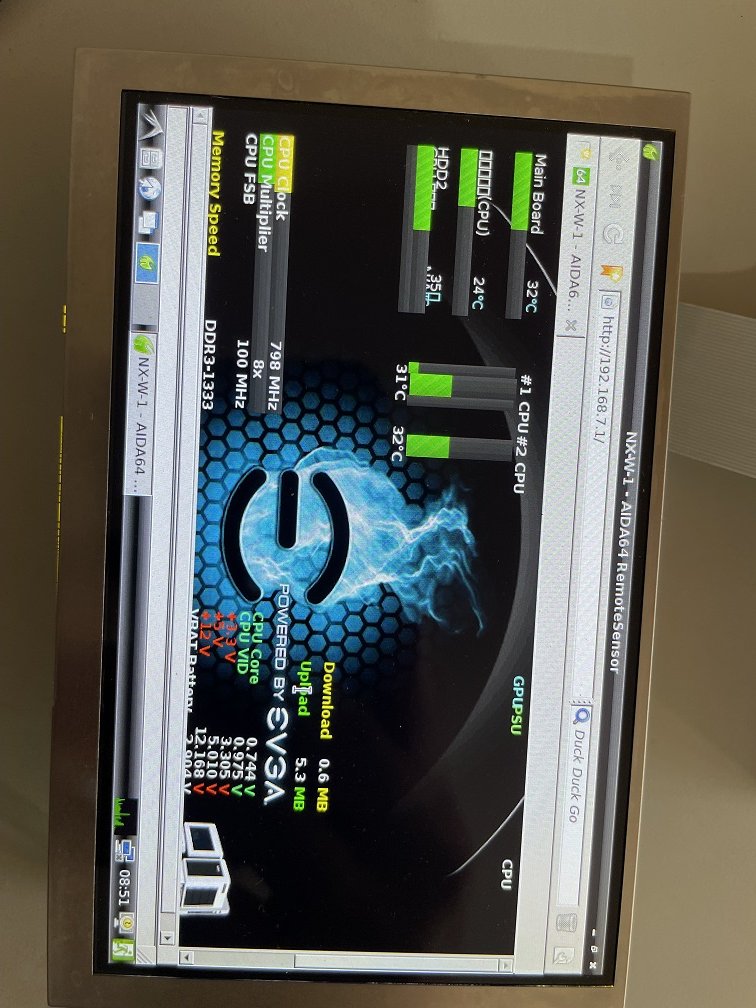
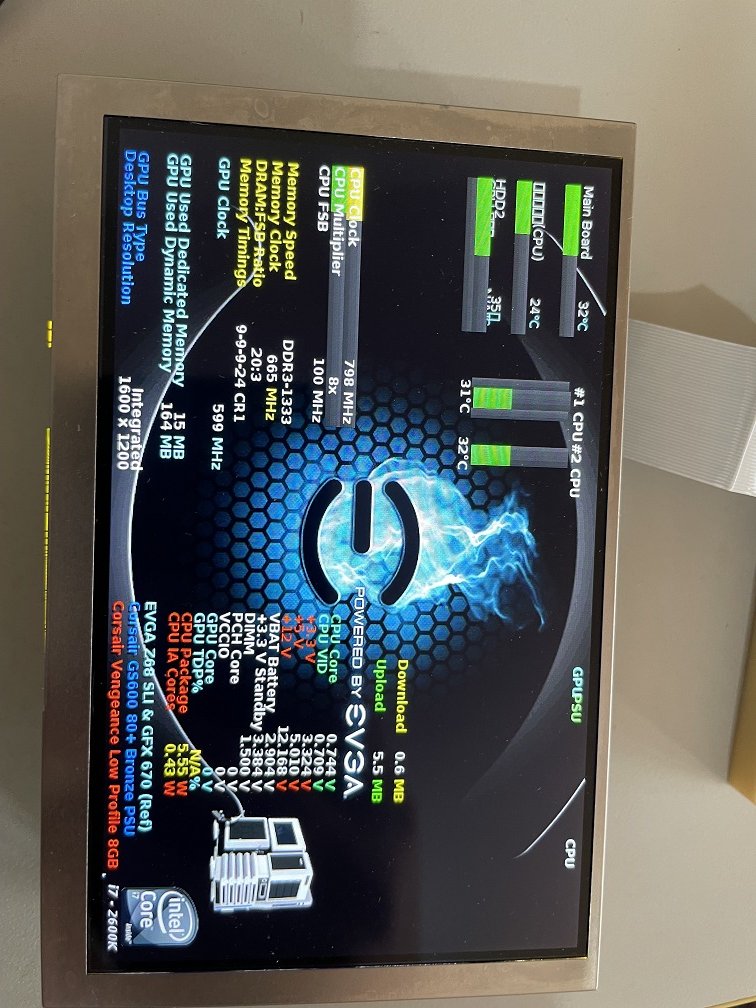
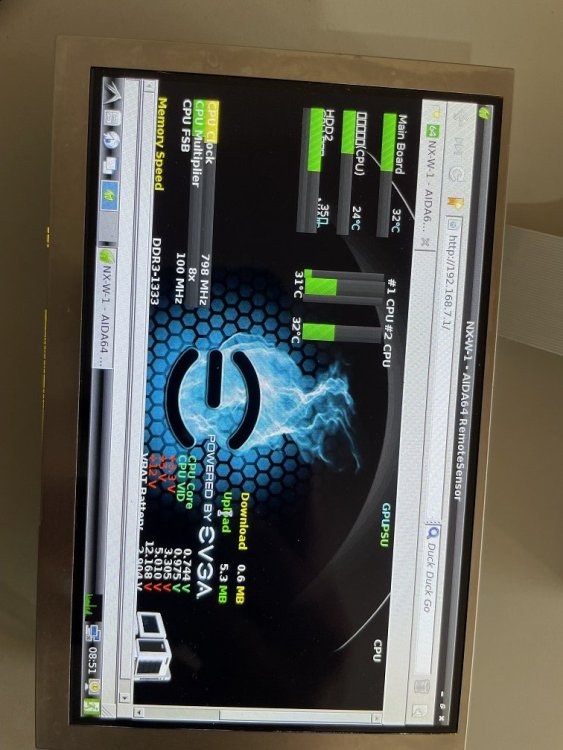
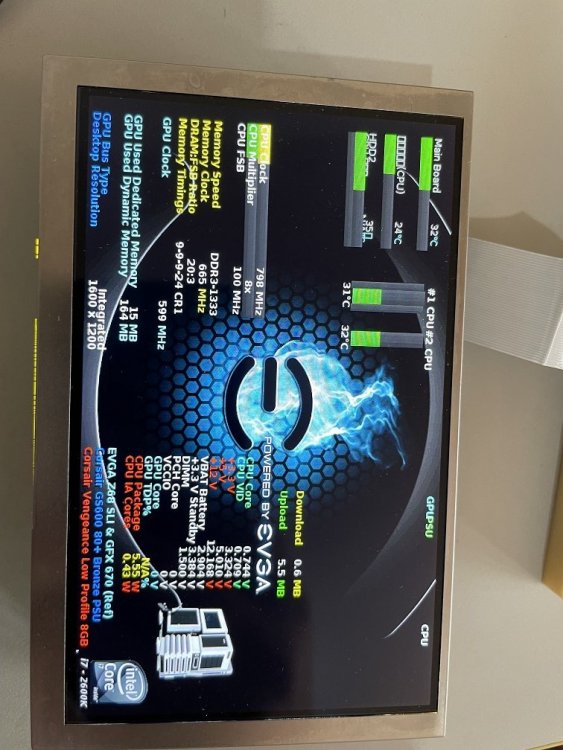
The Internet condition from China mainland goes to North America deteriorated extremly in past week. It took us approximately 16 hours to upload a 1GB image file to MS onedrive space. Weird, the Internet condition recovered to normal as soon as our uploading finished. Here is the link for firmware-->https://1drv.ms/u/s!ArGfiTxjUGUlgP4toRQBQqoI0hVaBA?e=85Pu45 The firmware update procedures are almostly identical with a regular BeadaPanel but you need to choose a dedicated rootfs image file--snapshot-beadapanel-midori-202210192.pmf and here is user guide-->https://elinux.org/INNOSTICK6-DEBIAN#Connect_via_USB Midori is loaded when BeadaPanel powers up, but you can switch to Firefox if you want. Remember use a VNC viewer to connect to BeadaPanel when you want to make configurations to it-->https://elinux.org/INNOSTICK6-DEBIAN#VNC_Remote_Login -
New 6.8" IPS Screen launched to BeadaPanel LCD Family Now!
beada replied to beada's topic in Hardware monitoring
The firmware is ready to go now and I will let you know as soon as it is uploaded. This can be used in any scenarios when customer want open a webpage on BeadaPanel.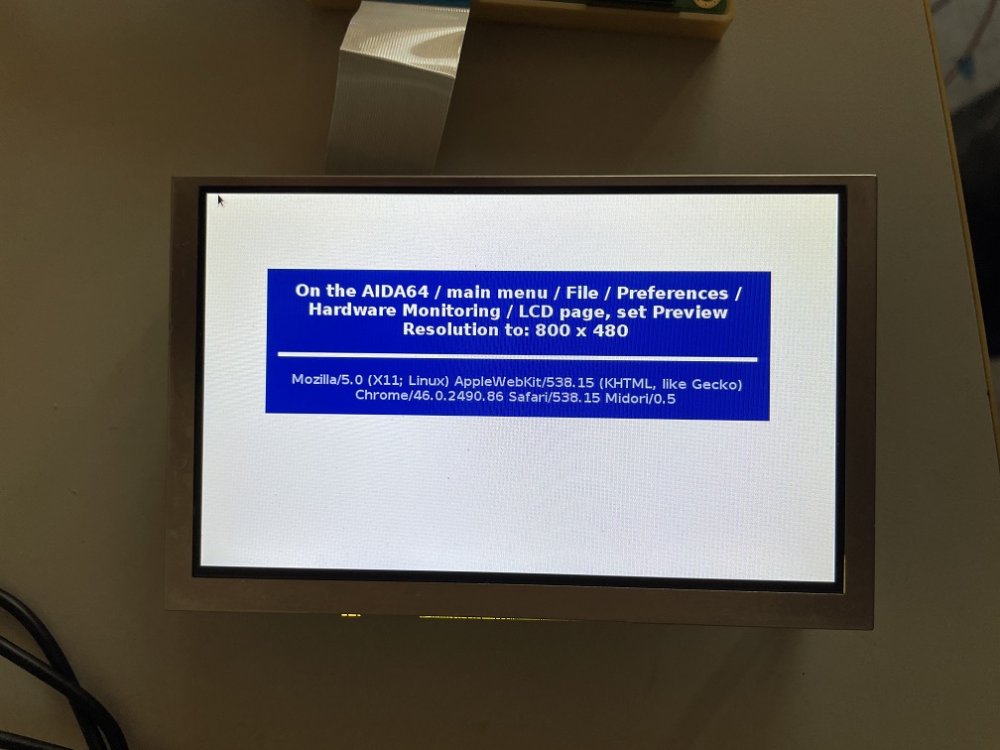
-
Which USB screen you are using? Had you tried other USB device like USB mouse to connect to your MB USB header?
-
New 6.8" IPS Screen launched to BeadaPanel LCD Family Now!
beada replied to beada's topic in Hardware monitoring
That is fine. Wait a few days until we can line up firmware/instructions. -
New 6.8" IPS Screen launched to BeadaPanel LCD Family Now!
beada replied to beada's topic in Hardware monitoring
Can you confirm that your slackware linux can support USB RNDIS Ethernet device? If the answer is yes, then all the proposals will work. PS, that linux host should have a USB 2.0 port first.