Leaderboard



Popular Content
Showing content with the highest reputation since 09/15/25 in Posts
-
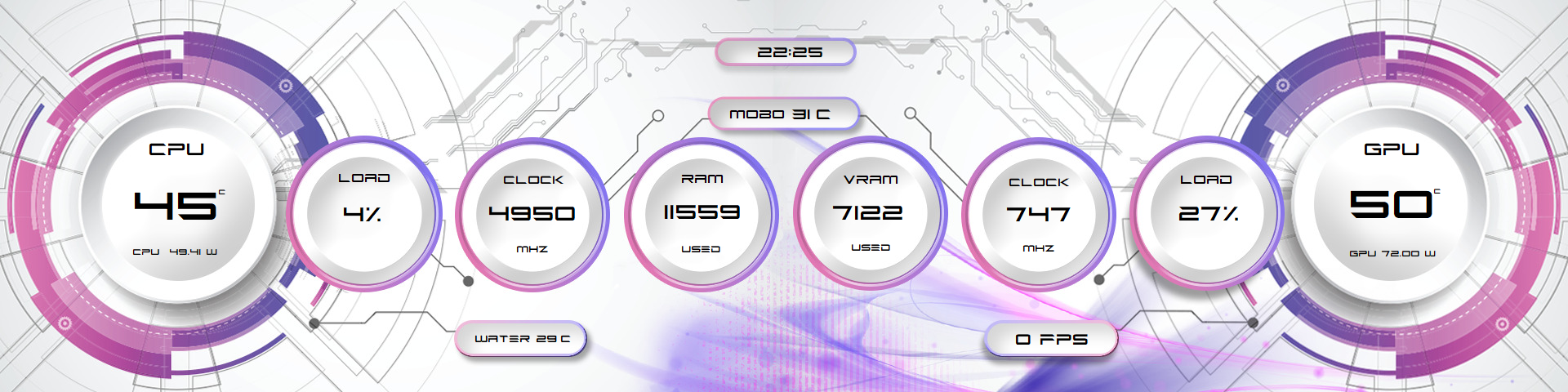
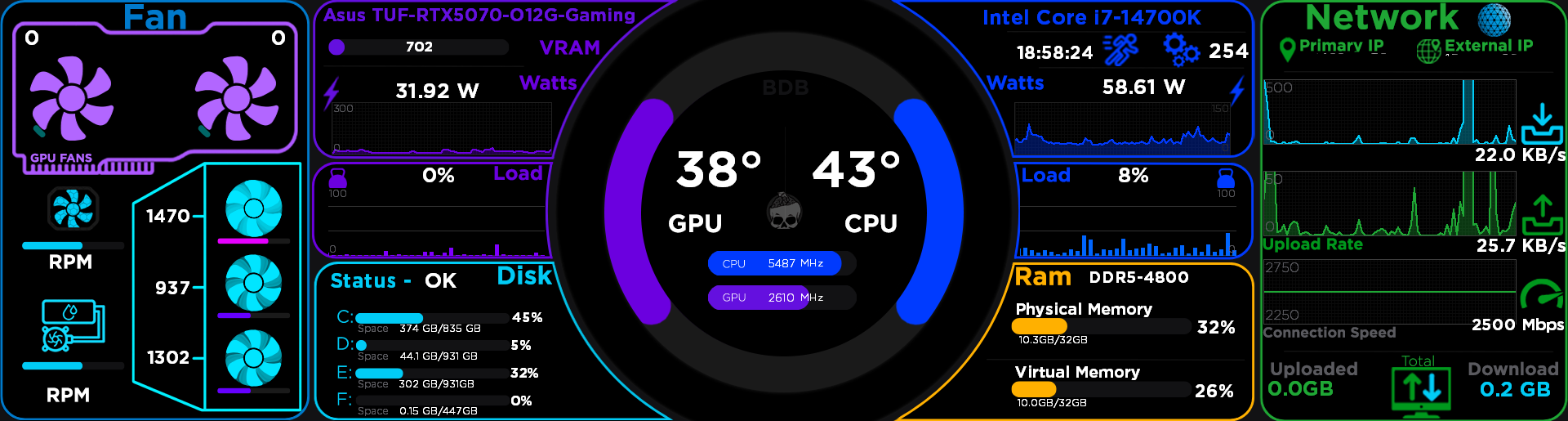
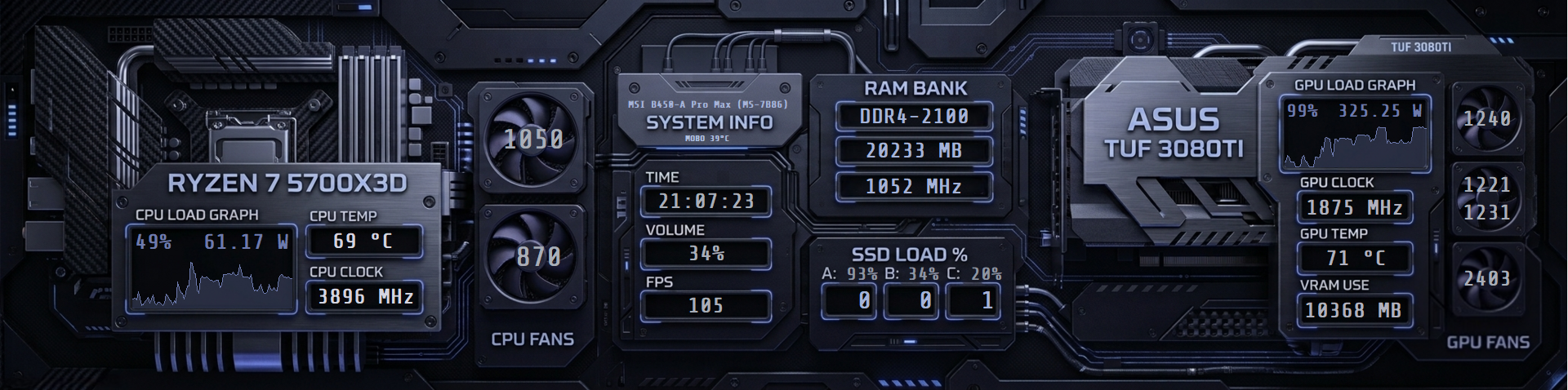
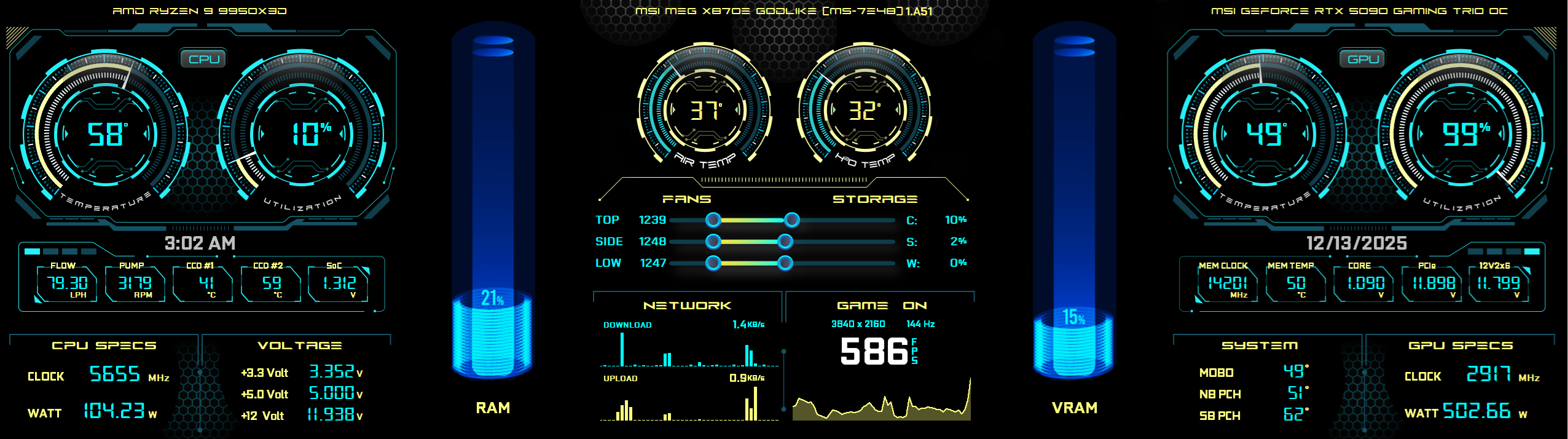
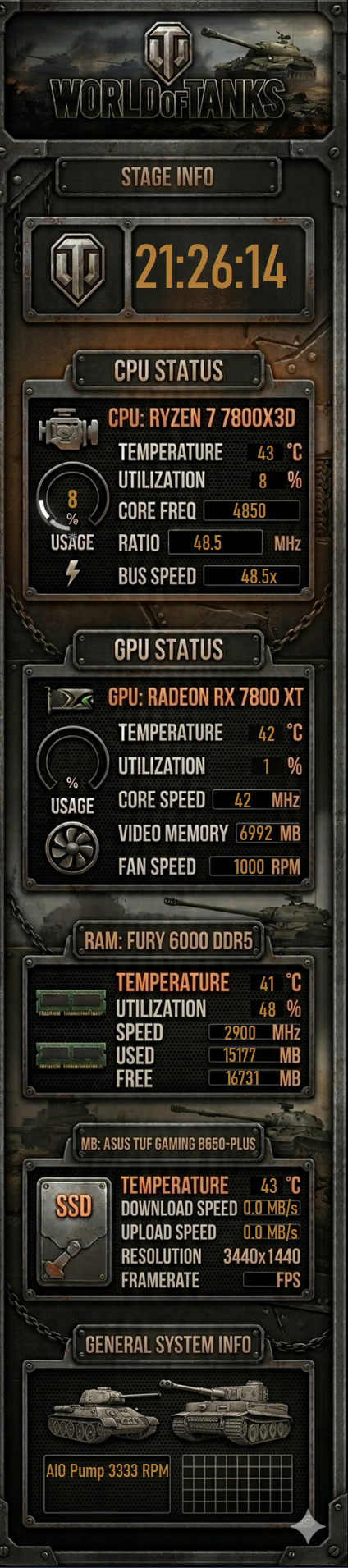
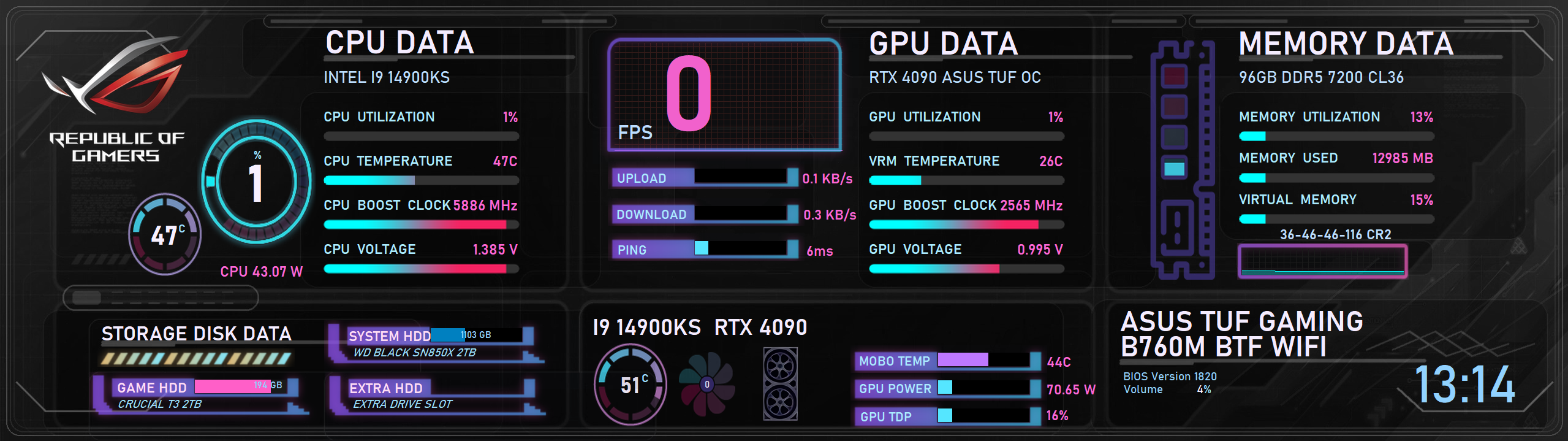
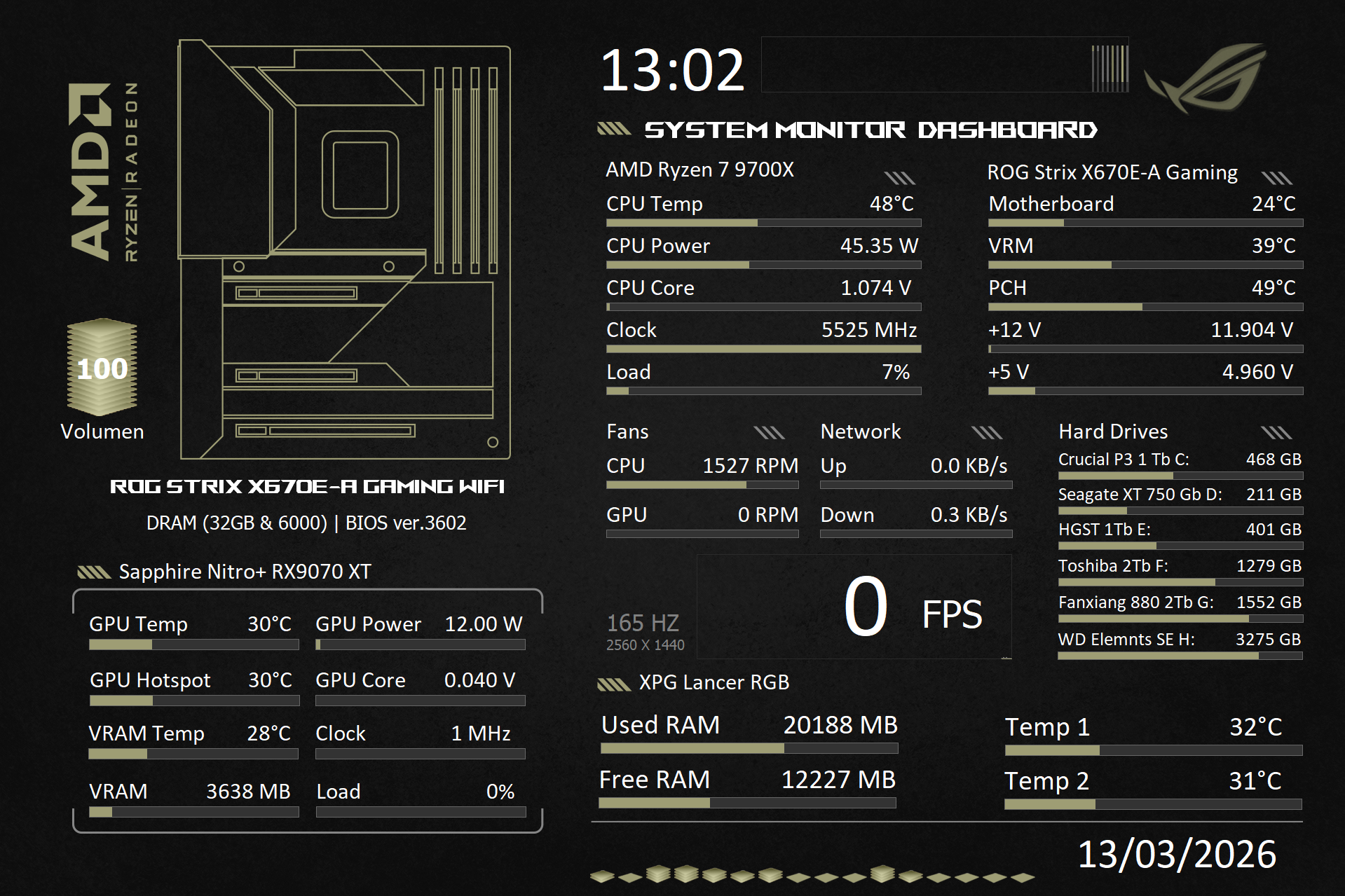
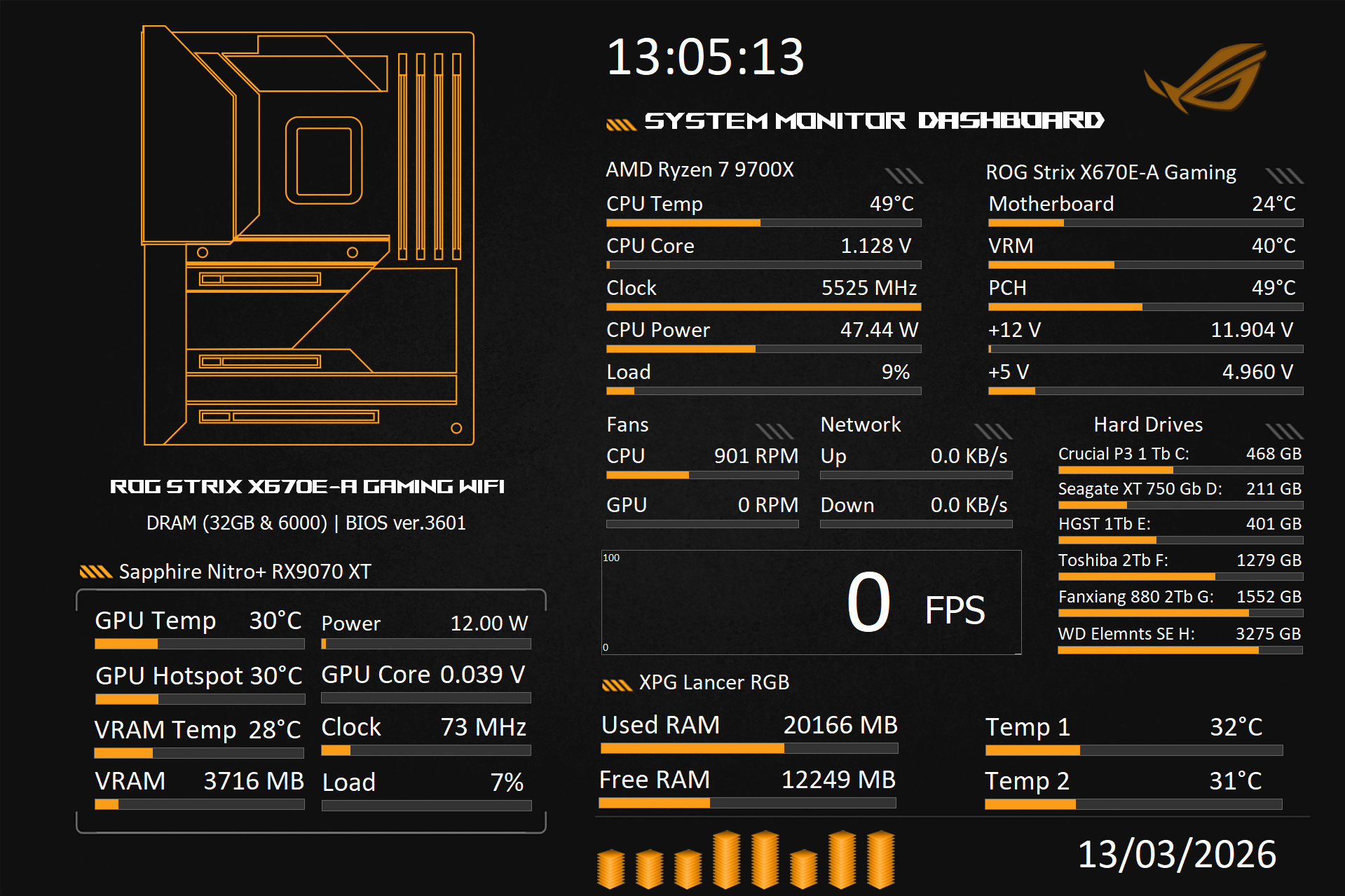
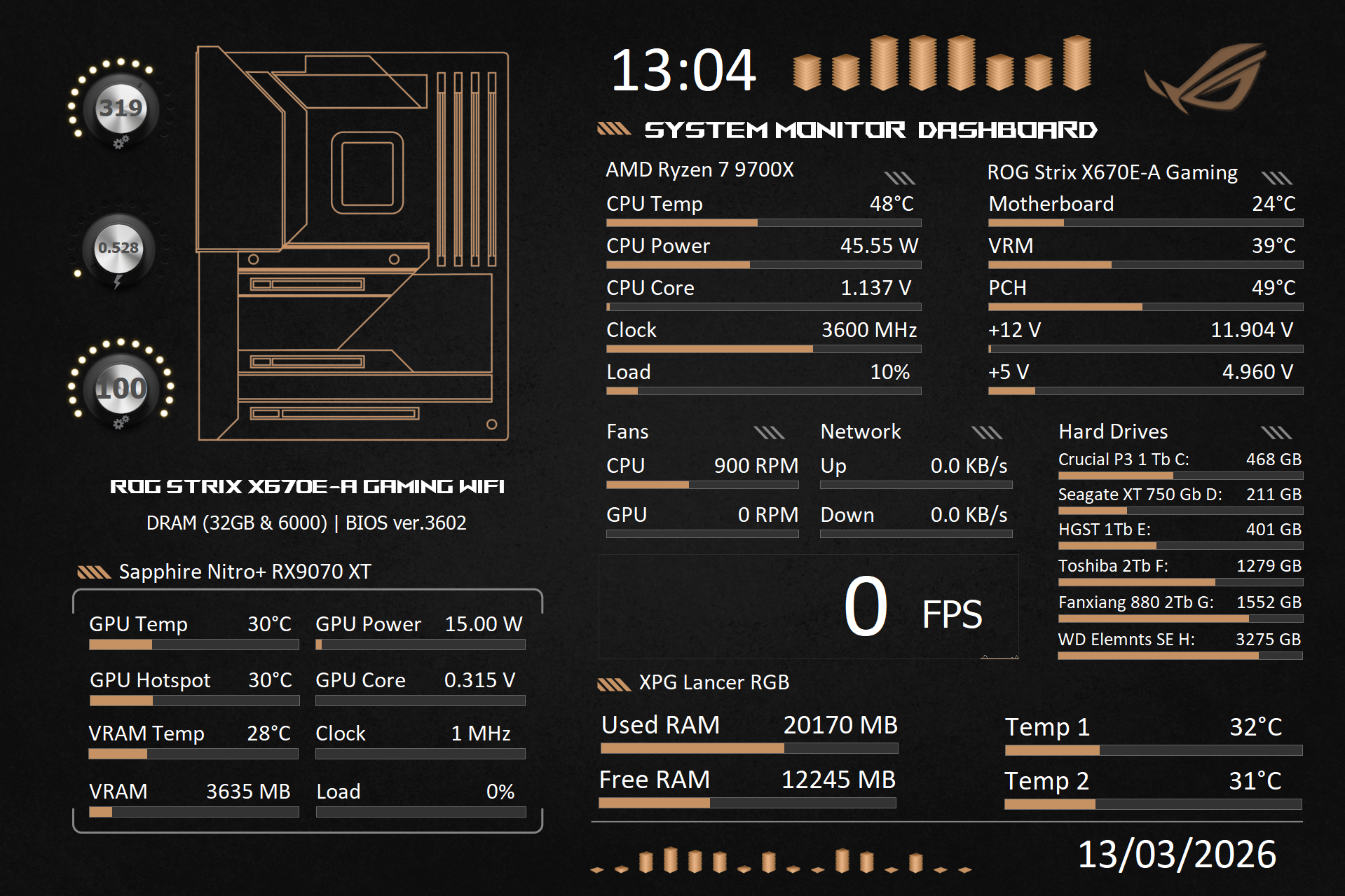
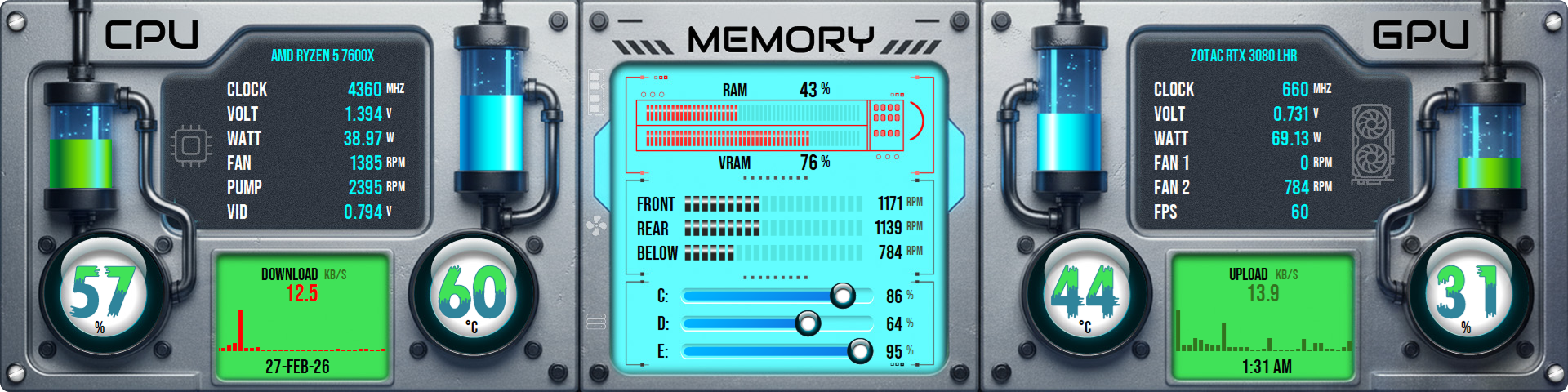
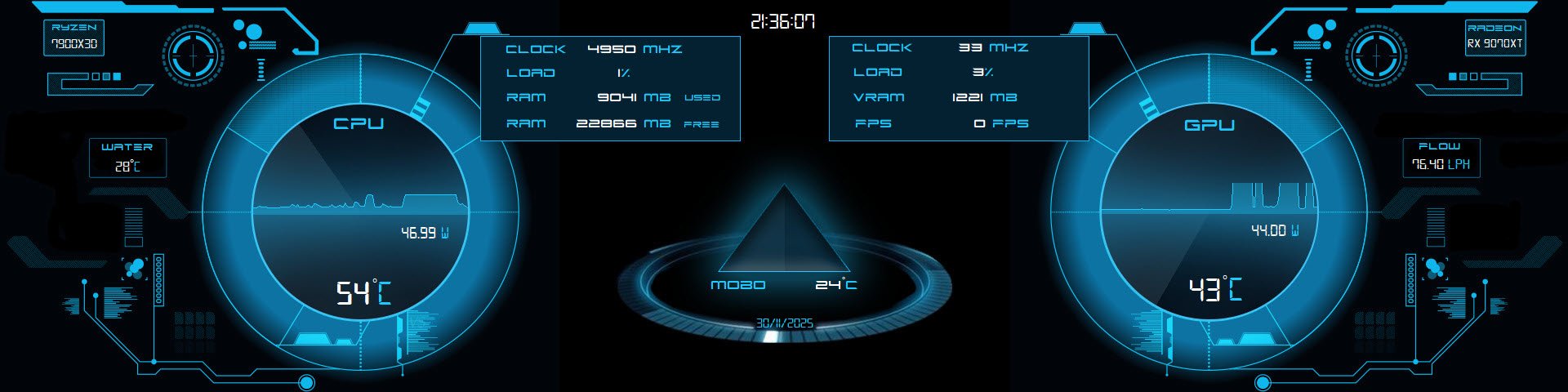
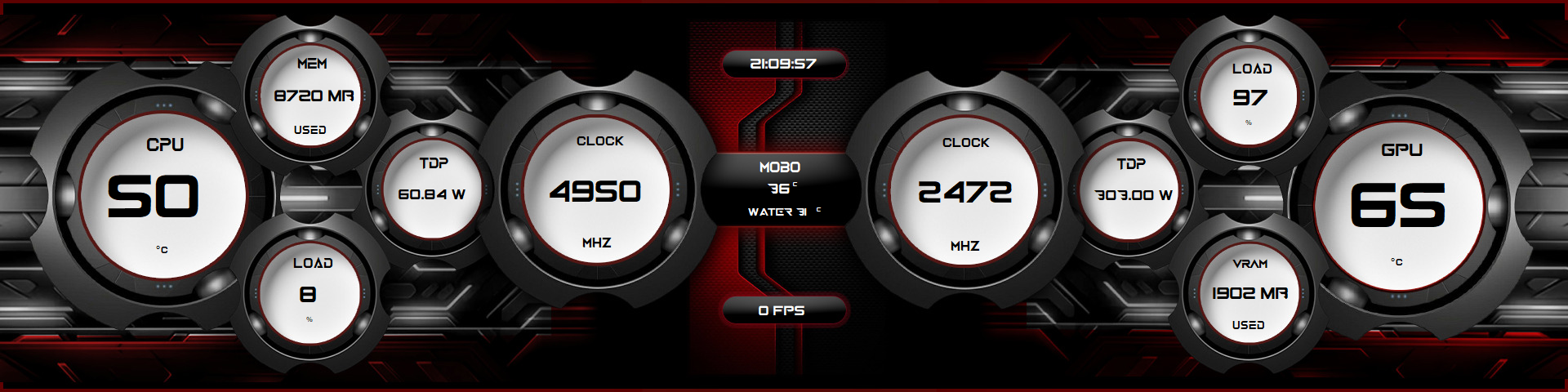
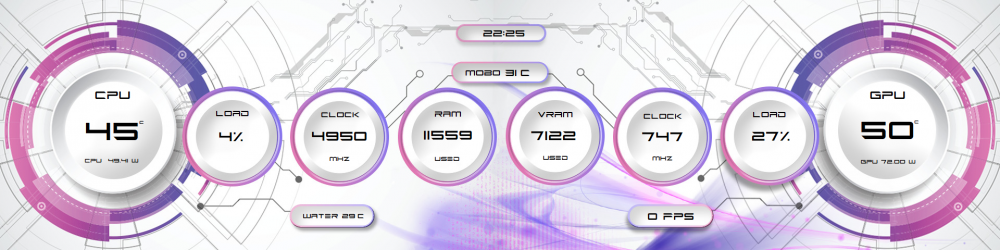
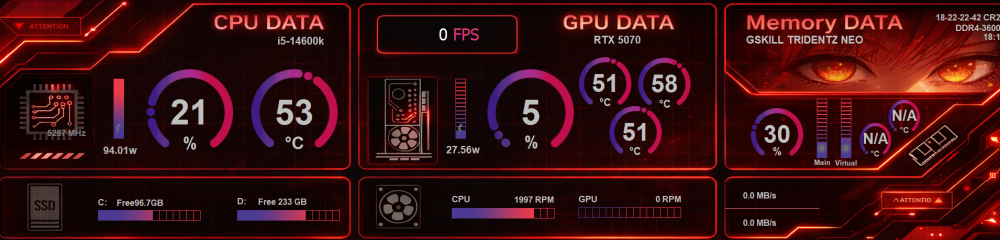
1920 x 480 Font is Future Z which you can find on a number of previous panels. EDIT: See below for update Cheers👍
 13 points
 -
11 points
-
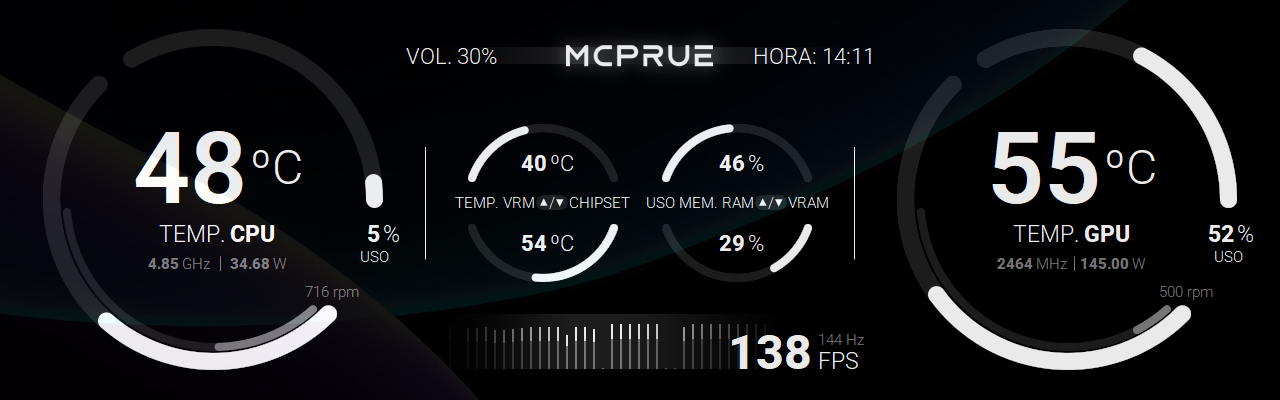
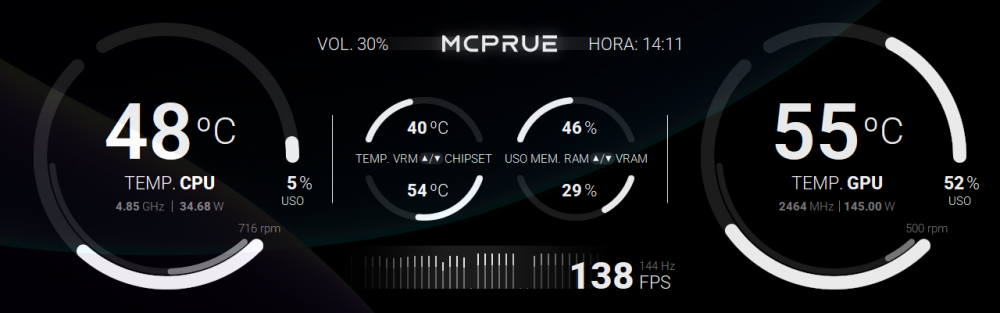
This is my last SensorPanel, used in combination with a MCPRUE Apollo SE v1 SFF case. It includes self-made 100 state gauges. 1280 x 400
 11 points
 -
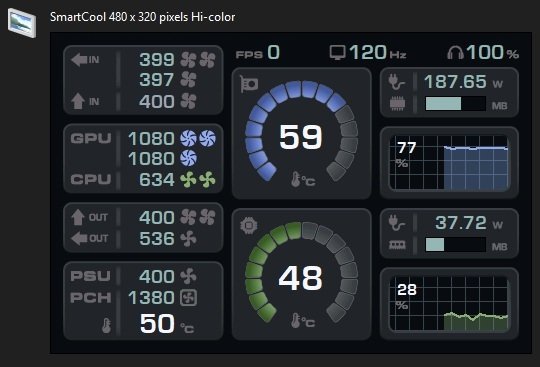
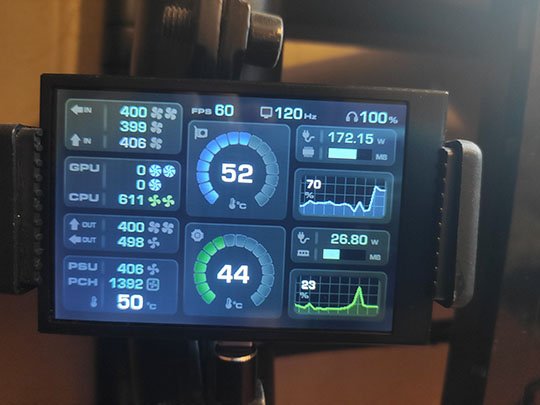
Hello everyone! A year later, I rethought my skin a little. 3.5 inches, 480x320. vector_res.ai gauges_img.zip hud_expa_v2_480x320.sclcd fonts.zip
 11 points
 -
I’d like to share a detailed solution for anyone struggling with the Sensor Panel moving, resizing, or resetting when using a secondary display with different scaling or resolution. This is a common pain point discussed by users like scotts, supes, WeakLaugh, and Atila on the official AIDA64 forums, where many report that the panel resizes itself or jumps between monitors after rebooting or reconnecting displays. (https://forums.aida64.com/topic/7580-sensor-panel-resized-itself-after-connecting-new-monitor-now-i-cant-fix-it/) Goal Lock your Sensor Panel on a secondary monitor with fixed size/position and make it launch reliably with Windows — even if monitors disconnect/reconnect or have different DPI scaling. 1) Edit the AIDA64 configuration file (AIDA64.ini) Close AIDA64 entirely. Open Notepad as Administrator. Locate your AIDA64.ini file: %localappdata%\FinalWire\AIDA64\AIDA64.ini or in your installation folder. Find the [SensorPanel] section or add it at the end if it doesn’t exist. Replace or set the following values according to your monitor setup: [SensorPanel] Active=1 FixedSize=1 Width=1280 Height=400 PositionX=-1600 PositionY=1040 LoadLayout=1 LayoutFile=C:\AIDA64\SensorPanel_Fixed.spzip [Display] AutoAdjustDPI=0 AutoAdjustResolution=0 What to change for your setup: Width / Height → set these to the exact resolution of your Sensor Panel window. This locks the panel size. PositionX / PositionY → coordinates of the panel on your screen: PositionX = horizontal offset relative to the primary monitor; multiply by the primary monitor’s DPI scaling if it differs from 100%. PositionY = vertical offset from the top of the virtual desktop; usually PrimaryMonitorHeight - SecondaryPanelHeight if the panel sits at the bottom. LayoutFile → point to the .spzip or .a64sp layout you saved. Use the full path, without quotes. [Display] section prevents AIDA64 from automatically adjusting DPI or resolution when monitors reconnect. 2) Create an automatic startup script (.bat) This ensures AIDA64 opens after Windows has initialized monitors, preventing resizing or jumping. Open Notepad. Paste: @echo off REM Close AIDA64 if already running taskkill /f /im aida64.exe >nul 2>&1 REM Wait 8 seconds for Windows to arrange displays (adjust if your monitors need more time) timeout /t 8 /nobreak >nul REM Start AIDA64 start "" "C:\Program Files (x86)\AIDA64 Extreme\aida64.exe" What to change for your setup: timeout /t 8 → increase if your secondary display takes longer to initialize. Path to aida64.exe → replace with the actual path where AIDA64 is installed on your PC. Save as AIDA64_Startup.bat (type: All Files, not .txt). Create a shortcut to this .bat and place it in the Startup folder: Win + R → type shell:startup → paste shortcut. Optional: In the shortcut properties → Run: Minimized, so the console window doesn’t appear. What This Fix Solves Locks Sensor Panel size & position on your secondary monitor Prevents Windows DPI scaling from resizing it unexpectedly Ensures AIDA64 launches after monitors are ready Stops AIDA64 from jumping to the primary display on reboot or after connecting virtual monitors Why This Is Needed Many users report that the Sensor Panel keeps resizing or moving after disconnects, restarts, or when DPI scaling differs between monitors — even with “Lock panel size/position” enabled in preferences. (https://forums.aida64.com/topic/7580-sensor-panel-resized-itself-after-connecting-new-monitor-now-i-cant-fix-it/) Credits & References Thanks to users across the AIDA64 community (e.g., scotts, supes, WeakLaugh, Atila) for identifying that the core issue relates to panel resizing on monitor changes and scaling, which inspired this workflow. (https://forums.aida64.com/topic/7580-sensor-panel-resized-itself-after-connecting-new-monitor-now-i-cant-fix-it/) Disclaimer Text created using ChatGPT, as English is not my native language. It is strongly recommended to make a backup of your .ini file before editing anything. No responsibility is assumed for unexpected malfunctions; use at your own risk. EDIT: Tested and working with version 8.25.8200 of the program10 points
-
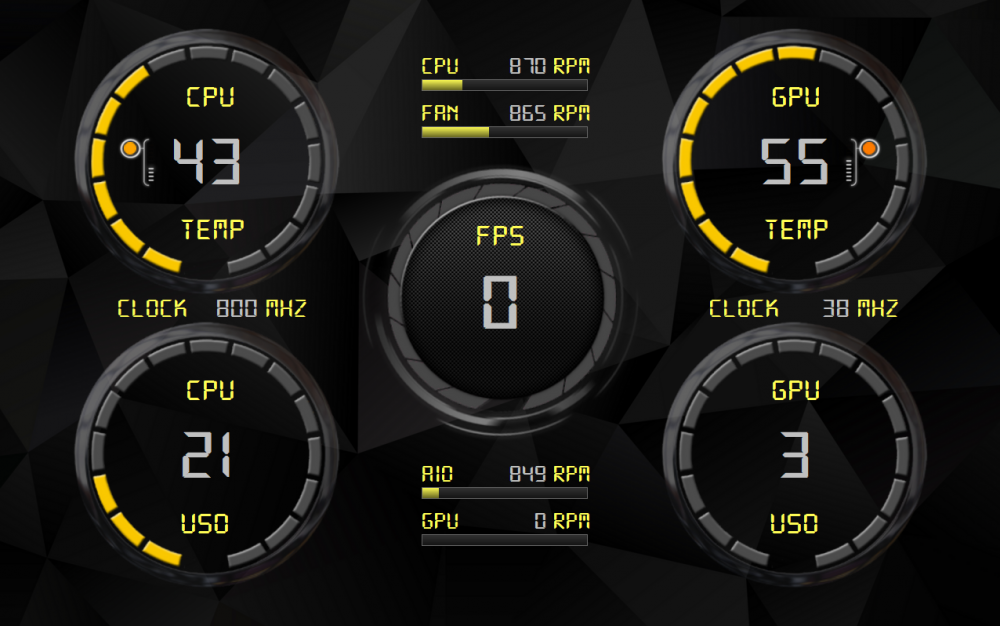
My sensor resolution is 1280x800 I hope you like it 🙂 DIGI-Simple2.spzip
 10 points
 -
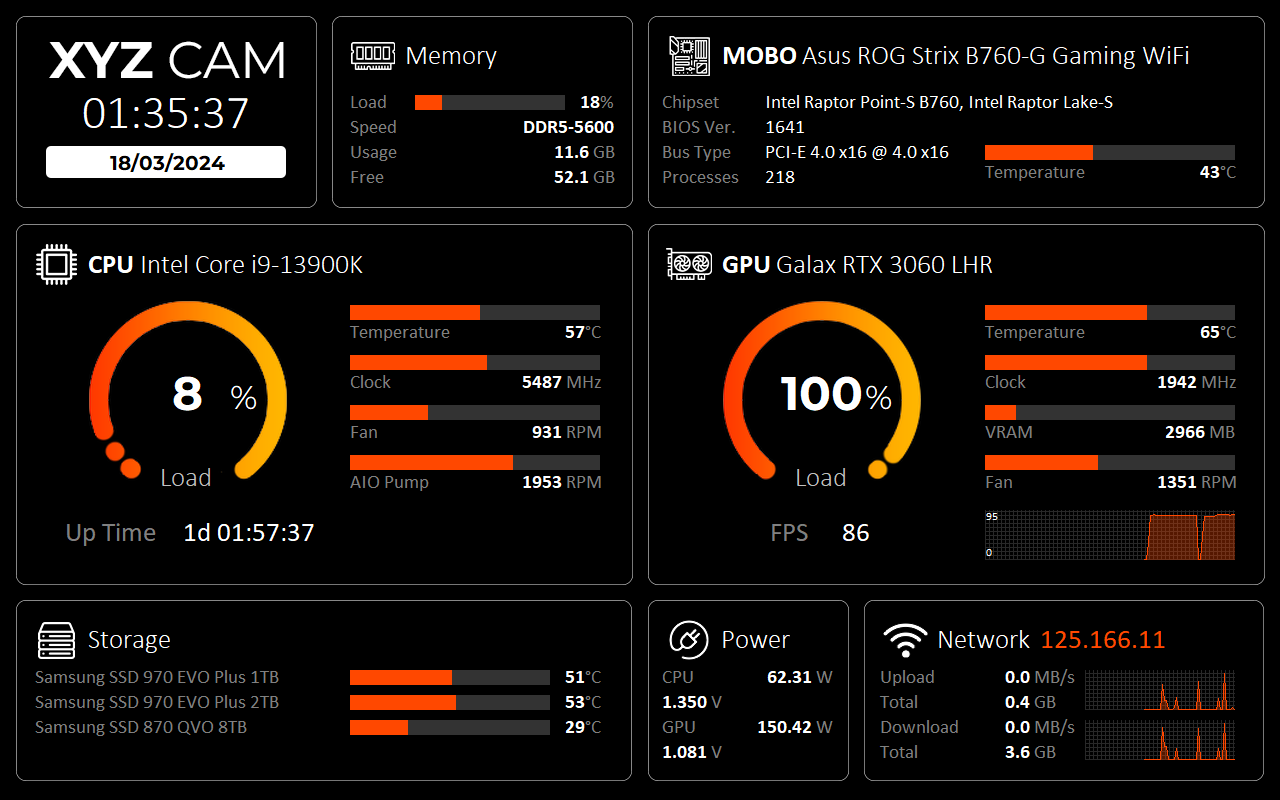
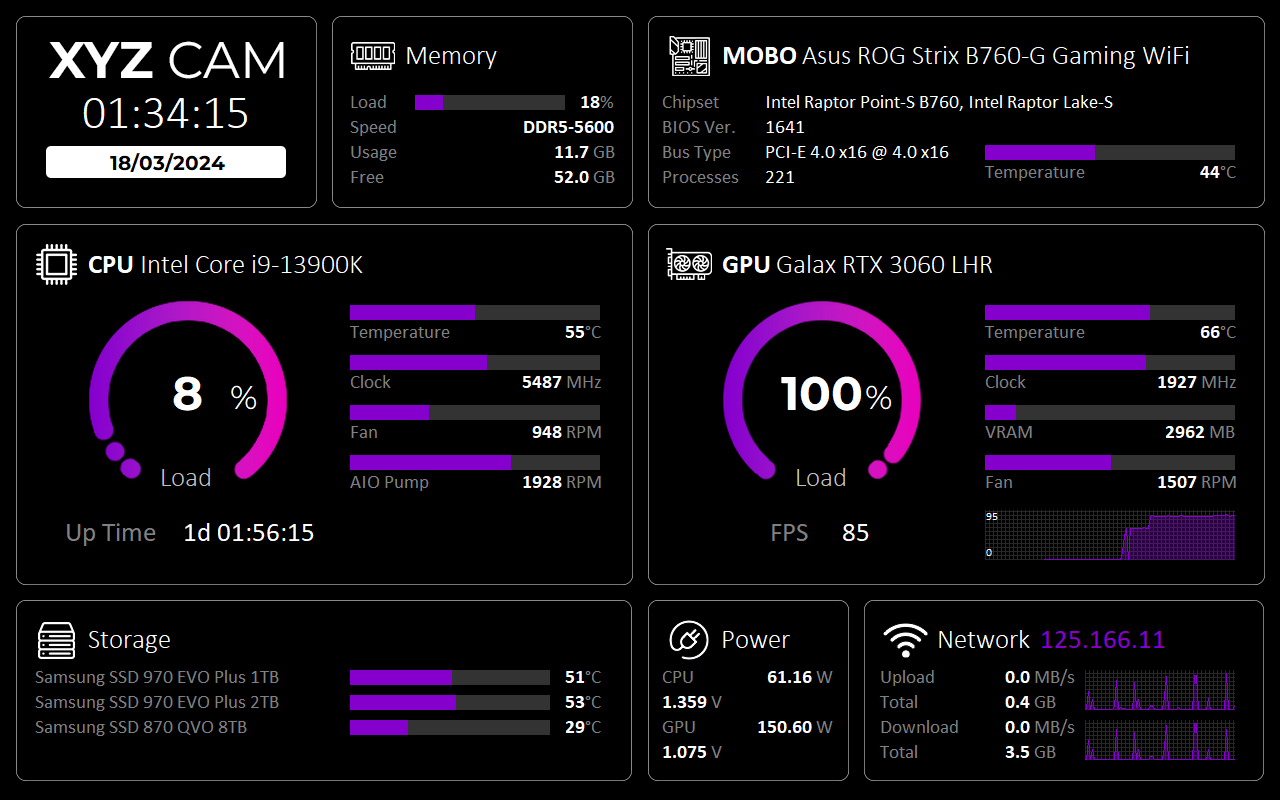
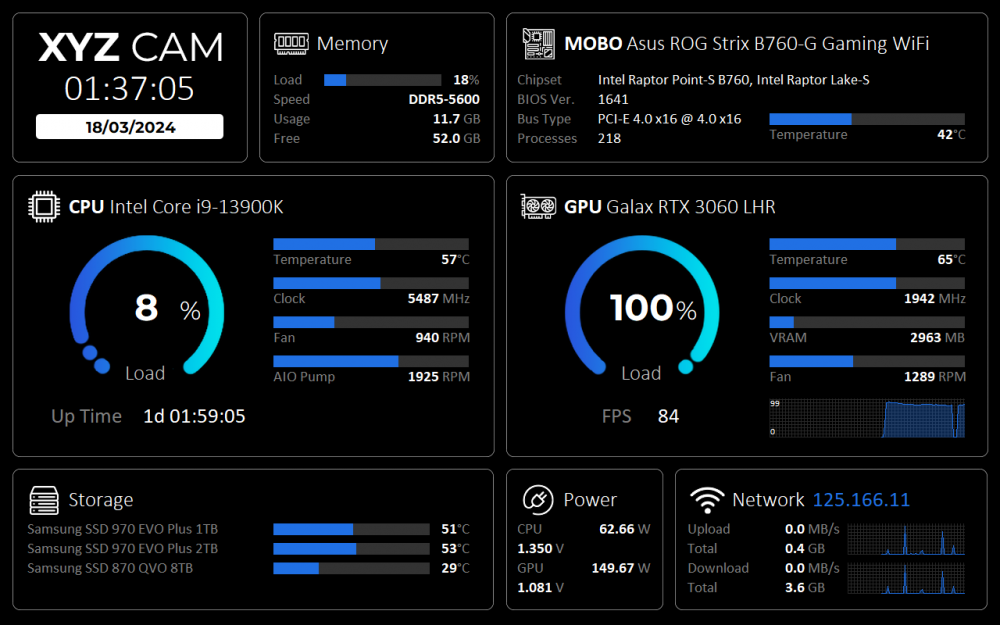
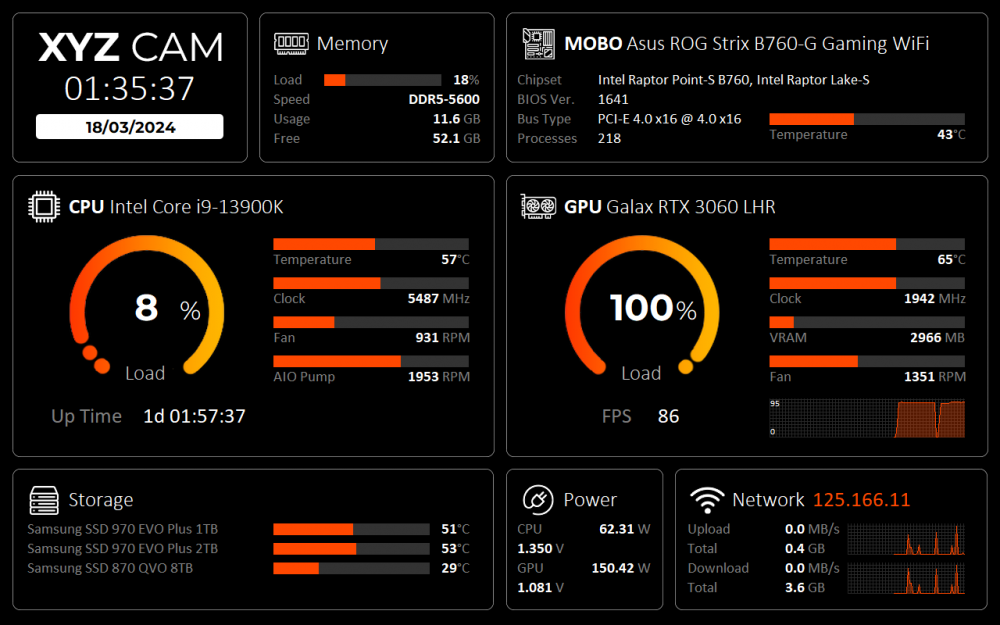
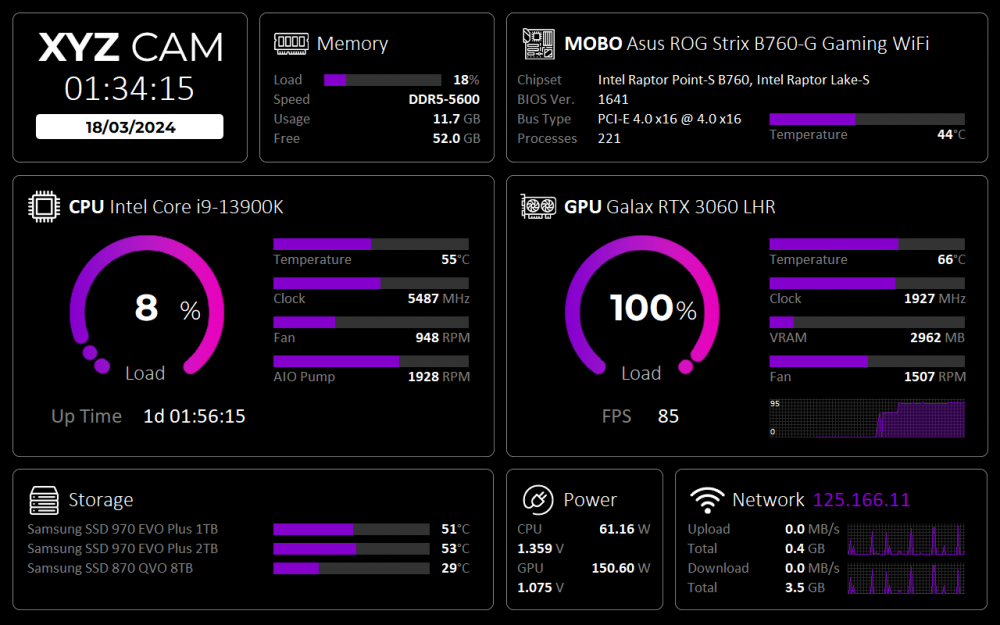
Size 1280 x 800 I created this special for Jonsbo D31, Jonsbo D41, Jonsbo DS8 Hi everyone, hope you like it. Thanks for looking. Download XYZCAM.zip
 10 points
 -
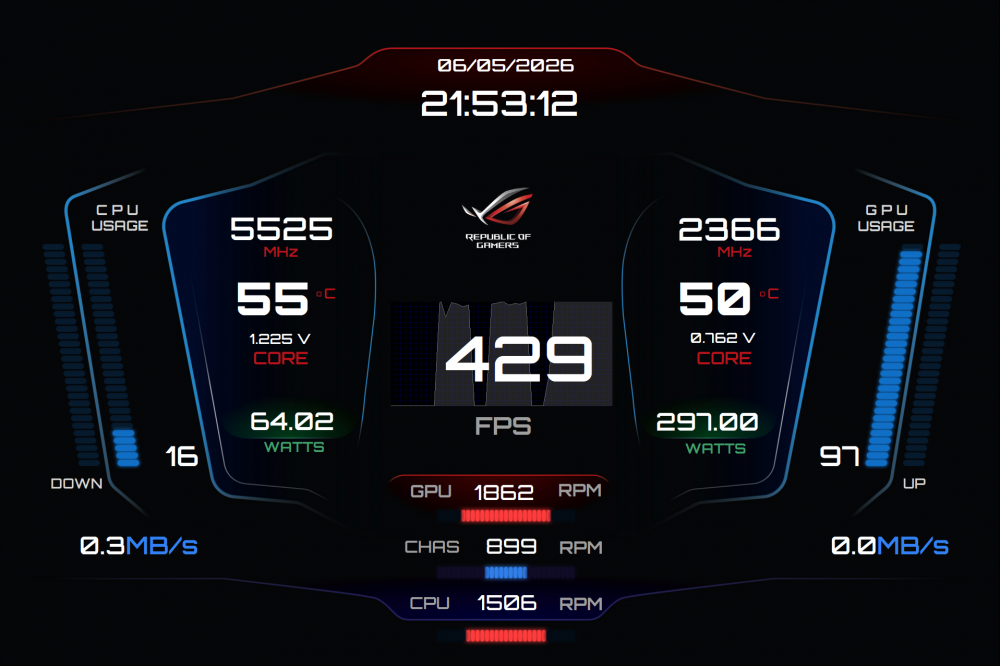
This is my adaptation to 1920 x 1280 👽
 8 points
 -
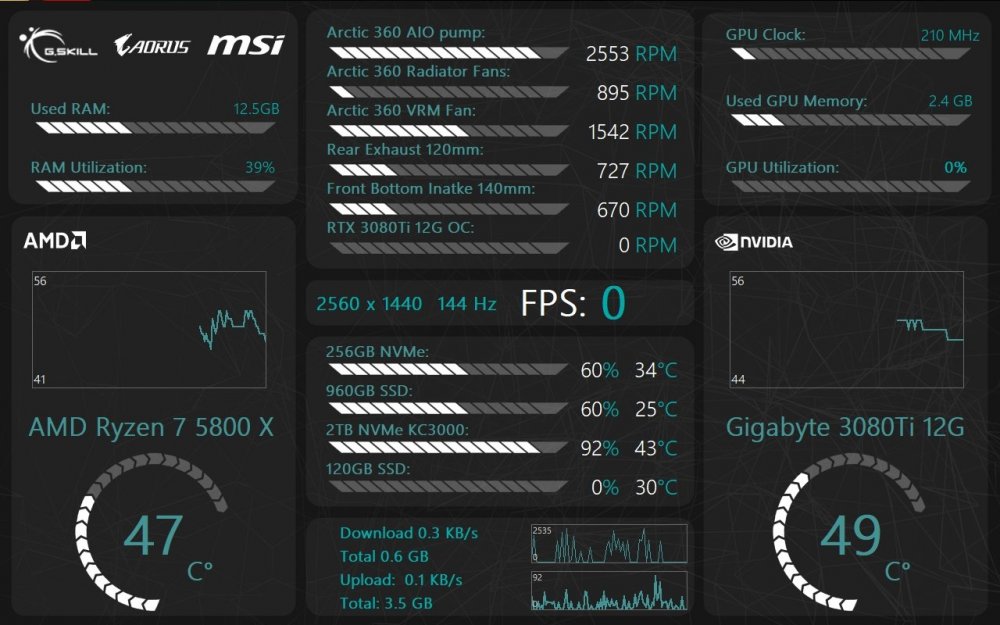
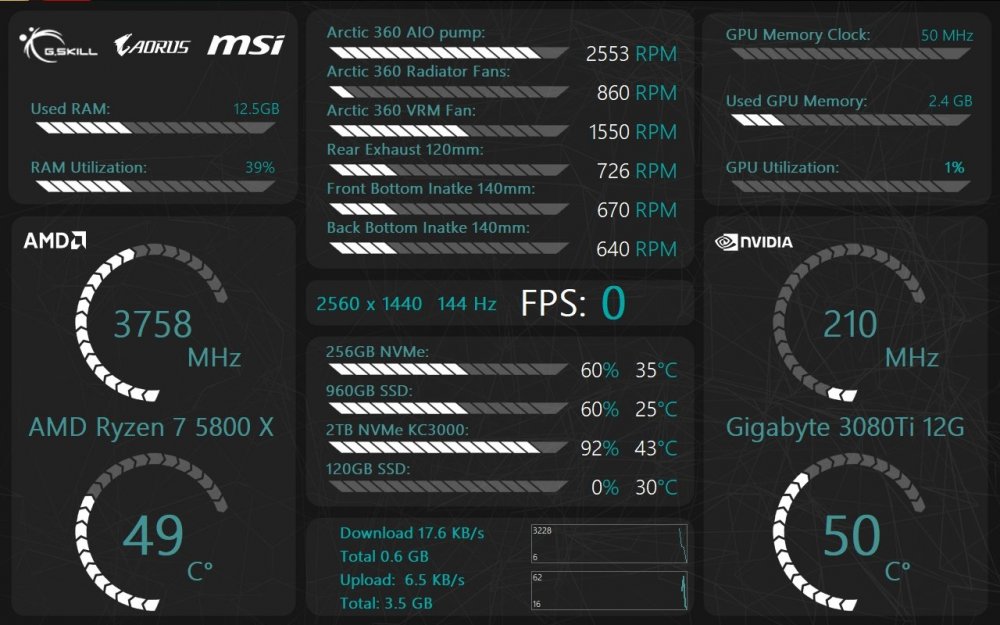
Here is one I made to my liking. Couldn't find what I wanted (for free at least :D), so I made one real quick. it's 1280x800 (Jonsbo D41 screen). Here are two variants (couldn't decide which I like more), so feel free to use it and edit it at will If you need any info just hit me up. Simple Clean All in One Graph.spzip Simple Clean All in One.spzip
 8 points
 -
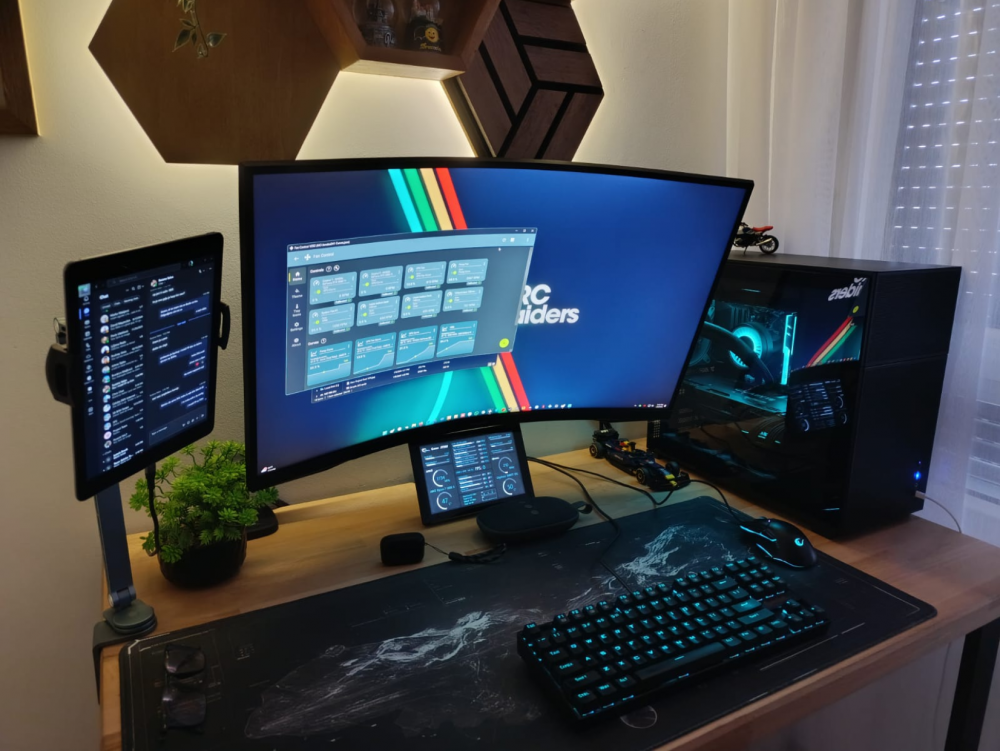
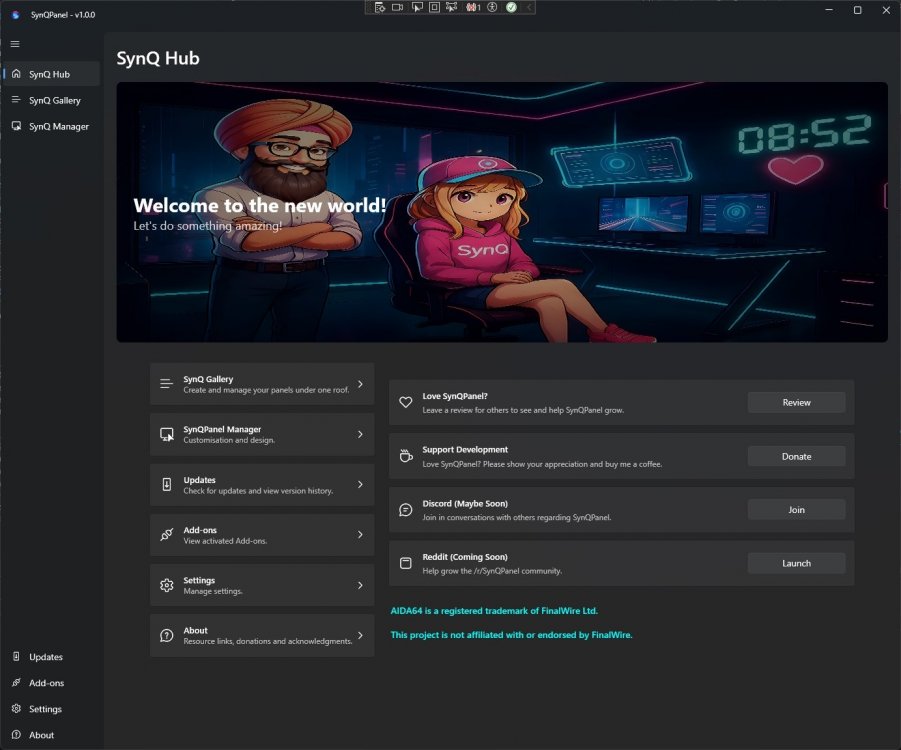
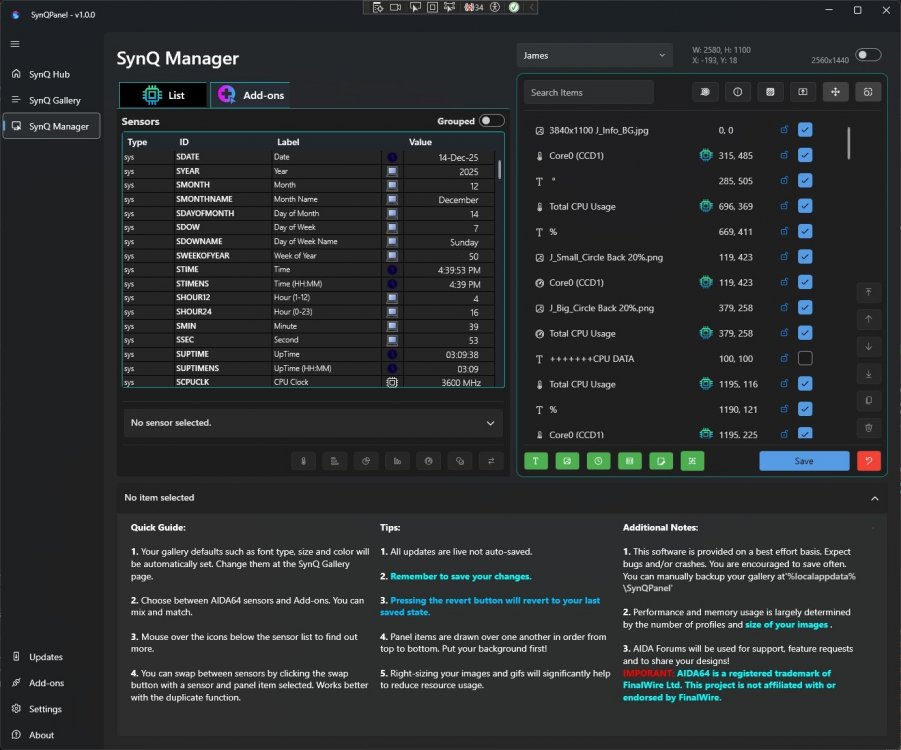
✨ Animated Panels in Action ✨ (Video was quick to keep it short and light weighted to be uploaded here!) Please note that all the panels showcased here are thoughtfully designed by their respective creators. Full credit and attribution belong to them. These examples are shared purely for demonstration purposes - we do not own these panels and will not distribute them in any form. These panels are purchased and owner gave the permissions for demo, display and testing only!! 🌟 Features at a Glance Multiple panels (even different resolutions) can be opened simultaneously Smooth and engaging animations are fully supported “AIDA64 is a registered trademark of FinalWire Ltd. This project is not affiliated with or endorsed by FinalWire.” Uses only AIDA64’s shared memory interface. Does not include or distribute any AIDA64 components. AIDA64 needs to be running in the background with a valid AIDA64 license. Teaser Video.mp4 💖 Your Voice Matters We would truly love to hear your thoughts and feedback. Your love and support mean everything to us -without you, we are NOTHING, and without your encouragement, we cannot move forward. Thank you for being a part of this journey with us. 🙏✨
 8 points
 -
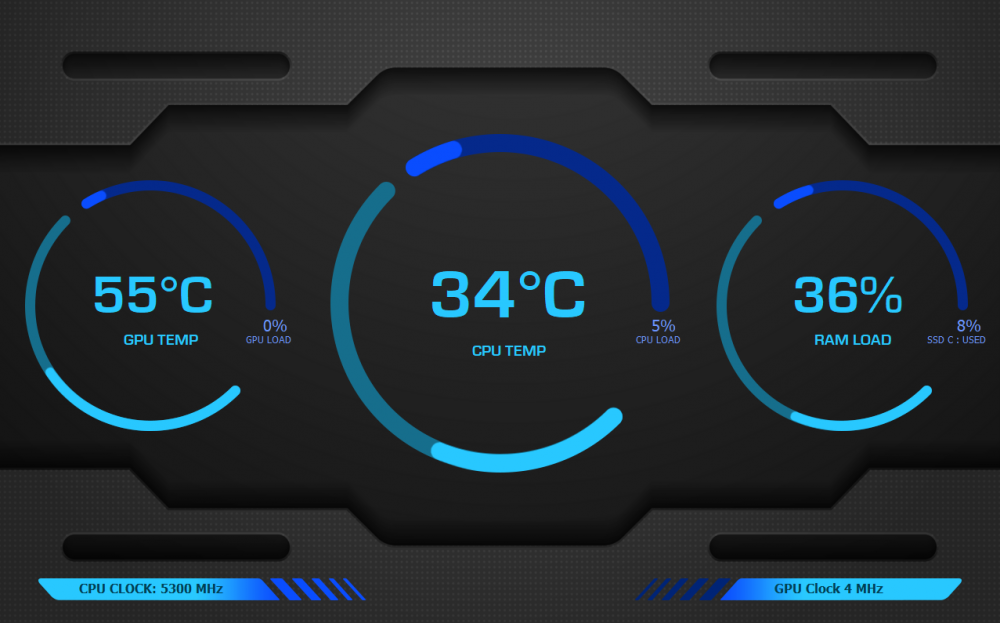
My sensor resolution is 1280x800 I hope you like it 🙂 EURO-Style v1.spzip
 8 points
 -
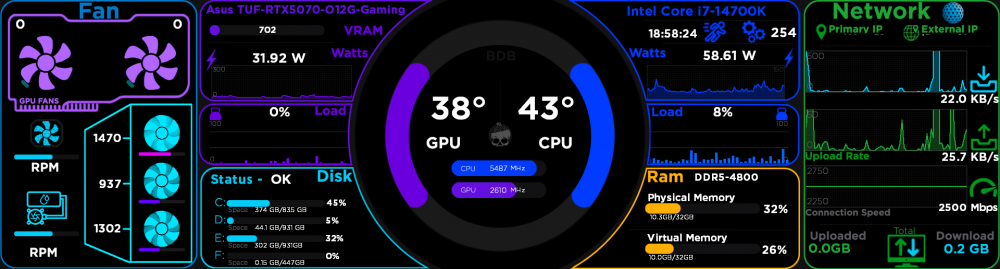
Just finished my Brain Dead Builds custom SensorPanel — inspired by NZXT-style displays but fully original. It shows CPU/GPU temps, FPS bars, usage, and network tracking in a clean layout. This is my beta version, but I’ll be updating and sharing improved versions soon. The current panel size is 1920×515, and I’m working on additional sizes (such as 1024×600 and 800×480) to make it more versatile. Thanks for checking it out, and I’ll keep posting updates as new versions are ready.
 8 points
 -
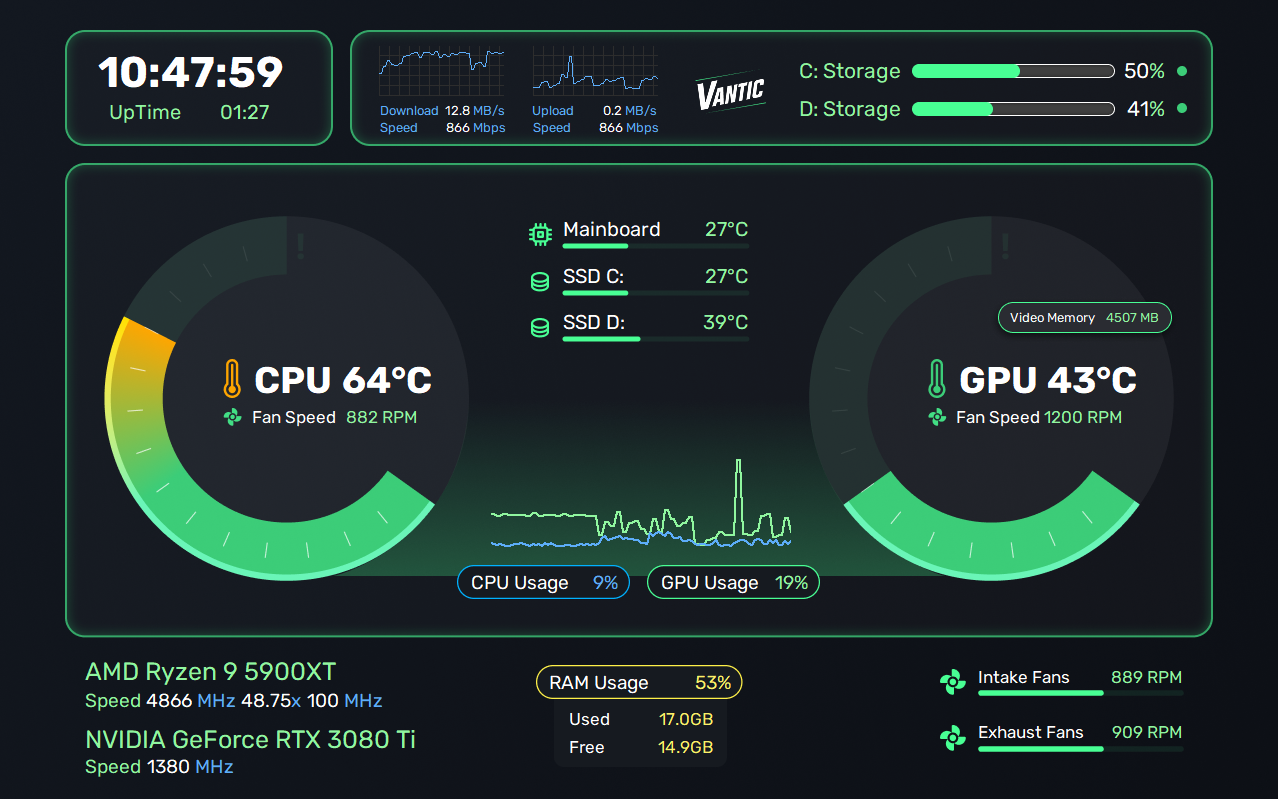
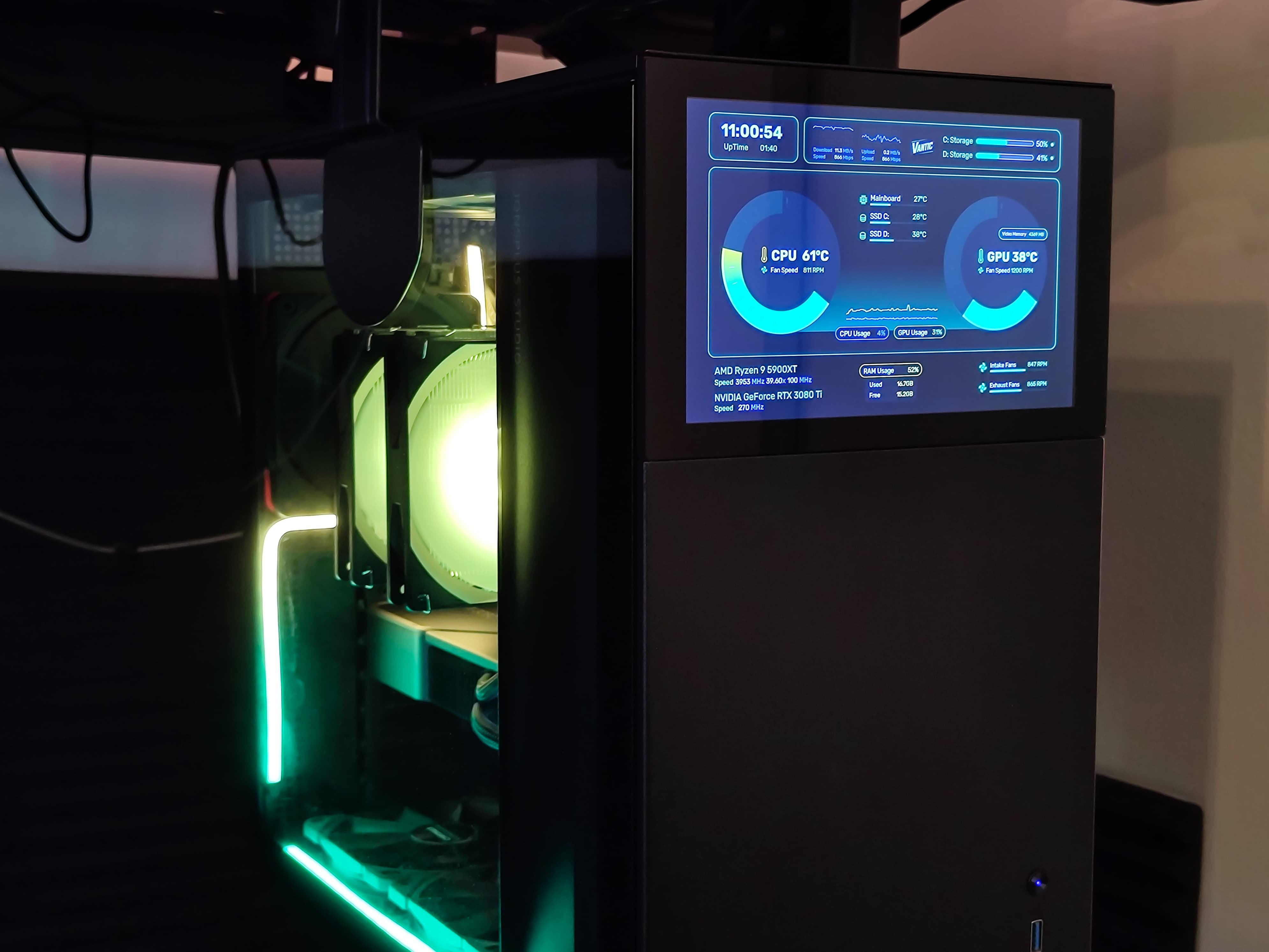
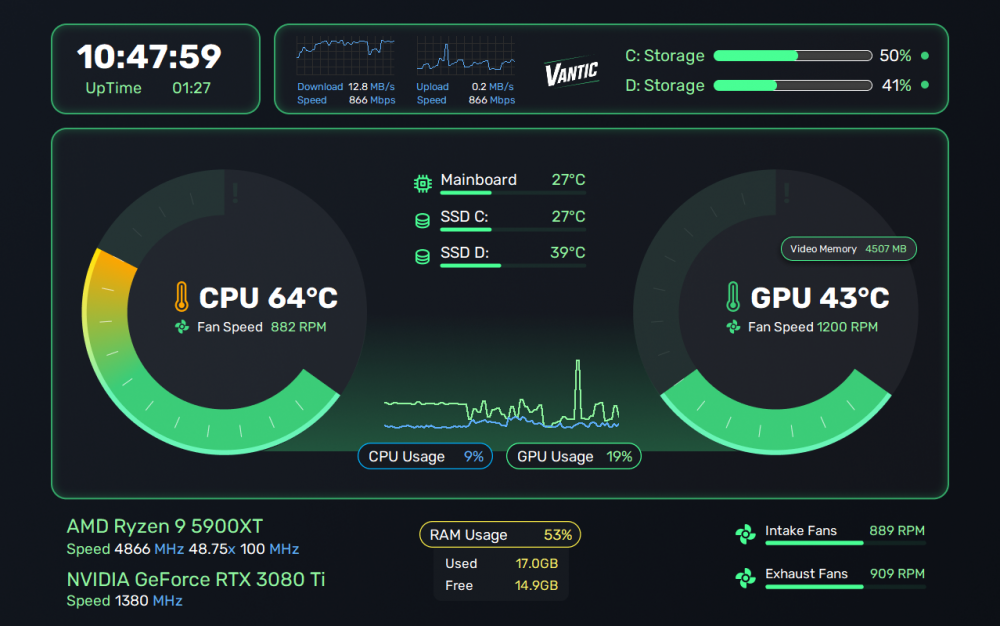
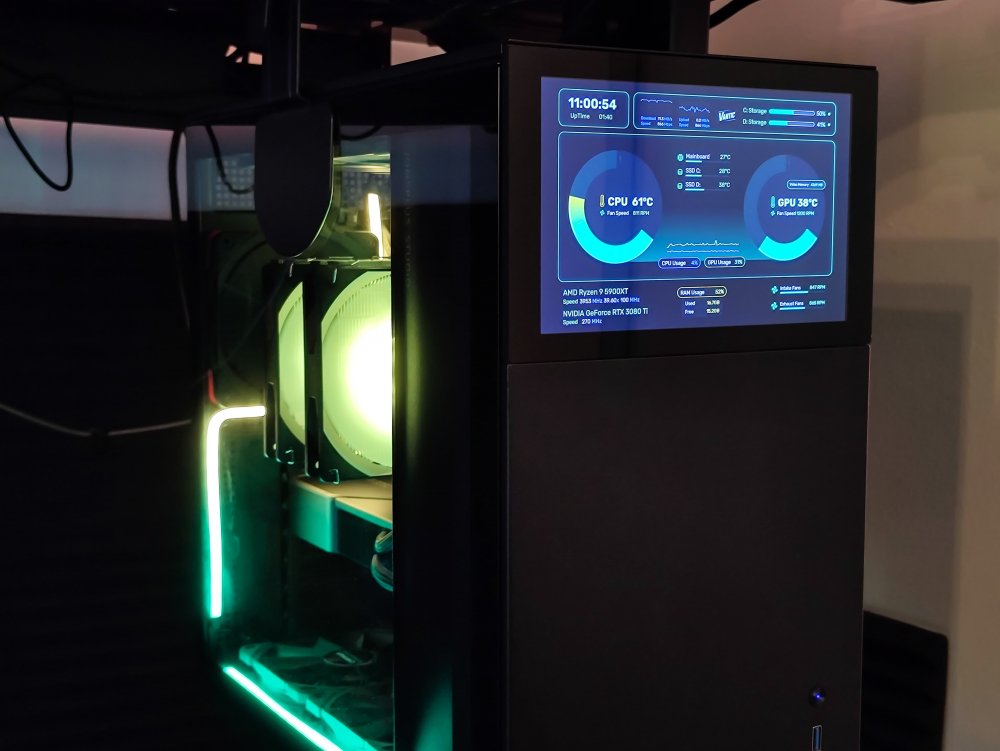
Hello everyone! I'm excited to share my custom redesign of the Core Template. I really liked the original layout, but wanted something cleaner and better-looking. This one shows more info and even has space for a personal logo! I made it for my Jonsbo D41 Screen with a resolution of 1280x800. If you're using the same display, feel free to try it out! Here's the file: Vantic1.sensorpanel Feedback and suggestions are always welcome! P.S. Since I used Figma for the design, it would be really easy to share the project for anyone to customize and adjust for their own needs. Let me know.
 8 points
 -
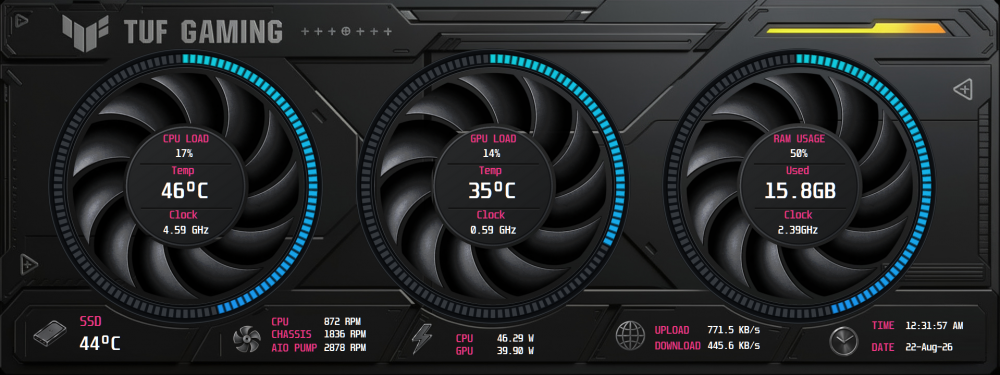
✨ I’m still working on this skin and would really appreciate your thoughts. 🥹 Do you think there’s anything I should improve or change? Any feedback is welcome! 💬🤍
 7 points
 -
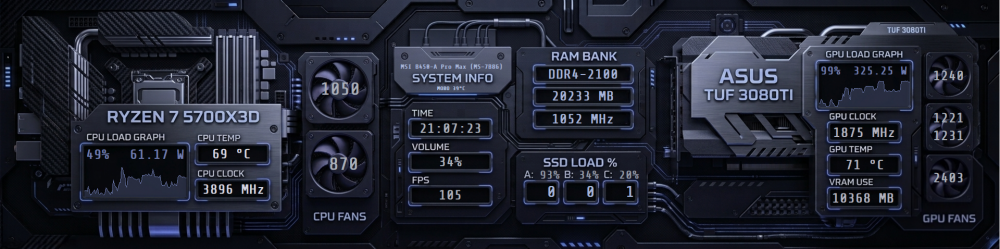
Ось варіант що я створив для себе. Може комусь буде корисним. Заодно прикладаю шрифт Share Tech Mono, який Ви спочатку маєте встановити на віндовс Роздільна здатність 1920x480 Варіант 1.spzip share-tech-mono.rar
 7 points
 -
Let's bring this discussion back to SensorPanels. The forum rules regarding shared content are straightforward: if a creator requests that their work or screenshots not be redistributed, we respect that request. This applies equally to everyone. Different members may have different personal views on copyright and sharing, and that's perfectly fine. However, this forum follows its own rules, and moderation is based on those rules rather than individual opinions. The discussion has become increasingly personal and has drifted away from the purpose of this topic. Personal attacks, accusations, speculation about other members' motives, and other off-topic posts have therefore been hidden to keep this thread focused and useful for everyone. Please keep future replies constructive and on topic. Further off-topic or personal posts may also be removed or hidden so this thread can return to its intended purpose: sharing and discussing SensorPanels. Thank you for your cooperation.7 points
-
2026-05-15 ads.axlcd480x320 clean black and white
.png.563193b7ffaad66605b1261593d70bb8.png) 7 points
7 points -
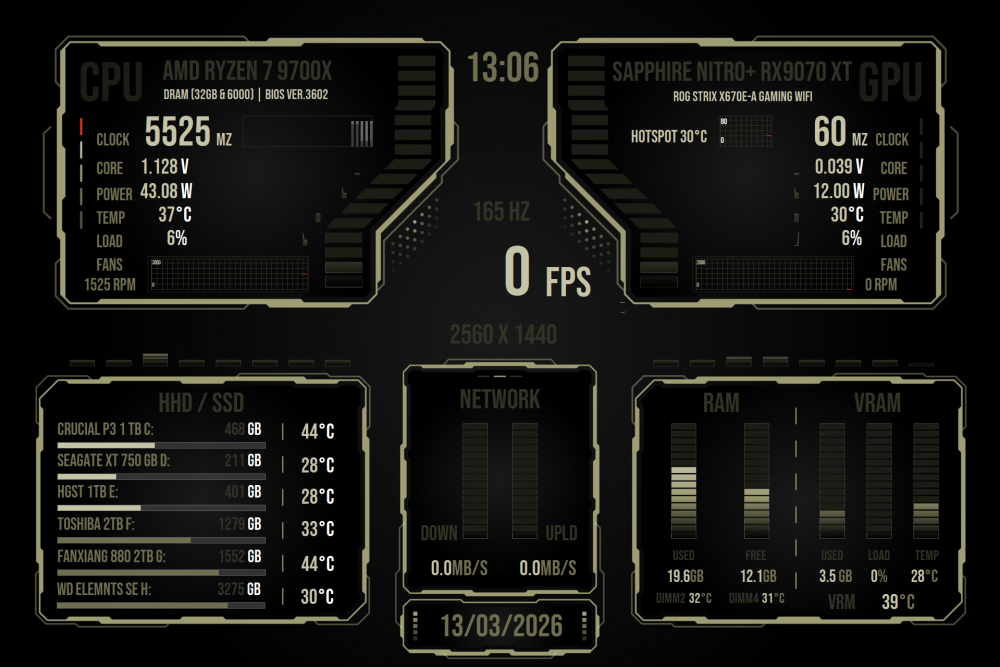
My firs Panel 1920 x 1280 Grabación de pantalla 2026-03-13 164727.mp4
 7 points
 -
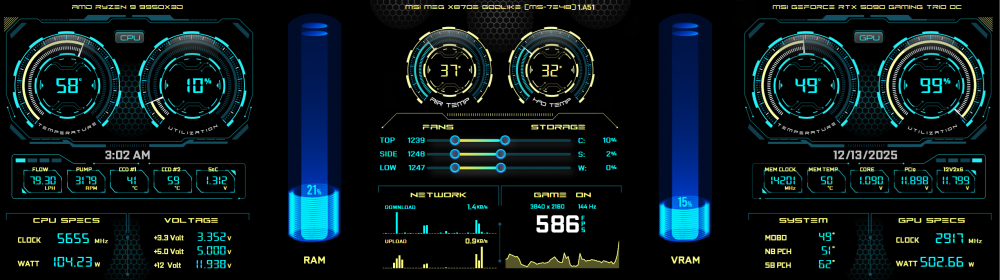
With the help of Surjeet, who is amazing at building panels, I was able to customize this one for my Corsair Xeneon.
 7 points
 -
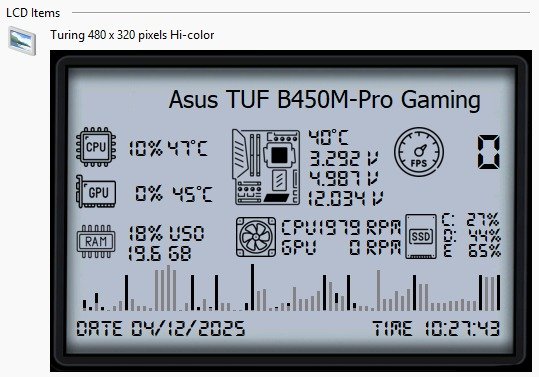
Criando uma versão 480x320, ainda falta vários ajustes...
 7 points
 -
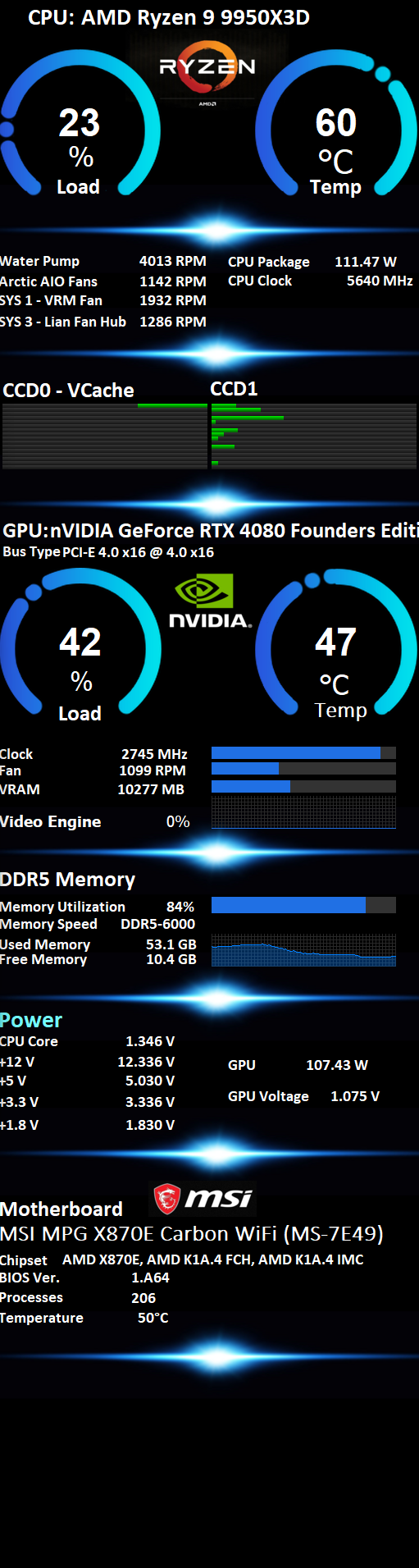
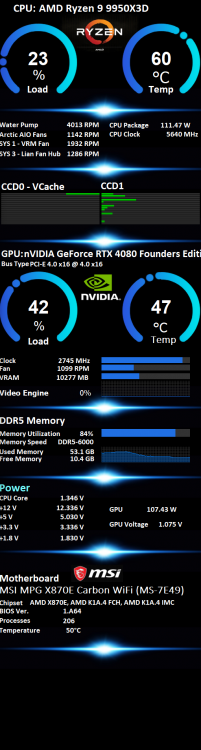
A simple sensor panel 515x1920 for my 9950x3d 515x1920-9950x3d.spzip
 7 points
 -
🚀 Hey Guys! I'm back! 😎 First of all, thank you so much for all your love, support, and warm wishes. It truly means a lot! ❤️ Just give me a couple of days, and we'll be ready to rock and roll again! 🔥 I'll be taking some time to go through all your messages and answer everyone's questions one by one, so hang in there! As for the delay... my graphics card decided to call it quits! 😅 And with GPU prices being all over the place right now, it's been quite an adventure. But no worries-we're not letting that slow us or our show down! The spirit is high, the comeback is on, and the best is yet to come! 💪🎉 See you all very soon! ❤️6 points
-
Hi @BHSY, Thank you for sharing your thoughts so openly. Reading your post brought back many memories from my own journey in this community. First of all, please don’t get disheartened. You are, and always will be, one of the most amazing creators in this forum, alongside @COSTAJUNIOR, @Exhumed, @pcrepairvk, and many other talented members who have inspired countless users over the years. The value of your contributions cannot be measured by the actions of a few people who failed to respect them. I completely understand your perspective because I was one of those people who reached out to you asking for your SensorPanel files. In fact, a lot of what I learned came from studying your work. I still remember the days when the famous 100-state implementation was almost a mystery to many of us. Your panels were among the very few that had those advanced states, and that curiosity is exactly why I requested your files and started learning from them. Today, I honestly cannot imagine creating SensorPanels without 100 or EVEN MORE states. The techniques and ideas shared by pioneers like you played a huge role in helping many of us reach that level. I also remember repeatedly reaching out to you when I was trying to understand the Min-Max math logic. You were always willing to help, and those conversations taught me lessons that I still use today. Regarding sharing panels, I want to make it clear that whenever I reposted any of your work here, I always credited you as the original creator and never sold any of those panels. Whenever you requested changes, updates, or removals, I respected your wishes and updated or removed my posts accordingly because those panels were your creations, and that should always be acknowledged. I fully agree that proper credit is essential. Recognition should always go to the person who invested their time, creativity, and effort into creating something. Learning from someone’s work is one thing; claiming ownership of it is something entirely different. Your contributions have helped many members, including me, learn, grow, and push the boundaries of what we thought was possible with SensorPanel. I hope the unfortunate experiences you've faced don't overshadow the positive impact you've had on this community. Some creators leave behind files, while others leave behind knowledge. Your panels taught us techniques, but your willingness to share and help taught us even more. For that, many of us remain grateful 🙏 Let's keep the momentum going, continue sharing knowledge, inspiring one another, and making this community a happier place through our work, creativity, and enthusiasm. The community is stronger because of creators like you.6 points
-
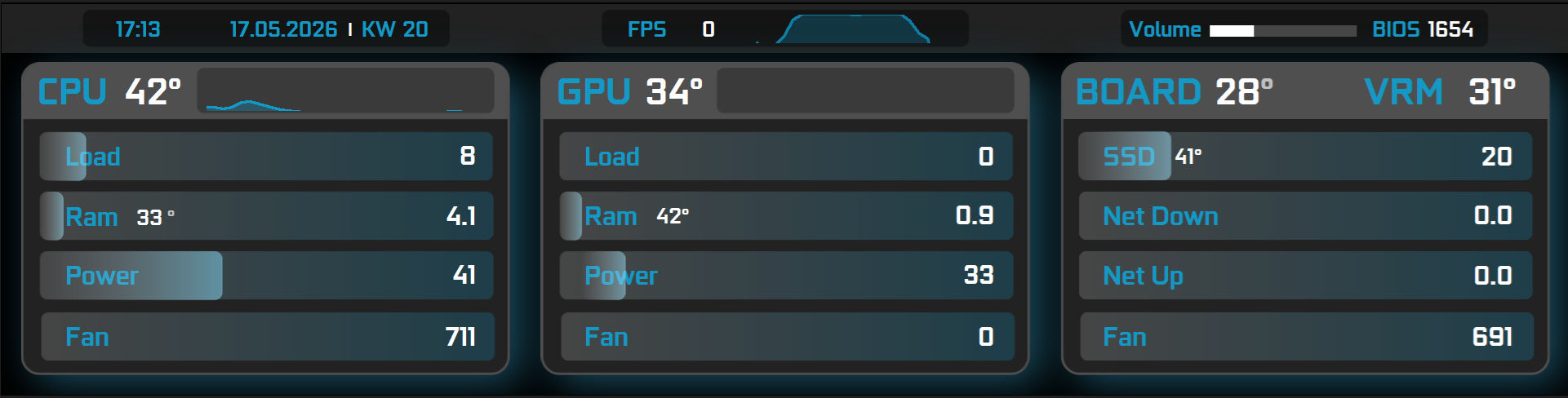
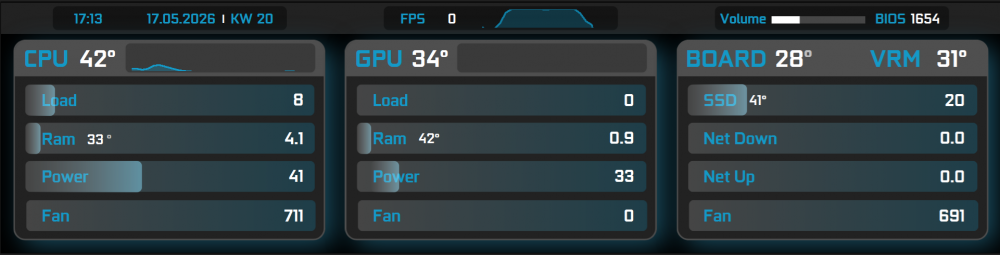
Enough, i keep it like that until i have new ideas. 1920x480 EDIT: NET Down and Up have wrong settings in the graphs. But you need to edit everything anyway... EDIT 2: I think about changing the right section, so you can add 2 or 3 Hard Drives. The Net speed will move to the top section. And maybe on the bottom where Fans are, i add voltage and clock speed. So more people can use it if they want I also want to change the colors a bit, not 100% happy with it. Checki.tulcd
 6 points
 -
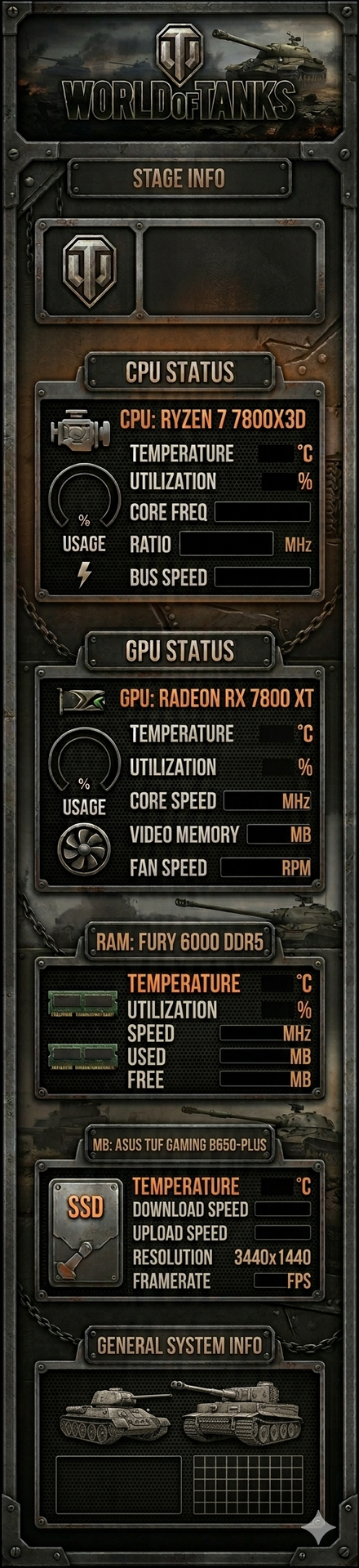
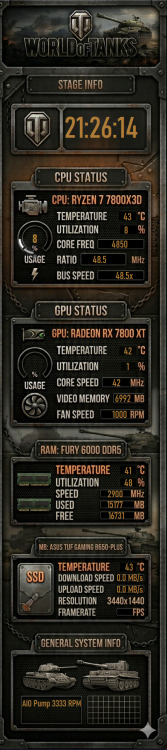
My first creation for the Wisecoco 11.3-inch display with a resolution of 440×1920 — hope you like it
 6 points
 -
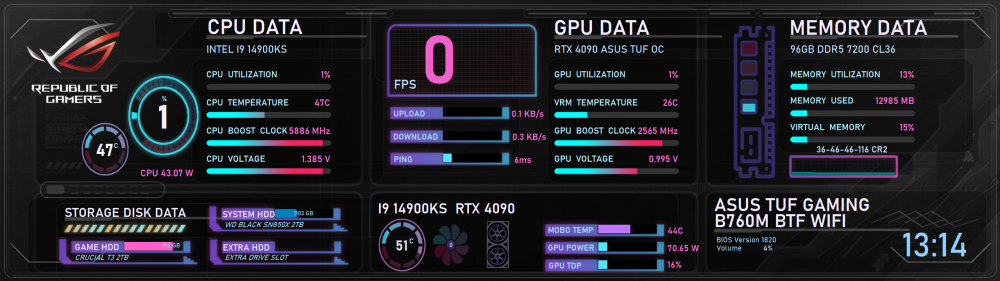
Here is mine v4 with a ping indicator. To make it work, you also need to copy the included files into your Startup folder so the script runs automatically for ping update Startup.zip GEFORCE_2560x720v4.sensorpanel
 6 points
 -
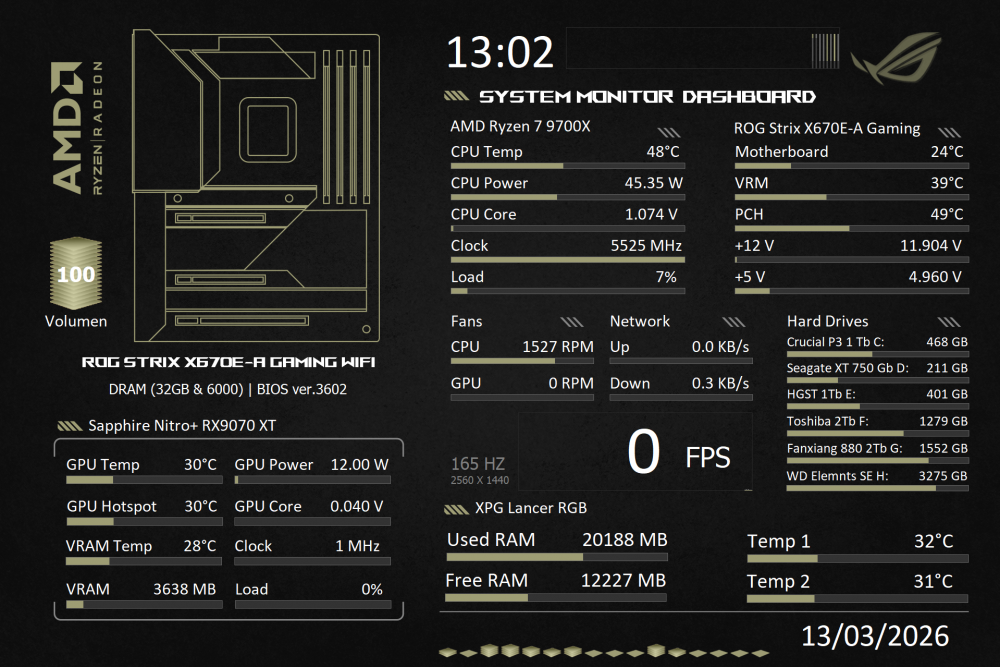
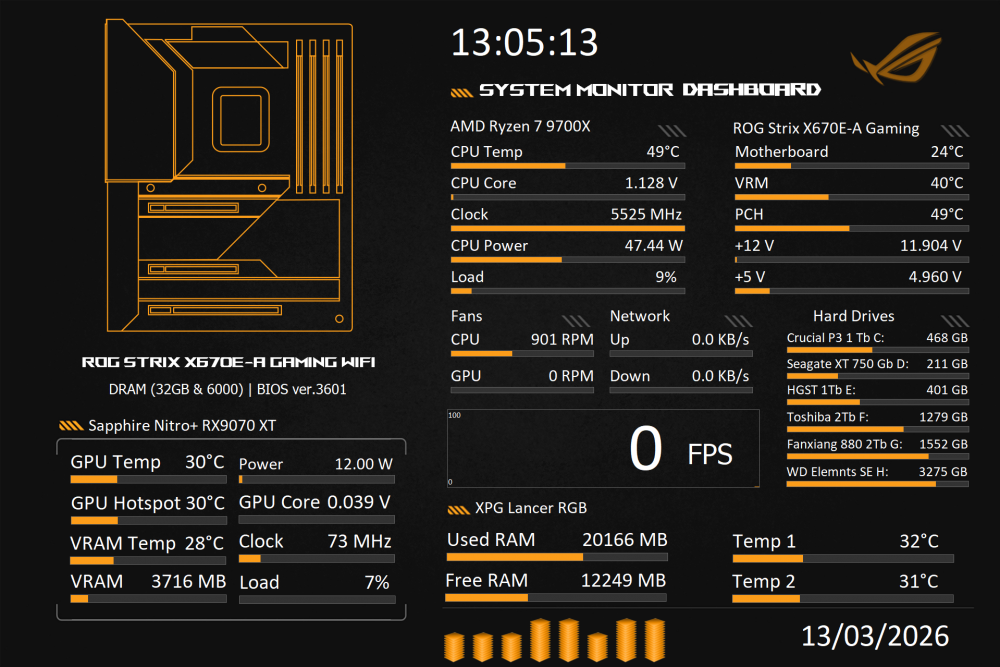
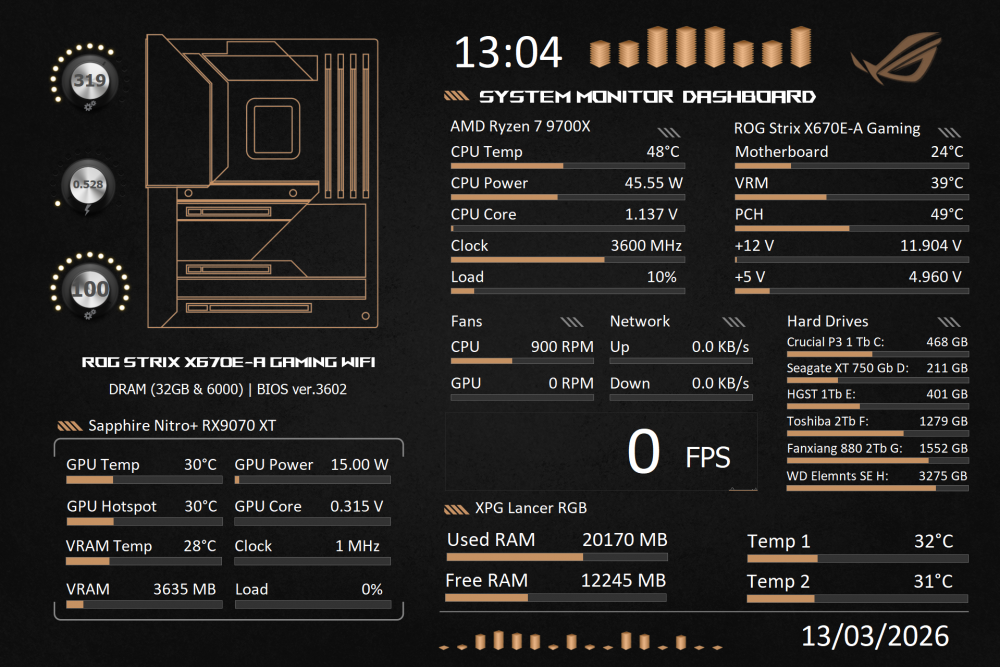
What do you think based on your design?
 6 points
 -
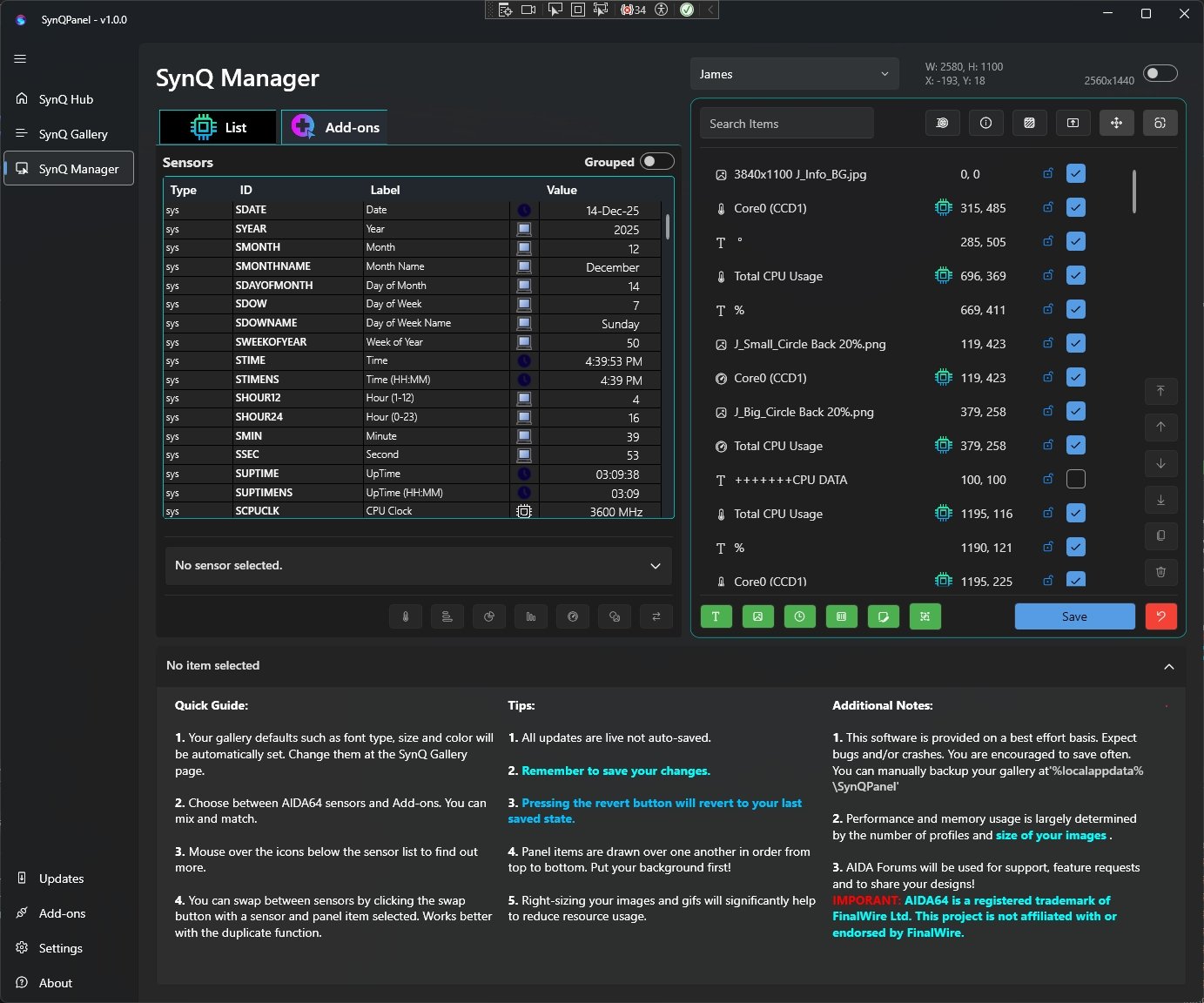
Thank you! I will try to reproduce the issue and see if anything can be done here Looking absolutely amazing! The clean panel design and the way SynQPanel has been used really stand out. We’ll take care of the remaining issues step by step… slowly but surely. It’s truly encouraging to see the download numbers growing and people being curious enough to try something new. That kind of support means a lot ❤️ 🙏6 points
-
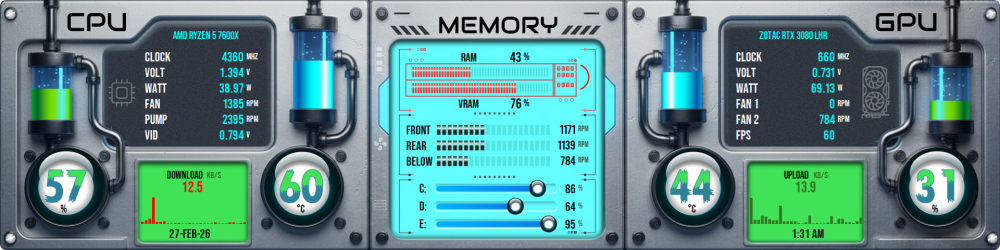
Liquid Metal Comes Alive With “Argentum Vita - A7”! Size: 1920x480 and 1280x800 and 1600x1200 and 2560x720 Need a custom fit? Your panel, your way - tailored dimensions on request: 3840x1100 | 1280x400 | 1024x768 | 1920x720 | 1920x1080 & more! Precision > Strong: Temperature Monitoring CPU · GPU - 100 States of Accuracy Utilization Tracking CPU · GPU - 100 States RAM · VRAM - 50 States Note: Requires AIDA64 v7.70.7500 or Beta v7.99.7829 (or newer) Please click here to send me a PM to claim your exclusive Sensor Panel. Built for the era ahead - Innovation shaped without compromise. Explore more on my webpage: Surjeet Skins Raw metal. Living silver. Absolute precision.
 6 points
 -
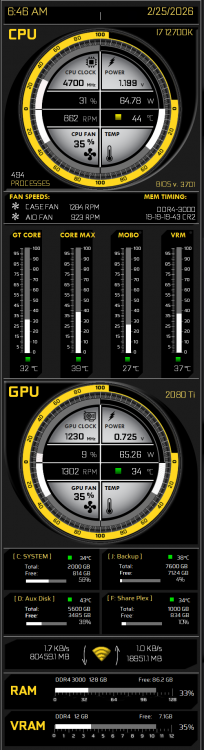
Its been a few years since I looked at this site. I guess, you find what you like and once its working you leave it alone. At least thats been my experience. A lot of really nice updates and new dashboard panels. Im a fan of clean and clear, without a lot of background noise and distracting colors. Here is my dash I believe it was originally posted back around page 240. Enjoy, and thank you for all your great inspiration!
 6 points
 -
Can you please share this file (1920 x 480) .6 points
-
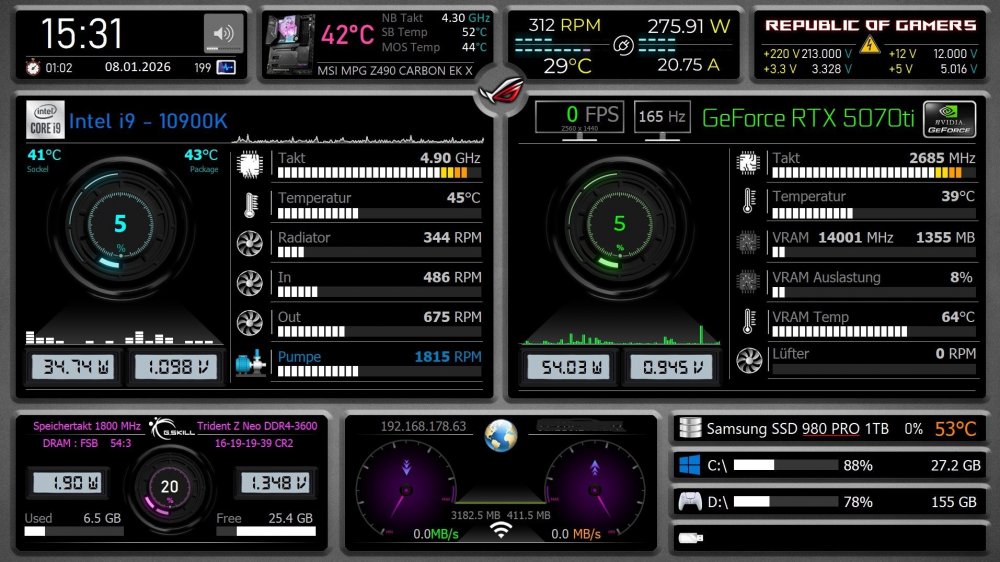
mein selbstgebasteltes Panel, falls jemand Interesse hat, kann ich es hochladen, allerdings ist die Datei für dieses Forum zu groß. Deshalb der Link hier: https://www.transfernow.net/dl/20260108G5MtrhiG
 6 points
 -
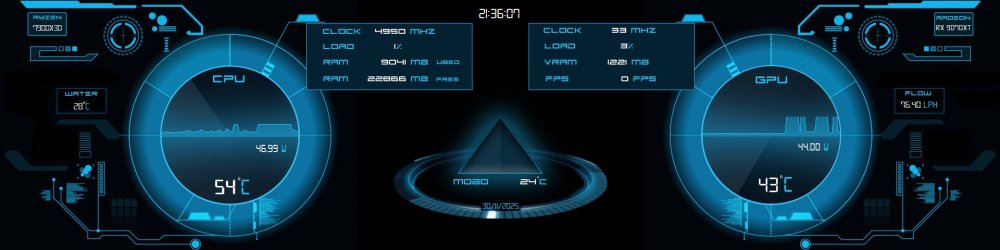
1920 x 480 Little nod to one of the best sci-fi franchises ever made which is now finally on it's way back after many years adrift. Can't wait. Cheers 👍 Vim009.spzip Fonts.zip
 6 points
 -
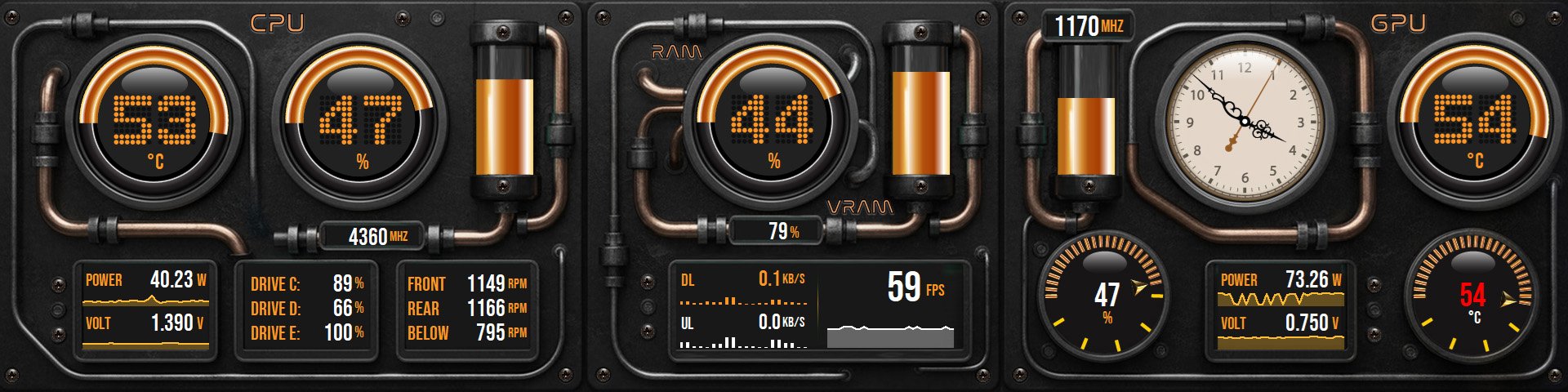
Step Into the Industrial Era with “Steamborne Bronzium – G6”! Size: 1920x480 Need a custom fit? Your panel, your way - tailored dimensions on request: 3840x1100 | 1280x800 | 1024x768 | 1920x720 | 1920x1080 & more! Precision > Perfected: Temperature: CPU · GPU: 100 States Utilization: CPU · RAM · VRAM: 100 States Clock: CPU · GPU: 100 States HotSpot/Utilization: GPU: 50 States Hour Hand Artistry: Day(AM): 360 images Night(PM): 360 images A total of 720 frames - moving every 60 seconds for flawless, real-time harmony. Note: Requires AIDA64 v7.70.7500 or Beta v7.99.7829 or above. Please click here to send me a PM to claim your exclusive Sensor Panel. Forge Tomorrow - A seamless fusion where craftsmanship meets pure performance. Explore more on my webpage: Surjeet Skins Beyond Data - More than Metrics. Gratefully inspired by the incredible panel styles of Costa Junior - with more exciting designs on the way! Huge thanks to @COSTAJUNIOR for the kind permission to explore and create in this amazing style. Truly appreciated! 🙏
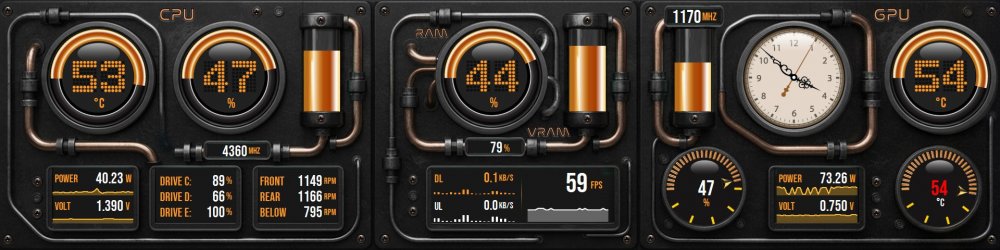 6 points
 -
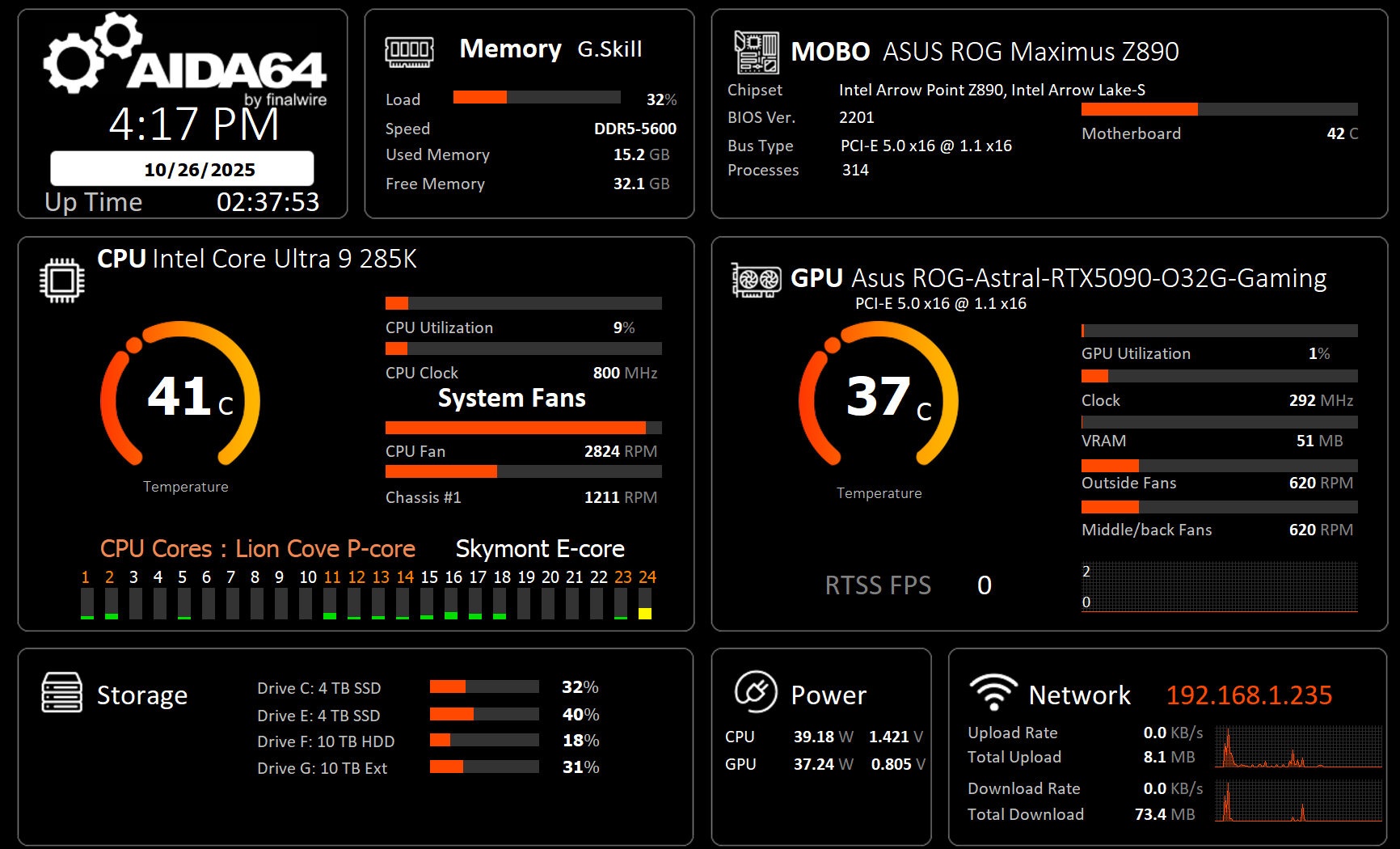
I thank all of the posters for their valuable contributions to this forum. I have incorporated many of the great ideas (and artwork) into a panel of my own. I hope that this panel inspires more contributions. Panel designed for 1920x1080. AIDA64_10262025.spzip
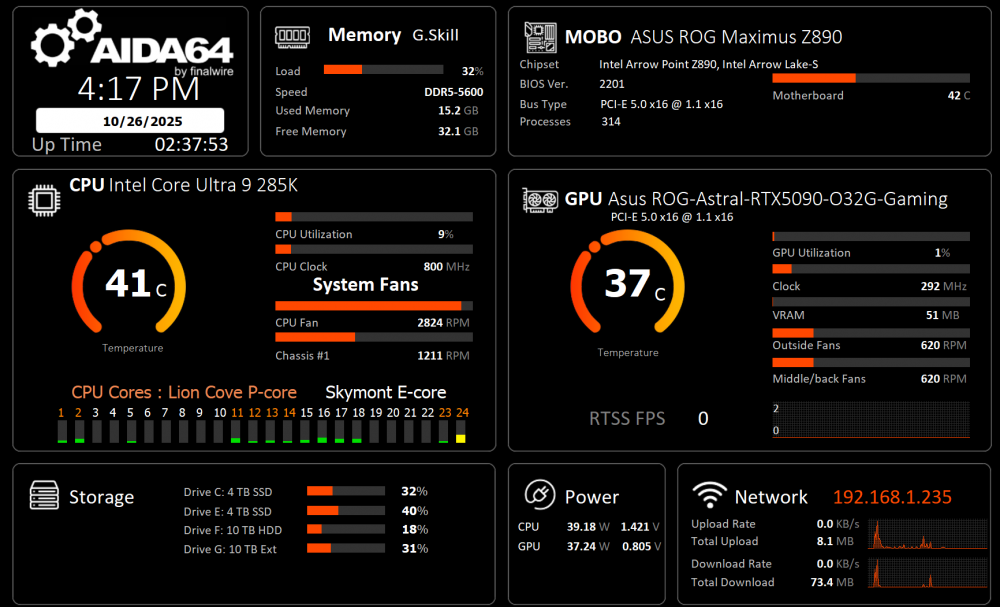 6 points
 -
We had to divide the two as with SensorPanel popularity as it required to have a different set of rules and also moderation and control as people with business intentions overgrown the more friendly share panels topic. The main reason was that people with business intentions started to overwhelm the more friendly panel-sharing discussions. It wasn’t an easy decision at the time, but this seemed like the best way forward, and I still think it works better like this. Of course, managing the forum isn’t without challenges: we have a wide mix of ages and backgrounds, and there are always people who don’t really care about IP rights. We have a few moderators and we do our best to keep an eye on things, but we’re not a detective agency. When disagreements come up, whether about stolen graphics, ideas, or anything else, it’s very hard to figure out exactly what happened without investing a lot of resources into it. That said, anyone who feels like helping is welcome to apply as a moderator, and we’ll see if we can work together. We could even start a new topic where everyone can discuss their issues so we don’t flood this one. We’re open to anything that makes the community a better place.6 points
-
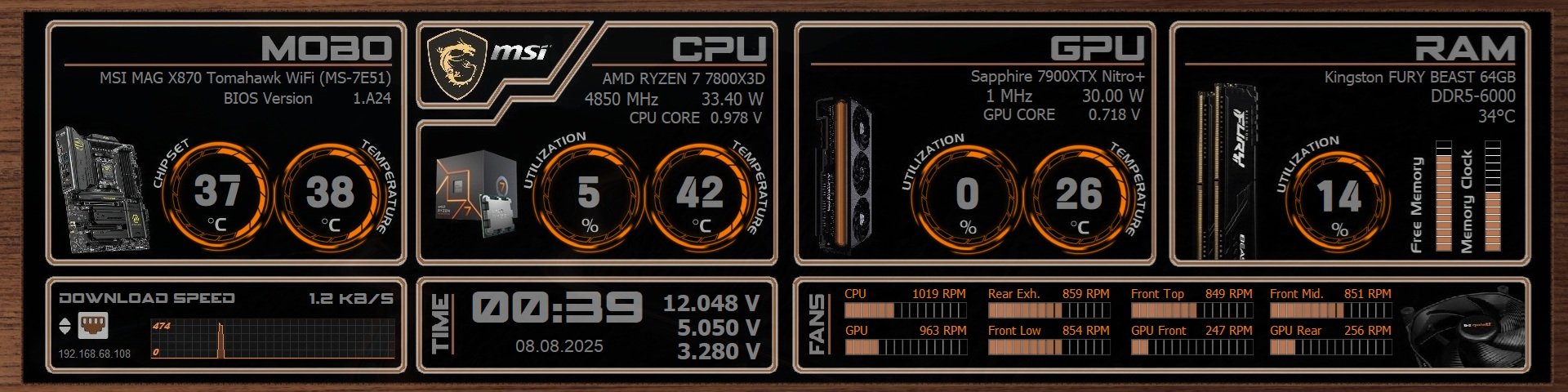
After a lot of work, font replacements, what to display and now flipping it from Vertical to Horizontal. I'm done for a while. Created this to match the Walnut on my Antec Flux Pro. Now I'm just gonna enjoy watching it, until I get tired of it and create a new one. 1920x480 on a 8.8" inch display mounted inside the case.
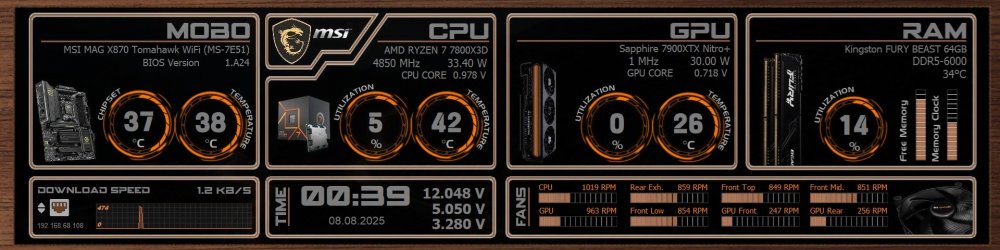 6 points
 -
Another panel I put together for free. As always. Thanks for looking. Red.zip
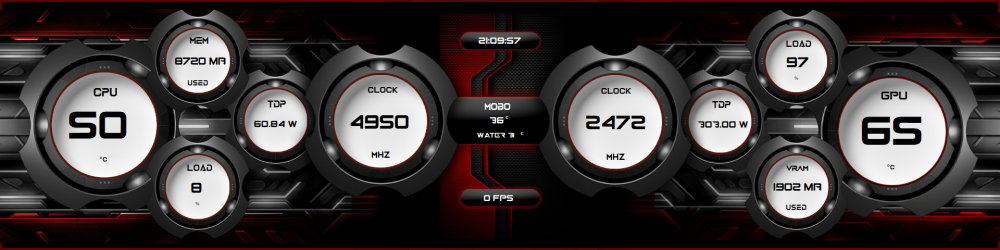 6 points
 -
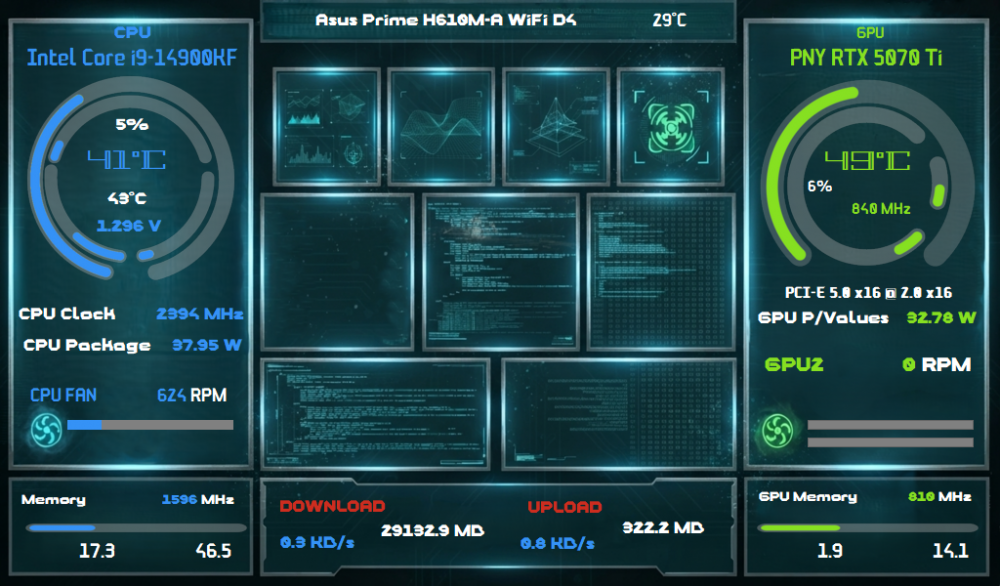
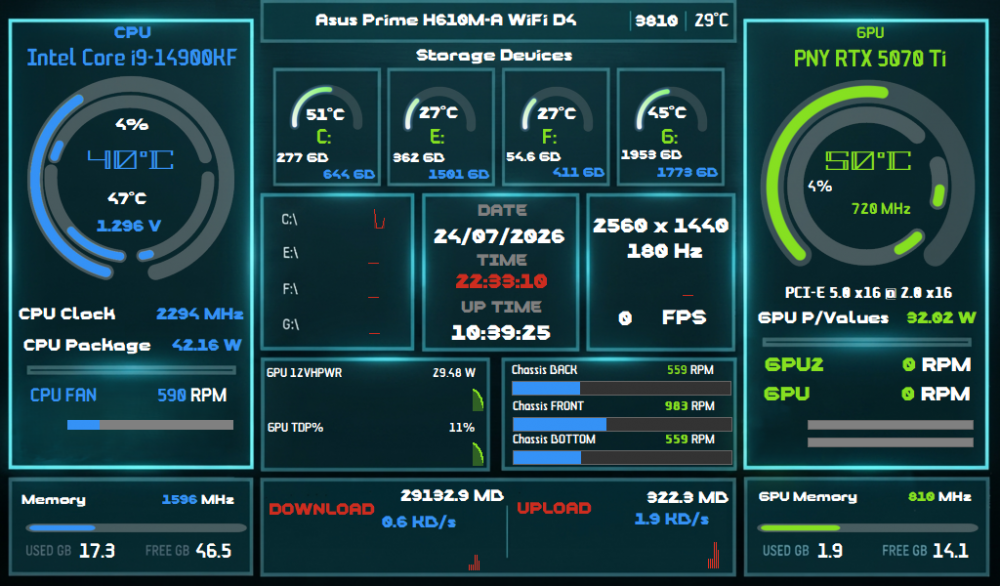
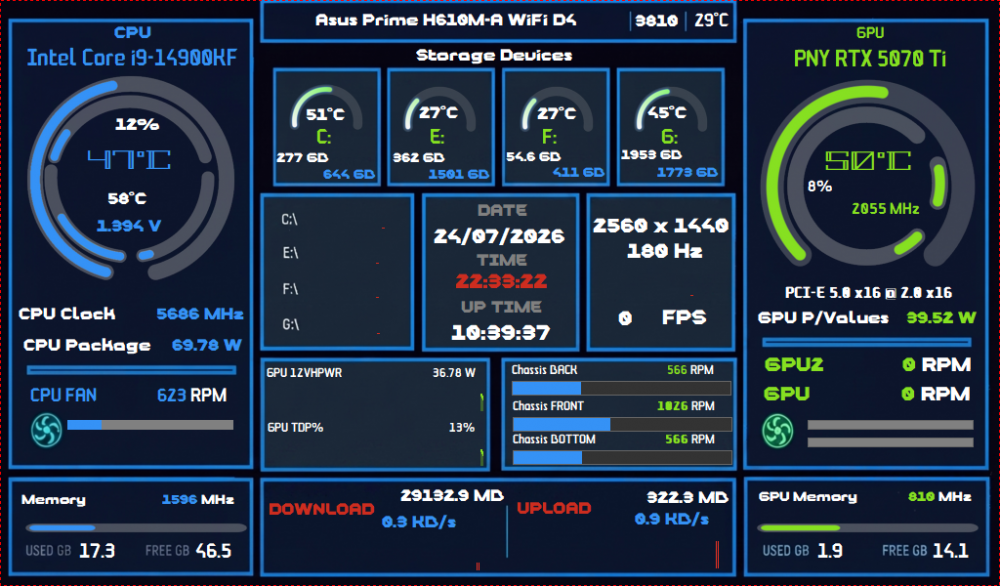
made some different versions of my panel, 1 is a slimmed down information version with mainly CPU and GPU info the other 2 are difference background variations.
 5 points
 -
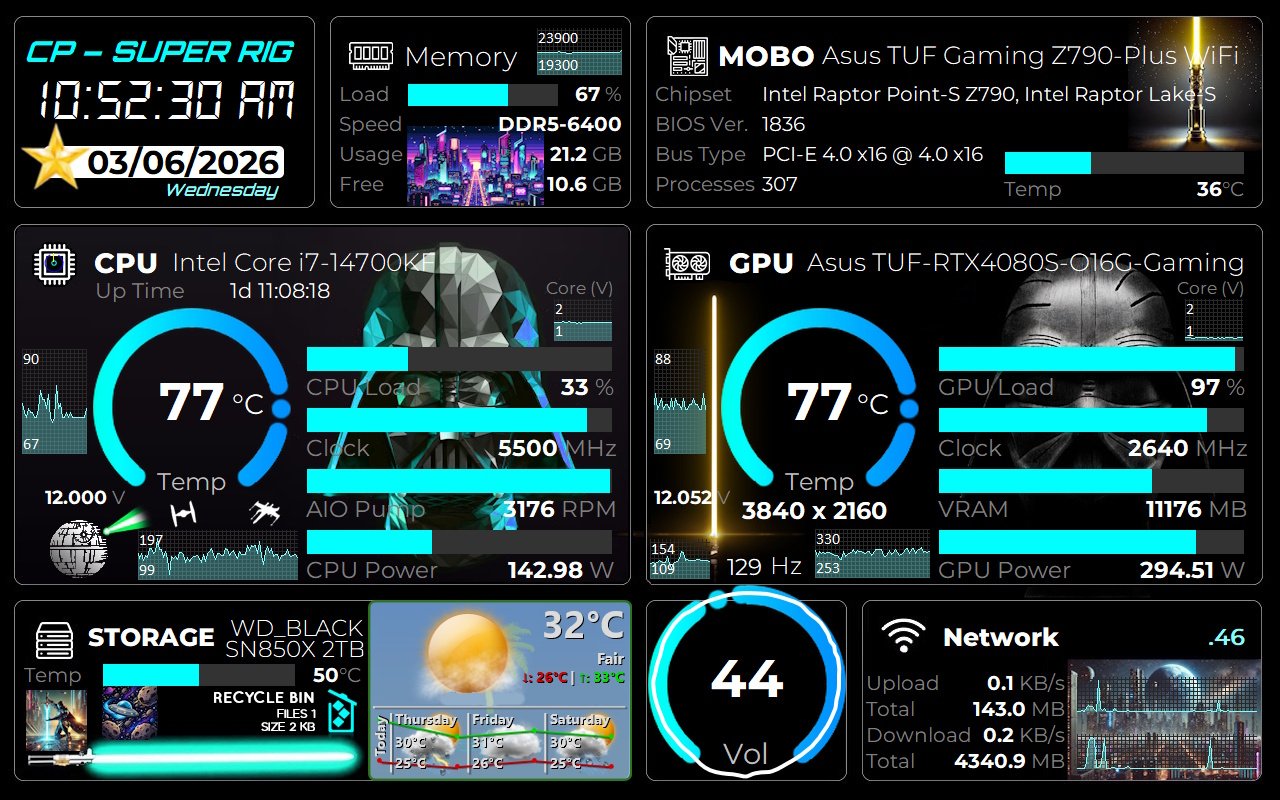
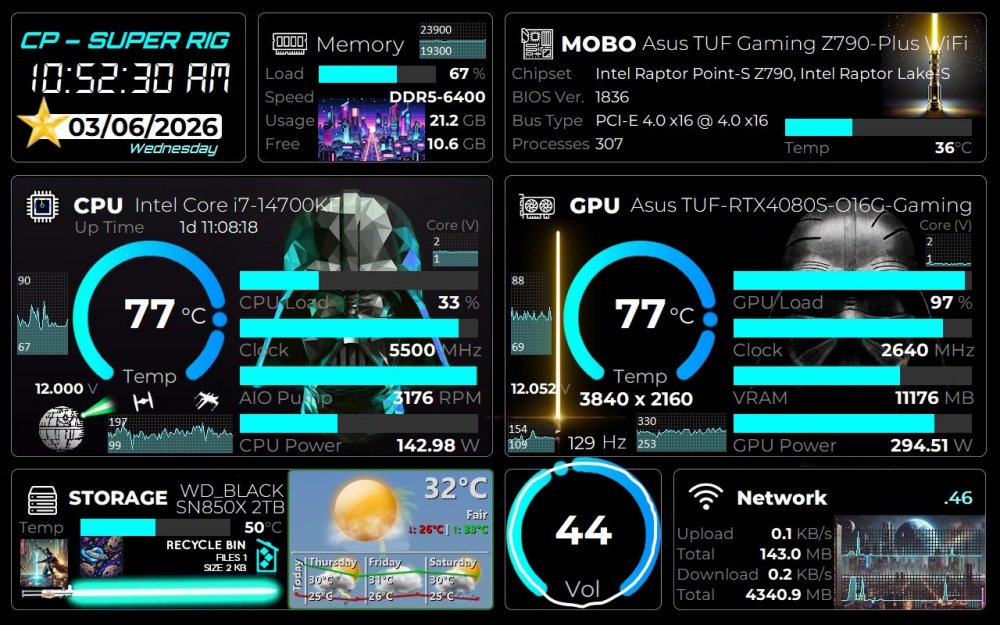
Due to popular demand, I made additional sizes for the Vader themed sensor panel, including one scaled to 150% for scaled monitors. Fonts used are Montserrat, Orbitron and DS-Digital for the clock. There is a bonus cobalt special edition for a 600x400 display! Happy Gaming! PS: There is an empty space to add something to your liking. I added a Rainmeter widget of the weather. Vader theme Aida64 1920x1080.spzip Vader theme Aida64 600x400 cobalt.spzip Vader theme Aida64 1280x800 Scale 150.spzip Vader theme Aida64 1280x800.spzip
 5 points
 -
The latest AIDA64 update introduces AIDA FPS, a new module that captures real-time frame rate data in DirectX 11 and 12 games. It also adds support for Adaptec RAID controllers and the latest Turing-based external displays, along with expanded support for the newest graphics and GPGPU technologies from AMD, Intel, and NVIDIA. AIDA64 for Huawei devices AIDA64 for Android has crossed the 10 million download mark at the Play Store. It is also available now in the Huawei AppGallery, a blooming app store that offers automatic updates and various security features. New features & improvements AIDA FPS (AIDA64 Extreme only) APX optimized SHA3 benchmark for Intel Diamond Rapids and Nova Lake Turing (Turzx) 4.6-inch and 12.3-inch LCD support Support for Intel Core Ultra 250K Plus and 270K Plus (aka Arrow Lake-S Refresh) Improved support for Intel Wildcat Lake and Nova Lake CPUs Preliminary support for AMD Zen 6 based APUs Aqua Computer Ampinel and Thermal Grizzly WireView Pro II sensor support Advanced support for Adaptec RAID controllers USB-NVMe passthrough support for Realtek RTL9220 Support for EXPO 1.2 memory profiles GPU details for Intel Arc Pro B65 and Arc Pro B70 GPU details for nVIDIA RTX Pro 4500 Blackwell Server Edition What's new since AIDA64 v8.00 Turing (Turzx) 5.2-inch and 8-inch LCD support Azerbaijani localization Optimized memory bandwidth benchmark run times on AMD Milan, Rome, Shimada Peak processors Revamped SensorPanel pinning to monitor Native NVMe support MSI MPG Ai1300TS and Ai1600TS PSU monitoring WeAct LCD support GPU details for AMD Radeon RX 7700 GPU details for nVIDIA RTX Pro 6000D Blackwell Fixed: OSD Panel positioning issues after sleep, suspend, system restart Fixed: RemoteSensor character encoding issues Fixed: SensorPanel positioning issues [ Press Release (English) ] [ What's new in AIDA64 v8.30 ] [ Download ]5 points
-
makima sensorpanel.spzip
 5 points
 -
After Flip Clock, I am excited to share something experimental: The "Butter" Glide Dynamics approach: Add buttery gauge physics (removes crossfade ghosting) to your custom gauges and they will feel sliding. Please see and share your thoughts if you feel any difference: ❤️ This lovely panel was shared by @BHSY 😍 Screen Recording 2026-03-17 172945.mp4 @Loyd I have now fixed the issue where new sensors/items were added to the bottom of the list and changing there position up was not getting saved.5 points
-
Thanks you sharing- I was able to modify this to work with 2560x1440 (vertical monitor)5 points
-
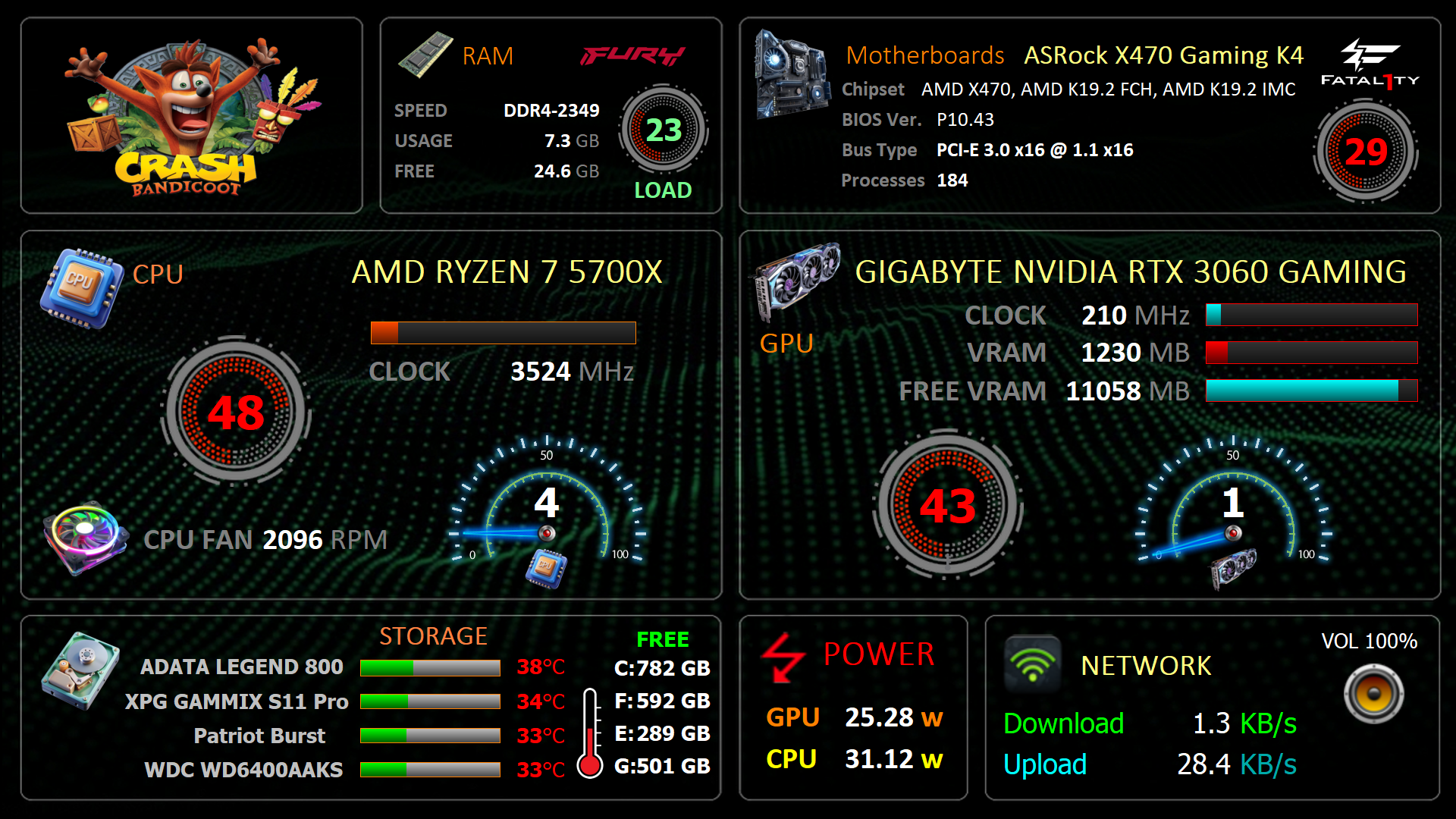
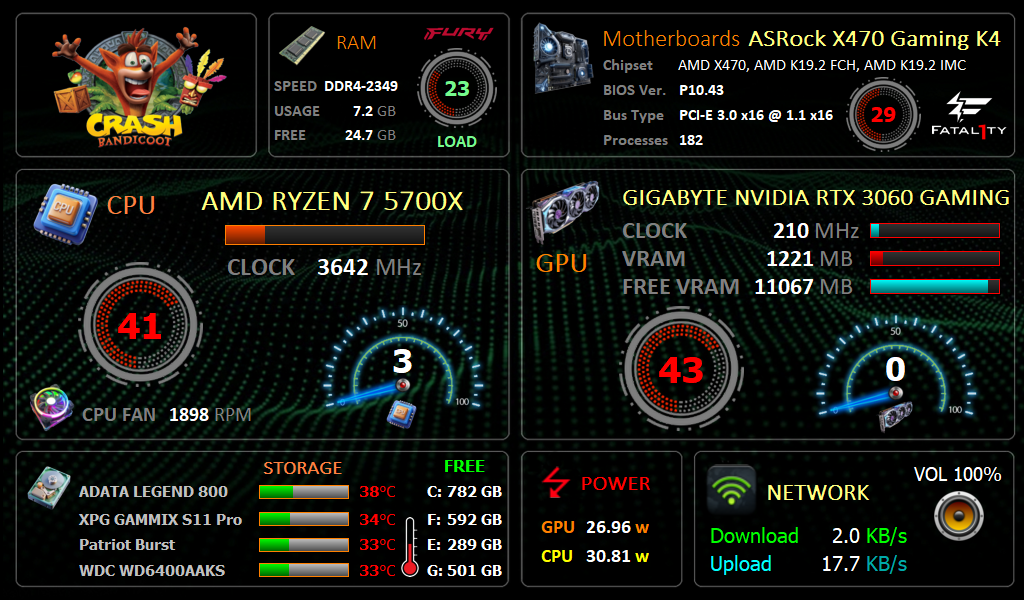
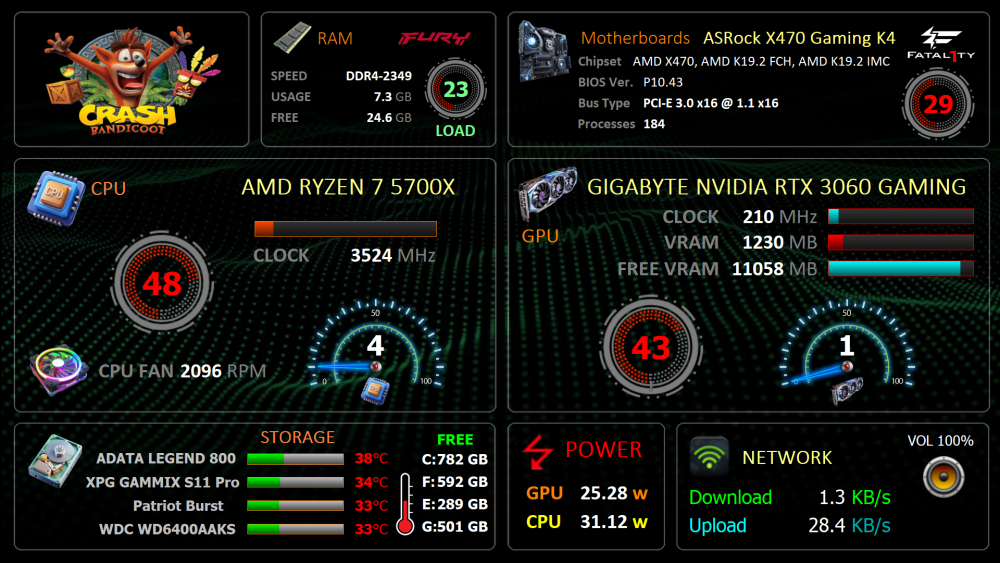
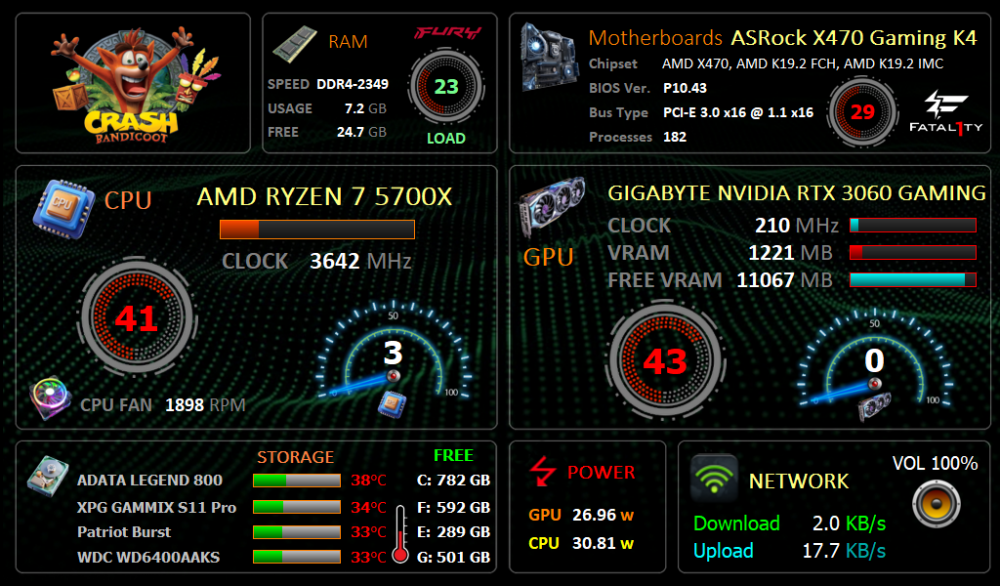
I have modified the Sensor Panel 1920x1080 and 1024x600 to suit my needs. 1920x1080 1024x600 Crash 1920x1080.spzip Crash 1024x600.spzip
 5 points
 -
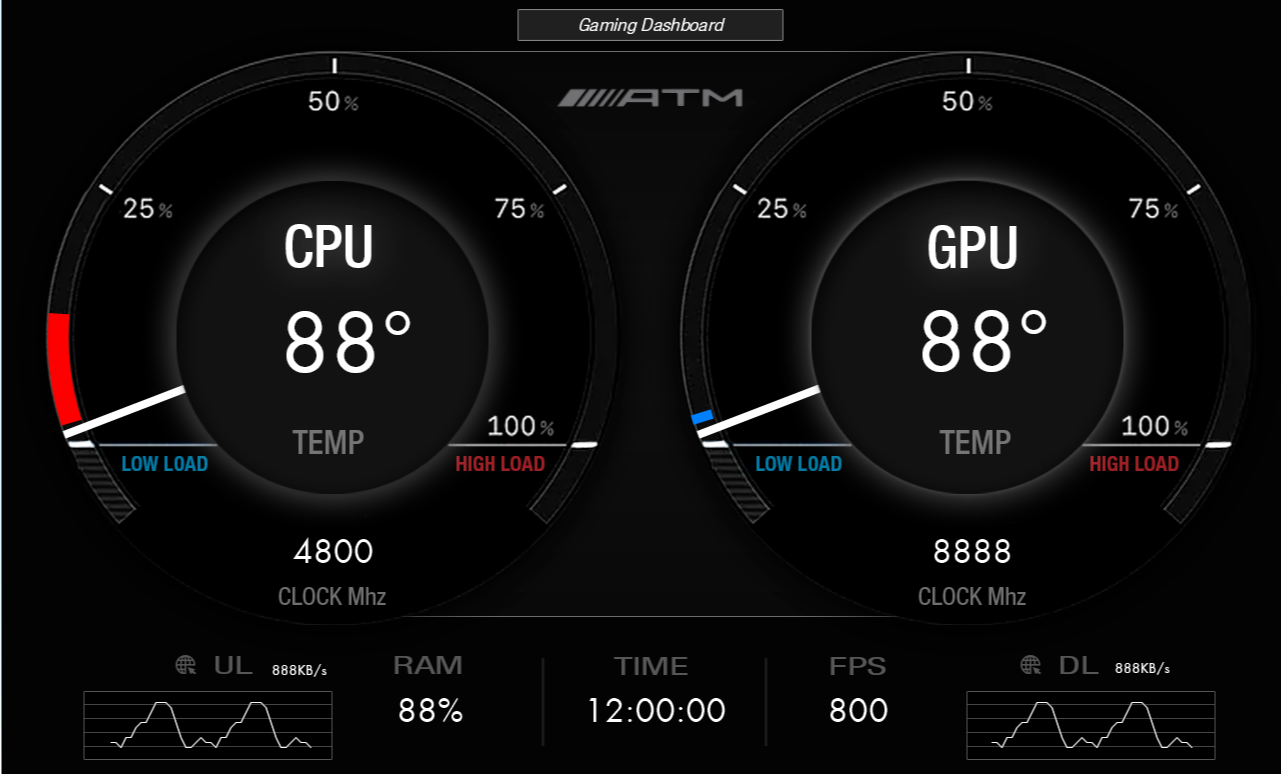
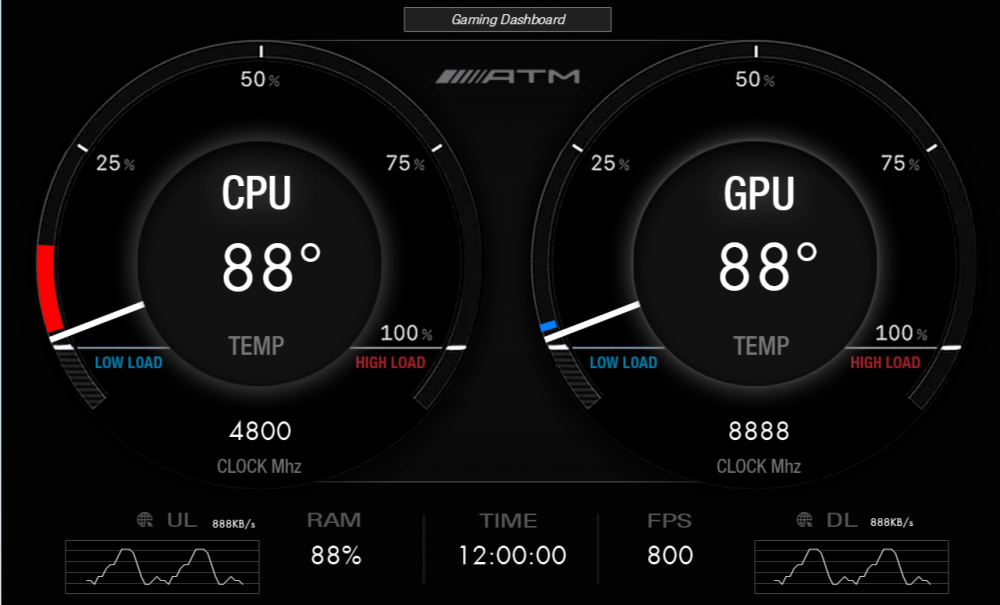
1280 x 800. TURZX 8 inch. No AIDA 64. Gaming Dashboard GD.zip
 5 points
 -
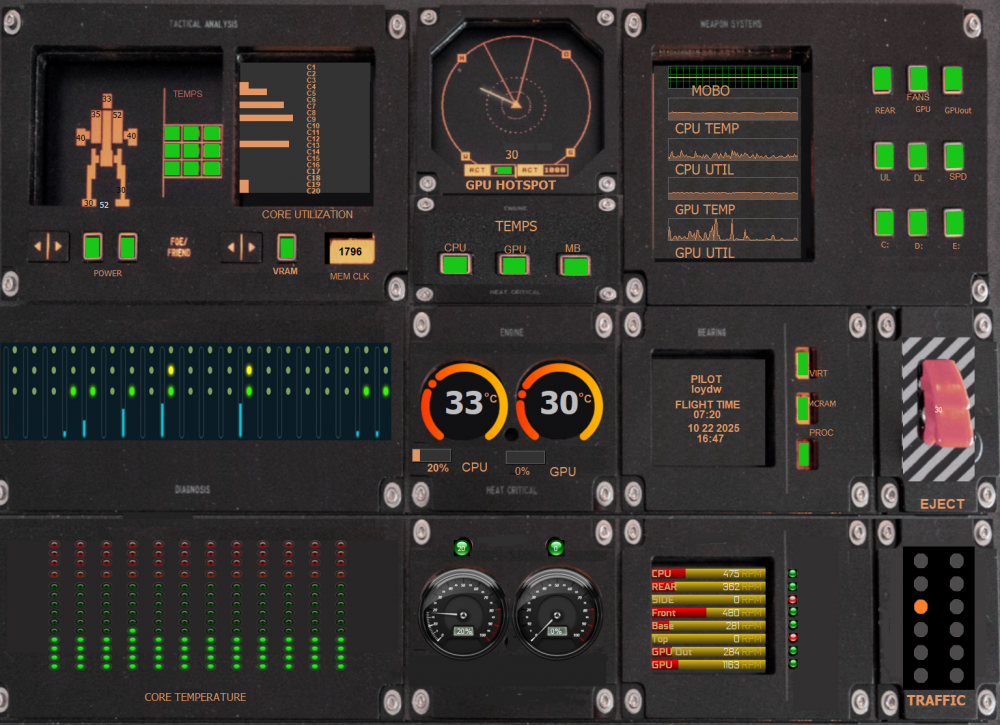
This is my mod to Rinaldop A-10 Warthog panel. as the file is 15m too large to load here. if anyone would like it sent me message it is only available in 1600X1200
 5 points
 -
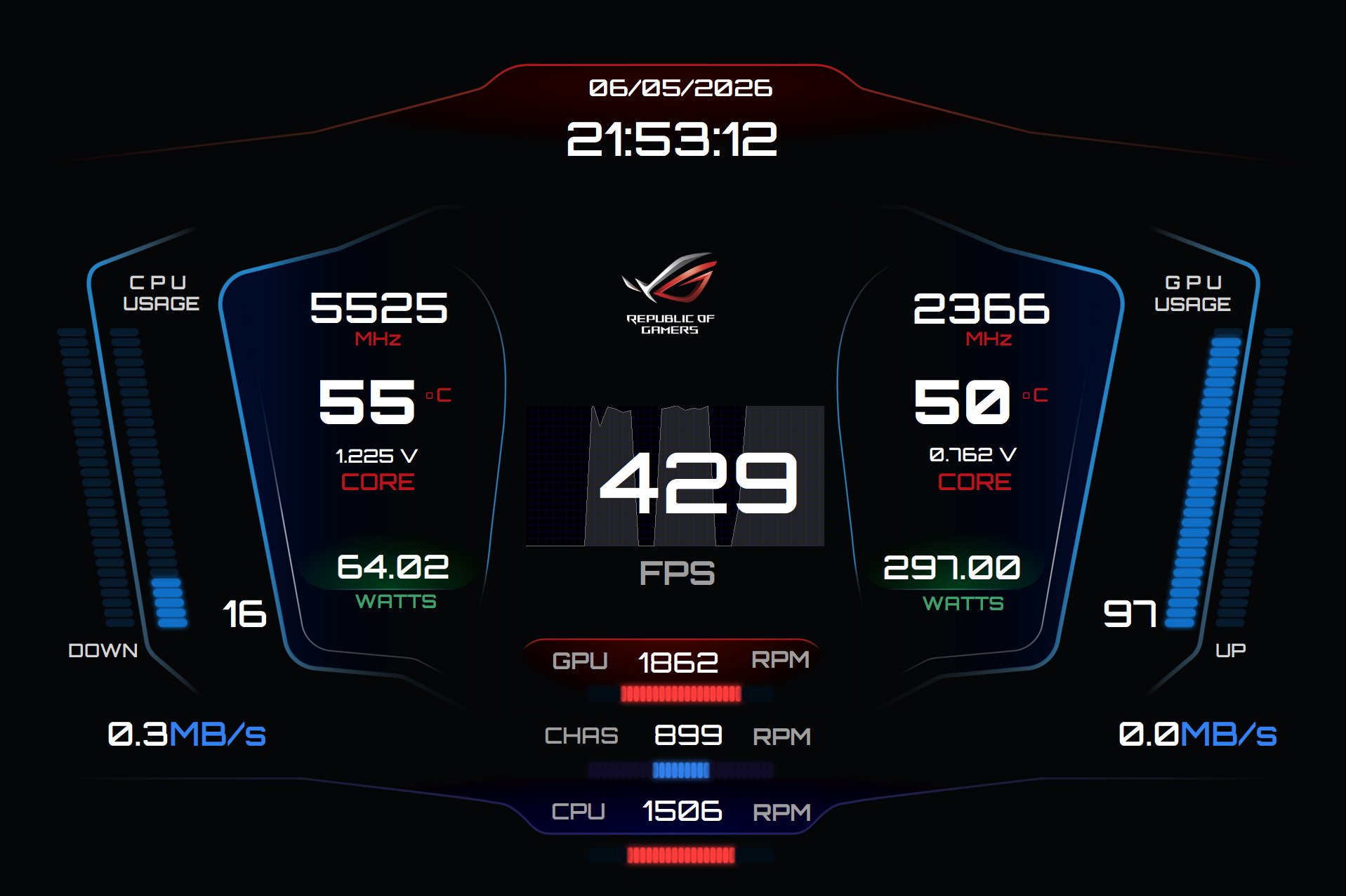
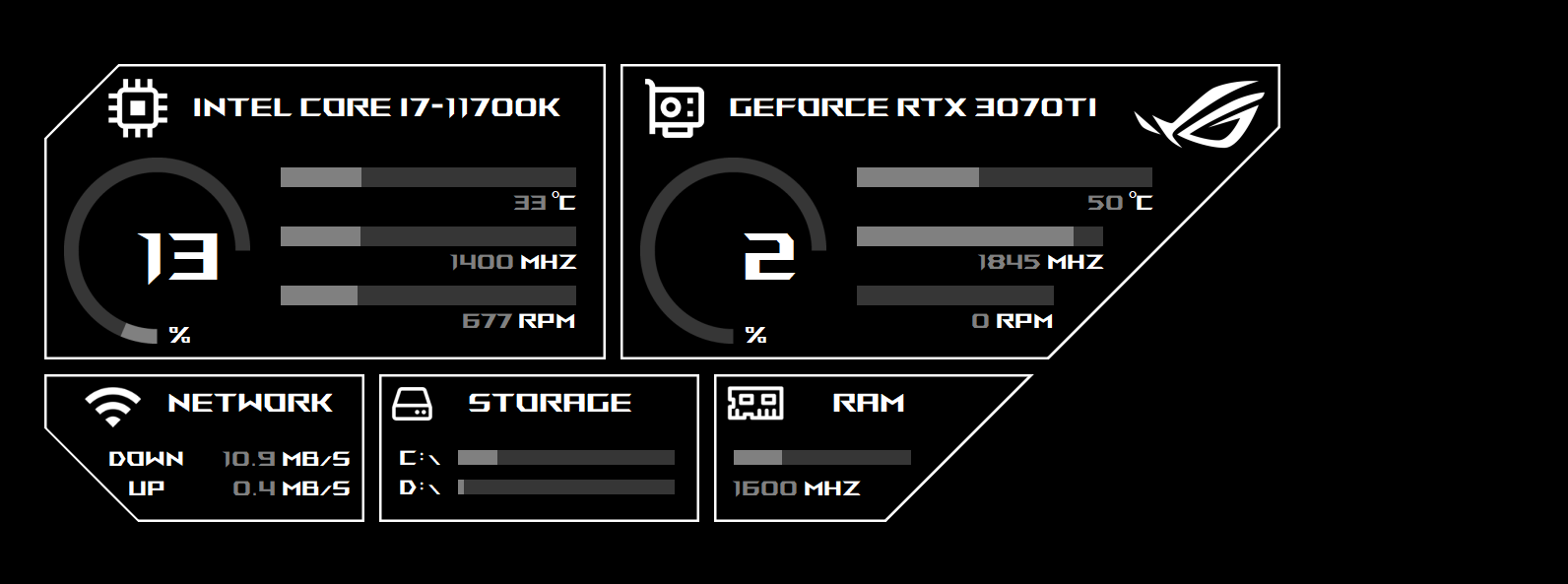
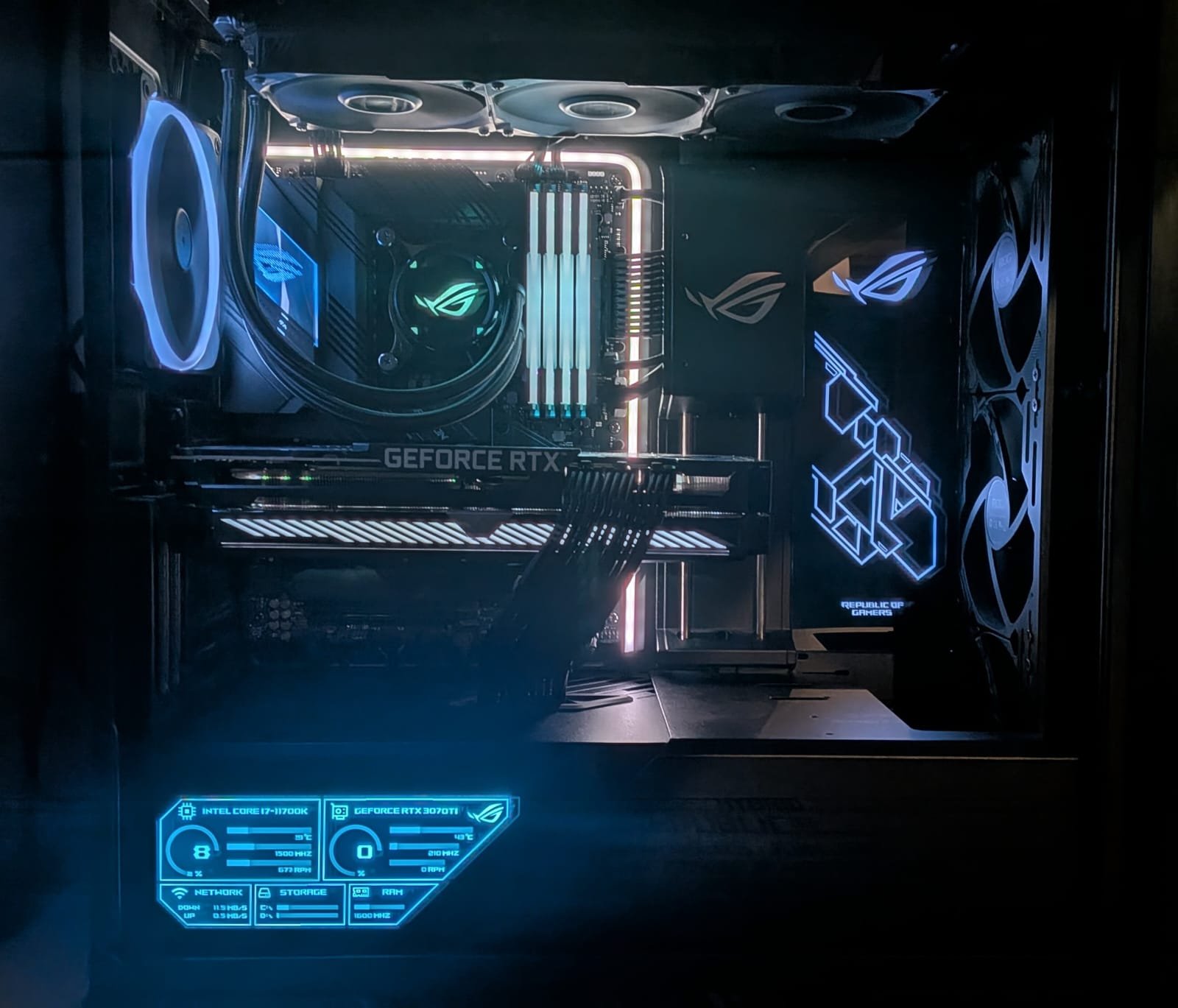
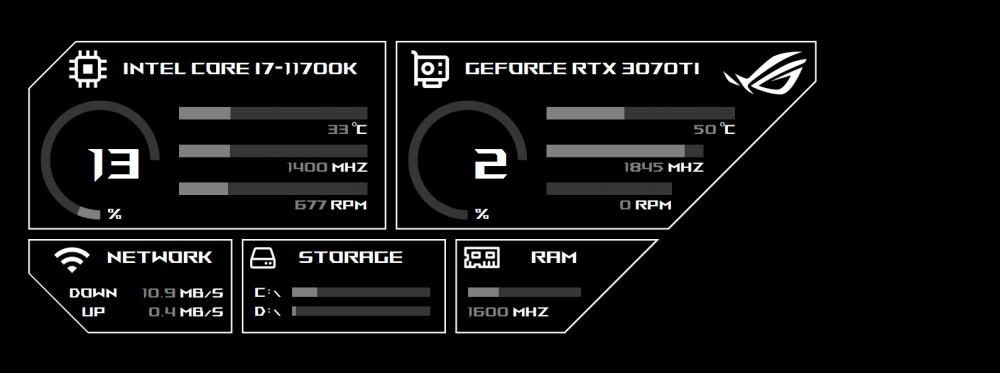
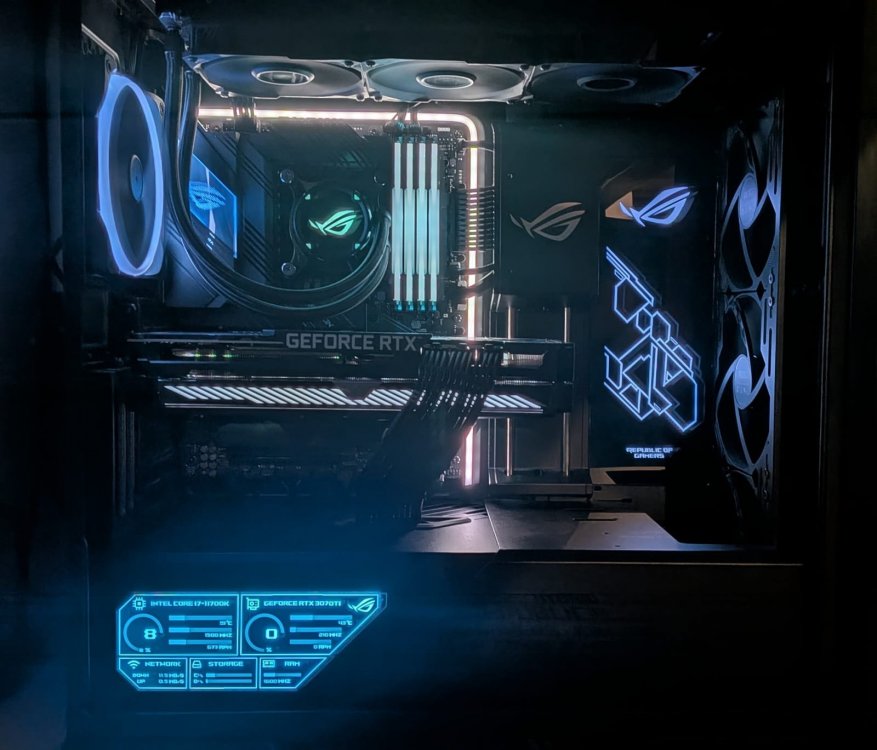
My design is inspired by many others and specially adapted for the Asus Strix PC case. It fits perfectly into the power supply opening. For the font, I used ROG Font 1.6. I used a 9-inch display with a resolution of 1600x600. Predzn-ROG.sensorpanel
 5 points
 -
Exchanging sensor panels doesn't necessarily mean sharing the sensor panel file with others. Sometimes someone just wants to show off their panel, and that's perfectly fine. Additionally, anyone who shows several designs here (jpg, png) will quickly reach the maximum file size allowed for uploads in the forum. Some people then delete older files to upload newer ones, and this can sometimes cause sensor panels and or screenshots to disappear. And according to the rules, this is allowed. Editing sensor panels is time-consuming. Sometimes seemingly simple requests for changes can escalate into unexpectedly large amounts of work. You might turn to someone who does it for free because they enjoy it and are happy to help. Others, however, would like to be paid for their time, which is understandable. To what extent the pricing is appropriate, such as $5 for editing a load indicator, is something everyone has to decide for themselves, whether it's worth it or whether they shouldn't try it themselves. No one is forced to accept such services. Should someone engage in unethical practices, you are free to report this user to one of the moderators or forum admins if it smells like a "rip-off" or if there are any other problems. Help is available here upon request, usually always. Some of us have also posted short guides in the forum to make it easier for beginners to edit their sensor panels themselves. --- When I joined the community here, I offered all my sensor panels for free, until one day one or more users started downloading my panels to offer them for sale on a Chinese website. Incidentally, this website still exists, where freely published panels are regularly offered for sale. That's when I realized my sharing mentality was hitting reality on the internet these days – everything gets stolen, nothing is rewarded, hardly anyone says thank you. Download and that's it. Many users don't even manage to click the like button. This would increase the visibility of the free panel, and on top of that, it's a form of appreciation for the work and time the person put in. So, you either accept the theft or take a different approach. And from then on, some, like me, offered their panels for sale and, to protect their intellectual property, continued to add a copyright watermark to preview images. I don't modify other creators' sensor panels, and I haven't had any requests to do so yet. I work on my own content and modify these panels upon request, e.g., to different resolutions or other things. Exactly. The topic of passing off the sensor panel as one's own and/or using other people's content without asking and then trying to sell it. This has all been discussed here before, yes. If we notice such behavior or it is reported to us, the user in question will be warned and/or permanently banned.5 points
-
5 points